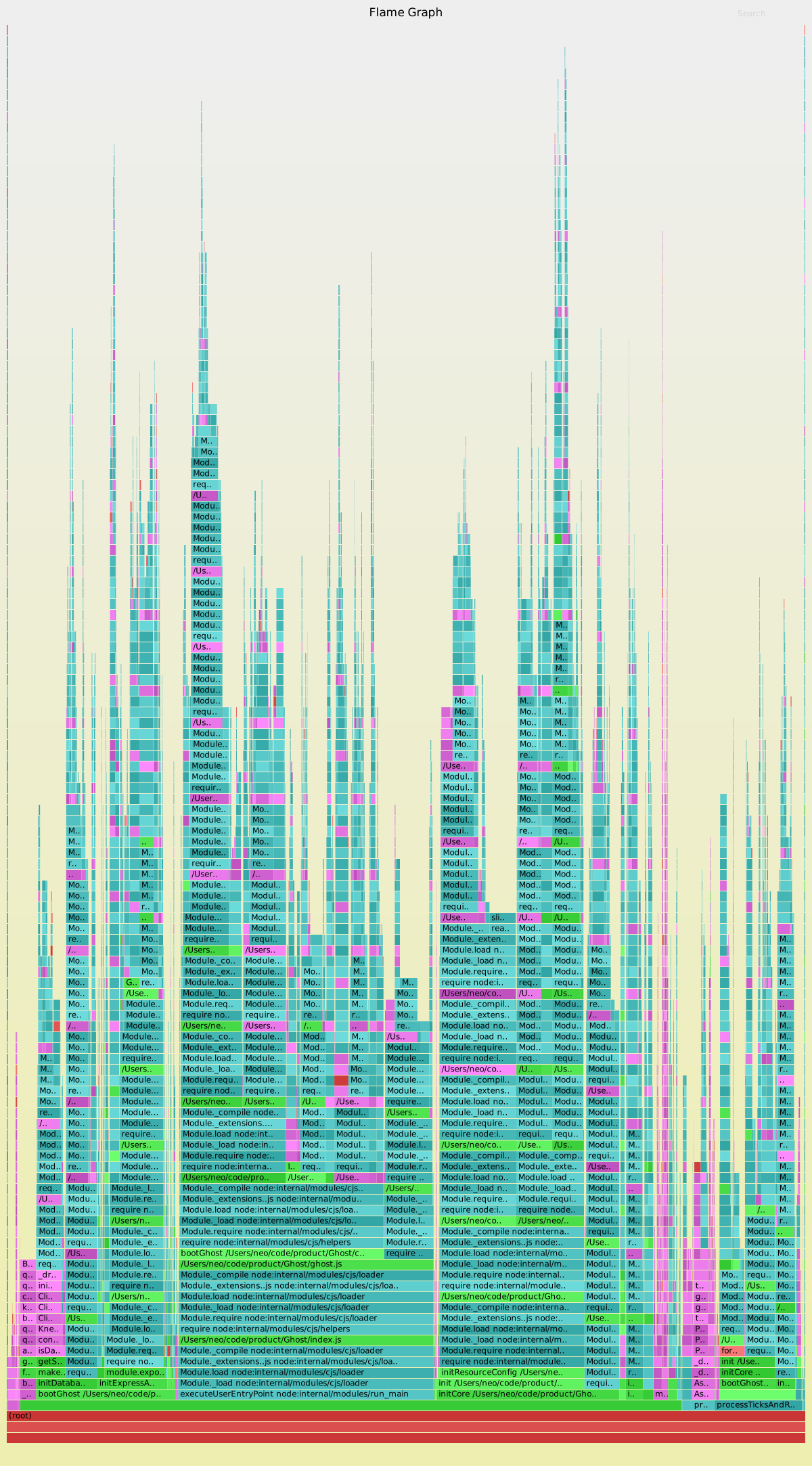
Tool for generating memory flamegraphs of Node applications
Once you have node-memory-flamegraphs installed, you can use it in a few different ways.
If you have a Node application already running with node --inspect ... or node --inspect-brk ...:
node-memory-flamegraphsTo supply the initial Node script to run in a debugger in the background, use --entry-point:
node-memory-flamegraphs --entry-point ./project/awesome.jsTo delay collecting the samples, use --delay:
node-memory-flamegraphs --delay 5000To change the sampling frequency, use --frequency:
node-memory-flamegraphs --frequency 500Press Ctrl+C to finish sampling and to generate the flamegraph.
Copyright (c) 2022 Daniel Lockyer - Released under the MIT license.