Releases: danielnuld/Open-PS2-Loader
Release list
Tema PS5 v2: fuentes en pestañas, color de portada y ficha de juego

Tema PS5 para Open PS2 Loader, segunda versión.
Capturas
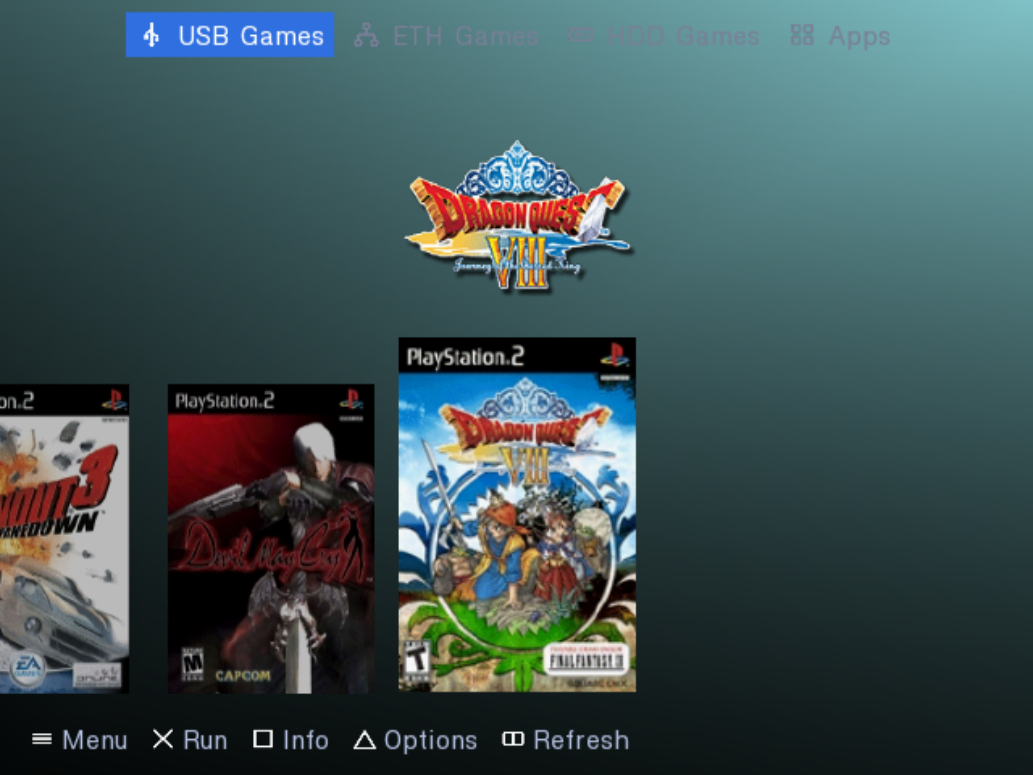
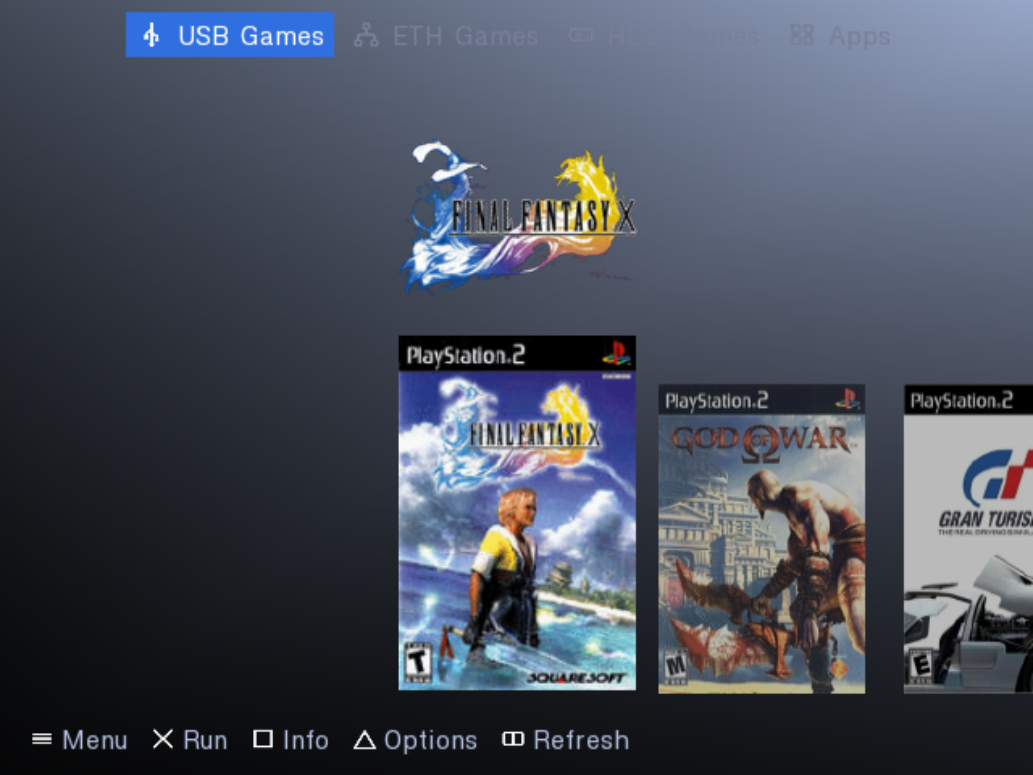
| El fondo toma el color de cada portada | |
|---|---|
 |
 |
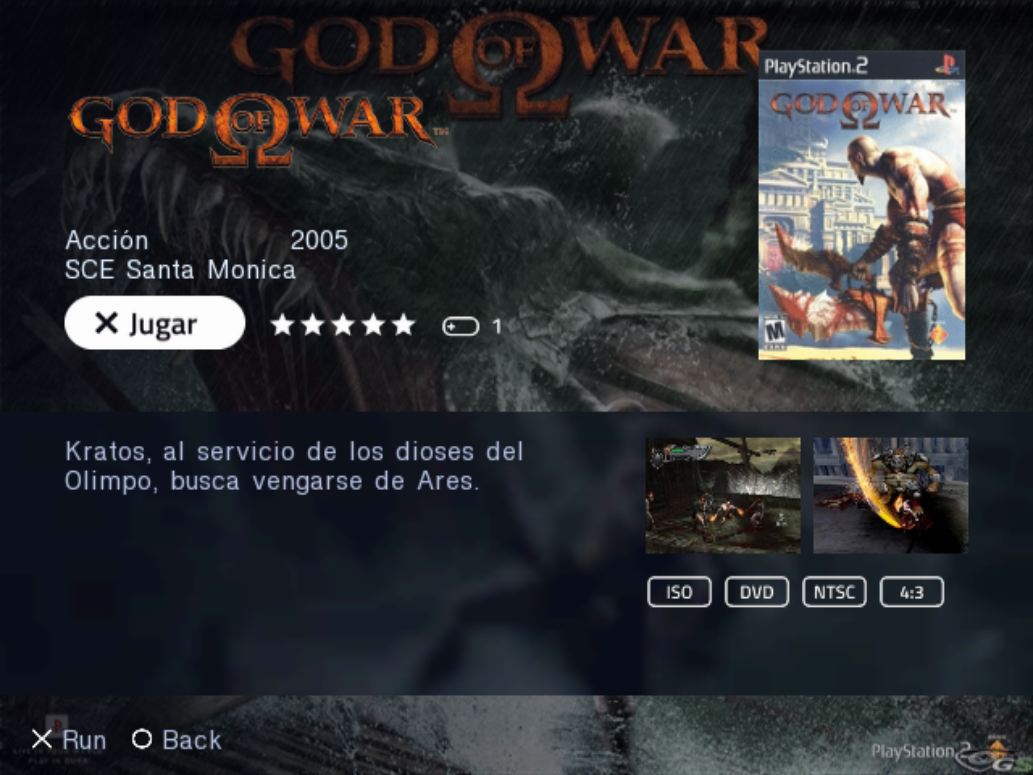
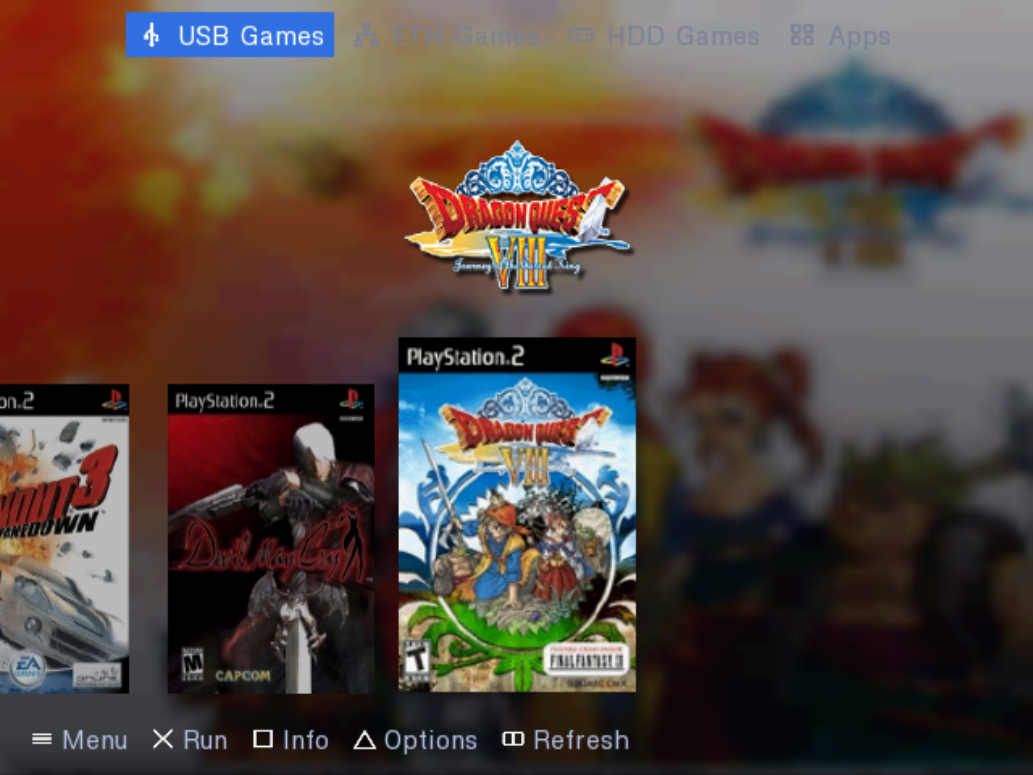
| Ficha de juego (□) | Versión Arte |
|---|---|
 |
 |
Vista de conjunto: seis juegos seguidos y dos fichas
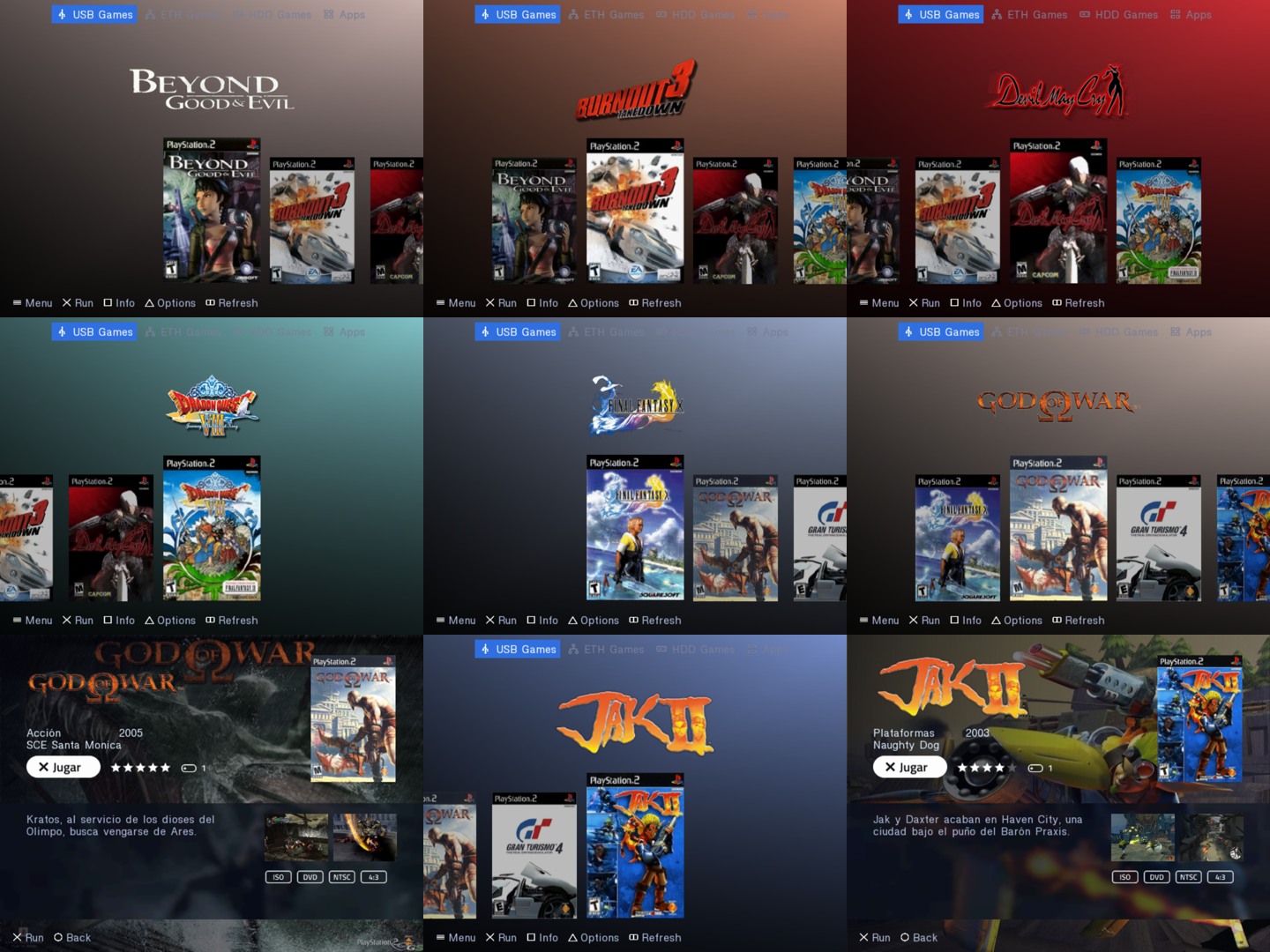
Novedades
- Todas tus fuentes como pestañas: USB, iLink, MX4SIO, HDD, red y Apps. La activa va resaltada; las que están en modo manual salen atenuadas y se inician al pulsar ✕.
- El fondo toma el color de cada portada y se funde al cambiar de juego.
- Ficha de juego (□ la abre, ○ vuelve): género, año, estudio, valoración, jugadores, capturas y formato, leídos del
.cfgde cada juego. - Dos estilos:
PS5(degradado de color) yPS5Arte(el arte_BGdel juego, desenfocado tras el cristal). - En una instalación nueva, HDD, red y Apps arrancan en modo manual, así que sus pestañas aparecen sin tocar Ajustes.
Instalación
- Descarga
OPL-PS5-tema.zip. - Copia
OPNPS2LD.ELFa tu USB o HDD y lánzalo como lanzas OPL (uLaunchELF, FreeMcBoot, OSDMenu...). - Copia la carpeta
THMa la raíz del mismo dispositivo, junto aDVD/yART/. - En OPL: Start › Display Settings › Theme › PS5 (o PS5Arte), y Save Changes.
- Start › Settings › Start Mode: BDM en Auto; HDD, ETH y Apps en Manual o Auto.
- Display Settings › Cover Art: On. El arte va en
ART/con el serial del juego (SLUS_203.28_COV.png,_BG,_LGO,_SCR,_SCR2).
Los detalles están en el LEEME.txt del zip.
Estado
Probado en PS2 real y en PCSX2.
Fork no oficial de Open PS2 Loader (licencia AFL 3.0).
PS5-style UI — OPL build + PS5 theme
PS5-style UI for Open PS2 Loader: GS backdrop blur, a framerate-independent
animation engine, five new theme element types, and a PS5 theme that composes
them.
Install
- Copy
OPNPS2LD.ELFto your device and boot it. - Unzip
thm_PS5.zipinto<device>/THM/so you end up with
<device>/THM/thm_PS5/conf_theme.cfg.
Thethm_prefix is required — OPL only recognises theme folders that
carry it, and skips the rest silently. - Settings → Interface → Theme → PS5.
- Settings → Interface → Cover Art: On. It is off by default, and without
it the shelf, the logo and the backdrop have nothing to draw.
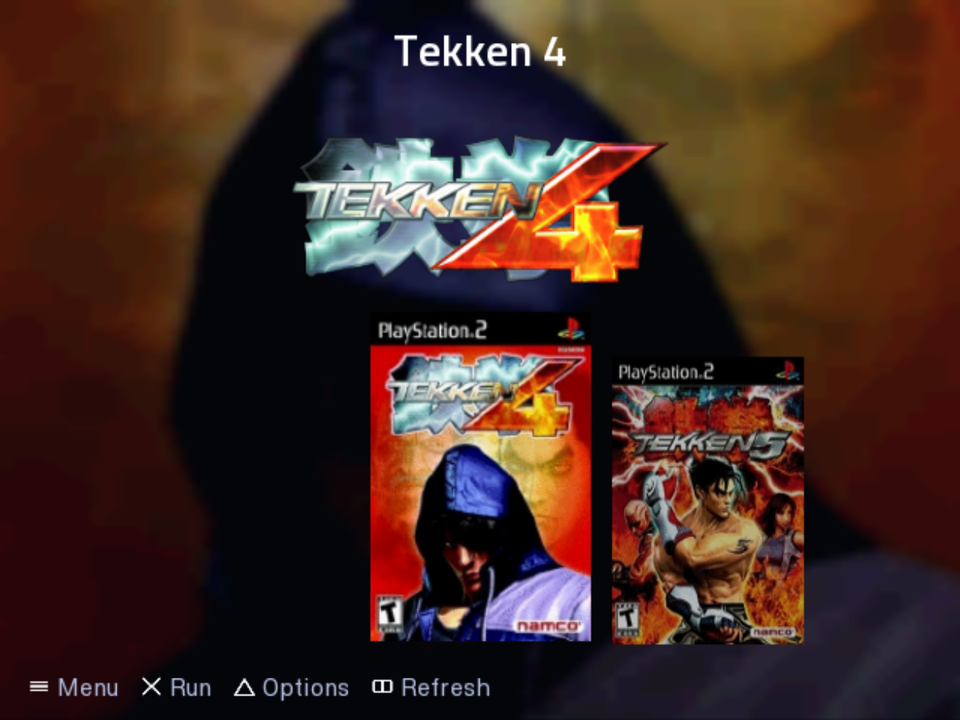
The theme reads the per-game art an OPL art pack already provides: _BG for the
backdrop, _LGO for the logo, _COV for the covers. Games missing a piece fall
back gracefully — a missing cover becomes a plate with the title.
Left and right walk the games; up and down change device page. That is the
opposite of the classic vertical list, and it is deliberate: the shelf lays the
games out horizontally.
What is in it
- Backdrop blur on the GS, no shaders: a reduction pyramid plus ping-pong
bilinear taps, in an isolated module. Costs 224 KiB of VRAM, claimed lazily —
a theme that draws no glass never pays for it. - Time-based animation. The
1 - exp(-rate*dt)form makes it independent of
framerate, so a 200 ms transition lasts 200 ms in PAL at 50 Hz too. - New theme elements:
FrostedPanel,CardShelf,CoverWallpaper,
ItemTitle, plus an optionalhover_colortheme key. - EE-side cover rescaler. OPL uploads covers at native resolution, up to
1,440 KiB each; a shelf of them would not fit in the console. Covers are
box-filtered to a 128x192 CT16 tile at load time, on the IO thread. - Two upstream freezes fixed. Both are null-pointer dereferences that
predate this work and need no new element to trigger: a theme with no
ItemsList, or one usinguse_default=0without shipping its own PNGs. They
are isolated in a single commit so they can be taken upstream on their own.
Nothing existing changes. The new element types are appended to the end of the
type table and nothing is reordered, so any theme that does not name them
renders exactly as before.
Testing status
Runs on a real PS2 (NTSC, composite, CRT) and in PCSX2. In the emulator the
debug overlay reads 59.9 fps and 1632 KiB TEXMAN, but PCSX2 models neither
GS fill cost nor TexManager pressure, so do not read that as a performance
result.
Still open, and worth reporting if you hit it: frame rate on hardware, DMA
re-upload thrashing, PAL, and FAT vs SLIM. Build with make DEBUG=1 for the
overlay that answers them.