
A TSX/JSX view engine for ASP.NET Core.


Native JSX, React, Preact and TypeScript support for ASP.NET MVC, WebAPI and Minimal APIs. JsxCore provides a "vite-like" developer experience to the .NET ecosystem.
This makes ASP.NET Core a fully featured React and TypeScript developer experience, comparable and competitive with Node-based frameworks like Next.js, Remix, and Astro, but without the Node runtime or npm dependency.
Sold already? Go get started or install the package.
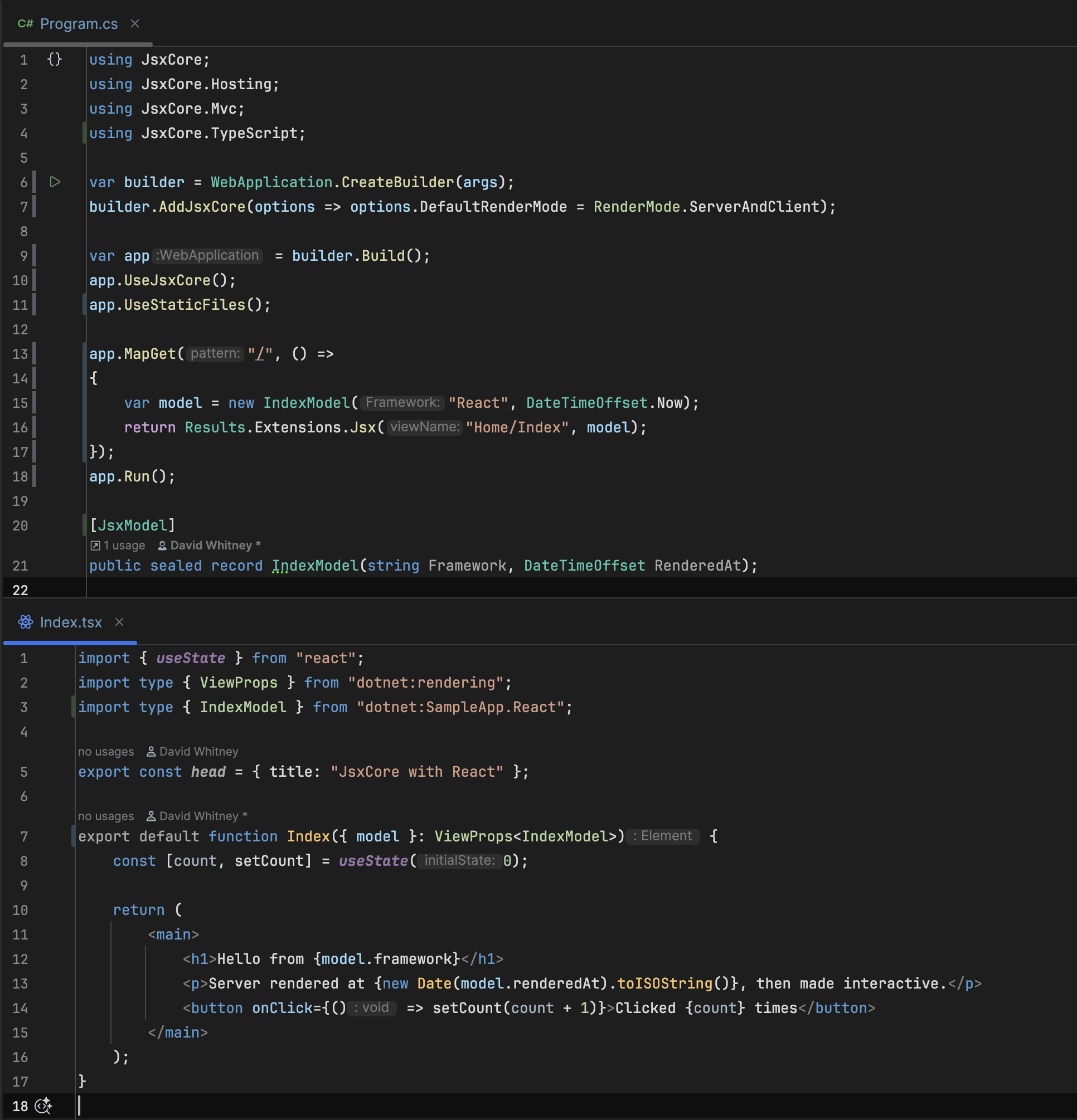
Write your views as .tsx files and return them from a controller or a minimal API. They are real
components — real JSX, rendered by Preact, which ships inside the package, or by React,
which the build restores for you — running on the server for first paint, in the browser for
interactivity, or both, chosen per response. The model comes from your endpoint, and its TypeScript
type is generated from your C#, so the two cannot drift.
Key Features:
- Use React or Preact as ASP.NET Core Views
- Zero configuration: the package handles sourcing TypeScript compilers and esbuild minifiers automatically, so there is no setup step to forget.
- Views are components. The same component renders on the server for first paint and SEO, in the browser for interactivity, or both, chosen per response.
- No bundler. TypeScript rewrites
./Card.tsxto./Card.js, so the browser resolves the module graph itself. - Real .NET interop. Server rendering runs in-process, so
.NETobjects exposed to a view are real objects, called synchronously with no bridge. - npm packages work. Install a package and import it; it resolves on the server and is served
to the browser, with no bundler and no import map to write.
dotnet npm add markedinstalls one without npm on the machine. - Idiomatic .NET Preact ships inside the package, so nothing is installed to render a view. One project-file property switches to React, which the build restores for you.
- Types generated from your C#. View models are described once, in .NET.
- Drops into MVC. Registers as an
IViewEngine, soreturn View()findsIndex.tsx.
dotnet add package JsxCoreThe .NET SDK is the only prerequisite.
JsxCore restores the npm packages it needs itself, by
talking to the registry directly, so a clean checkout builds with dotnet build on a machine with
no Node and no npm installed.
Prerequisites: .NET 8, 9 or 10. Views that import npm packages still need those package files on the server, which publish will copy for you.
using JsxCore.Hosting;
using JsxCore.Mvc;

var builder = WebApplication.CreateBuilder(args);
builder.AddJsxCore();

var app = builder.Build();
app.UseJsxCore();

app.MapGet("/", () => Results.Extensions.Jsx("Home/Index", new { name = "World" }));

app.Run();
// Views/Home/Index.tsx
export default function Index({ model }: { model: { name: string } }) {
return <h1>Hello {model.name}</h1>;
}Run the app.
samples/SampleApp demonstrates every render mode, .NET globals, MVC
integration, generated model types and Preact features:
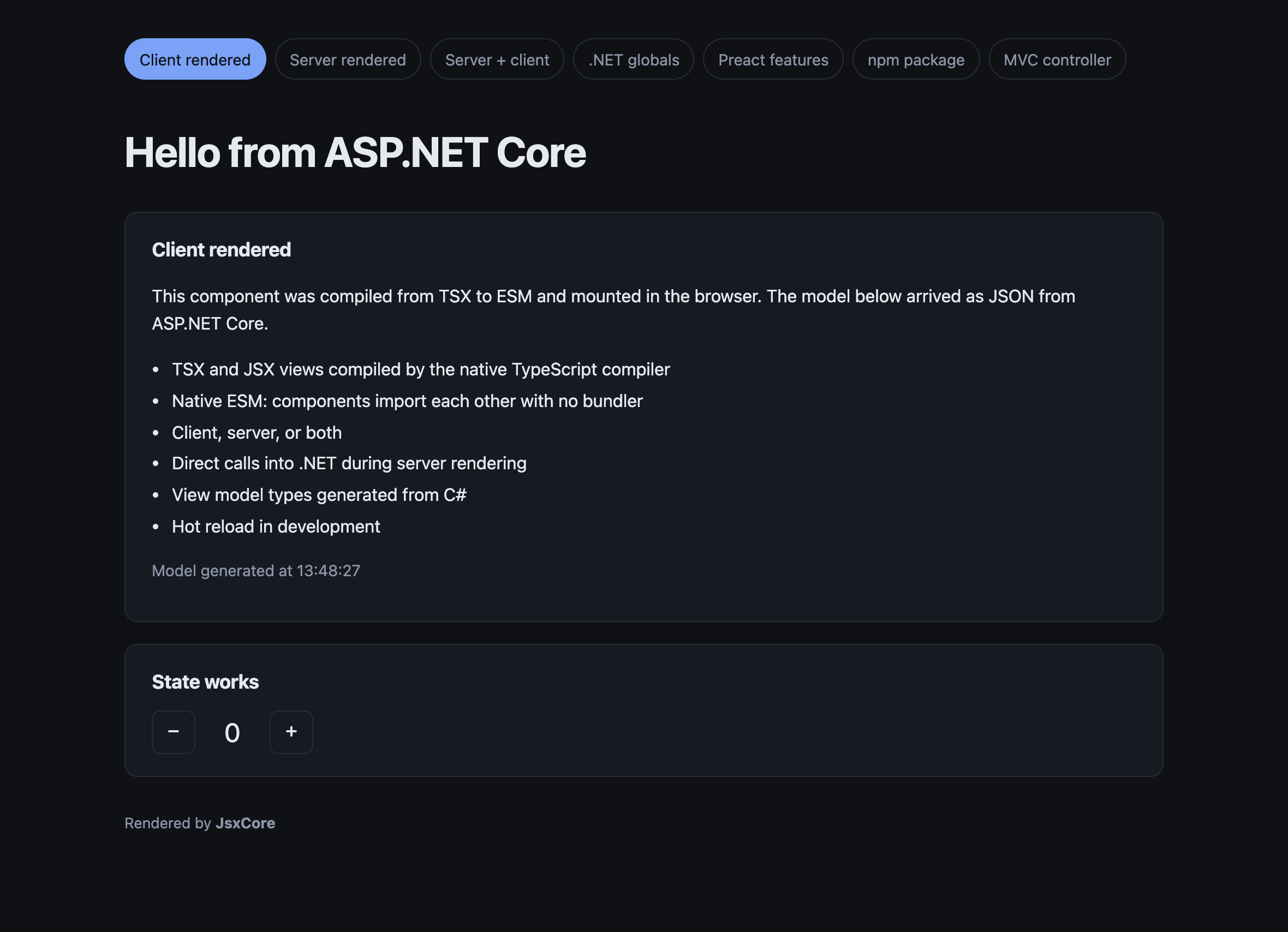
dotnet run --project samples/SampleAppYou'll see a view mounted in the browser, from a model serialised by your endpoint:
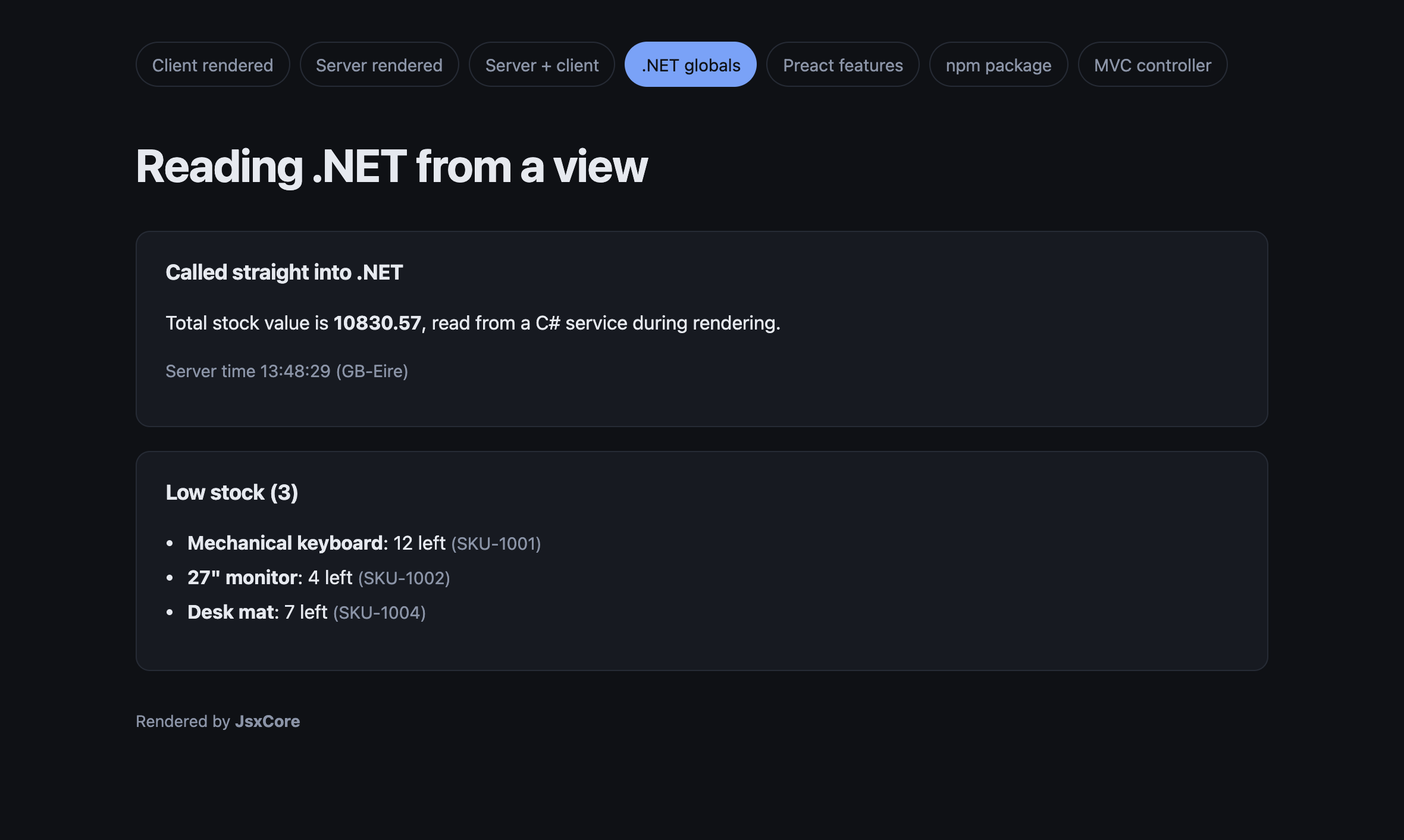
Calling .NET from a server-rendered view. No fetch, no API, no bridge: the component asked a C# service for the total during rendering, and the browser received markup:
A type error while you work. The watcher recompiles on save and pushes the diagnostics to the page, rather than serving a stale build or a blank screen:

MIT. See LICENSE.