Skip to content

dbmaster/model-export

Folders and files

NameName
Last commit message
Last commit date

Latest commit


History

13 Commits


Repository files navigation

How to export a model using "Model Export" plugin.

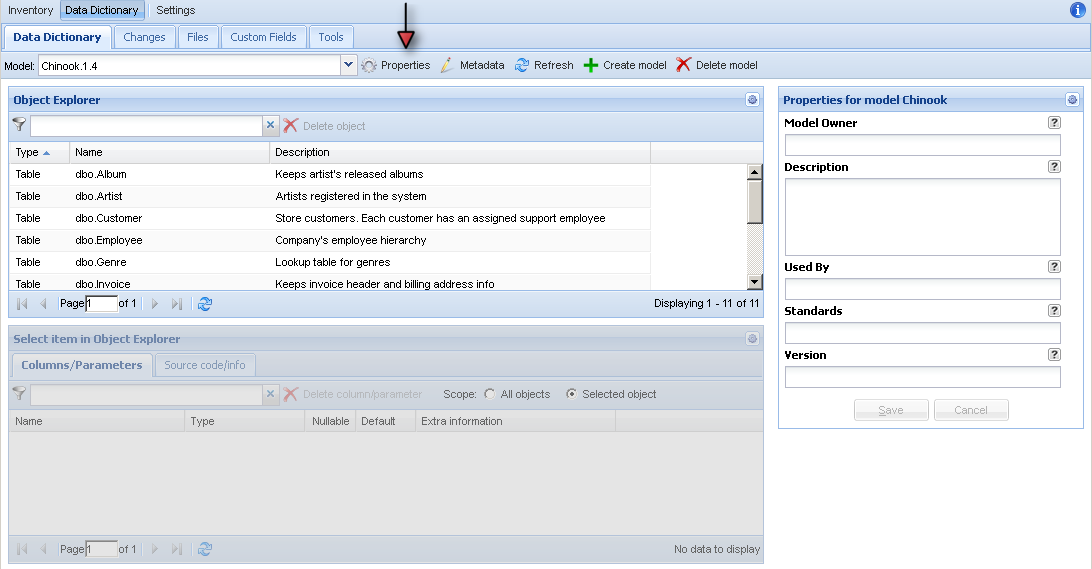
Step1. Find out model name and version you want to export.

You can find it in combo box "Model" or in Properties of the model.
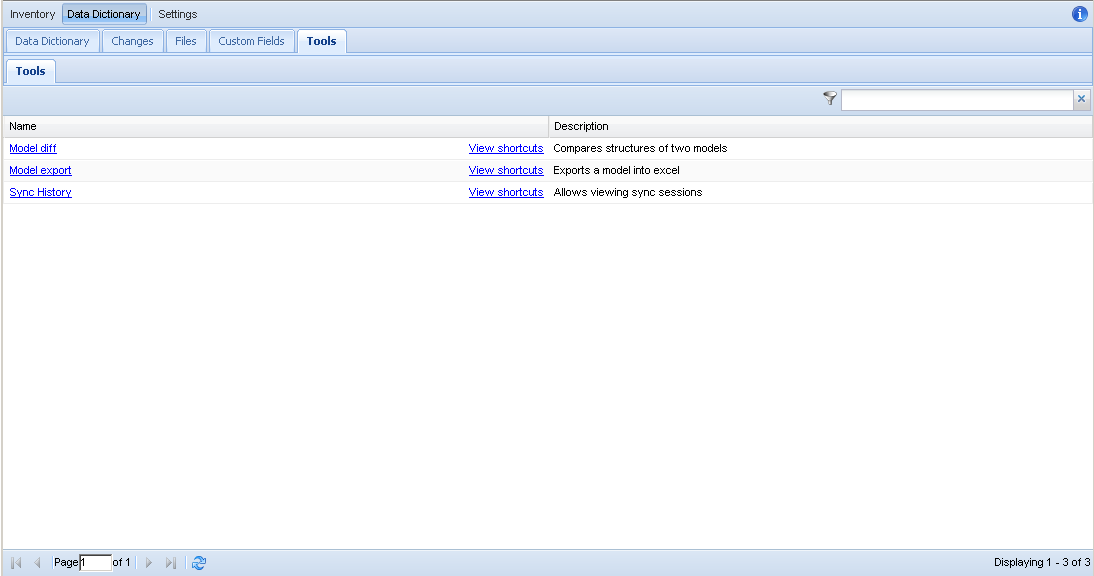
Step2. Open Model export tools in Tools tab

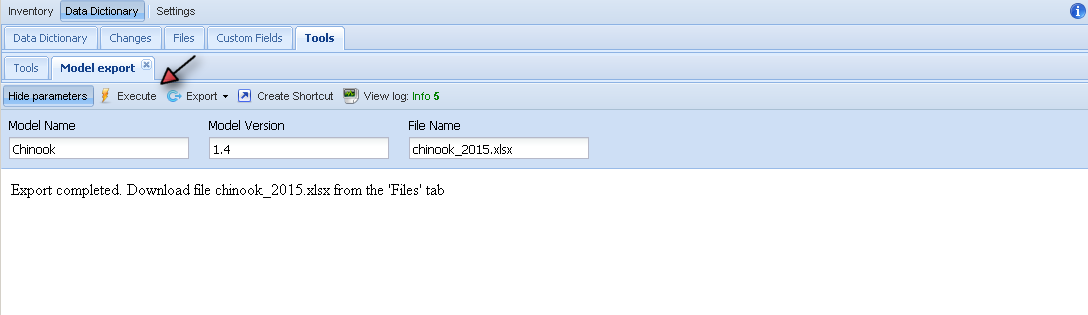
Step3. Execute the tool

  • Provide parameters Model Name, Version and file name (better with .xlsx extension)
  • Hit execute button and wait until it finished with a message.
  • If file with the same name exists it will be overwritten.
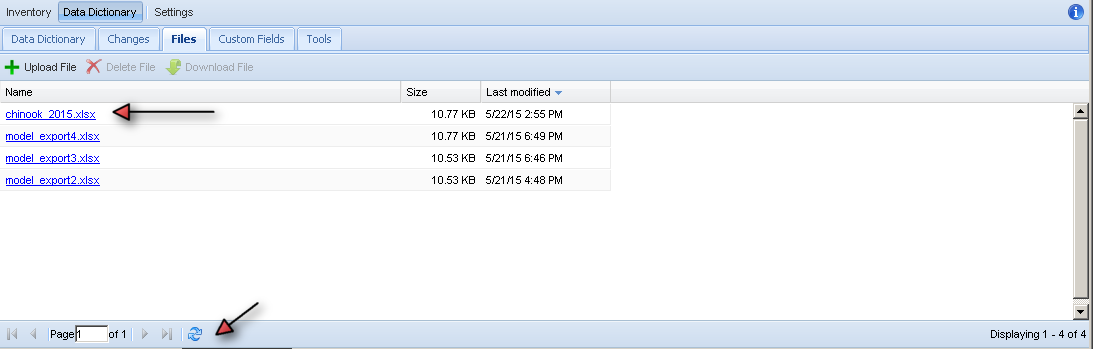
Step4. Download file

  • Go to Files tab
  • Click on the file you want to download
  • If you don't see the file, hit refresh at the bottom of the page
About

Export data dictionary model into excel

Resources

Stars

Watchers

Forks

Releases

No releases published

Packages


Contributors

Languages