Home
How to export a model using "Model Export" plugin.
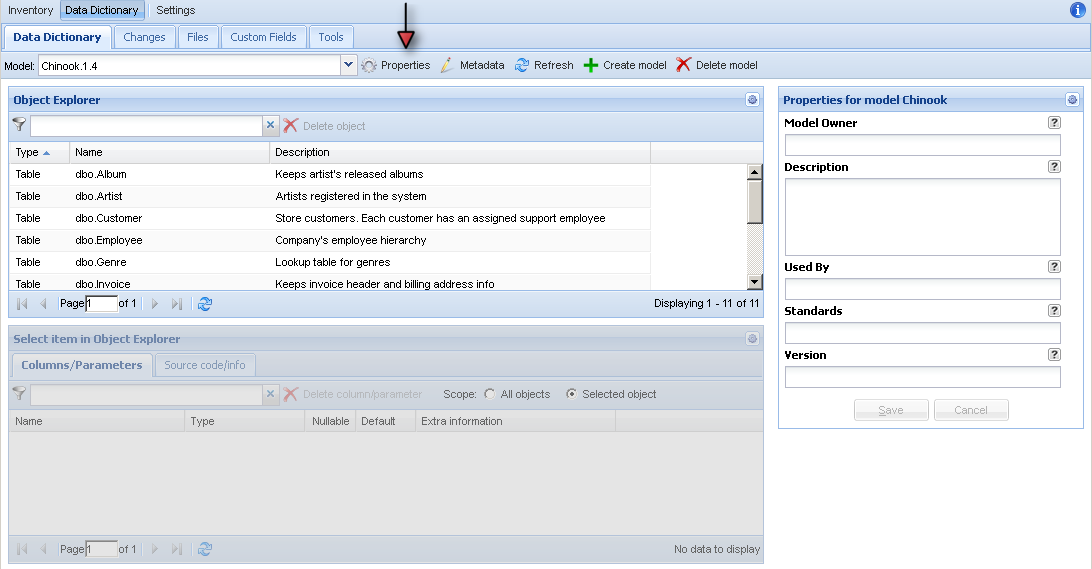
You can find it in combo box "Model" or in Properties of the model.
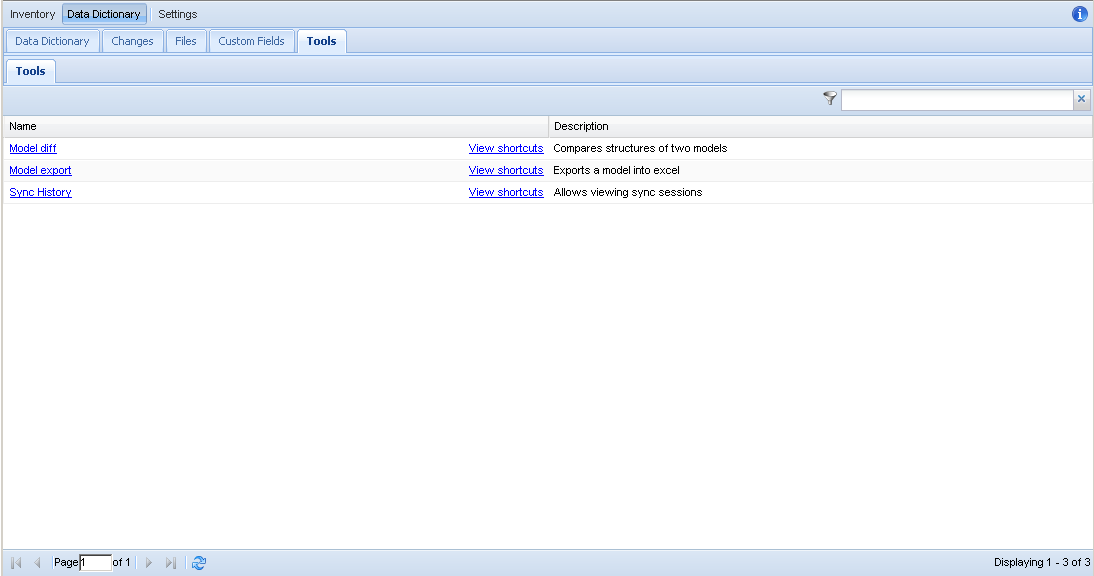
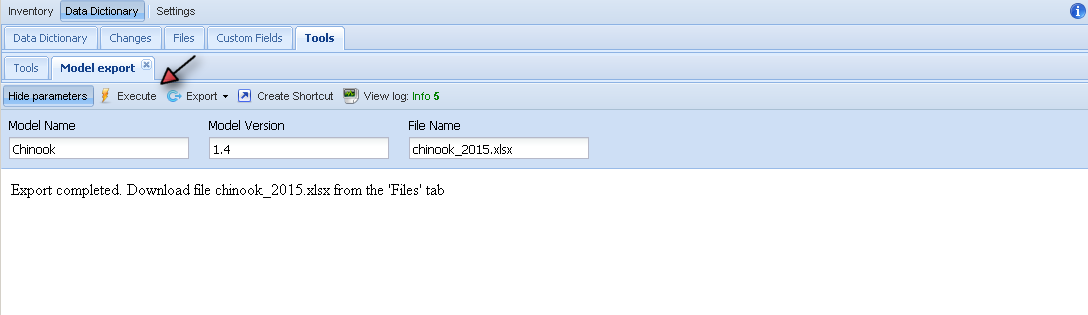
- Provide parameters Model Name, Version and file name (better with .xlsx extension)
- Hit execute button and wait until it finished with a message.
- If file with the same name exists it will be overwritten.
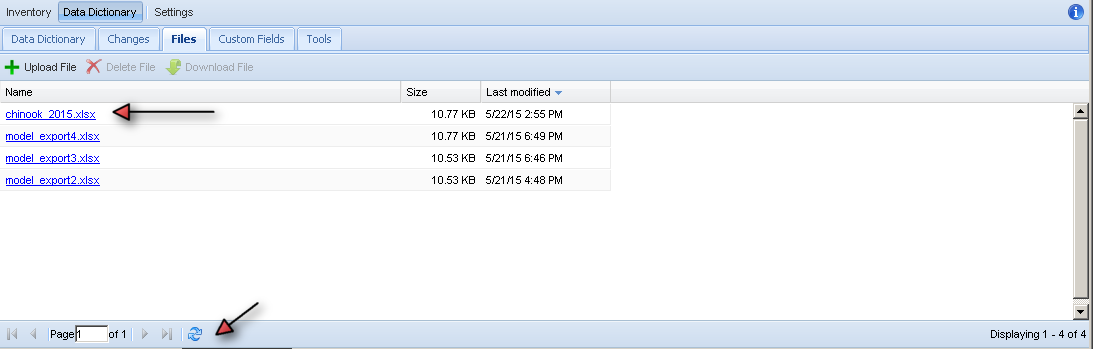
- Go to Files tab
- Click on the file you want to download
- If you don't see the file, hit refresh at the bottom of the page