Repository navigation
Home
A local-first Android notes app — text, checklists, and freehand drawing — built with Kotlin and Jetpack Compose.






Quick links — Repository · Releases · Issues · Privacy policy · License
Elite Memo Pro brings text notes and freehand drawings together in one app. Write notes with titles and checklists, sketch on a canvas with pen, marker, highlighter, selection and eraser tools, and keep everything organised with labels, colours, pins, search, reminders, and a built-in archive and trash.
The app is local-first: notes, labels and settings live in an on-device Room database and DataStore. No account and no server are required to use it, and the app does not request the INTERNET permission.
| Features | What the app does |
| Screenshots | Every screen, dark theme |
| Tech stack | Languages, libraries and versions |
| Architecture | Modules, layers and dependency direction |
| Project structure | How the repository is laid out |
| Getting started | Prerequisites, build and release signing |
| Testing | Unit tests |
| CI/CD | The GitHub Actions workflows |
| Localization | Store listings in 13 languages |
| Release & versioning | SemVer, branches and the release pipeline |
| Privacy | What the app stores and never sends |
| Contributing | How to send a change |
| License | MIT |
- Rich text notes with a title and body.
- Inline checklists with per-item completion state.
- Per-note colour and pinning.
- Freehand drawing notes with pen, marker, highlighter, selection and eraser tools.
- Eraser supports both segment and whole-stroke modes.
- Undo and redo for drawing edits.
- Selectable canvas backgrounds with blank, ruled, grid and dotted guides.
- A colour palette sheet for stroke colours.
- Labels: add, rename, delete, and apply labels to notes.
- Search across note titles, body text and tags; filter by label or colour.
- Grid and list layouts on the home screen.
- Archive to set notes aside, and Trash with restore or permanent delete (plus empty-trash).
- Schedule a reminder per note; when it fires, WorkManager posts a notification that opens the note.
- Light, dark or system appearance.
- Optional app lock using biometrics or the device credential.
- Counts for active notes, pinned notes and words in Settings.
- Edge-to-edge Material 3 interface.
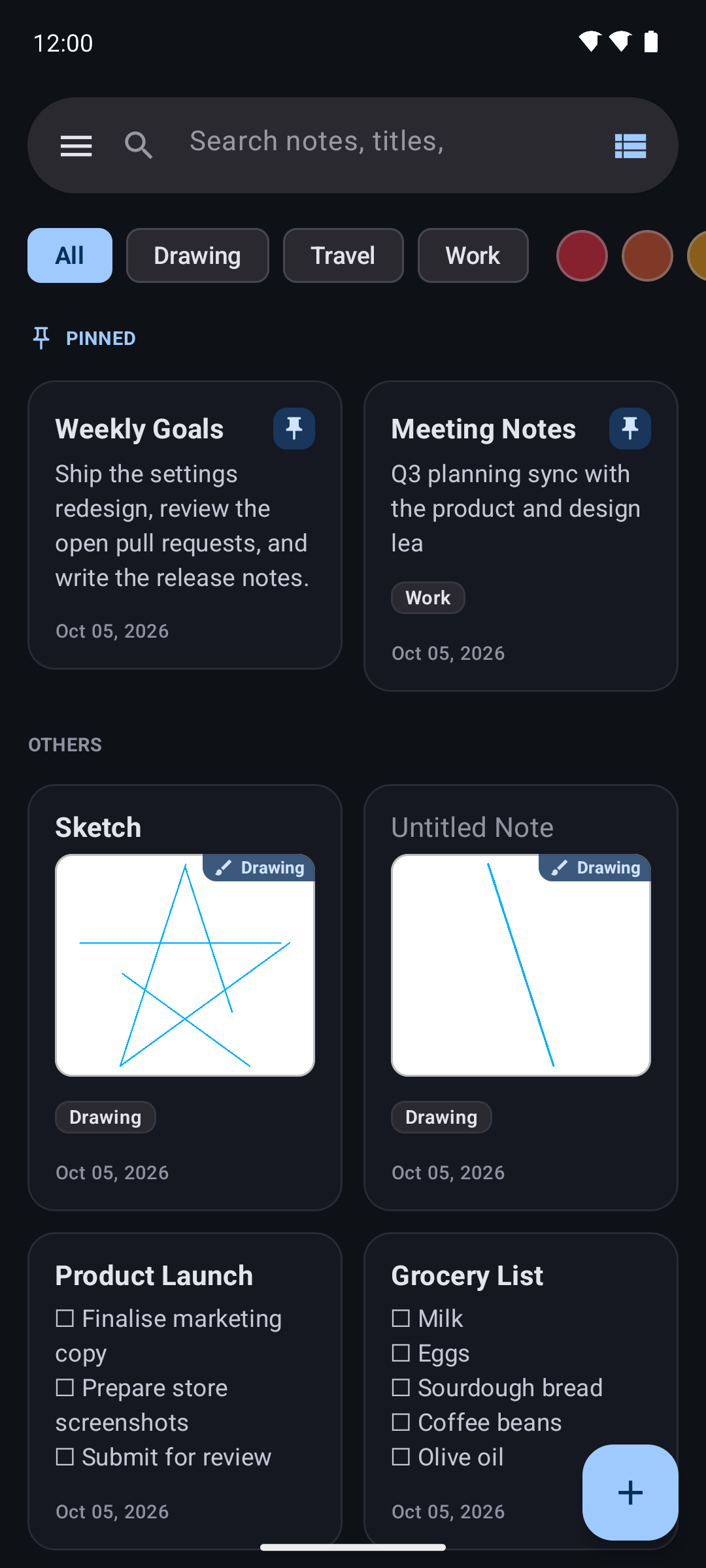
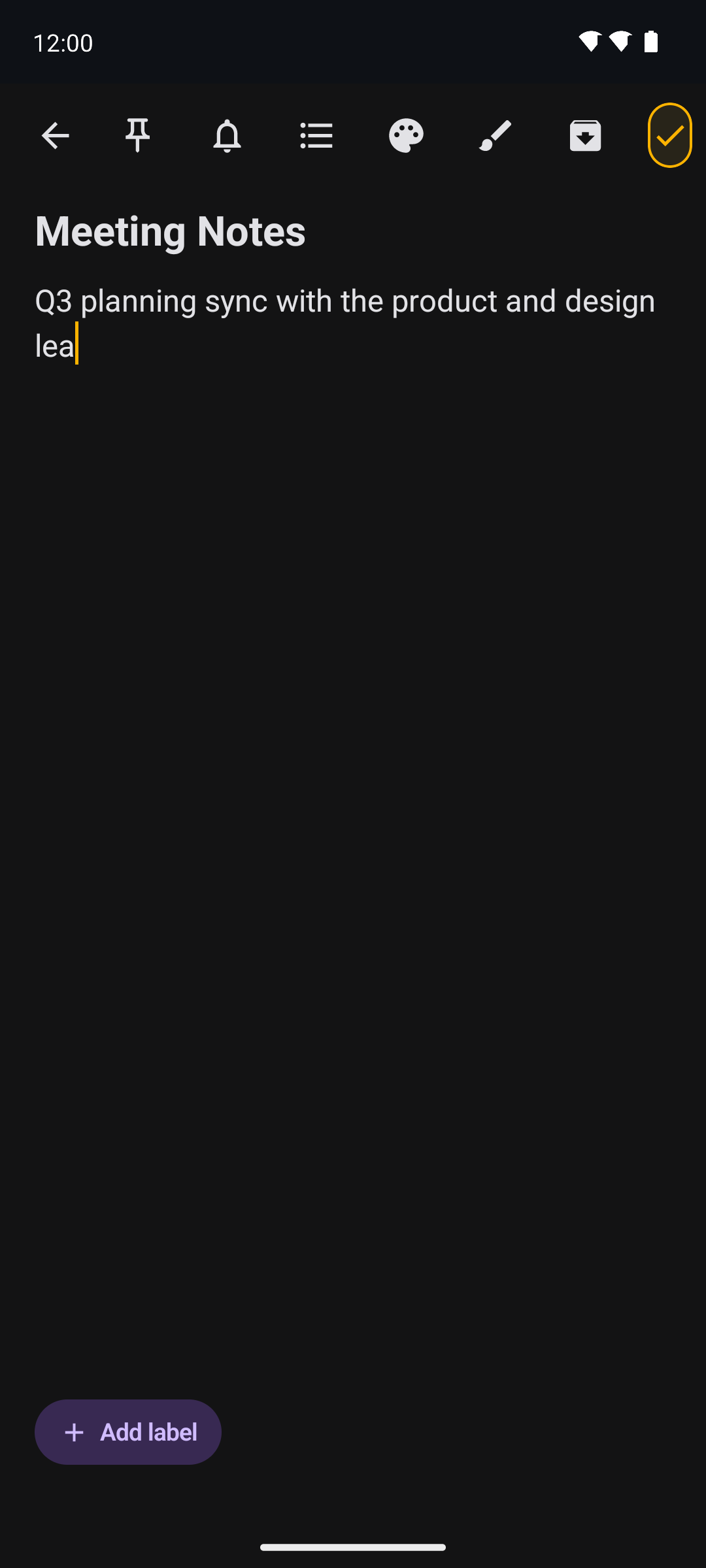
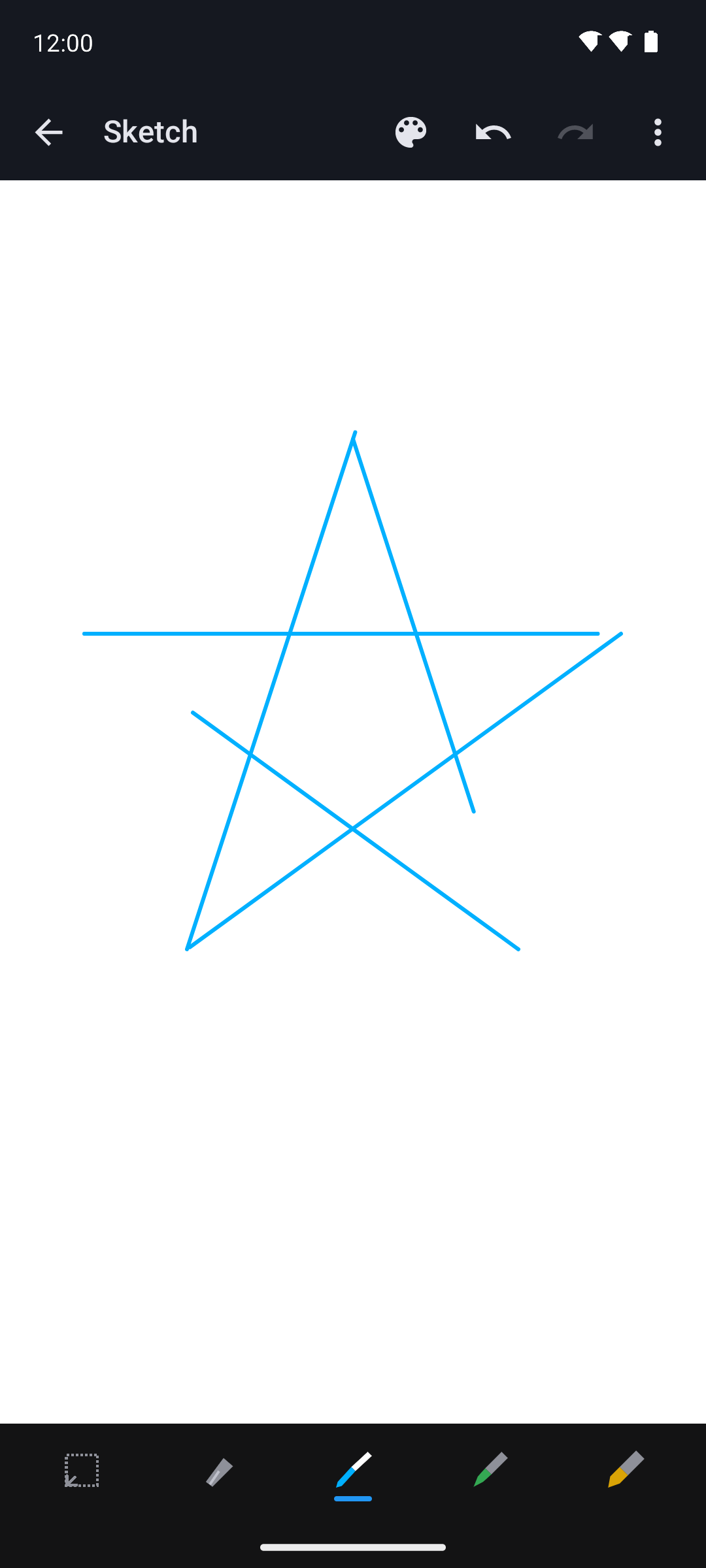
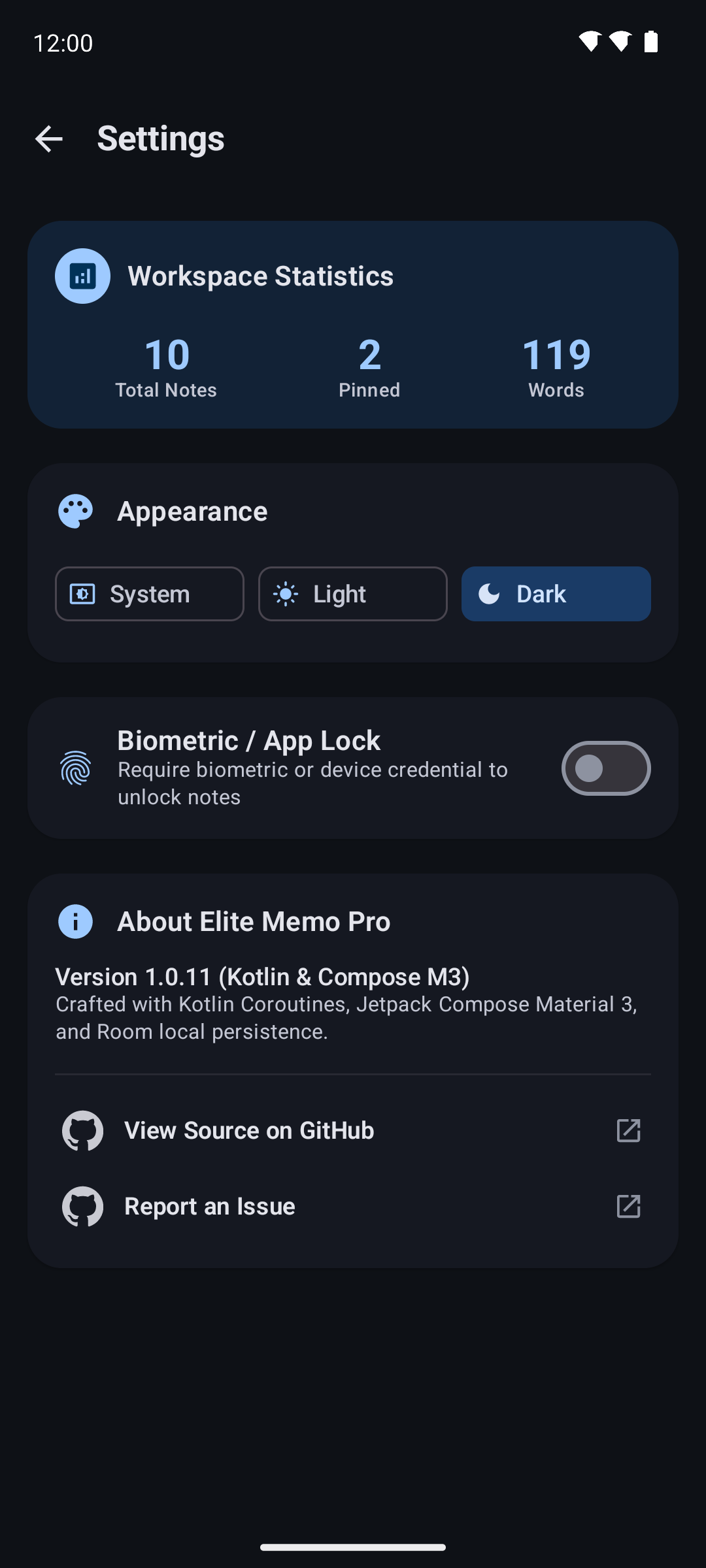
View all screenshots
| Screen | Preview |
|---|---|
| Home (grid) | |
| Home (list) | 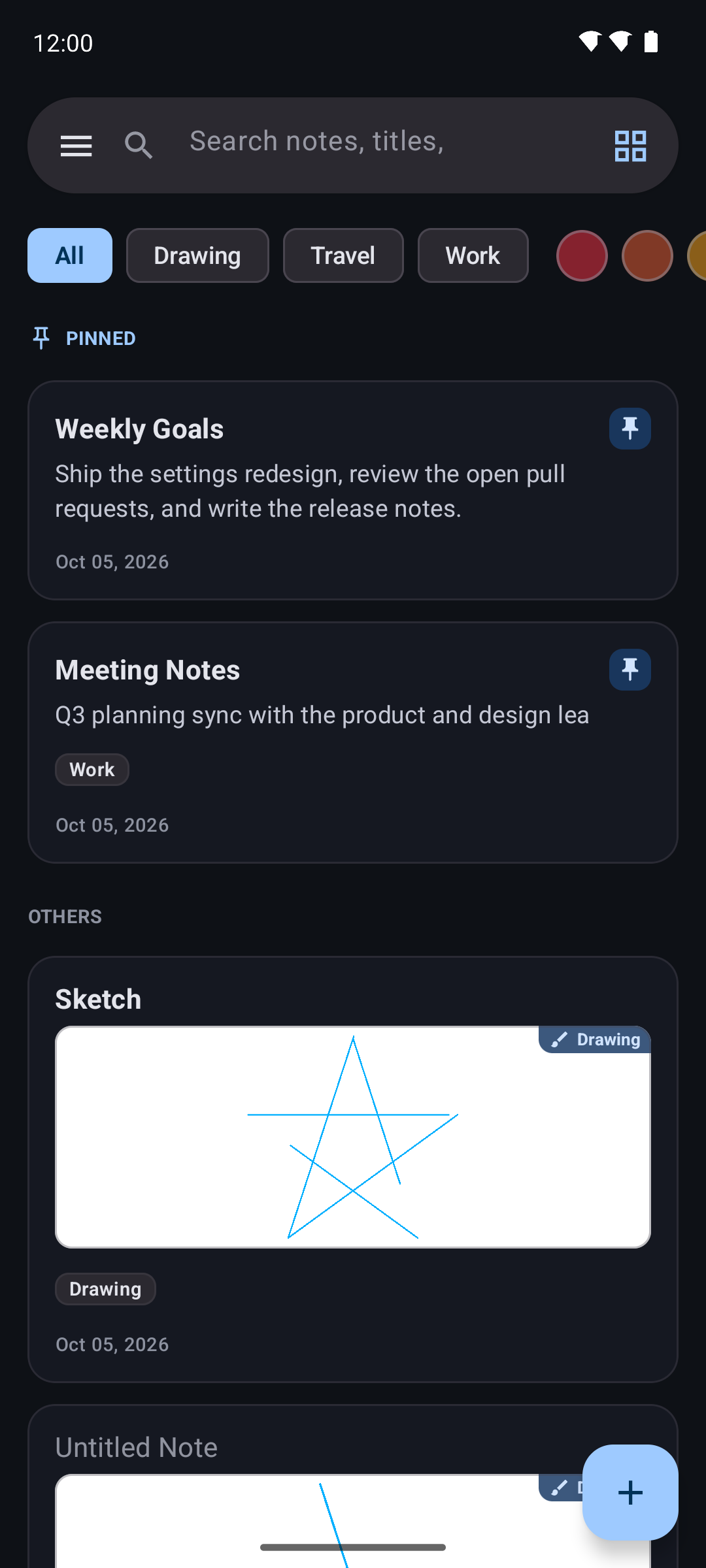 |
| Search results | 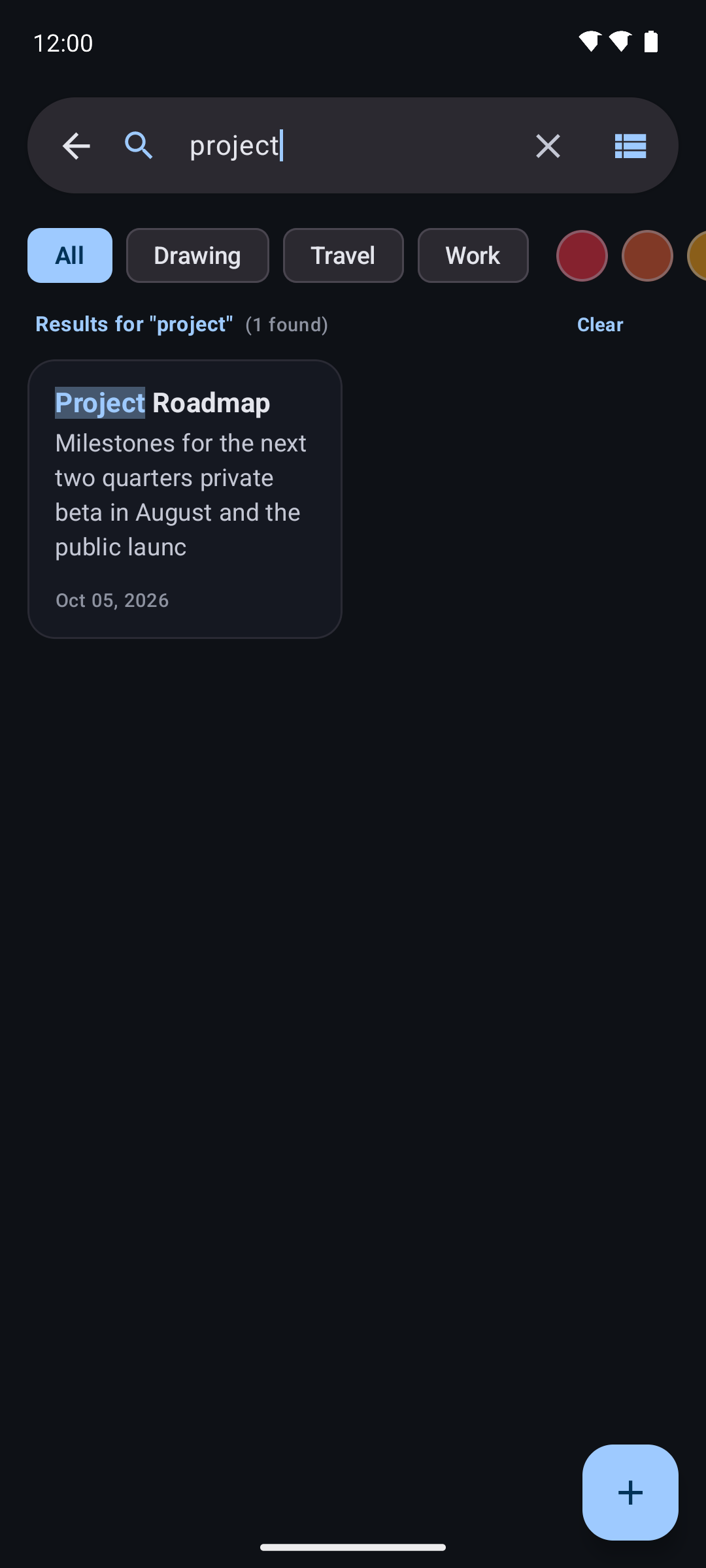 |
| Navigation drawer | 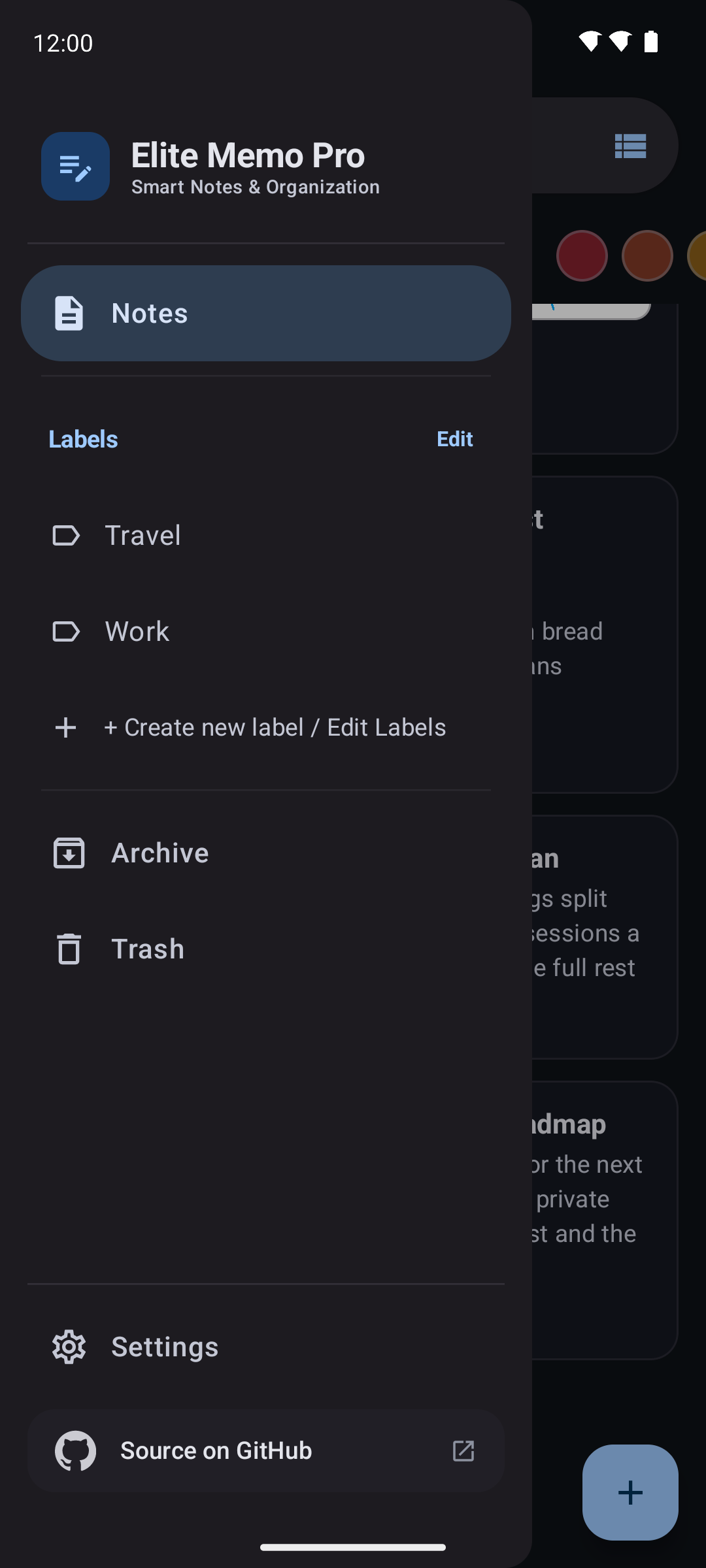 |
| Note editor | |
| Labels sheet | 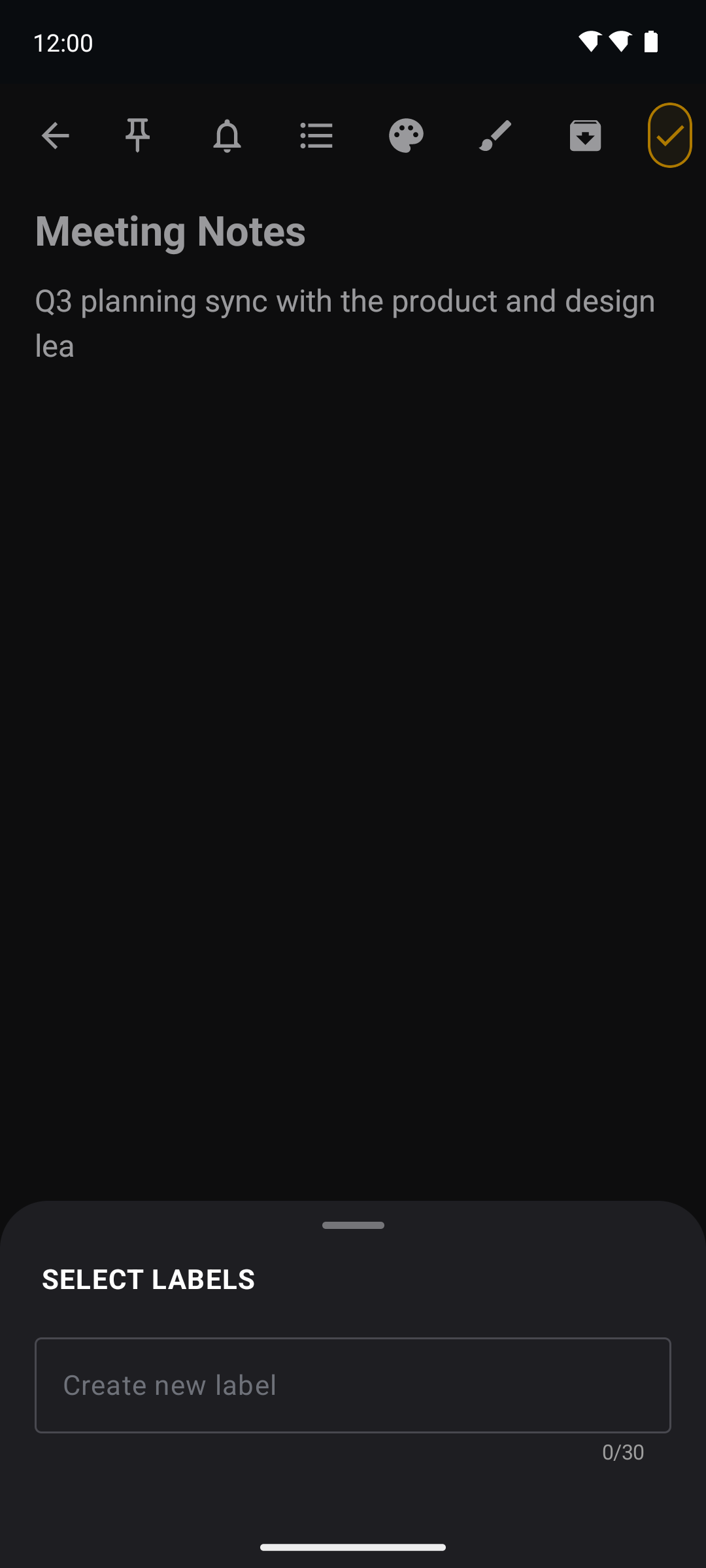 |
| Colour picker | 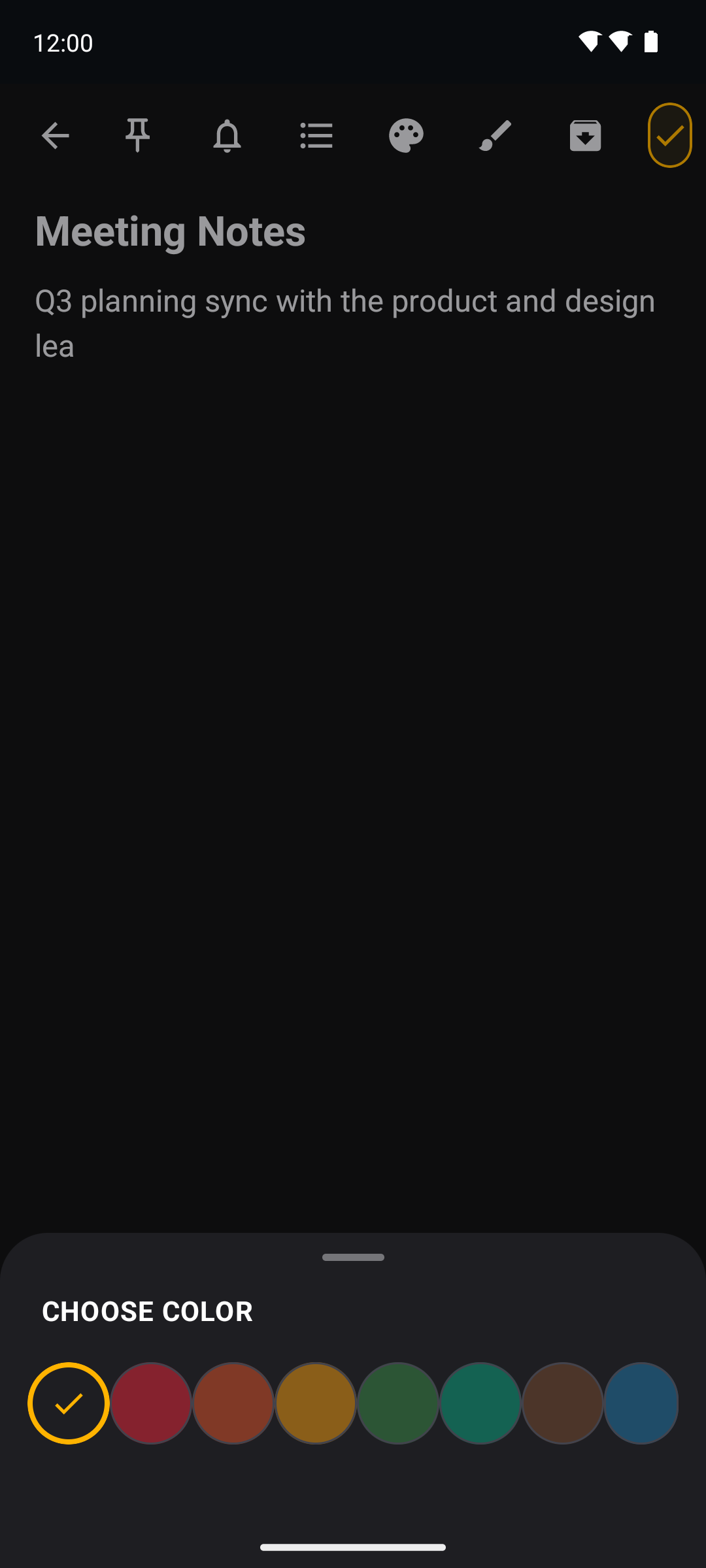 |
| Checklist editor | 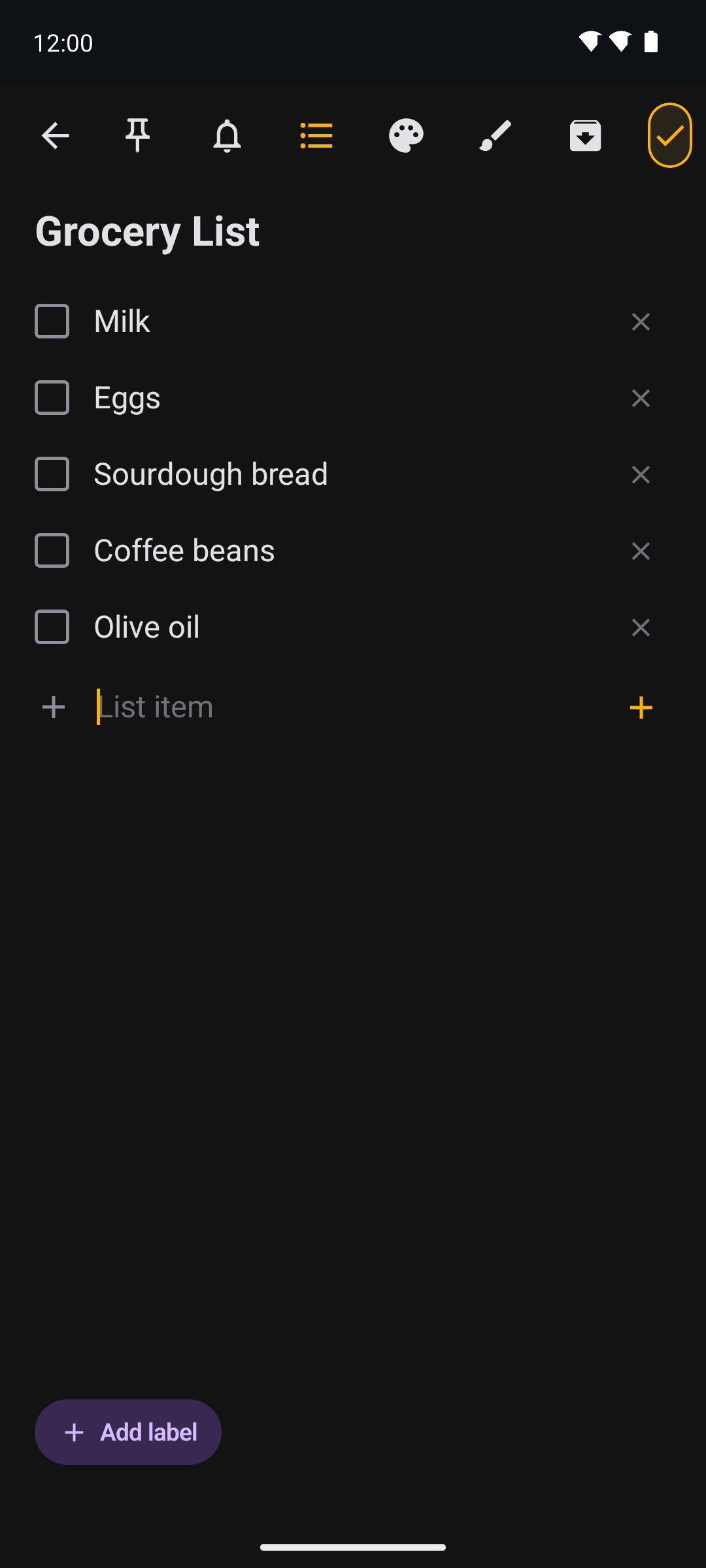 |
| Drawing note | |
| Archive | 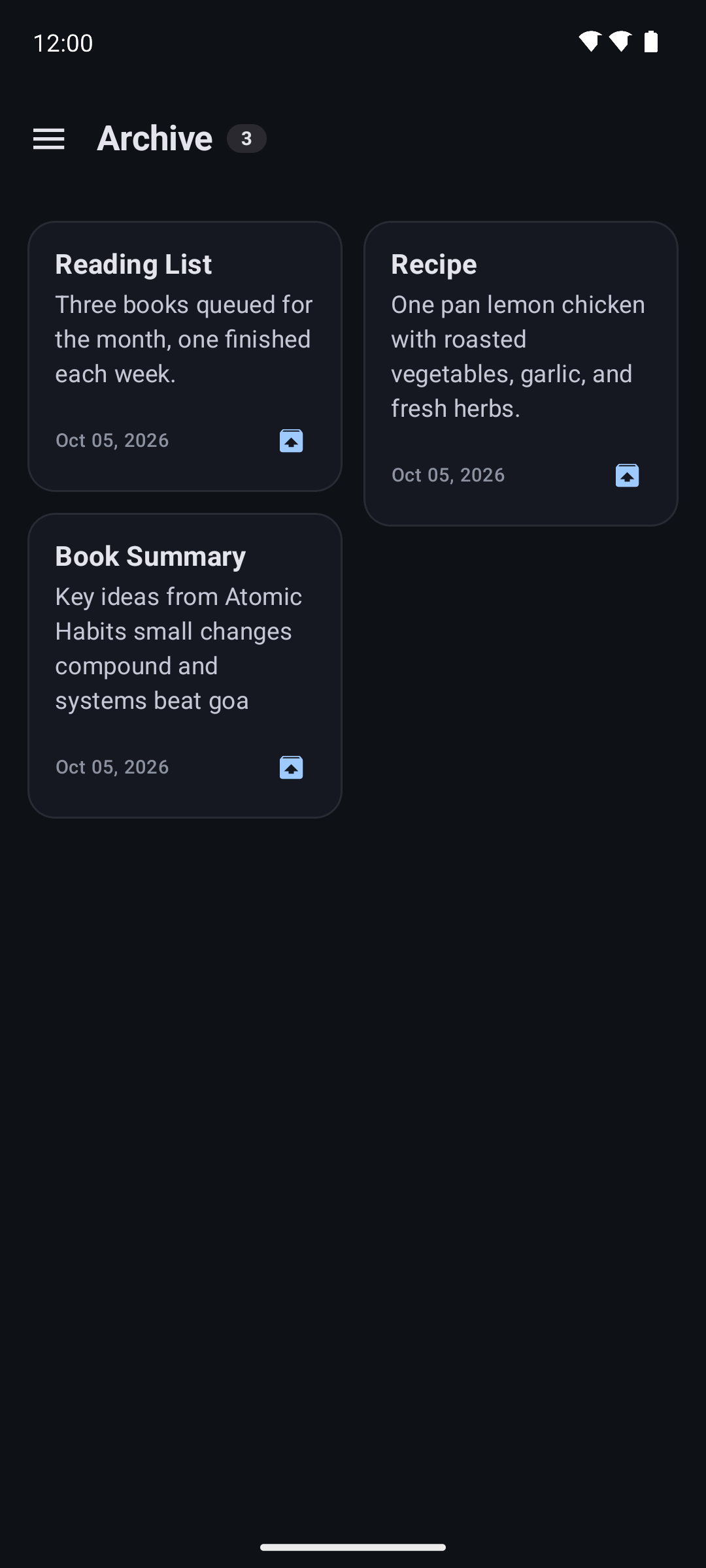 |
| Trash | 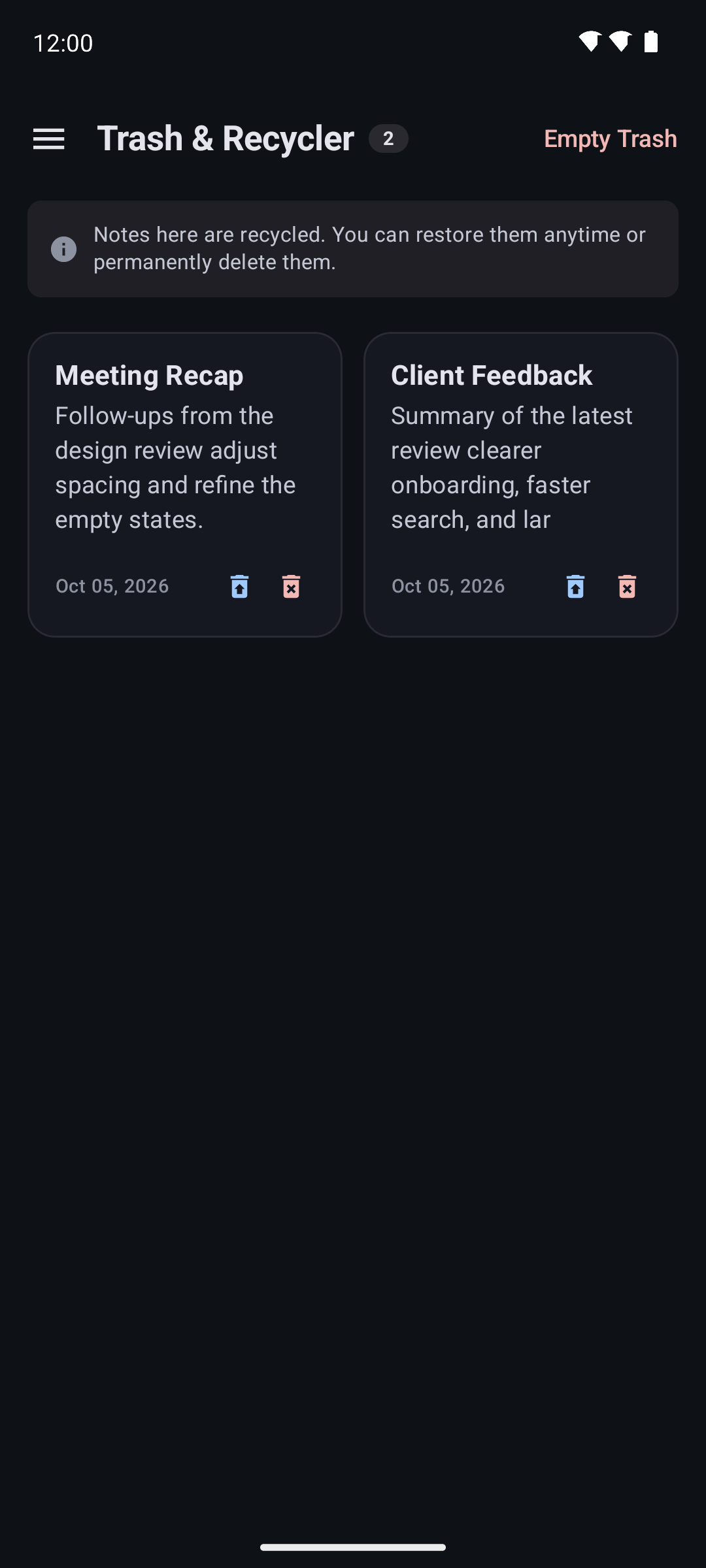 |
| Settings | |
| Reminder dialog | 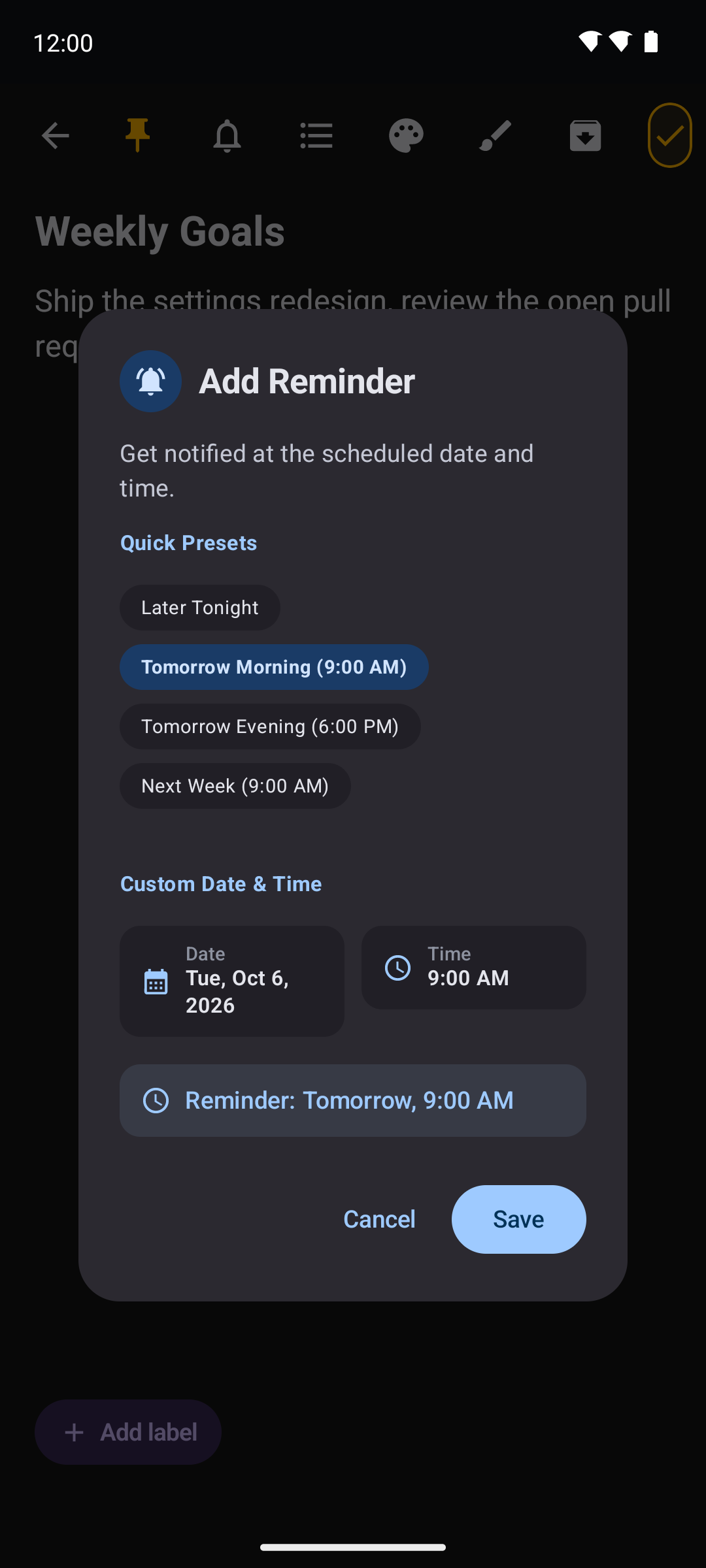 |
| Reminder applied | 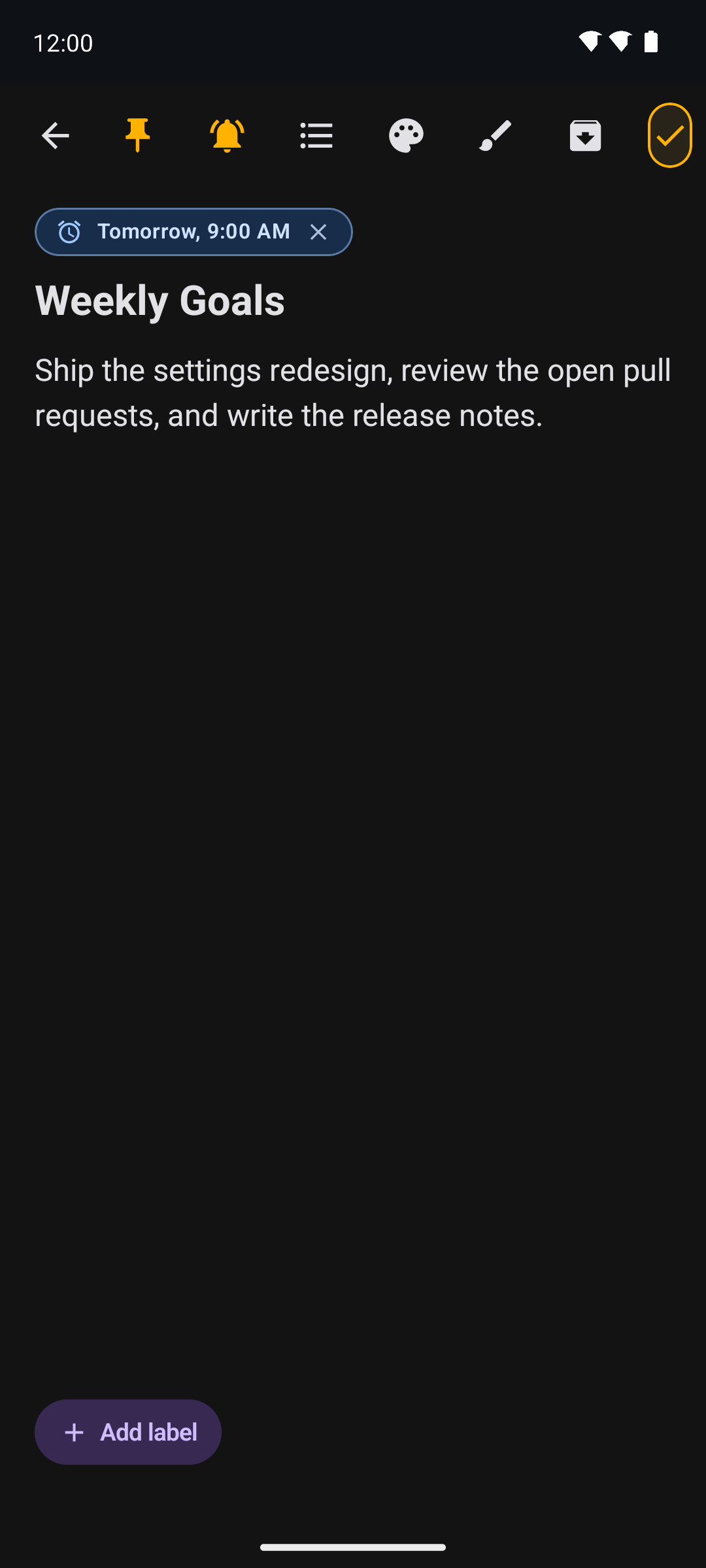 |
| Area | Choice |
|---|---|
| Language | Kotlin 2.4.20 |
| UI | Jetpack Compose with Material 3 (Compose BOM 2026.09.00) |
| Build | Android Gradle Plugin 9.4.1, Gradle 9.8.0, KSP 2.3.12, Java 21 |
| Local storage | Room 2.8.5 (notes & labels) and DataStore Preferences 1.2.1 (settings) |
| Background work | WorkManager 2.12.0 (note reminders) |
| Security | AndroidX Biometric 1.4.0-alpha07 (optional app lock) |
| Async | Kotlin Coroutines 1.11.0, Flow |
| Remote foundation | Supabase (auth-kt / postgrest-kt 3.8.0) over Ktor 3.6.0
|
| Testing | JUnit 4.13.2 |
compileSdk / targetSdk are 37, minSdk is 24.
Note on Kotlin. AGP 9 ships built-in Kotlin support pinned to KGP 2.2.10. The project puts a newer KGP (
2.4.20) on the buildscript classpath so the compiler can read the Kotlin 2.4.x metadata in its dependencies (e.g. supabase-kt 3.8.0), and the Compose compiler plugin is pinned to the same version.
Elite Memo Pro follows a layered, unidirectional architecture with a strict dependency direction — presentation depends on the domain, and the domain knows nothing about Android or the data layer:
:app  (presentation)  ──▶  :domain  ◀──  :data  (implementation)
  Compose UI, ViewModel      models, use cases,      Room, DataStore,
                             repository contracts    remote client
-
Domain (
:domain) is a pure Kotlin/JVM module holding the models (Note,Label,DrawingData,AppSettings, …), the repository interfaces, and one use case per operation (e.g.SaveNoteUseCase,TogglePinUseCase,SetNoteReminderUseCase). It has no Android dependencies, which keeps it unit-testable on the JVM. -
Data (
:data) implements the domain contracts: Room database, DAOs and entities; DataStore-backed settings; a manual repository provider; and an encrypted setup store with a pluggable backend abstraction (offline, Supabase/PostgREST, PocketBase, or custom) as the foundation for optional remote sync. -
Presentation (
:app) holds the Compose screens and components, the theme, andNotesViewModel, which exposes UI state as aFlowand drives the domain use cases. -
Dependency injection is manual and explicit:
NotepadApplicationbuilds anAppContainerthat constructs the repositories once and wires the use cases on top of them.
EliteMemoPro/
├── app/                 # Application module — Compose UI, ViewModel, navigation, theme, reminders
│   └── src/main/java/com/deepanjanxyz/notepad/
│       ├── ui/          # screens, components, feature_editor, feature_drawing, theme, viewmodel
│       ├── worker/      # reminder scheduling + notification worker
│       ├── MainActivity.kt
│       └── NotepadApplication.kt
├── core/                # Android library — shared Compose/UI groundwork (scaffolding)
├── data/                # Android library — Room, DataStore, repositories, remote/setup foundation
├── domain/              # Pure Kotlin module — models, repository contracts, use cases
├── features/            # Android library — feature modules (scaffolding)
├── fastlane/            # Store metadata and screenshots (F-Droid / Play ready)
├── scripts/screenshots/ # Headless-emulator screenshot automation
├── gradle/wrapper/      # Gradle wrapper (Gradle 9.8.0)
└── .github/workflows/   # CI/CD pipelines
:coreand:featurescurrently contain only their Gradle configuration and manifest; they are placeholders reserved for future extraction.
- JDK 21 (Temurin recommended).
- Android SDK with platform 37 and build-tools 36.0.0.
- The Gradle wrapper is bundled — no separate Gradle install is needed.
git clone https://github.com/deepanjanxyz/notepad.git
cd notepad

# Build the debug APK → app/build/outputs/apk/debug/
./gradlew assembleDebug

# Install on a connected device or emulator
./gradlew installDebugThe application module validates release signing during configuration. To build a release variant, provide a keystore at app/keystore.jks and the following values via app/.env, app/local.properties, or matching environment variables:
| Key | Purpose |
|---|---|
KEYSTORE_PASSWORD |
Keystore password |
KEY_ALIAS |
Key alias |
KEY_PASSWORD |
Key password |
Debug builds do not require signing secrets. A release build without them fails fast rather than producing an unsigned artifact. Never commit signing credentials — app/keystore.jks, .env and local.properties are all git-ignored.
./gradlew test # JVM unit tests for all modulesUnit tests cover note/entity mapping and note logic (NoteLogicTest). Because the domain module is pure Kotlin, use cases and models can be tested without an emulator.
All automation lives in .github/workflows/. Each file has a single responsibility:
| Workflow | Trigger | Purpose |
|---|---|---|
ci.yml |
push / PR to dev and main
|
Runs unit tests and a debug build; uploads test reports. |
universal-pr-check.yml |
PR to dev
|
Parallel gate: debug + release build, unit tests, lint, detekt and a secret scan, reported back as one status table on the PR. |
pr-review-commands.yml |
PR comment | Slash-command review automation on main PRs. |
android.yml |
manual | Builds, signs and uploads a release APK artifact. |
auto-release.yml |
PR / push to main
|
Bumps the version onto the source branch and, on merge, publishes a GitHub release with the signed, renamed APK and checksums. |
store-screenshots.yml |
manual | Regenerates store screenshots on a headless emulator. |
mirror.yml |
push (any branch/tag) | Mirrors branches and tags to GitLab and Codeberg. |
The project targets Java 21, and CI sets up Temurin JDK 21 to match. See the workflows README for the full detail on each pipeline, its jobs and the repository secrets it needs.
Store listings are localized into 13 locales — Assamese, Bengali, English, Gujarati, Hindi, Kannada, Malayalam, Marathi, Odia, Punjabi, Tamil, Telugu and Urdu — under fastlane/metadata/android/.
- Versions follow Semantic Versioning (
X.Y.Z);versionCodeis a positive integer that increments by one per release. -
mainis the release branch;devis the integration branch. - Pull requests into
mainthat change application code get an automatic patch bump if the version was not already updated. Merging tomainpublishes a tagged GitHub release (v<versionName>) with a signed APK and SHA-256 checksums.
Elite Memo Pro is local-first by design. Notes, drawings, labels, reminders and settings are stored on your device; the app does not request the INTERNET permission and contains no analytics, advertising, tracking or crash-reporting components.
Read the full Privacy Policy — every statement in it is verifiable against the source in this repository.
Contributions are welcome.
- Fork the repository and create a branch off
dev. - Make your change and ensure
./gradlew testpasses. - Open a pull request against
dev— the Universal PR Check runs automatically and reports the result on the PR. - Once verified, changes flow
dev→main, where the release pipeline handles versioning and publishing.
A few conventions:
- Keep the domain module free of Android dependencies.
- Prefer one focused use case per operation in
domain/usecase/. - Don't commit keystores,
.env, orlocal.properties.
Maintainers can drive review on main pull requests with slash commands: /review, /test, /force-review, /add-reviewer <user>, and /remove-approve-user <user>.
Released under the MIT License. See LICENSE.
Copyright (c) 2026 Deepanjan Biswas
Built with Kotlin and Jetpack Compose.