
 Catppuccin for Grub



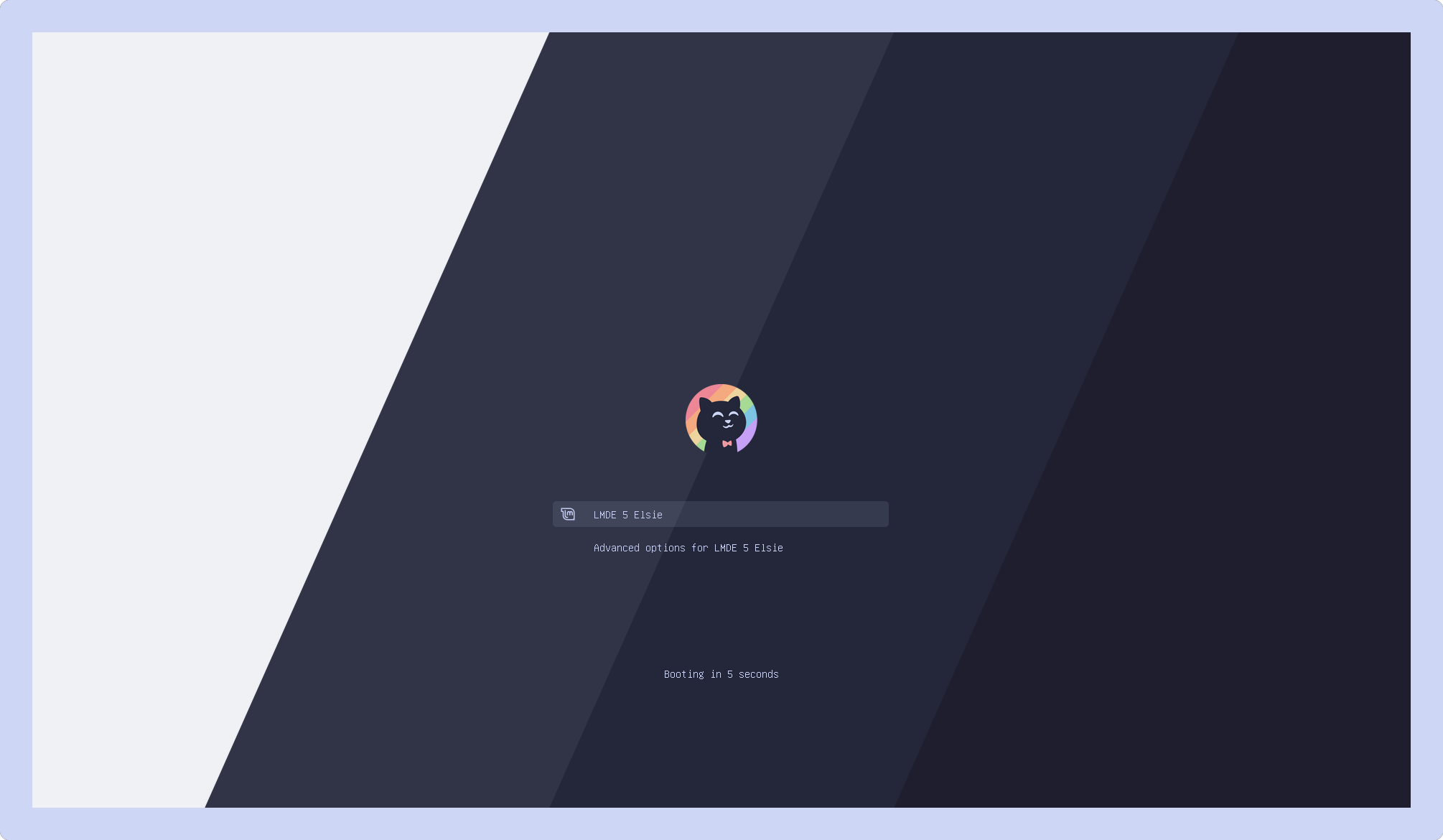
🌻 Latte
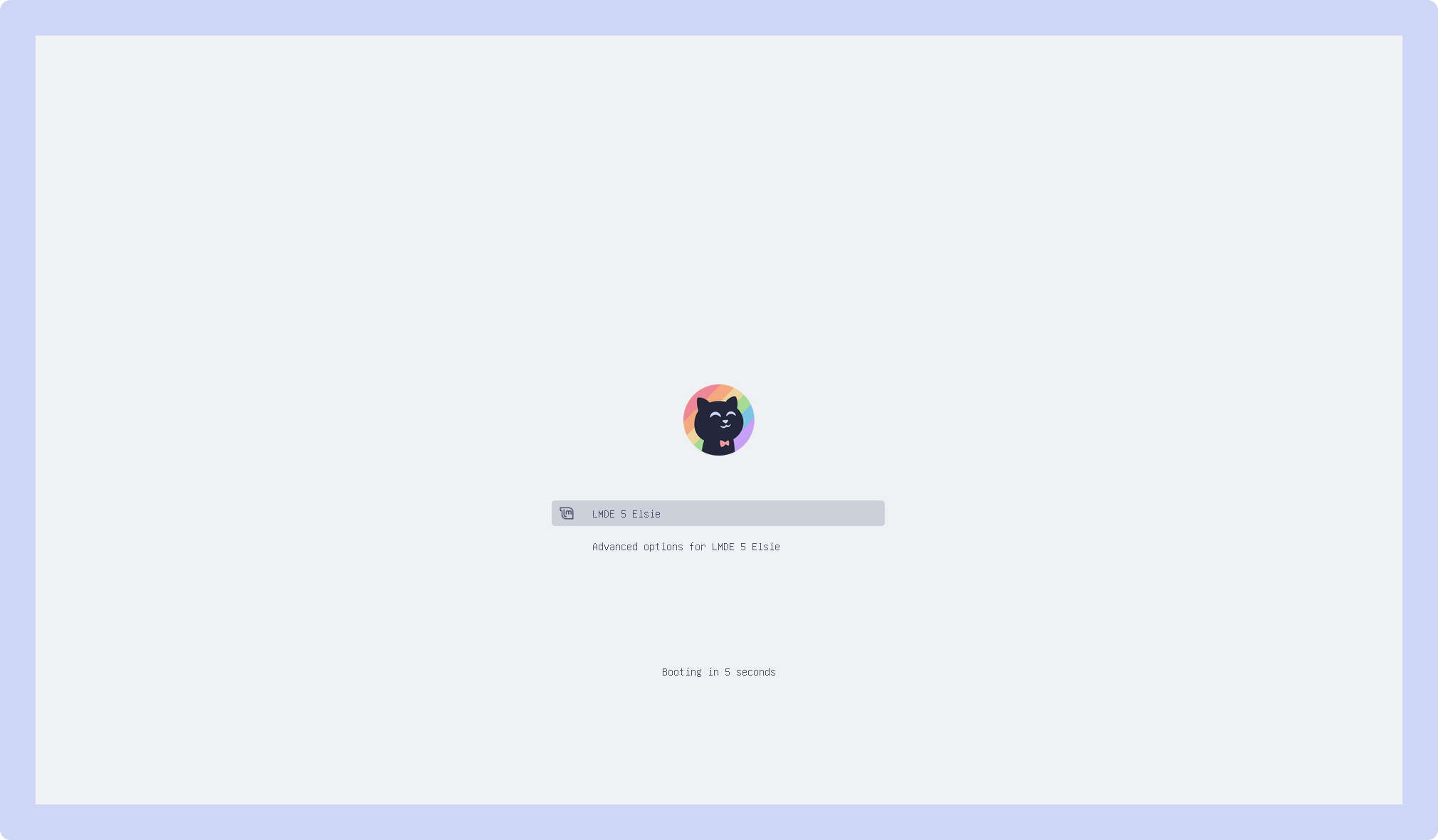
🪴 Frappé
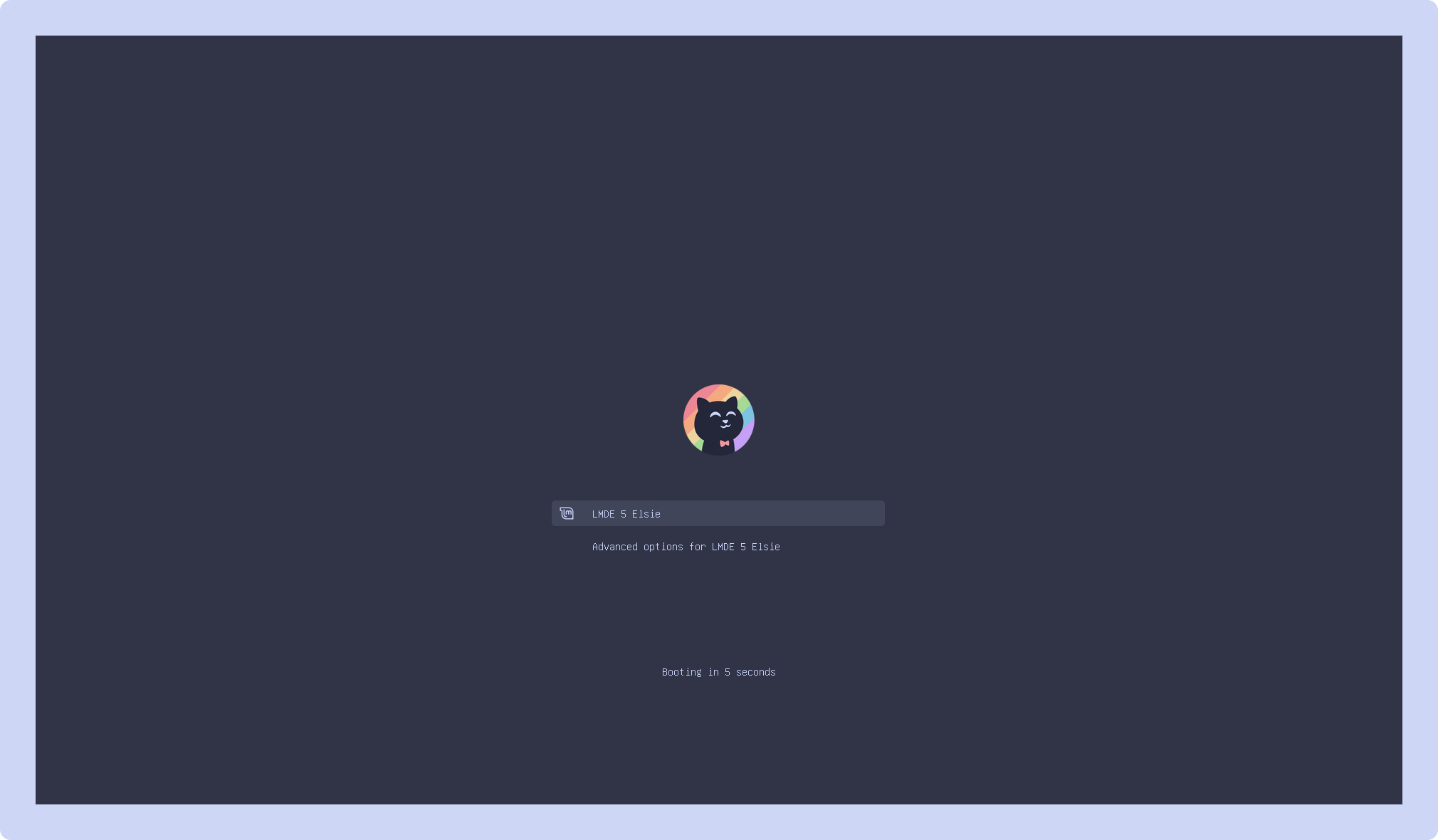
🌺 Macchiato
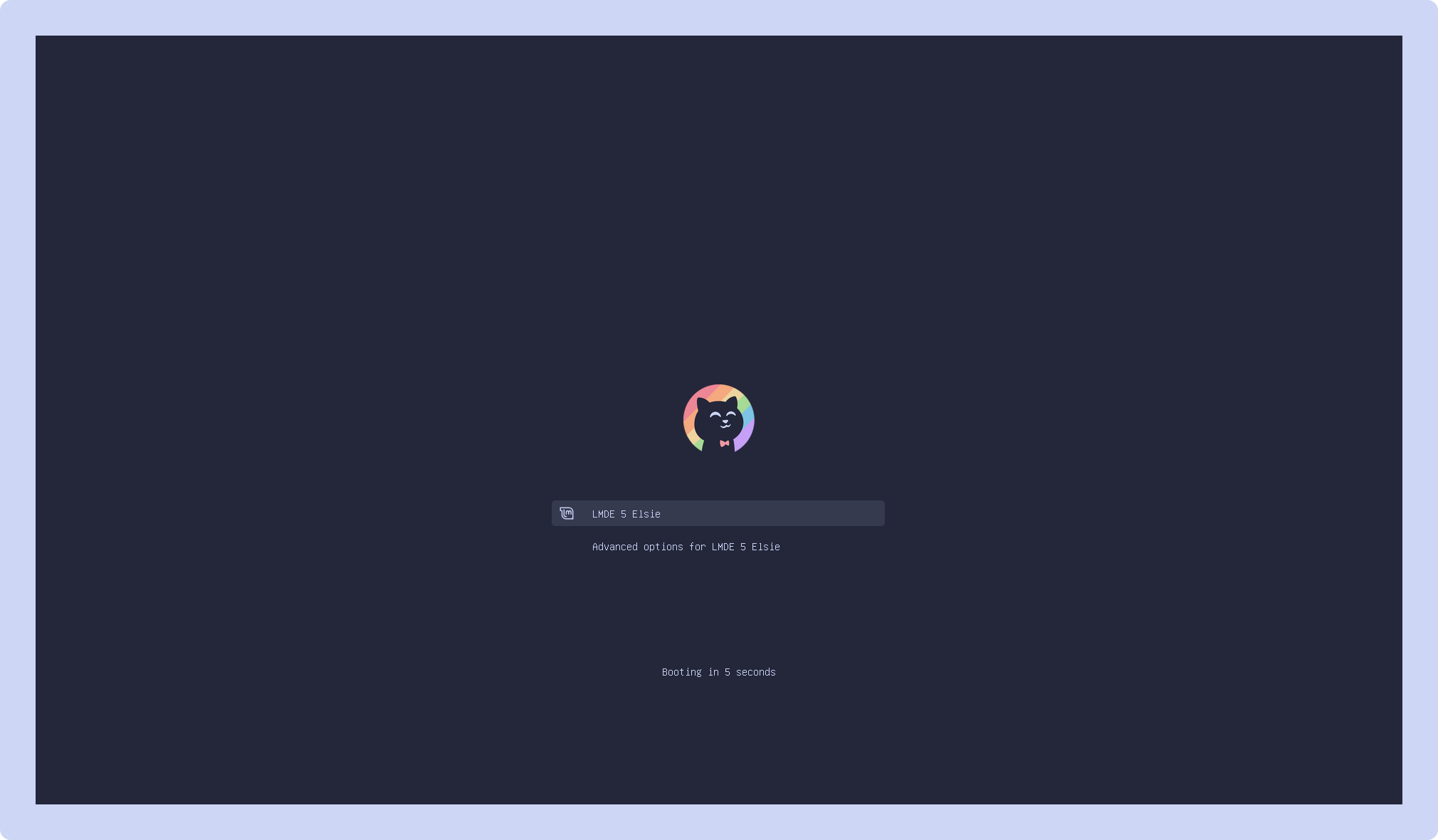
🌿 Mocha
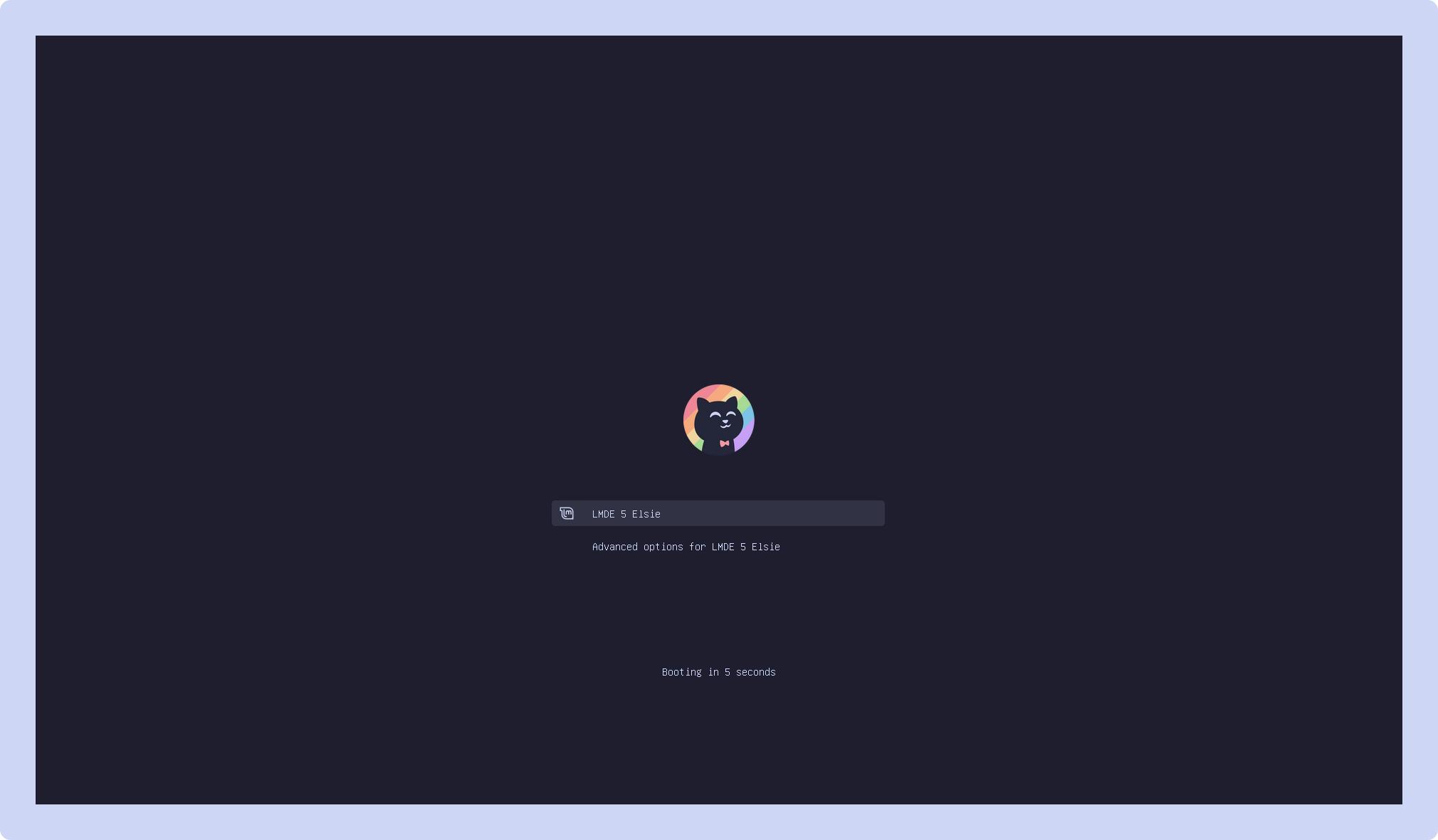
1. Clone this repository locally and enter the cloned folder:
git clone https://github.com/catppuccin/grub.git && cd grub2. Copy all or selected theme from src folder to
/usr/share/grub/themes/, for example to copy all themes use:
sudo cp -r src/* /usr/share/grub/themes/3. Uncomment and edit following line in /etc/default/grub to selected
theme:
🌻 Latte:
GRUB_THEME="/usr/share/grub/themes/catppuccin-latte-grub-theme/theme.txt"🪴 Frappé:
GRUB_THEME="/usr/share/grub/themes/catppuccin-frappe-grub-theme/theme.txt"🌺 Macchiato:
GRUB_THEME="/usr/share/grub/themes/catppuccin-macchiato-grub-theme/theme.txt"🌿 Mocha:
GRUB_THEME="/usr/share/grub/themes/catppuccin-mocha-grub-theme/theme.txt"4. Update grub:
sudo grub-mkconfig -o /boot/grub/grub.cfgFor Fedora:
sudo grub2-mkconfig -o /boot/grub2/grub.cfgQ: "My Grub is not working in my screen resolution"
A: Uncomment and edit following line in /etc/default/grub (modify
1920x1080 to Your screen resolution):
GRUB_GFXMODE=1920x1080Proceed to update grub (see step 4 of the installation)
Q: "My Grub is not detecting all my systems (dual-boot)"
A: Make sure you have os-prober installed.
Add or uncomment following line in /etc/default/grub :
GRUB_DISABLE_OS_PROBER=falseSave that file and update grub (see step 4 of the installation)
Q: "Grub isn't detecting the theme"
A: Make sure to comment the following line in /etc/default/grub:
GRUB_TERMINAL_OUTPUT="console"
Save that file and update grub (step 4). If this did not work, try to replace
/usr/share/ with /boot/ and repeat installation steps 2-4.

Copyright © 2021-present Catppuccin Org
