SlackWatch simplifies Kubernetes image management by keeping your deployments up-to-date.
Link to Documentation
SlackWatch is a Kubernetes tool designed to streamline the process of keeping your container images up-to-date. It's ideal if you:
- Rely on version tags for image management (rather than
:latest) - Want a customizable and automated solution for image updates
- Prefer a GitOps-friendly workflow
Architecture Note: SlackWatch now uses a React frontend with a Rust backend, providing better performance, maintainability, and a more modern development experience. The frontend and backend are decoupled, communicating via a RESTful API.
- Image Version Monitoring: Detects new container image versions (using semver tags) and sends notifications.
- Scheduled Updates: Runs checks on a configurable schedule.
- Registry Authentication: Integrates with standard container registry authentication.
- GitOps Integration: Triggers automated upgrades by committing new tags to your GitOps repository.
- Filtering: Uses include/exclude regex patterns for targeted updates.
- Notifications: Notifies you via ntfy about updates and successful commits.
- Web UI: Provides a dashboard for image status and manual upgrade triggers.
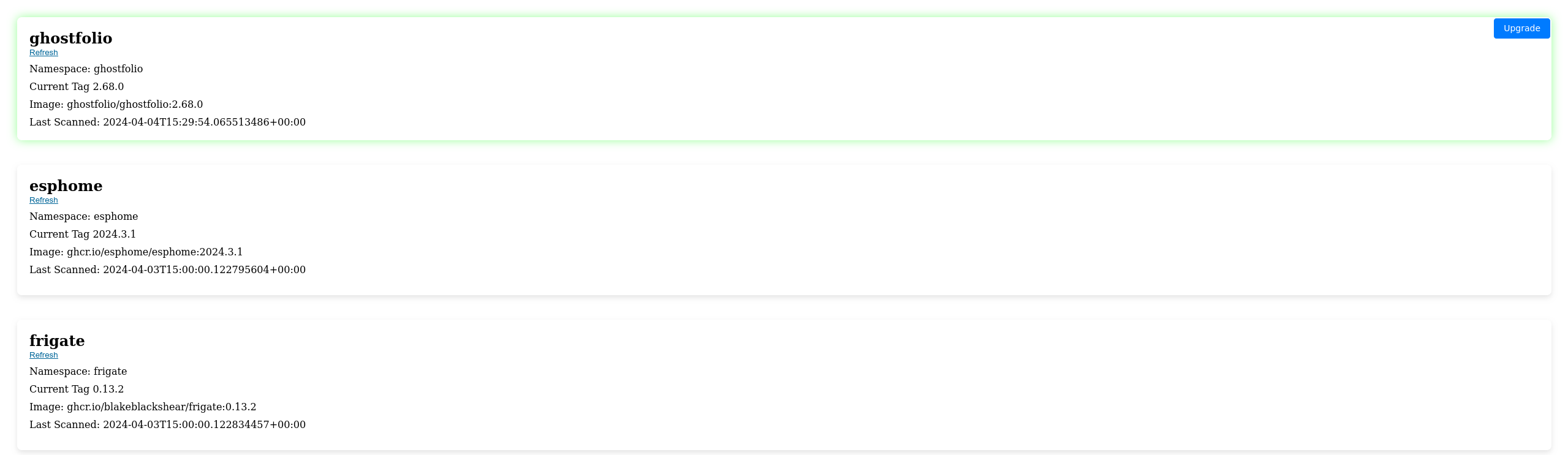
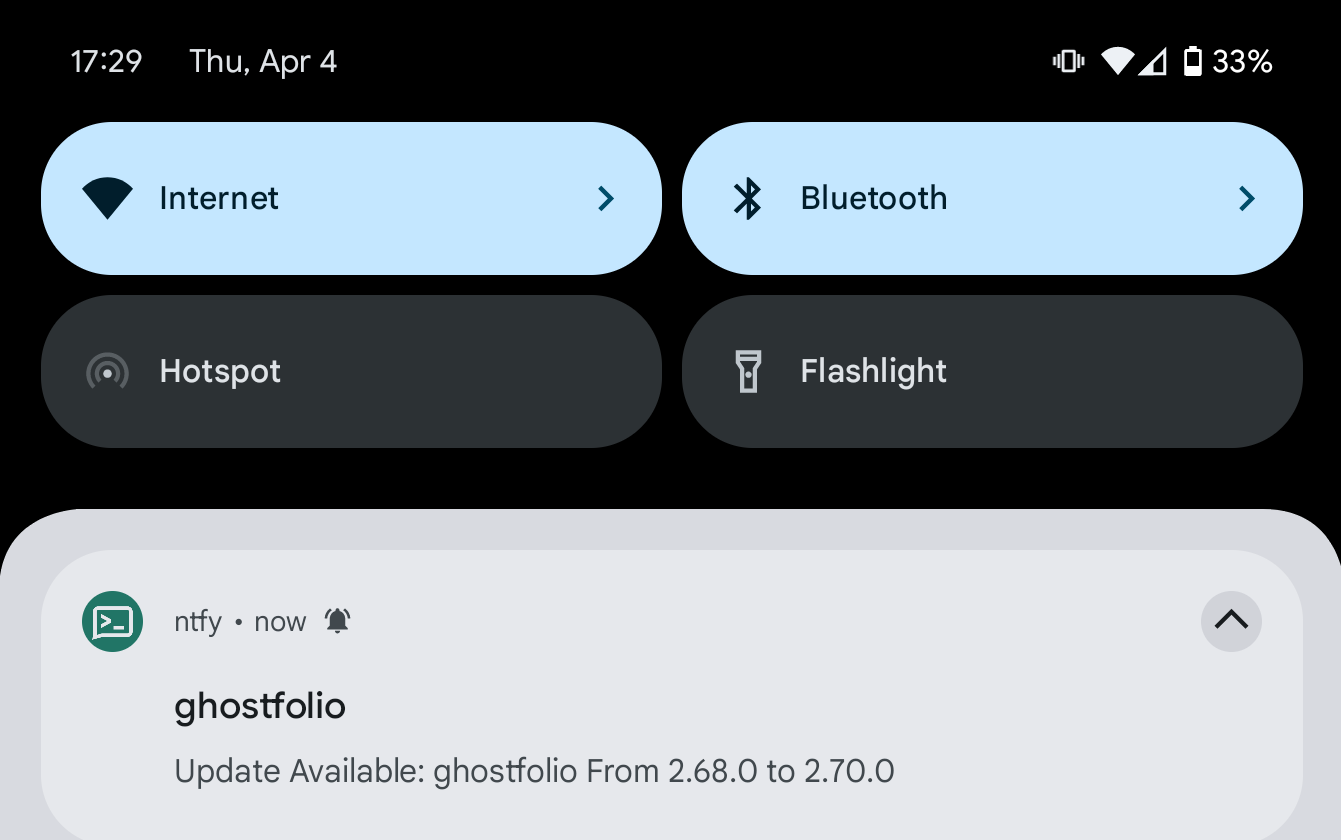
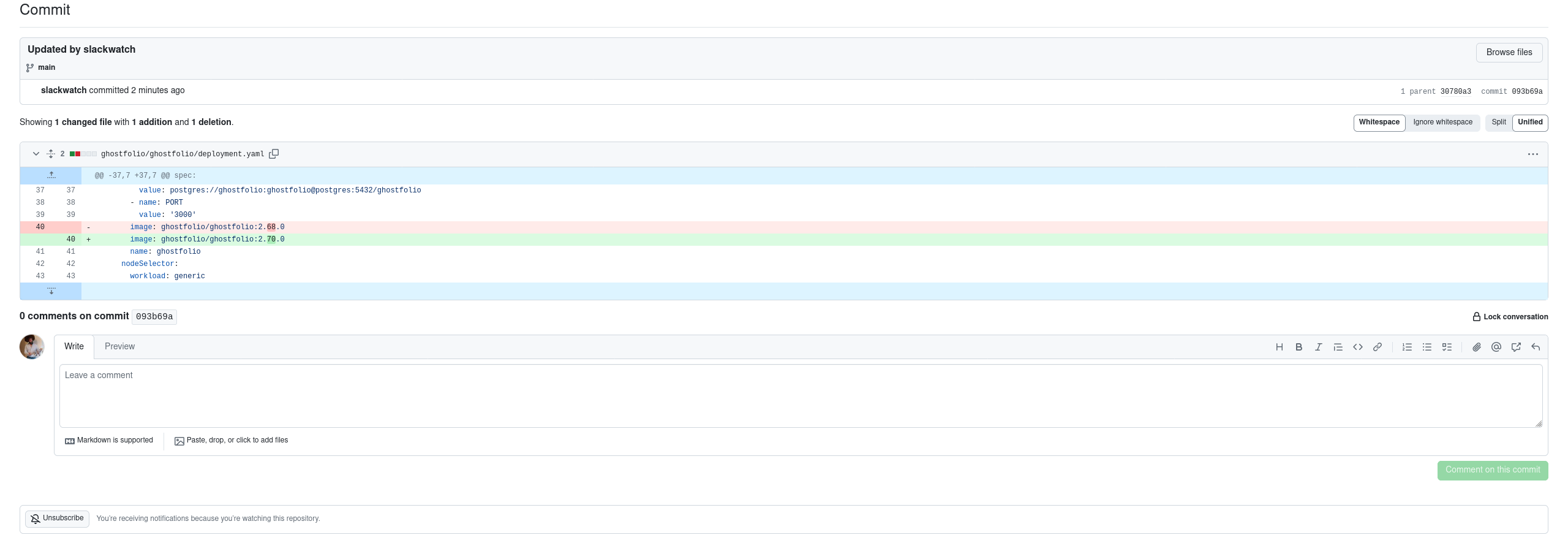
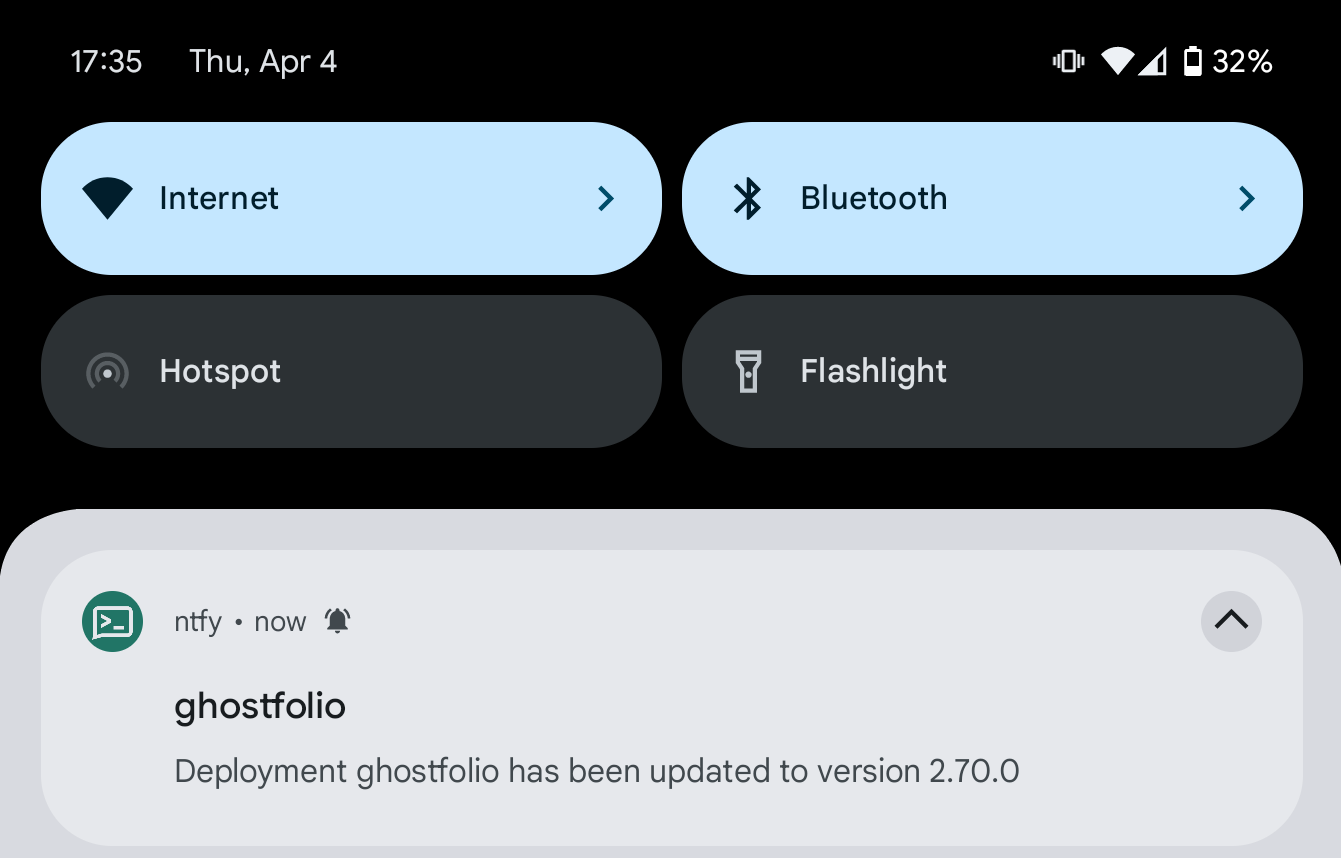
SlackWatch is Kubernetes-native and is intended to be deployed directly within your cluster.
Check out the Kubernetes manifests in the k8s directory for deployment configurations. These are working files for Rancher Fleet, but should be easily adoptable to other methods.
- Kubernetes cluster accessible from your local machine
- Rust installed
- Node.js and npm installed
- Deploy using reference k8s files under k8s directory
- Run docker locally for testing:
docker build -t slackwatch . - Run the Docker container:
docker run -p 8080:8080 slackwatch
- Clone the repository to get started.
- Navigate to the project directory
- Backend development:
- Run
cargo runto start the Rust backend
- Run
- Frontend development:
- Navigate to the frontend directory:
cd frontend - Install dependencies:
npm install - Start the development server:
npm run dev - The frontend will be available at http://localhost:5173 and will proxy API requests to the backend
- Navigate to the frontend directory:
SlackWatch is designed to be highly configurable to fit your specific needs. You can adjust settings such as Kubernetes cluster details, notification channels, and more in the config.yaml file located in the backend directory.
[system]
schedule = "0 0 9-22/2 * * *"
data_dir = "/app/slackwatch/data"

[notifications.ntfy]
url = "http://localhost:9090"
topic = "slackwatch"
priorty = 1
reminder = "24h"
#The ntfy token should be an env variable named SLACKWATCH_NOTIFICATIONS.NTFY.TOKEN in k8s


[[gitops]]
##should match annotation on pod. This acts as a key to which gitops repo to use.
name = "fleet-slack-house"
repository_url = "https://github.com/slackspace-io/slackwatch.git"
branch = "main"
##k8s secret env variable which has your git repo's token
access_token_env_name = "SLACKWATCH_TOKEN"
commit_message = "Updated by slackwatch"
commit_name = "slackwatch"
commit_email = "slackwatch@slackspace.io"
Got ideas on how to make SlackWatch even better? Contributions are welcome! Whether it's adding new features, fixing bugs, or improving the documentation, your input is valuable.
We're constantly working on improving SlackWatch, adding new features, and refining the user experience. Keep an eye on the project for updates, and feel free to reach out with feedback or suggestions.
Join the SlackWatch community today and take the first step towards effortless container version management!