Repository navigation
Troubleshooting
| Symptom | What to check |
|---|---|
| The printer is missing | Check that the printer is on, the PC can reach the printer's local IPv4 network, and RAW TCP/9100 is enabled. Then use More → Find printer. |
| The printer appears but does not connect | Confirm the selected driver supports RAW printing and the device reports a stable identity. Check Local network and Routing for the selected adapter. |
| A job disappears without printing | Check Last connection error under Printer connection and check the printer's job log. Confirm delivery by checking the physical output. |
| The printer is slow to respond after sleep | Allow the bridge to retry. If printing fails, compare with the printer awake and note the last bridge error. |
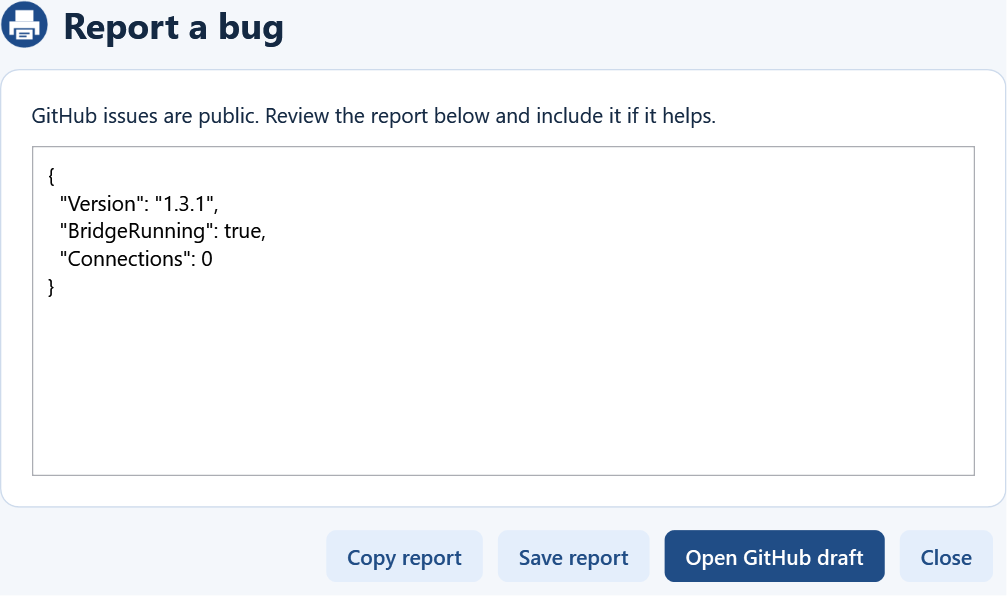
Use More → Diagnostics to save a report. Choose the option that removes network and queue identifiers before sharing. More → Report a bug previews a redacted report and opens a draft issue. Review the report before posting it to the public tracker.