Repository navigation
Releases: devin-lai/Gantry
Release list
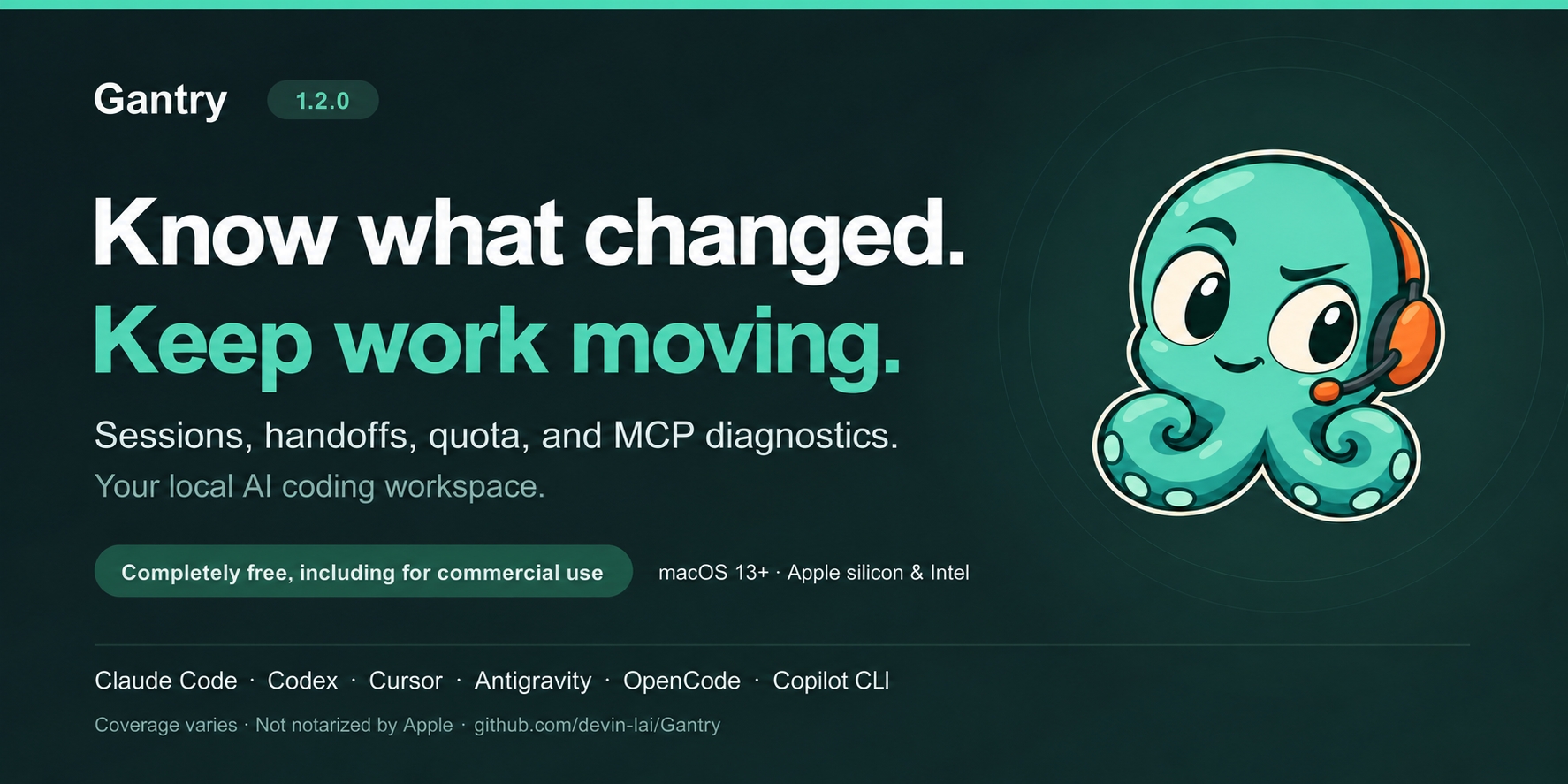
Gantry 1.2.0 — Know what changed. Keep work moving.

Gantry 1.2.0 — Know what changed. Keep work moving.
Your agent stopped. Your work doesn't have to.
Gantry 1.2 connects the conversation to what comes next: review recorded
file changes, check what is still uncommitted, copy a handoff note, and inspect
the configuration your next session will use.
Native macOS · macOS 13+ · Apple silicon & Intel · Completely free, including for commercial use
Download Gantry-1.2.0.dmg ·
Installation guide ·
简体中文
What's new
Know what your agents changed
Sessions now bring recorded file edits into view: created, edited, deleted,
and moved files, with links back to the conversation and Finder. Current,
read-only Git checks distinguish uncommitted work from clean or subsequently
committed files. A filter helps you find sessions with uncommitted edits.
These records come from supported edit tools in Claude Code, Codex, Cursor,
and Antigravity. Shell-command side effects are outside the list, and Git
status does not establish which person or agent owns a change.
Take useful context into the next session
Copy handoff note assembles the session's own recorded words, changed
files, current Git observations, commands worth reviewing, and resume command
where available. Sources, times, and cuts are labelled. Review the copied note
before pasting it into another tool.
Recent conversations are easier to reach from Overview, with explicit
copy-resume actions. Where recorded, a session ending on a usage limit can
show the other supported agent's cached quota reading and its freshness.
Recover more of an older Codex conversation
When a selected older or large session has details that have not been read,
choose Load session details. Progress, Cancel, and retry keep the read
under your control. Recovered endings, file edits, and commands update the
existing session and persist locally. Unsupported, malformed, changing, or
over-limit records remain explicitly incomplete.
Inspect capabilities for the project you're working in
Choose a tool and working directory in Agents or Inventory. Follow
skills, plugin components, and MCP servers to their sources without losing
your search or selected context.
MCP diagnosis identifies the relevant stage: configuration or policy,
executable, working directory, environment, initialization, or tool listing.
Checks show their freshness and masked evidence. A successful Gantry check
does not claim the coding tool itself loaded or approved the server.
Make supported configuration changes with clearer feedback
Supported Claude Code and Codex changes explain their destination and scope,
preview the edit, create a backup, and re-read the result. Conflicting
controls and intervening file changes receive explicit outcomes. Guarded
Undo preserves later edits instead of silently overwriting them.
A calmer workspace, with reliability fixes throughout
Softer light and dark colors, clearer search guidance, ⌘F discovery,
Escape to clear search, and expandable usage detail make everyday inspection
easier. This release also fixes session parsing and caching, Codex titles and
API-rate estimates, configuration previews and writes, scan recovery, filters,
command review, and credential masking in process and MCP diagnostics.
Try the new workflow
- Install Gantry, then open Sessions and select a recent conversation.
- Review its changed files and current Git state. If an older Codex session
offers Load session details, use it to recover more recorded evidence. - Use Copy handoff note or Copy resume command where available.
For setup work, open Agents, choose the tool and working directory,
and follow a capability into its details.
Gantry works alongside Claude Code, Codex, Cursor, Antigravity, OpenCode,
and Copilot CLI, with different coverage by tool.
See supported records and limits.
Download, verification, and first launch
Version 1.2.0 · build 119.
This release is ad-hoc signed and not notarized by Apple. Verify the
download, then follow the
first-launch guide
if macOS blocks it. The checksum identifies the bytes; it is not Apple
approval or publisher authentication.
041e51a52f34f87cf549ac4e1e33f4106675e082fca4b10ac89413a629e4497a Gantry-1.2.0.dmg
Packaging update — October 20, 2026: the included license and installation
text now confirm free commercial use. The app remains the same 1.2.0 build 119;
the repackaged DMG has the checksum above.
Download SHA256SUMS.txt alongside the DMG. The
artifact audit
records the build, tests, package contents, privacy checks, and validation
limits for these exact bytes.
Local records, clear limits
No Gantry account. No analytics telemetry. Session history stays on your Mac.
MCP checks can launch configured servers or contact chosen endpoints; those
services can use their own credentials and make network requests. Copied
handoff notes may contain private session content, so review before sharing.
Quota is cached; cost is an API-rate estimate, not your subscription bill.
Tool coverage varies, and incomplete records remain labelled. This build has
no built-in update feed. Use Watch → Custom → Releases for new versions.
Privacy ·
License ·
Practical workflows
Help another agent user get back to work
If Gantry is useful to you, star the repository and
share the official link.
Report a bug or suggest a workflow
with a redacted example.
Completely free, including for commercial use. Personal projects, business,
employer, and client use are permitted without charge or separate permission.
Gantry 1.1.0 — Find the conversation. Pick up the work.
Gantry 1.1.0 — Find the conversation. Pick up the work.
Your agents keep working. Gantry helps you see where they left off.
Gantry 1.1 brings searchable conversations, live agent states, and richer
session records to your Mac — alongside the quota, context, MCP diagnostics,
and previewable setup fixes you already know.
macOS 13+ · Apple silicon & Intel · Completely free, including for commercial use
Download Gantry 1.1.0 ·
Installation guide ·
简体中文
What's new
- Find the conversation you need. Filter Sessions by title or project, then
press Return to search conversation contents. Read matching passages, browse
a project's history, and copy a resume command where the agent provides one. - Catch the moment your agent needs you. Claude Code and Codex show Working
or Ready; Claude Code also shows recorded permission waits. Optional notices
flag waits and the completion or interruption of longer turns, with a way
back to the session's app. Claude Code's own recap appears where recorded. - Understand why work stopped. Session details show recorded usage limits,
overloads, connection failures, and interruptions. Review Claude Code's
permission decisions, commands worth a look, retry time, and compactions.
Jump from a finding to the conversation that supports it. - Bring Cursor history into view. Discover desktop conversations and their
projects, search readable messages, and reveal their local records in Finder.
Cursor usage, cost, and quota are unavailable. - Meet Antigravity support. Inspect local conversations, recorded usage,
configuration, and readable transcripts across Antigravity's supported local
stores. Antigravity replaces Gemini CLI support in this release. - Get a clearer context picture. Claude Code's context stack distinguishes
MCP tools sent in full from tools deferred for search. Codex usage includes
separately recorded remote-compaction tokens when full records are read.
These features build on Gantry's local workspace for Claude Code, Codex,
Cursor, Antigravity, OpenCode, and Copilot CLI. Coverage varies by tool;
see supported records and limits.
Try it in a minute
- Download
Gantry-1.1.0.dmg, compare its SHA-256 withSHA256SUMS.txt, and
drag Gantry into Applications. - Open Gantry, read the welcome screen, and choose your MCP benchmarking
preference. - Open Sessions, pick a project, and search for something you remember
asking your agent. Open a result to return to the passage.
This release is ad-hoc signed and not notarized by Apple. If macOS blocks
the first launch, follow the
Privacy & Security → Open Anyway instructions
after verifying and trusting the download. A checksum identifies the bytes;
it is not Apple approval or publisher authentication.
Checksum and validation
0686035efe4659234c60014c9165a0085fb80392ca2e7792b58d0f652af518dd Gantry-1.1.0.dmg
Version 1.1.0 · build 96. The regression run reported 2,265 tests passed,
four skipped, and zero failures, with the real-home and active-MCP suites
excluded. The universal Release build and disk image passed signature and
compatibility checks, and the packaged app passed an isolated launch check.
Credential scans found no matches in the inspected distribution.
Read the audit scope and limits.
Local records, clear limits
No Gantry account. No analytics telemetry. Session history stays on your Mac.
MCP benchmarks can launch configured servers or contact chosen endpoints;
those services can use their own credentials and make network requests.
This release has no built-in update feed. Use Watch → Custom → Releases
to hear about new versions.
Quota readings can be stale; costs are API-rate estimates, not subscription
bills. Older or large Codex rollouts can leave details unread. Claude Code
permission counts require records from 2.1.294 or later. Command review shows
recorded inputs, not what those commands changed. Older encrypted Antigravity
conversations cannot be read. Automatic permission-rule suggestions remain
disabled by default.
Artifact audit ·
Privacy ·
License
Help shape the next release
Found a conversation Gantry can't read, or a workflow it could make easier?
Report a bug or suggest a feature
with a redacted example. Please keep credentials, private prompts, and full
transcripts out of public reports.
If Gantry helps you, star the repository and
share it with another agent user.
Completely free, including for commercial use. The current
license also covers
previously downloaded official releases and supersedes earlier use restrictions.
Gantry 1.0.0 — Your AI coding setup, in one view (Preview)
Gantry 1.0.0 — Your AI coding setup, in one view
Public preview · build 79 · macOS 13+ · Apple silicon and Intel
See what your coding agents load, spend, and run. Gantry is a native macOS
workspace for Claude Code, Codex, Cursor, Gemini CLI, OpenCode, and Copilot CLI,
with different coverage by tool. Completely free, including for commercial use.
Download the macOS preview · Try one of four workflows · 简体中文
What you can explore
- Quota at a glance: locally cached Claude Code and Codex windows, freshness,
reset times, pace, menu bar status, and optional notifications. - Context before the first prompt: instructions, skills, rules, agent
definitions, and MCP schemas, with estimates and recorded measurements. - A Doctor for your setup: ranked findings, evidence, previewed configuration
changes, local backups, and Undo. - MCP diagnostics: initialization and tool-list timings to help identify
slow or broken servers. - Projects, sessions, and live processes: recorded usage and cost estimates,
context timelines, and agent/MCP CPU and memory use.
Install
Download Gantry-1.0.0-build79-public-preview.dmg, verify its SHA-256, open it, and drag Gantry to Applications.
Read the welcome screen before allowing automatic MCP benchmarks.
This preview is ad-hoc signed and not notarized by Apple. If macOS blocks the
first launch, follow the installation guide
and Apple's Privacy & Security guidance after verifying and trusting the file.
A checksum is not proof of notarization or publisher identity.
be048354167d135f18dfdc19b5dadfe7c29d3c24d95045f0c61e9ef6e5033243 Gantry-1.0.0-build79-public-preview.dmg
This candidate was inspected for personal build paths, credentials, signing
identity, and bundled development artifacts. Debugger access is disabled. The
audit scope and limits
apply only to these exact bytes.
Privacy and limits
There is no Gantry account or analytics telemetry. Session data stays local.
Benchmarking can launch configured MCP servers or contact chosen HTTP endpoints;
those services can make their own network requests. This build has no built-in
update feed.
Quota can be stale; costs are API-rate estimates rather than subscription bills.
Some agents expose fewer fields, and context timelines can leave usage
unattributed. Large histories may take time to index.
Coverage and limits ·
Privacy ·
License
Tell us what would help
Report a bug or describe a workflow
using redacted diagnostics or synthetic examples. Never attach credentials or
private transcripts. If Gantry is useful to you, star the repository and share
its link with another agent user.
Completely free, including for commercial use. The current license also covers previously downloaded official releases and supersedes earlier use restrictions.