
First public release of Shelf — a self-hosted home library catalog that gets your books, games, and movies into a database with as little typing as possible.
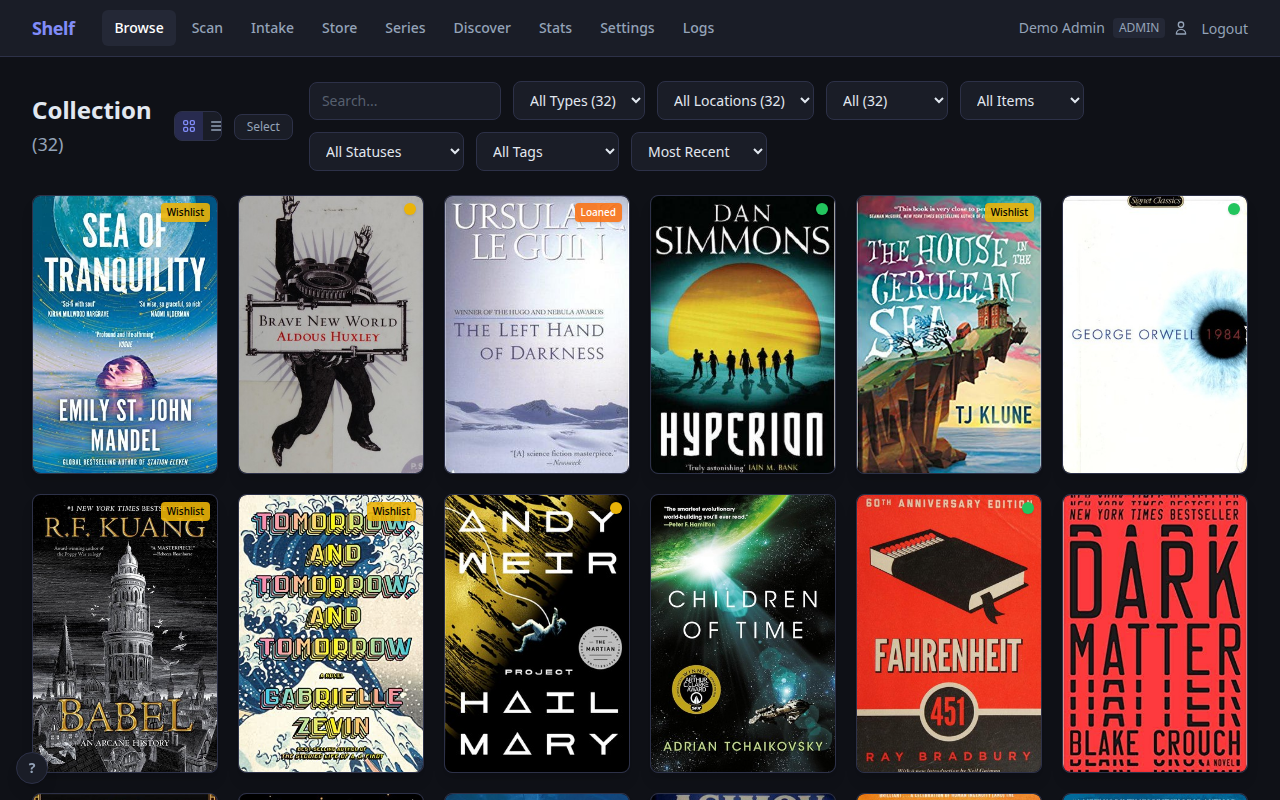
Highlights
- Scan and done — camera or USB/Bluetooth barcode scanning with automatic metadata, cover art, and synopsis lookup (Open Library, Hardcover, Google Books)
- Photo Intake — photograph a whole shelf and a vision model (Anthropic API or fully local Ollama) reads the spines; review the candidates, confirm, done. High-res photos get an ingest preview and optional tiling with per-option cost estimates
- 8 scan modes — Add, Wishlist, Lend, Return, Move, Inventory, Lookup, Quick Rate
- Store Mode (offline PWA) — instant owned/wishlist verdicts in a bookstore with zero signal; unknown scans queue on-device and join your wishlist when you're back online
- Series tracking — grouped series view with gap detection; with Hardcover configured, one click wishlists the missing volumes
- Goodreads & StoryGraph import — upload the export as-is, format auto-detected
- Lending — borrower tracking, overdue badges, optional daily digest (ntfy/webhook)
- Video games & movies — IGDB (retro to current platforms) and TMDb via UPC
- Valuation report — print-ready, location-grouped insurance report (ISBNdb)
- Share links — revocable, unguessable public read-only wishlist/collection pages
- Multi-user — admin / editor / viewer roles
Security posture
Built for a home LAN, hardened like it isn't: strict CSP (no unsafe-inline, no unsafe-eval, no CDNs — all assets vendored), CSRF protection on every mutating request, encrypted API-credential storage with the key kept out of the database, optional passphrase-encrypted backups, HTTPS out of the box, non-root container. See SECURITY.md.
Quick start
# docker-compose.yml
services:
  shelf:
    image: dangahagan/shelf:0.1.0
    network_mode: host
    environment:
      - CERT_SAN=DNS:shelf,DNS:localhost   # add IP:<your-lan-ip>
    volumes:
      - ./data:/data:z
    restart: unless-stopped
docker compose up -dOpen https://localhost:18888 and create your admin account in the setup wizard. No API keys required for core book cataloging.
Full changelog: CHANGELOG.md