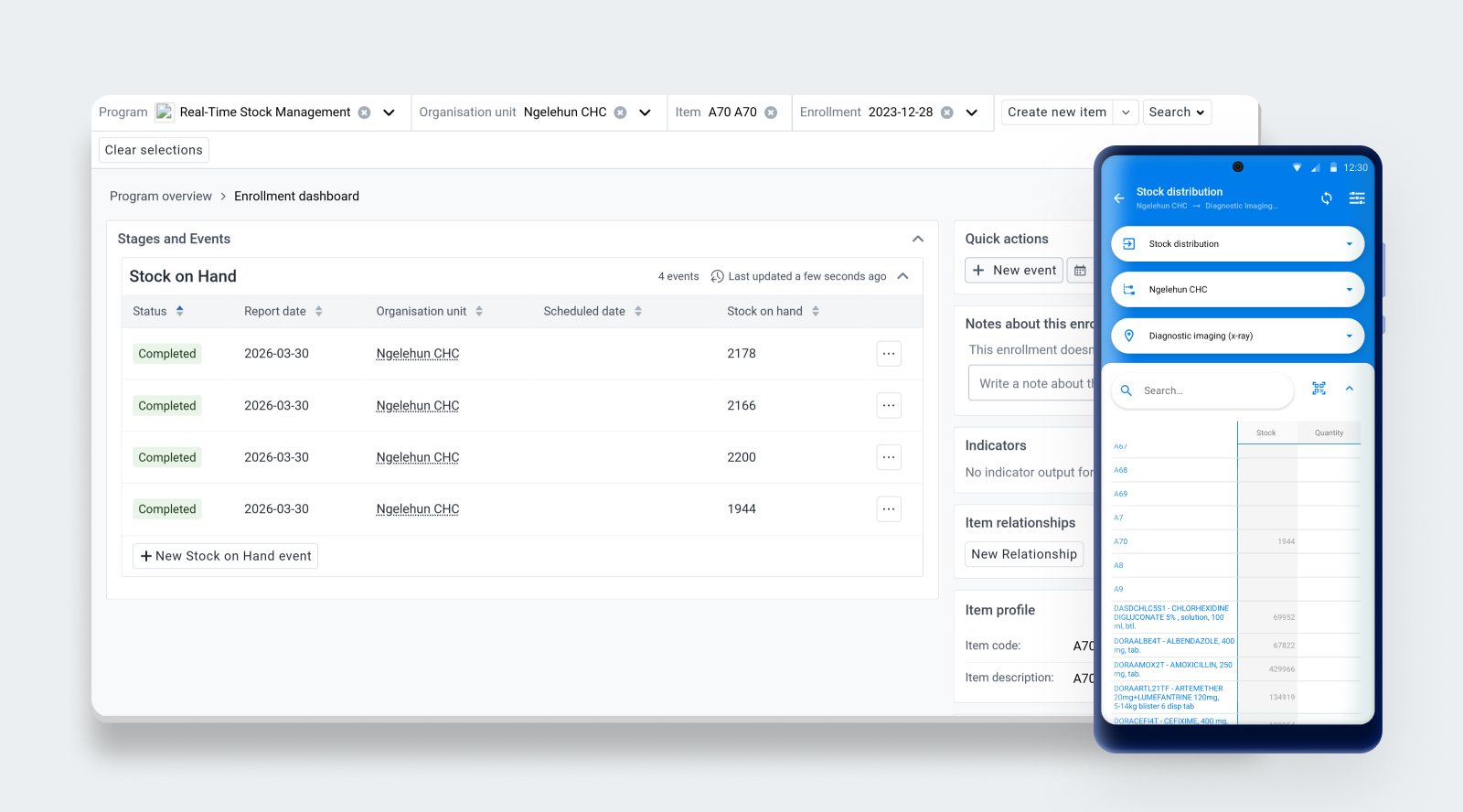
Android Capture App for DHIS 2 (v3.4.0)

Release notes - Android App for DHIS2 - 3.4.0
Highlights of this release
- Tracked entity search configuration and metadata sync improvements.
- Program rule action enhancements: markdown support, action ordering.
- DHIS2 custom theme aligned with web.
Deprecation notice: Version 3.4 has stopped the support for Android 5.0 (API 21) and 5.1 (API 22). Version 3.3.x was the last version supporting Android 5.x and will only receive critical security fixes.
NEW FUNCTIONALITY AND WEB PARITY
Tracked Entity Search Performance Configuration:
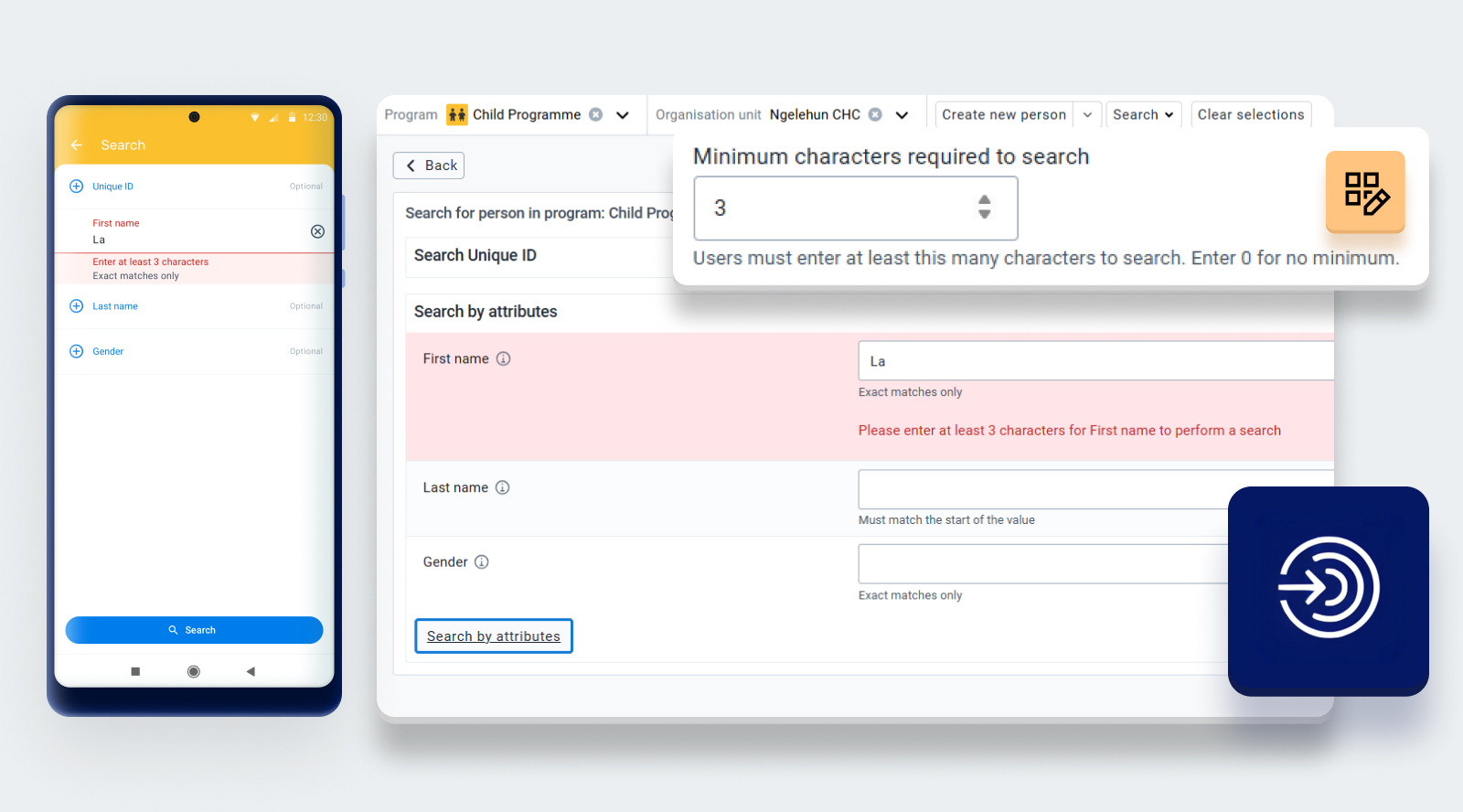
This feature enables the configuration of the search operators for the different Tracked Entity Attributes to improve search performance.
Tracked entity attributes can now define a preferred default search operator. This configuration is set in the Maintenance app and interpreted by the Capture Web and Android applications, third party clients can also use the recommended operator when performing searches. Specific operators can also be restricted to protect system performance.
Sensible defaults are automatically applied to guide efficient queries. The LIKE operator—commonly associated with slow performance—is no longer selected by default; instead, EQUALS or other more efficient operators are pre-selected
To further optimize tracked entity instance (TEI) searches, this feature adds support for specifying a minimum number of characters required for searching and for enabling trigram indexing.
DHIS2 Custom Theme:
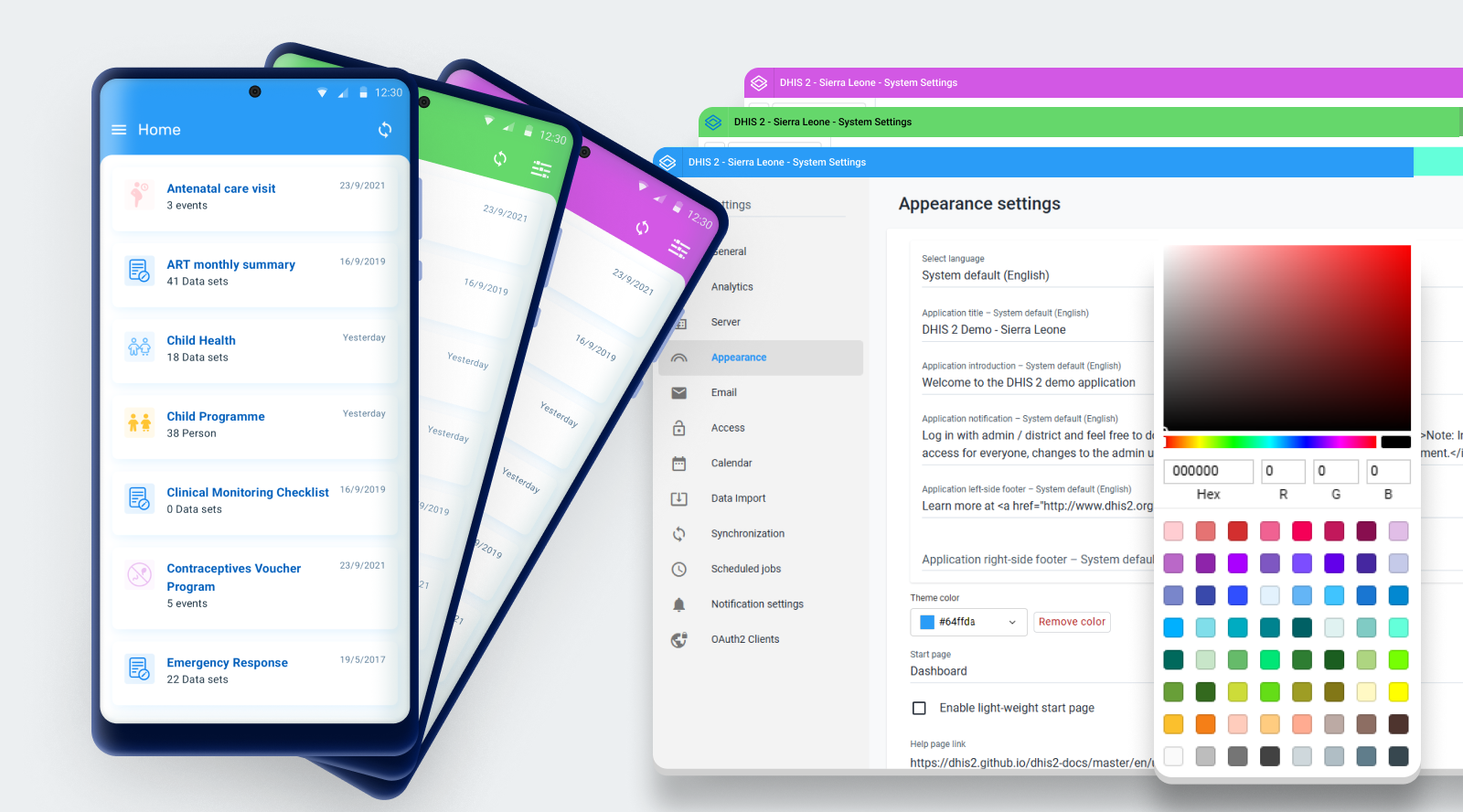
DHIS2 version 43 now supports changing the theme color of your DHIS2 instance. This is done via the theme color setting under the Appearance tab in the Settings app. The color picker has a curated set of preset colors to choose from, or the user can enter a specific RGB value. The selected color is applied consistently across the headerbar on the entire instance, as well as on the Android app. A contrast algorithm automatically adjusts the text and icon color to maintain legibility against the selected background. Removing the color reverts the instance to the default blue color. The android style setting is restricted to v42 and below.
Markdown and legend support in Android Feedback Widget:
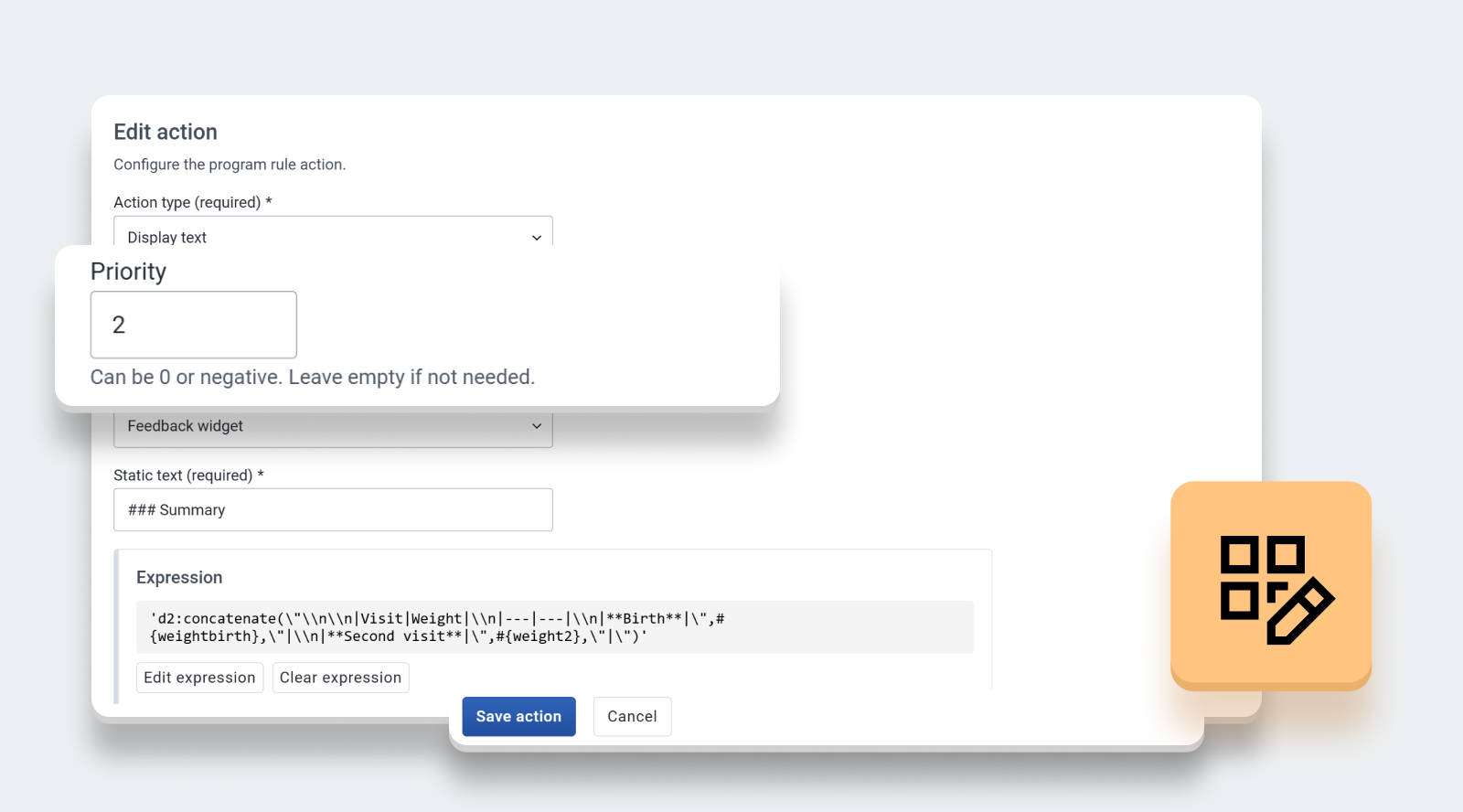
Feedback messages generated through display text and key-value pair actions can now include formatted text using Markdown, enabling the display of structured content such as titles, lists, and emphasized text.
In addition, support for legend-based styling has been introduced, allowing feedback values to be visually highlighted based on predefined legend sets. This enables dynamic color-coding of key values, helping users quickly interpret results and identify important conditions.
Program rule priority for Actions:
Each program rule action can define an optional priority value. During rule evaluation, actions are first grouped based on their parent program rule, and then ordered by the611ir assigned priority. Actions with lower priority values are processed first, while actions without a defined priority are placed at the end.
This allows multiple related actions to be managed within a single program rule while still maintaining a clear and predictable execution order.
USER EXPERIENCE
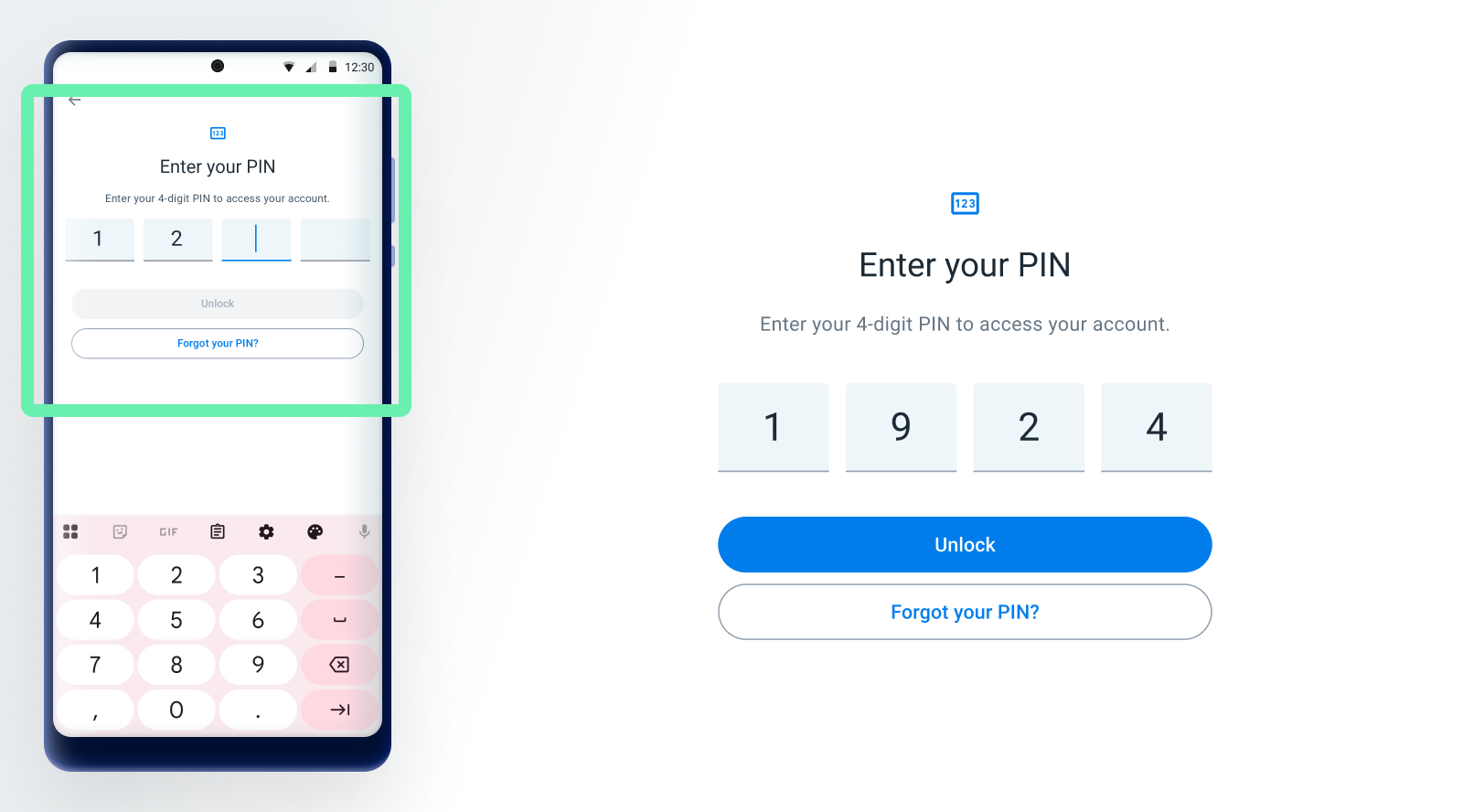
Android Log In process improvements:
The new PIN design provides a more modern and consistent user experience during setup. This change is part of the broader work to improve authentication related screens and prepare the foundation for future enhancements
PERFORMANCE & MAINTENANCE
Android Metadata Sync Improvements
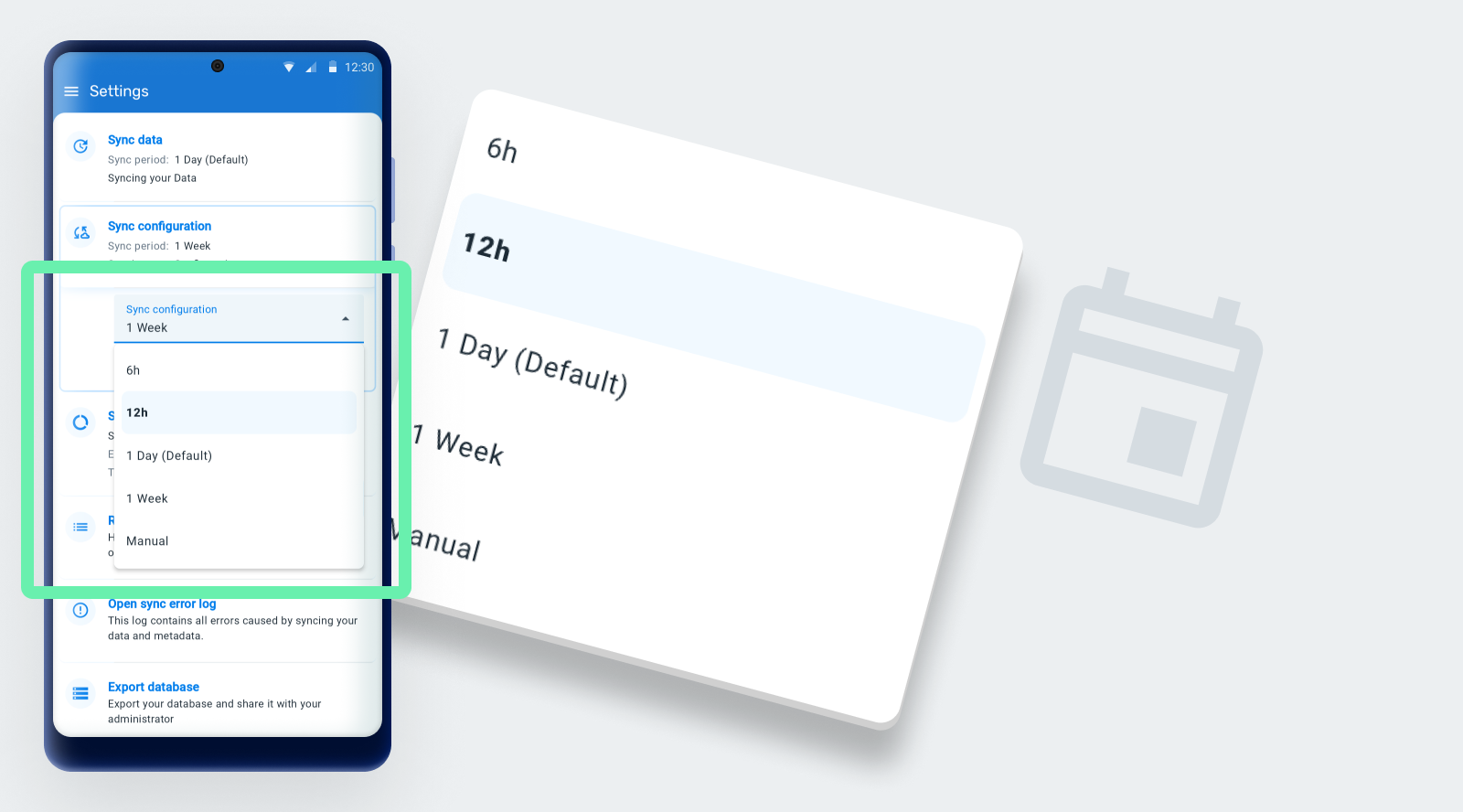
Metadata synchronization has been enhanced with more frequency options. In addition to existing intervals, automatic metadata sync can now run every 6 or 12 hours, allowing for more timely updates and better alignment with data sync behavior.
As part of the improvements, the app also performs a daily background check to detect any changes in the configuration when the sync is set to "Manual". If a change is detected from manual to an automatic sync frequency, an immediate metadata sync is triggered and the corresponding schedule is applied.
Improved Event ordering for consistent sync and calculations:
With this update, event ordering has been aligned across Web, Android, and API sources, allowing events to be processed in the correct sequence during synchronization and improving overall data consistency and reliability.