This project is an end-to-end computer vision pipeline to detect 2d chess boards and output the FEN. Works on CPU in real time. Below are the pipeline steps:

Demo video: https://www.youtube.com/watch?v=JC1B7B19dEQ
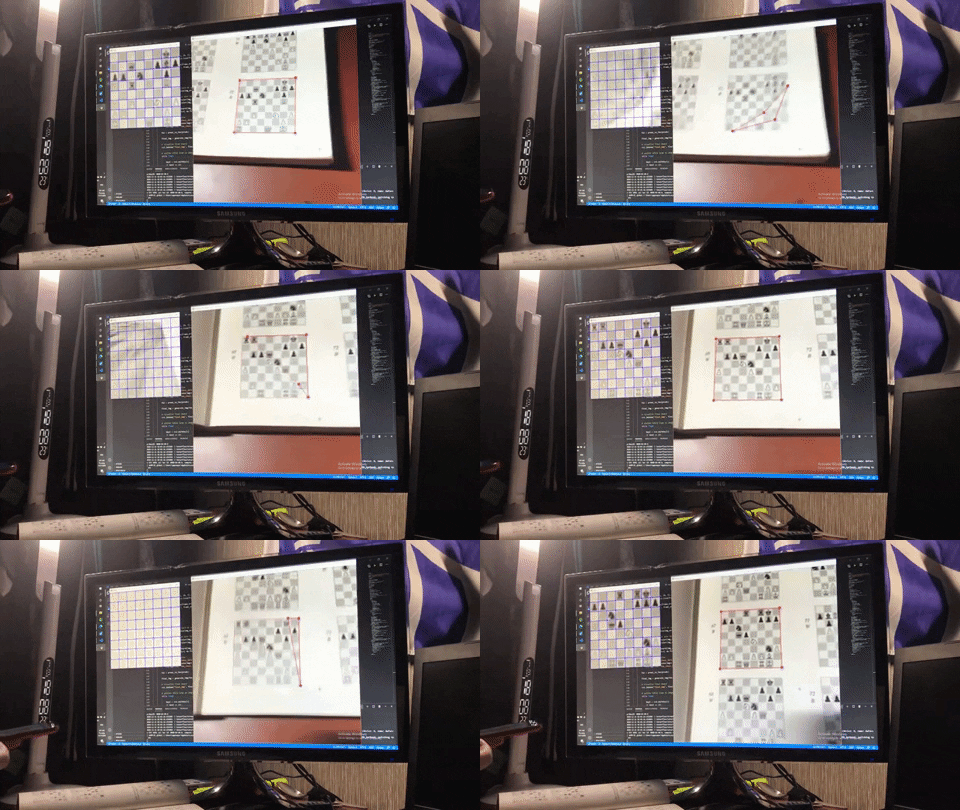
We use openCV to evaluate frames in real time, either from a webcam or phone footage via an IP. This was designed to deploy on an iOS app (TBD).
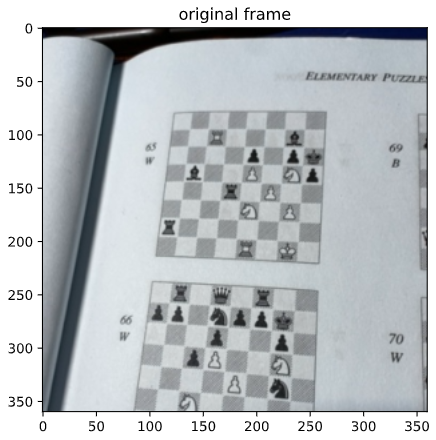
We use the tiny YOLO from https://github.com/AlexeyAB/darknet for object detection. For preprocessing, I found that applying the Canny edge detection improves the YOLO performance, particularly the recall. https://docs.opencv.org/master/da/d22/tutorial_py_canny.html
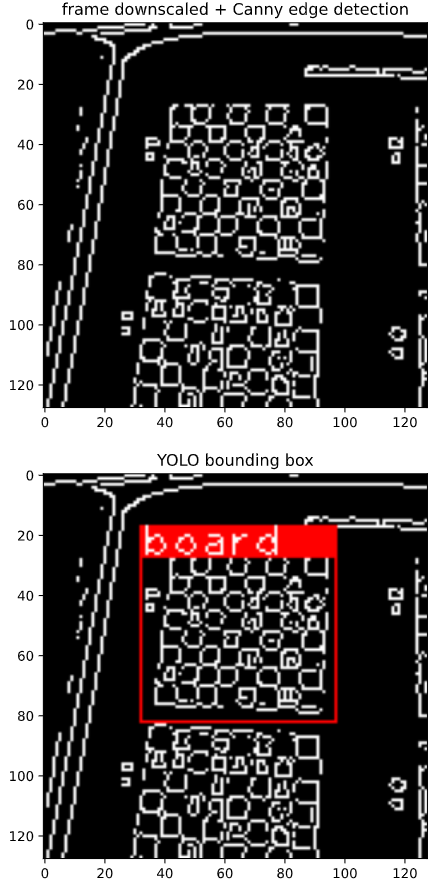
Once we have the YOLO object bounding box, I have found the following pipeline to be the most reliable way to find the corners:
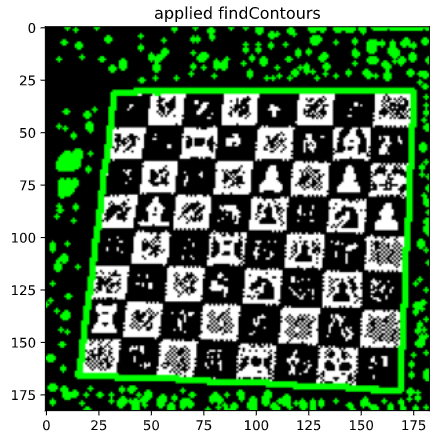
- Adaptive threshold, cv2.adaptiveThreshold()
- Find contours, cv2.findContours()
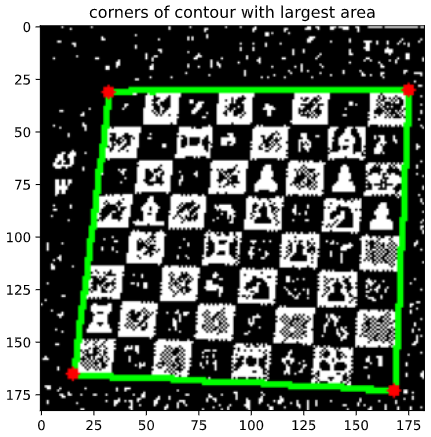
- Select contour with largest area, cv2.contourArea()
- Find corners of that contour, cv2.arcLength() -> cv2.approxPolyDP()
Finally, we apply perspective shift on the found corners to line up each 64 squares with the fixed grid.
Below this pipeline is visualized:
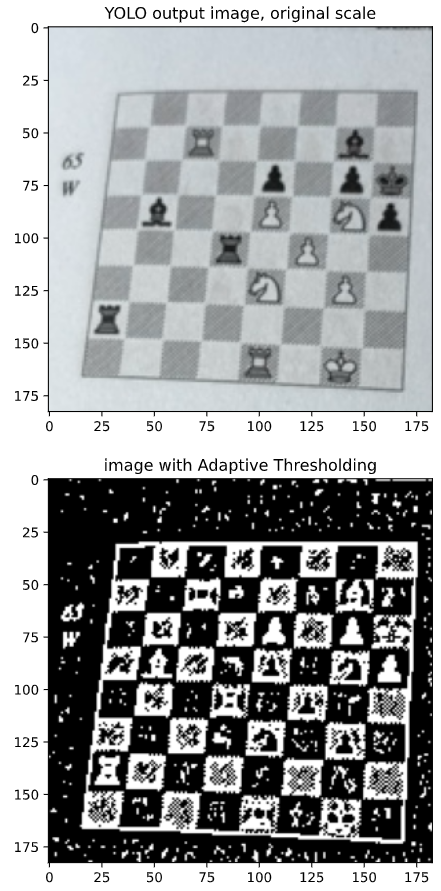
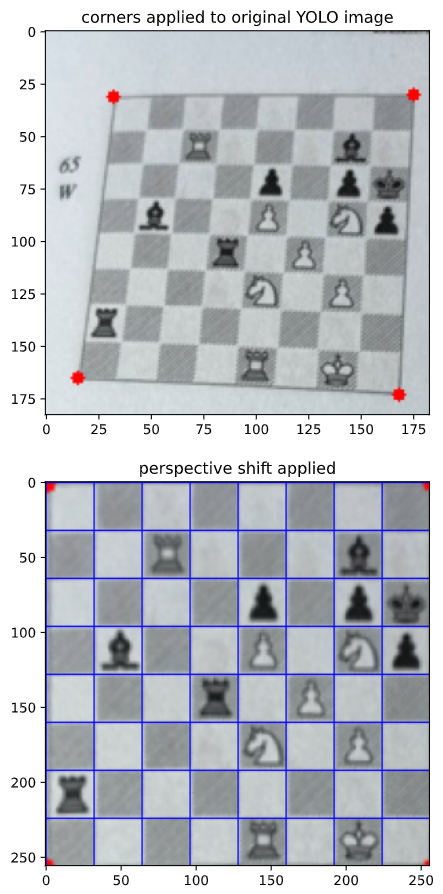
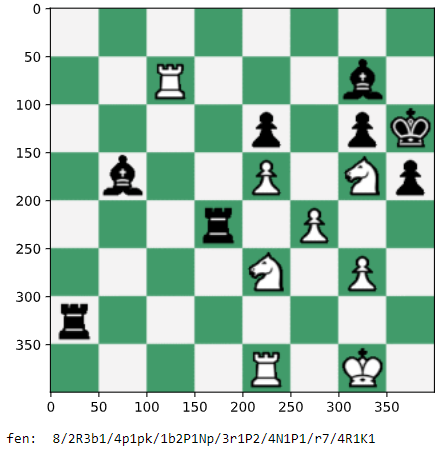
Once we have the board lined up with the grid, we split the image into 64 squares and classify each square using a small CNN.
The model was trained on generated images. I used piece and board templates from https://github.com/koryakinp/chess-generator and positions from https://www.kaggle.com/ronakbadhe/chess-evaluations. To augment the data, I also added random perspective shifting in order to simulate imprecise corner detection. To recreate, use the generate_imgs.ipynb notebook and follow instructions in section 6.
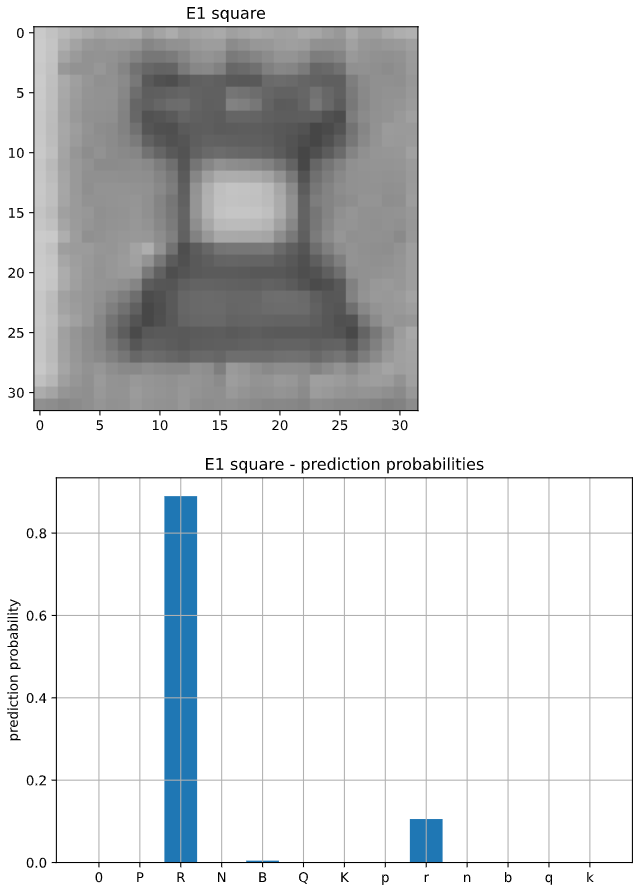
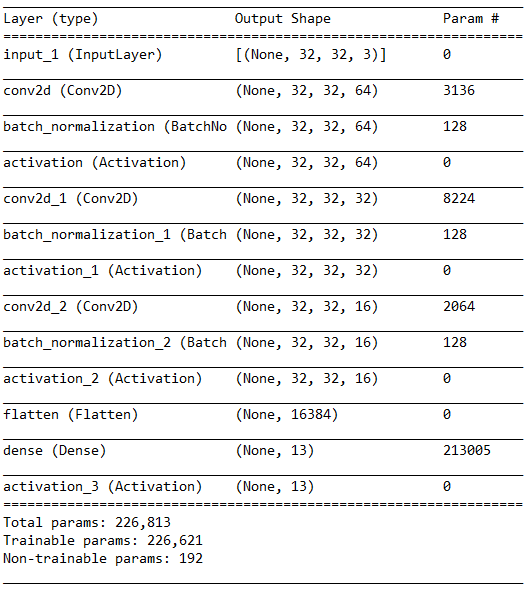
The model uses input of shape (32, 32, 3) and output of shape (13) for the 13 square classes (6 pieces x 2 colors + 1 for empty squares). The layers are 2d convolutional layers with batchNorm and ReLU activation.

The YOLO model performs reasonably fast on CPU (~15 FPS) and accurately (100% mAP on train & test, pretty good on live validation footage also). I would most want to improve the recall, as it's usually better to have a larger box as the corner detection can usually handle an imprecise YOLO box.
I found more training images not necessarily improving the YOLO performance, but removing low quality images improving the performance a lot. Perhaps more curation of the dataset could be done.
The train & test square classification accuracy is 99.5%. This suggests that around 72.6% of board captures will have all 64 squares correctly classified, because 0.995 ** 64 = 0.726
On live validation data, I found the roughly 1 / 5 images would have all 64 squares correct, which is pretty bad. The puts validation accuracy closer to 97.5%, because 0.2 ** (1/64) = 0.975
Frequent faults of the model would be:
- Classifying a white piece as a black piece of the correct piece type, particularly the Queen and Rook, particularly in low light
- Classifying a black Bishop as a black Pawn
More work on data augmentation needs to be done, particularly taking normalizing for light condition.
Another way to generate training data in an efficient way could be to screencap the output of corner detection, in order to line up the training data with real world validation data, but this felt like it would make this pipeline even more narrow than it already is.
uncomment line 36 for webcam use OR change line 33 to your phone camera's IP address. I was using this app https://apps.apple.com/us/app/ip-webcam-home-security-camera/id1264454867. It's pretty bad but it got the job done for me.
Press Enter to evaluate image and Esc to close
0. [optional] to label your own images, git clone https://github.com/tzutalin/labelImg and follow instructions to run
You can use the video_preprocess_yolo.ipynb notebook to help with preprocessing images. I used resize + Canny for chessboards, more detail in the pipeline explanation above.
1. git clone https://github.com/AlexeyAB/darknet and follow instructions to compile & train custom objects
For GPU training, make sure to use the darknet.exe in vcpkg\installed\x64-windows\tools\darknet