
docline turns .md and .mdx into a beautiful, structured docs UI fast, with zero cost and full ownership.
Built for teams moving away from expensive paid tools, docline gives you a professional docs experience without platform lock-in.


Animated theme tour:
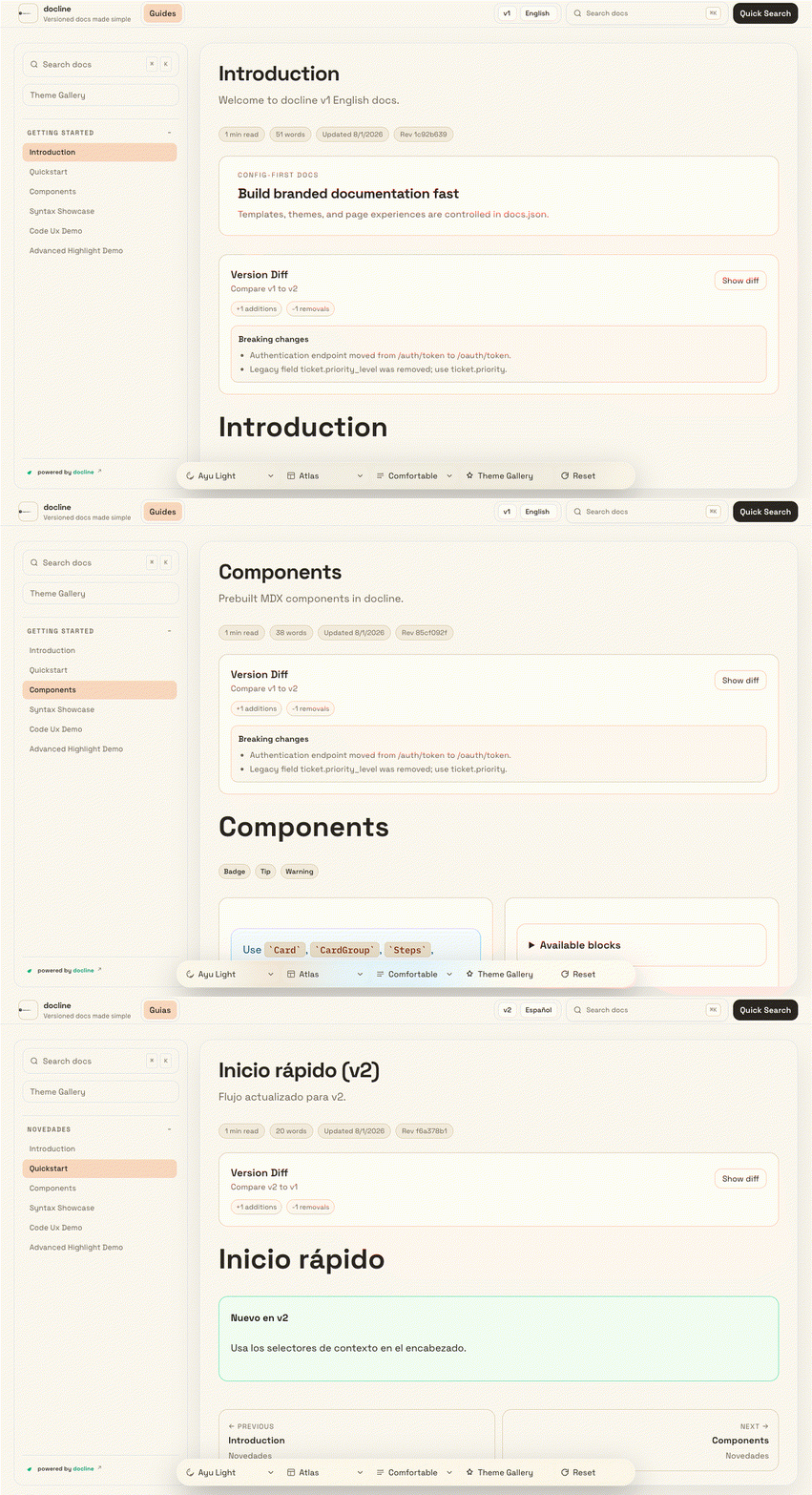
Effects tour (theme + contrast + density + reading focus):
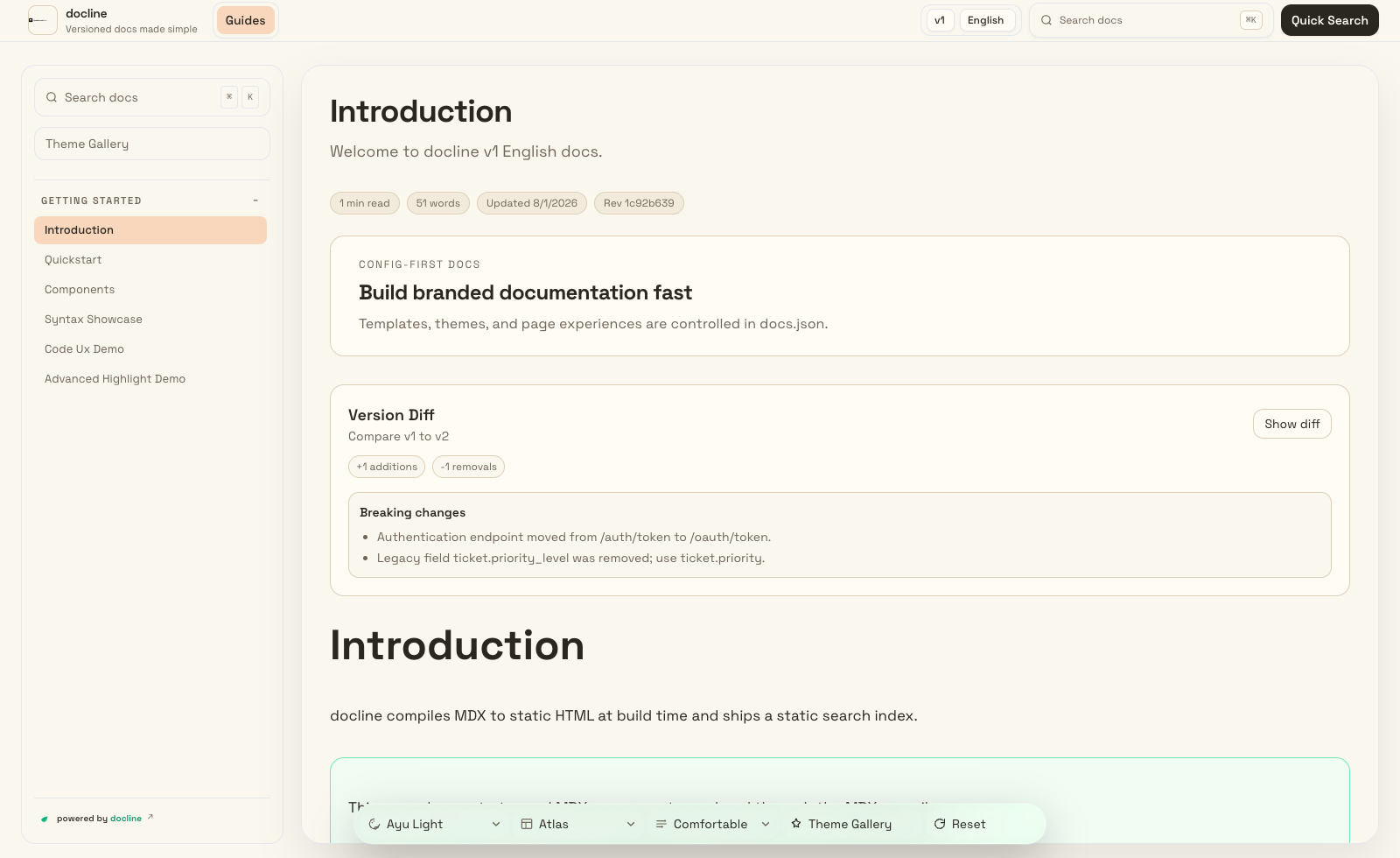
Theme preview dropdown (12 themes)
Ayu Light | Catppuccin Latte | GitHub Light
Solarized Light | Tokyo Night Storm | Dracula Pro
Open live docs: https://doclines.github.io/docline-core
- Feature-first configuration for consistent documentation at scale
- Fast, reliable search across all pages
- Rich authoring experience with reusable content blocks
- Versioned and multilingual documentation support
- Portable output you can host anywhere
- Built-in quality checks for content health and accessibility
npx create-docline@latest my-docs
cd my-docs
npx create-docline@latest dev--docs-mode standardfor single-context docs--docs-mode versionedfor version + locale docs--branding keep|removefor attribution preference--badge-style minimal|fullfor branding style--pm npm|pnpm|yarn|bunfor package manager selection--no-installto skip dependency installation
npx create-docline@latest devstart local previewnpx create-docline@latest validaterun docs/config validationnpx create-docline@latest broken-linkscheck internal links and anchorsnpx create-docline@latest checkrun validation + link checksnpx create-docline@latest a11yrun accessibility checksnpx create-docline@latest exportcreate distributable static package
- Install and start
npx create-docline@latest my-docs
cd my-docs
npm install
npm run dev- Edit your main config
- Create
docs.jsonin the project root if it does not exist, then update branding, theme, navigation, versions, and locales. - Keep
content.rootspointed to folders that contain your markdown/MDX docs. - For versioned docs, define
contentMatrix.entrieswithversion,locale,roots, andnavigation.
- Add or update your docs pages
- Place content in your configured docs roots.
- Versioned mode example:
docs/v1/en/,docs/v1/es/,docs/v2/en/. - Standard mode example:
docs/(single context, no locale folders). - Add
.mdor.mdxpages. - Register page paths in navigation so they appear in sidebar/top tabs.
- Versioned mode: update navigation inside each
contentMatrix.entries[].navigationblock. - Standard mode: update top-level
navigation.tabsindocs.json.
- Validate and build
npm run validate
npm run build- How doc loading works
npm run docs:compilescans configured roots and generatessrc/generated/docline-content.json.- The app loads from that generated file at runtime for fast search/navigation.
- If a page is missing in UI, check: file path,
content.roots, andnavigation/contentMatrixentries.
Use theme-aware favicon icons and a single top-left wordmark logo in docs.json:
{
	"favicon": {
		"light": "/logos/light.svg",
		"dark": "/logos/dark.svg"
	},
	"branding": {
		"logo": {
			"src": "/logos/wordmark.svg",
			"variant": "wordmark",
			"showText": false
		}
	}
}docline output is deployment-ready and can be hosted on any modern static hosting platform.
git clone https://github.com/doclines/docline-core
cd docline-core
npm install
npm run devLicensed under the MIT License.