Plugin Setup
- Copy the plugin folder to
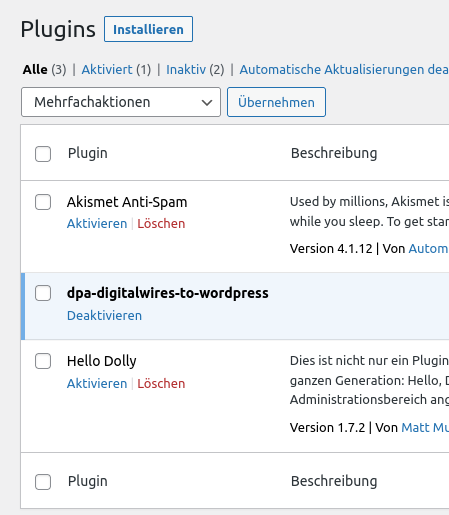
wp-content/plugins/dpa-digitalwires-to-wordpress - Activate plugin in the WP-admin-dashboard
-
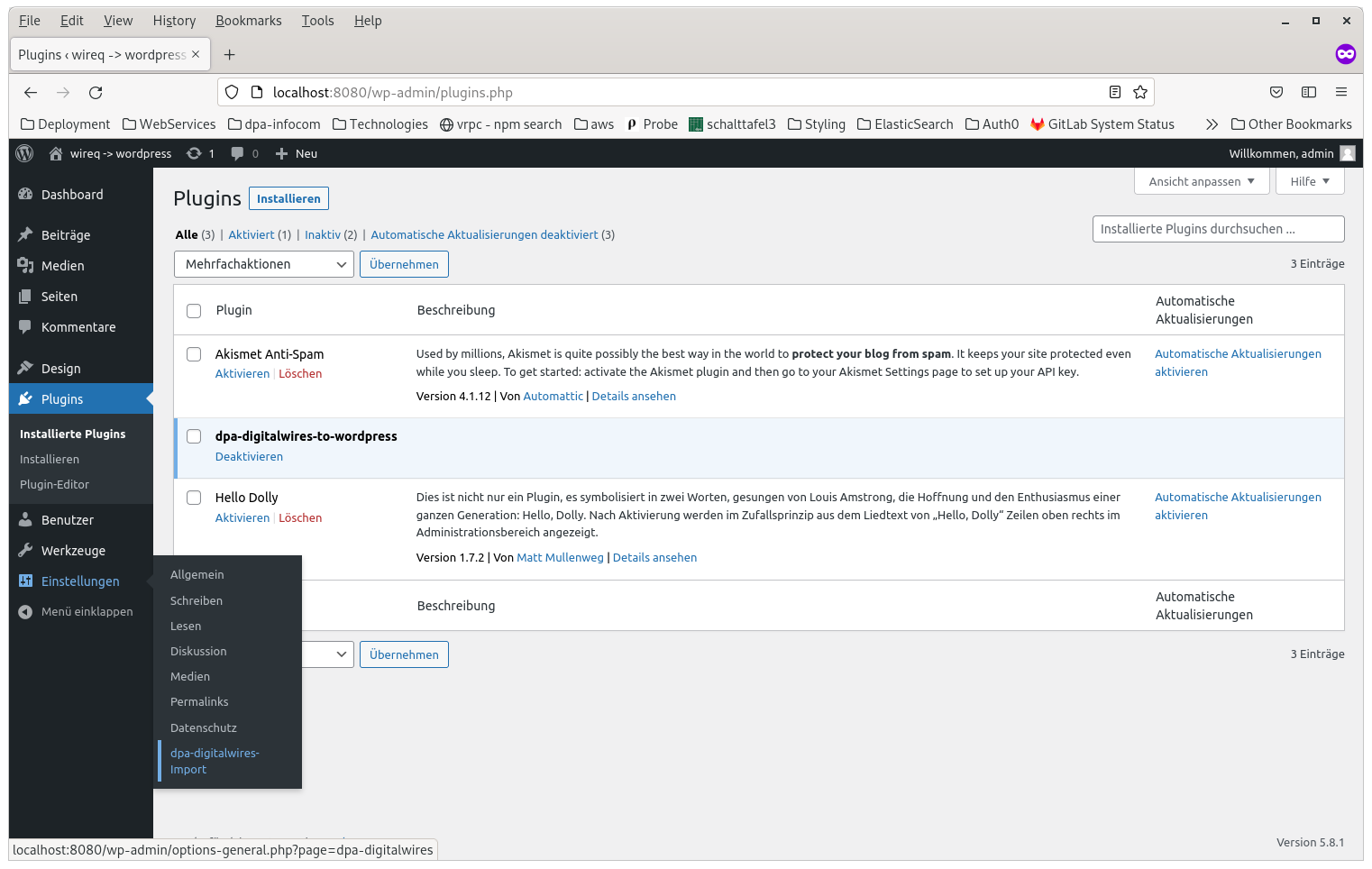
Move to the dpa-digitalwires-Import-menu
-
Add your wireQ-Endpoint to the plugin's settings and tick the "active"-checkbox

You can customize whether new dpa-articles should be published immediately after import or they should be inserted as drafts. You can also decide whether new versions of articles should overwrite an existing one or if they should be inserted as additional (draft-)articles.