Object Bond
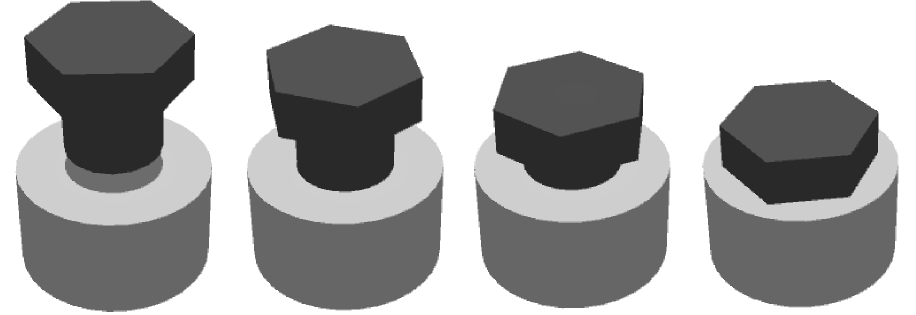
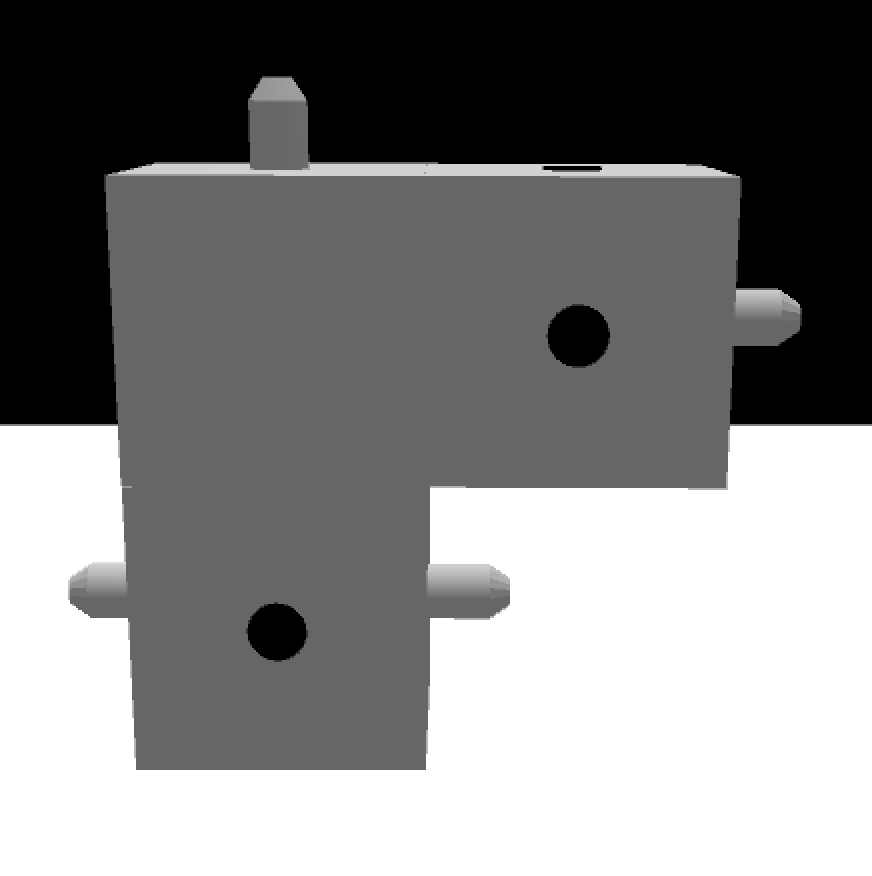
Object bonds simulate how two objects can be put together (assembled, attached, glued) into a single rigid object. For example, screwing a bolt into a nut, or building structures using Lego-like pieces.
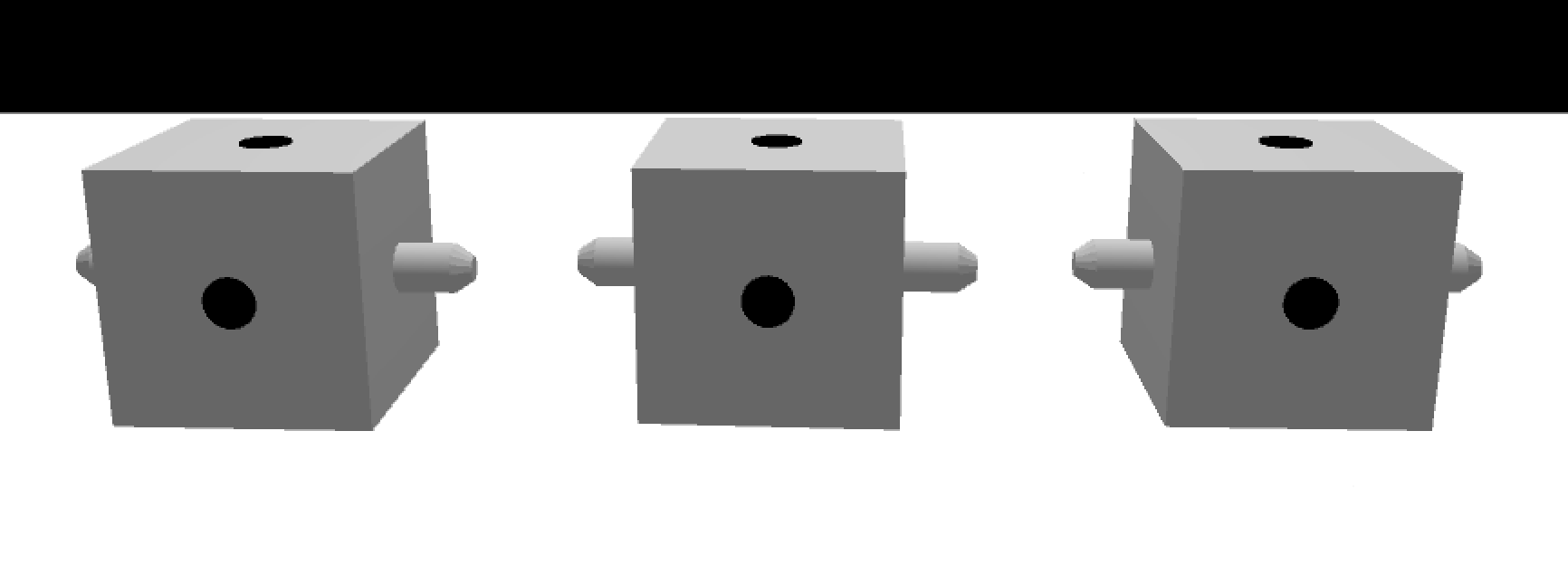
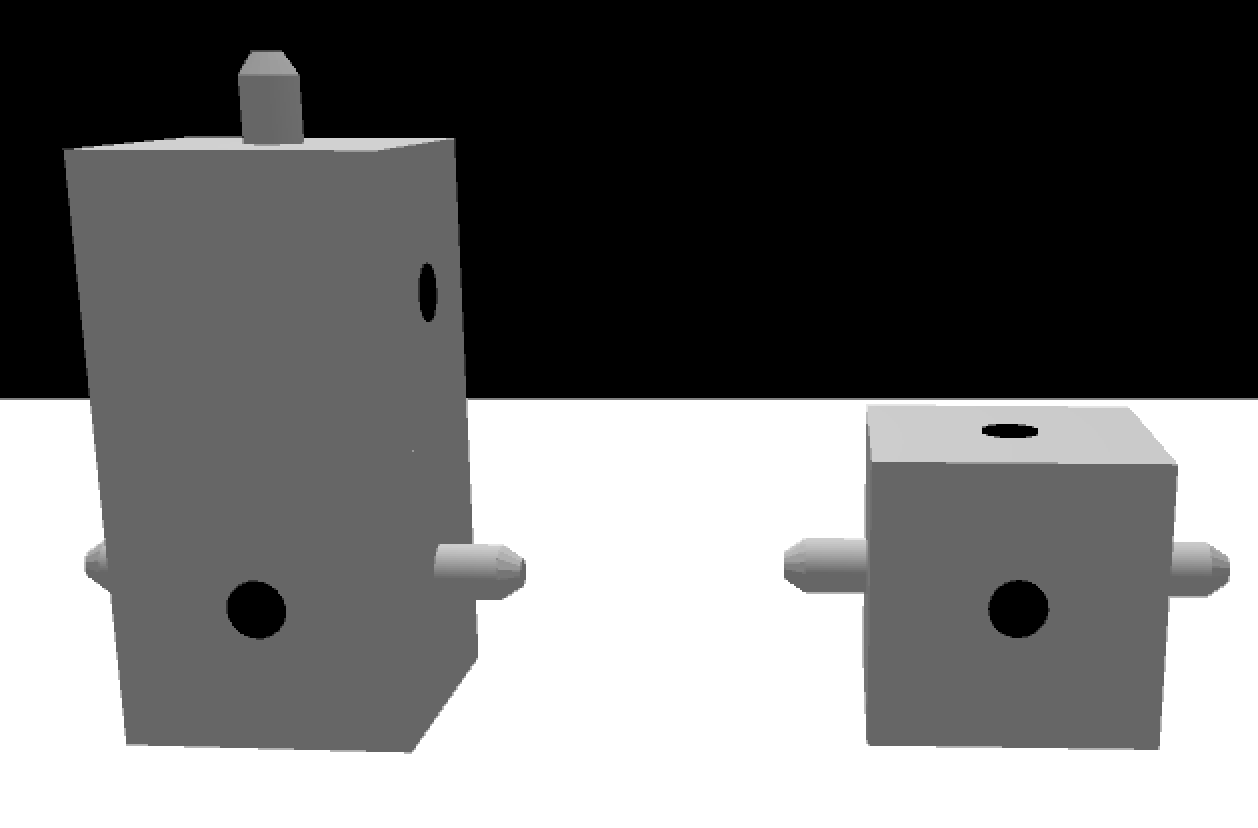
Each object can define, using XML, a number of bond points, each of which is a local location on the object that can be attached to another bond point on a different object. When two objects are attached, they act like a single rigid object in physics simulation. A bond point is either a host or a guest. A host bond point can only be attached to a guest bond point of the same type (a custom string) and vice versa. A bond point can be attached to only one other bond point at a time. Moreover, a host bond point can define a number of tightness level.
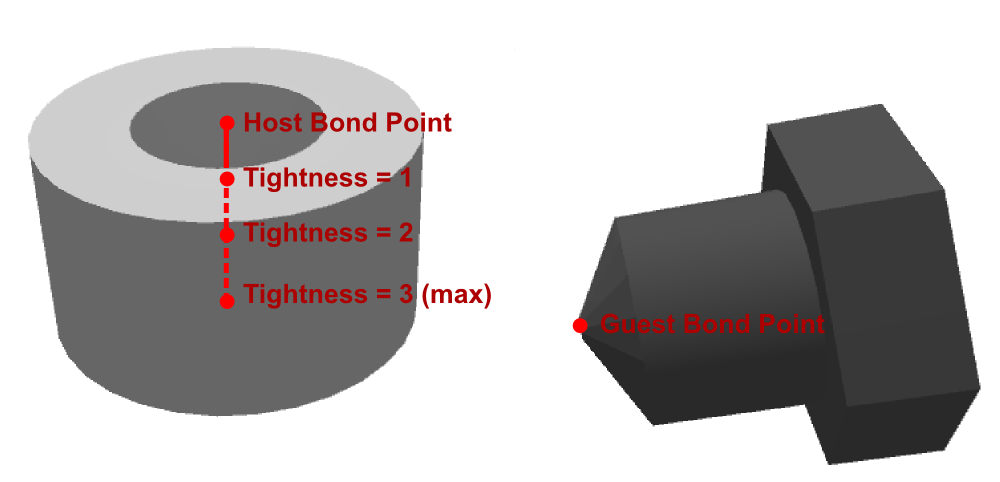
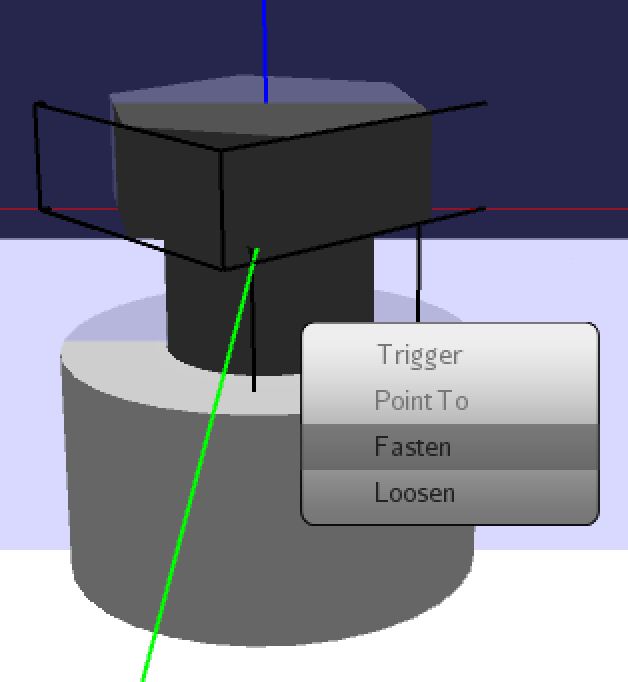
In order to attach two bond points, a demonstrator has to bring the bond points close to each other. The demonstrator then may right-click the guest object (the object whose guest bond point is to be attached). A context menu containing the options "fasten" and "loosen" will pop up (see image below). If there is a valid host bond point in the vicinity of the right-clicked guest object, using the "fasten" option will attach the two bond points. A valid host bond point satisfies the conditions that (1) it is not already attached to another guest bond point, (2) that its containing object is not directly or indirectly connected to the guest object, and (3) that it is of the same type as the guest bond point. On the other hand, if the guest bond point is already attached to a host bond point, using the "loosen" option will detach the two bond points.
When two bond points are attached, the guest object (object having the guest bond point) will adjust its location and orientation in relation to those of the host bond point, while the host object remains still. Therefore, host bond points are typically defined on larger objects that do not move when a guest object is attached to them.