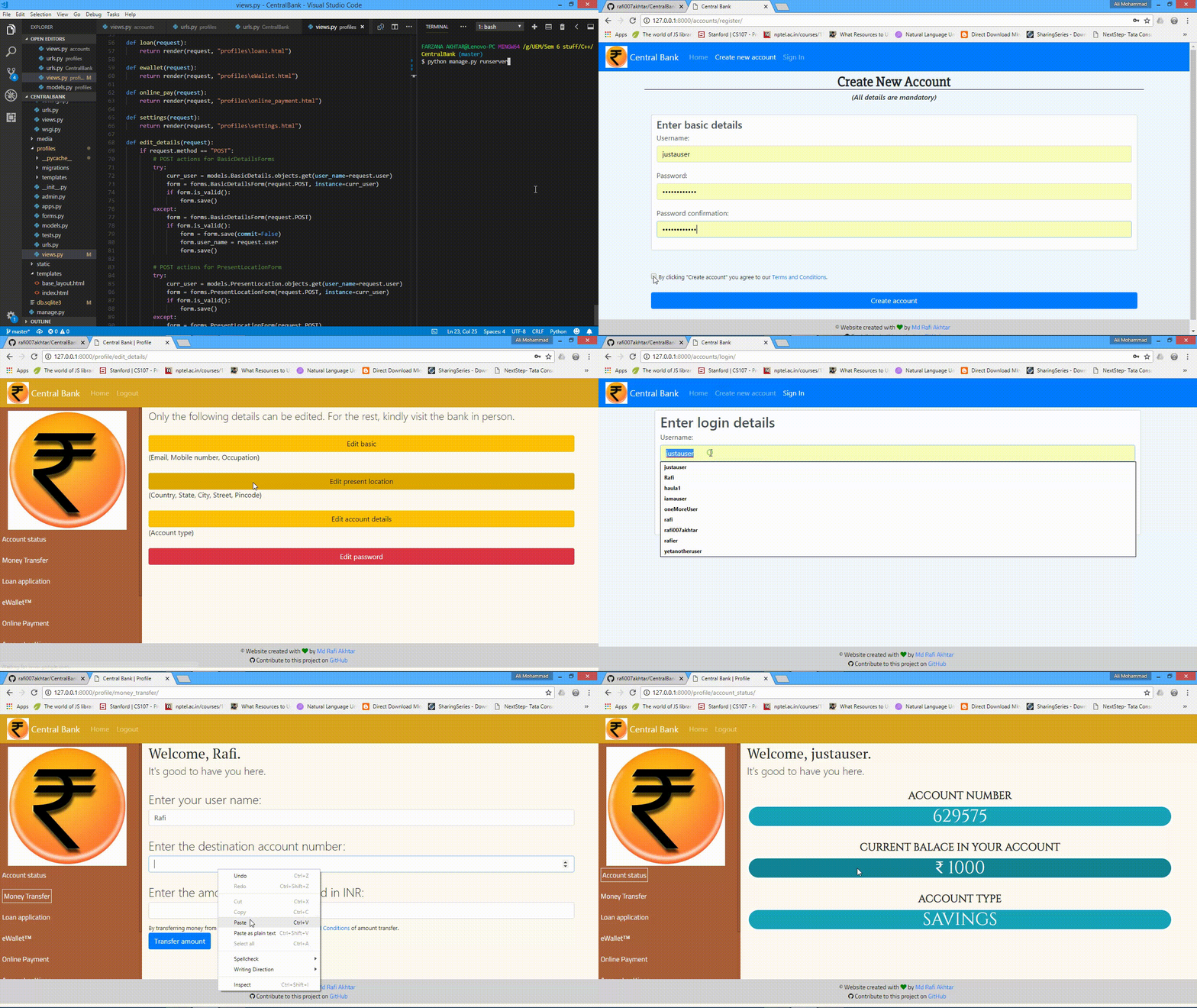
This is a Banking web-app I created for Investobrain Savings and Credit Cooperative Organisation or Society.
- A Terminal (preferred) or a CMD
- Python 3.10.12 or above installed. (Windows users might need to add it to path.)
- Django framework 4.2.7 or above installed and working.
-
Open a Terminal, and clone the current repository.
git clone https://github.com/eKidenge/Bank_Management_System.git -
Enter the root directory.
cd Bank_Management_System -
Now start the setup by entering the following command.
python manage.py runserverIf that didn't work, try replacing
pythonbypython3in the above command. -
Follow the Demo section and use the app as you like.
This app represents a fictitious bank. All transactions, account numbers and account holdings are unreal.