Home

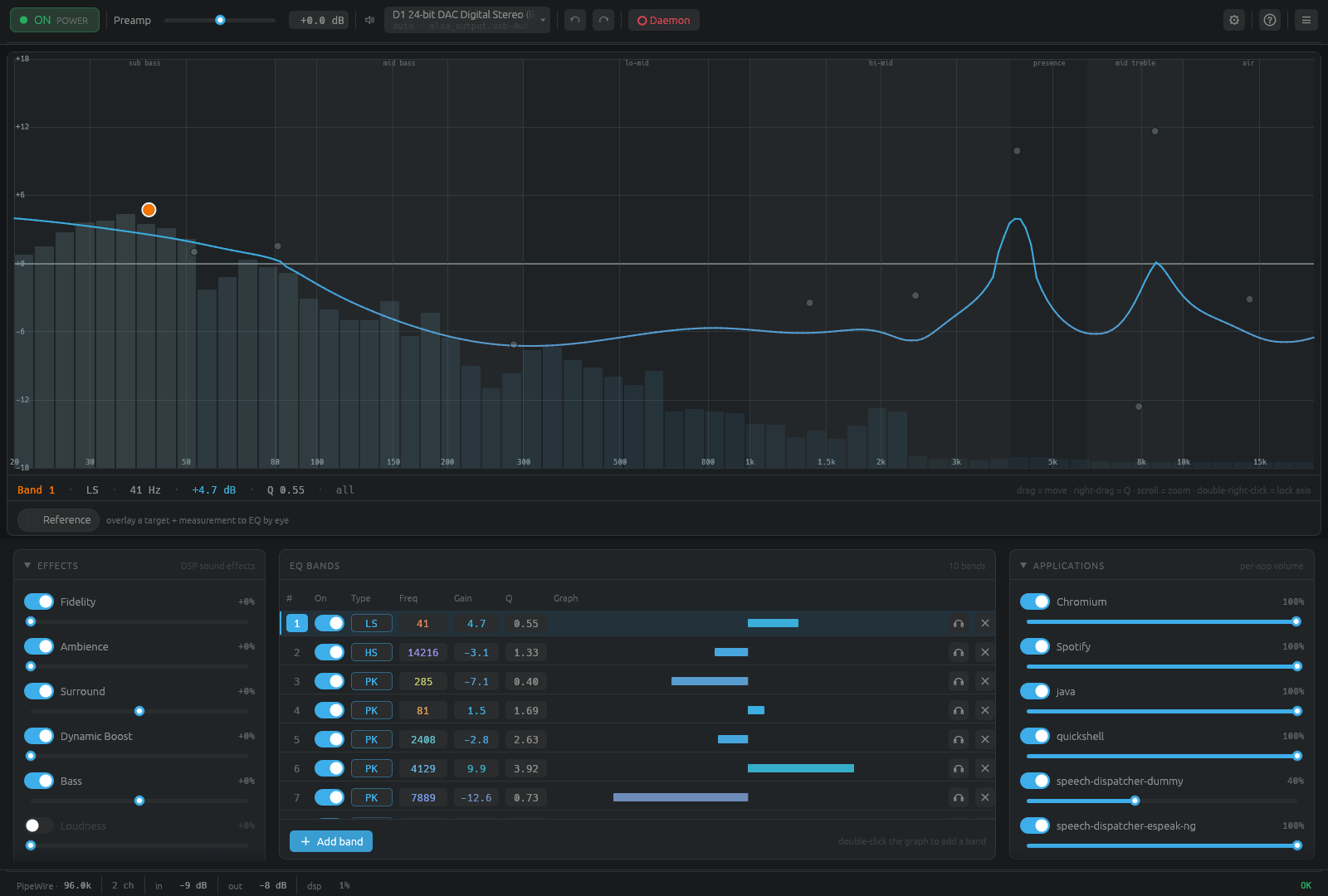
Resonance is a system-wide equalizer and audio-effects engine for Linux,
macOS, and Windows. It captures your system audio, runs it through a
high-precision (f64) DSP chain — a full parametric EQ plus FxSound-style
effects — and plays the processed result back. One daemon drives three
front-ends: a desktop GUI, a terminal TUI, and a scriptable CLI.
- Installation — per-platform install (Linux, macOS, Windows) + autostart.
- Usage — full CLI reference, TUI/GUI, keyboard shortcuts, socket paths.
-
Presets —
.fac/ EqualizerAPO.txt, profiles, AutoEq, REW, squig.link, metadata. - Effects & DSP — the signal chain and every effect explained.
- Configuration — profiles, per-output mappings, the tray, advanced-feature toggles.
-
Troubleshooting — platform gotchas and the
resonance verifytool. - Architecture — crates, signal flow, IPC, the real-time path.
# Linux — download, verify, install (also handles immutable distros)
curl -fsSL https://raw.githubusercontent.com/ealtun21/resonance/master/install.sh | bash

resonanced &                 # start the daemon
resonance status             # check it's running
resonance-gui                # open the desktop UI
See Installation for macOS and Windows, and every other install method.