Discord Notifications Setup
Thanks to @sleepiebye for the guide!
DFAssist supports Discord notifications starting from version 2.2.3
-
Choose/Create the discord server that will host your alarm bot.
-
Click on the arrow besides the server name.

-
Choose Server Settings.

-
Click on Webhooks then Create Webhook.

-
Enter name of bot and change channel if needed. Copy link below then save.

-
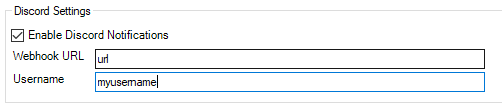
Go to ACT, in the DFAssist Plugin, Settings Tab, and Enable Discord Notifications

-
Then enter the link copied to Webhook URL, and your UserId.
-
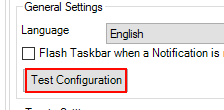
Click Test Configuration to see if everything is working.
-
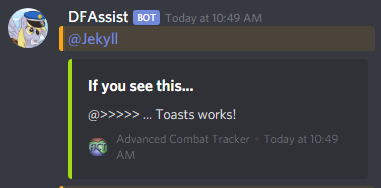
The result should look like this (©jekyll87)
DONE!
