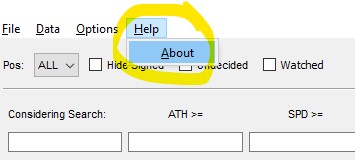
BETA v0.4.2
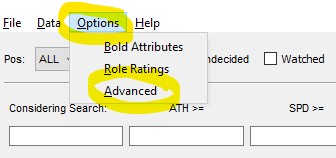
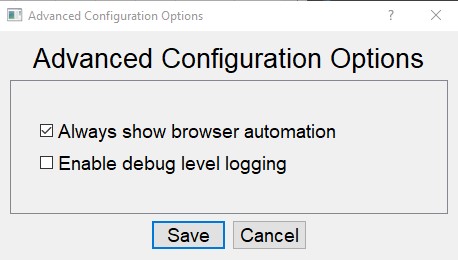
- Always show browser automation (default is enabled):
- Enabled = You will always see the browser appear - when logging in to store cookies, when initializing recruits, and when marking recruits from watchlist. Enabling is useful for dealing with those pesky privacy notice agreement prompts, and some might say it is just fun to watch how it works.
- Disabled = You will only see the browser appear when logging in to store cookies. When initializing recruits or marking recruits from watchlist, the browser automation will be hidden.
- Enable debug level logging (default is disabled). Enabling debug logging is useful for capturing more details in order to help troubleshoot issues.