

-
|
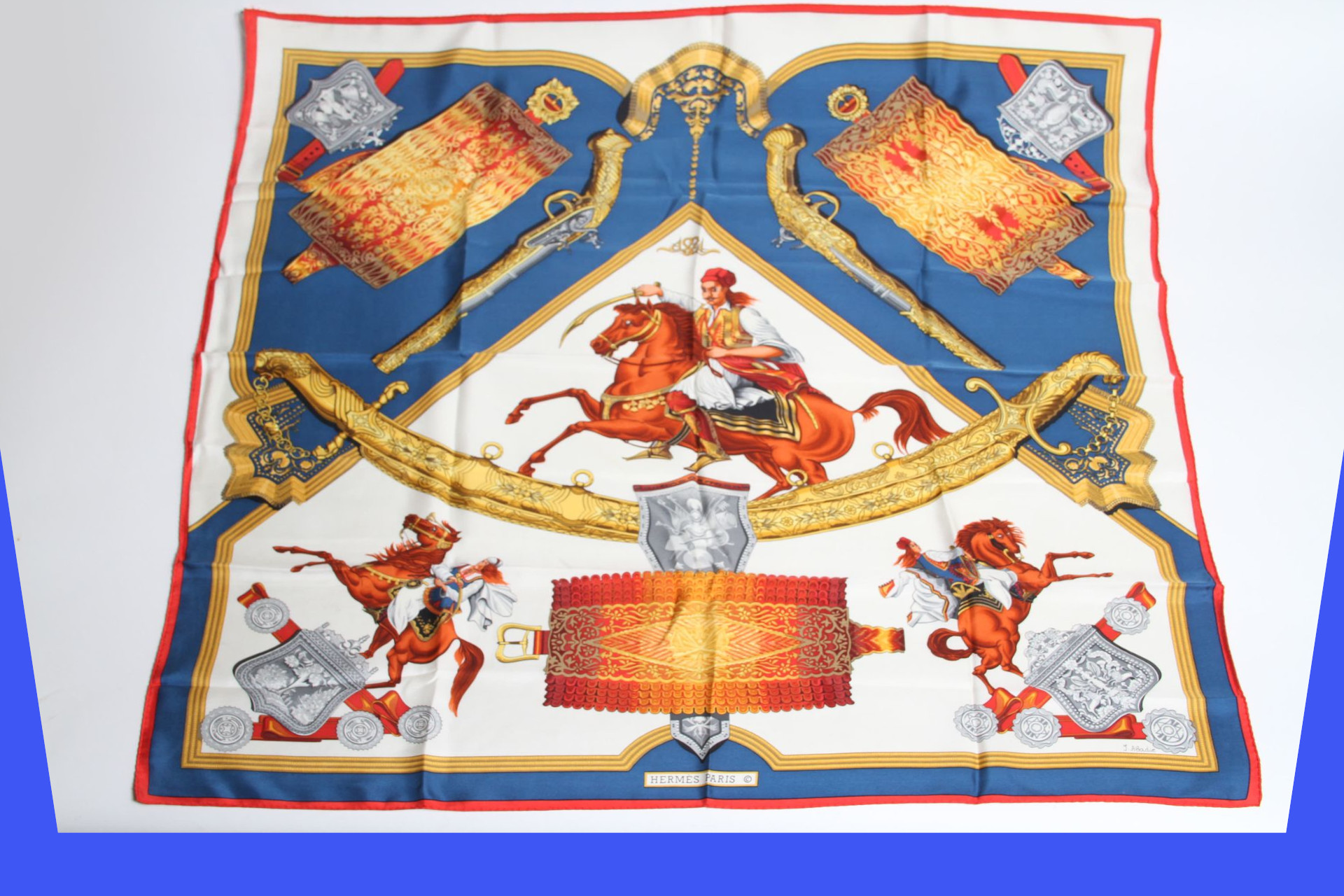
Hello, I have a collection of images that I would like to apply a 3D transformation to. I successfully achieved the desired transformation in GIMP using the 3D Transform tool, setting the x-angle to -20 degrees. Here is an example of an input image and the corresponding output: Input: Output: I've also attempted to achieve the same transformation using Image and Vix.Operation libraries in a Livebook notebook, but my efforts have been unsuccessful so far. Any suggestions or guidance would be greatly appreciated. |

Beta Was this translation helpful? Give feedback.
Replies: 4 comments 2 replies

-
|
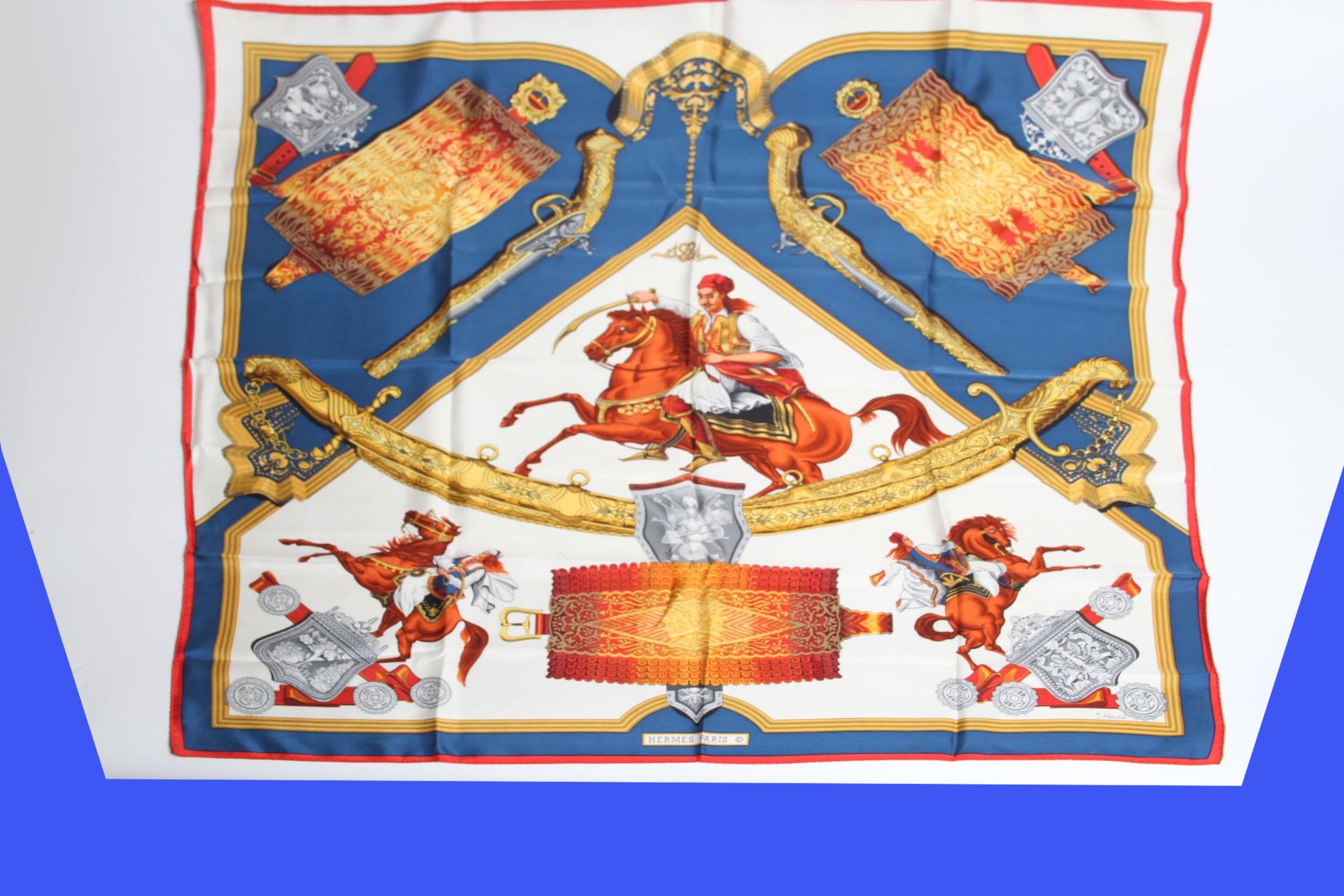
Thanks for trying iex> image = Image.open!("path/image.jpg")
iex> warp_from = [{404,29},{1594,46},{1872,1225},{118,1224}]
iex> warp_to = [{342,15},{1657,26},{1802,1151},{187,1140}]
iex> infill_pixel_color = [62,86,244]
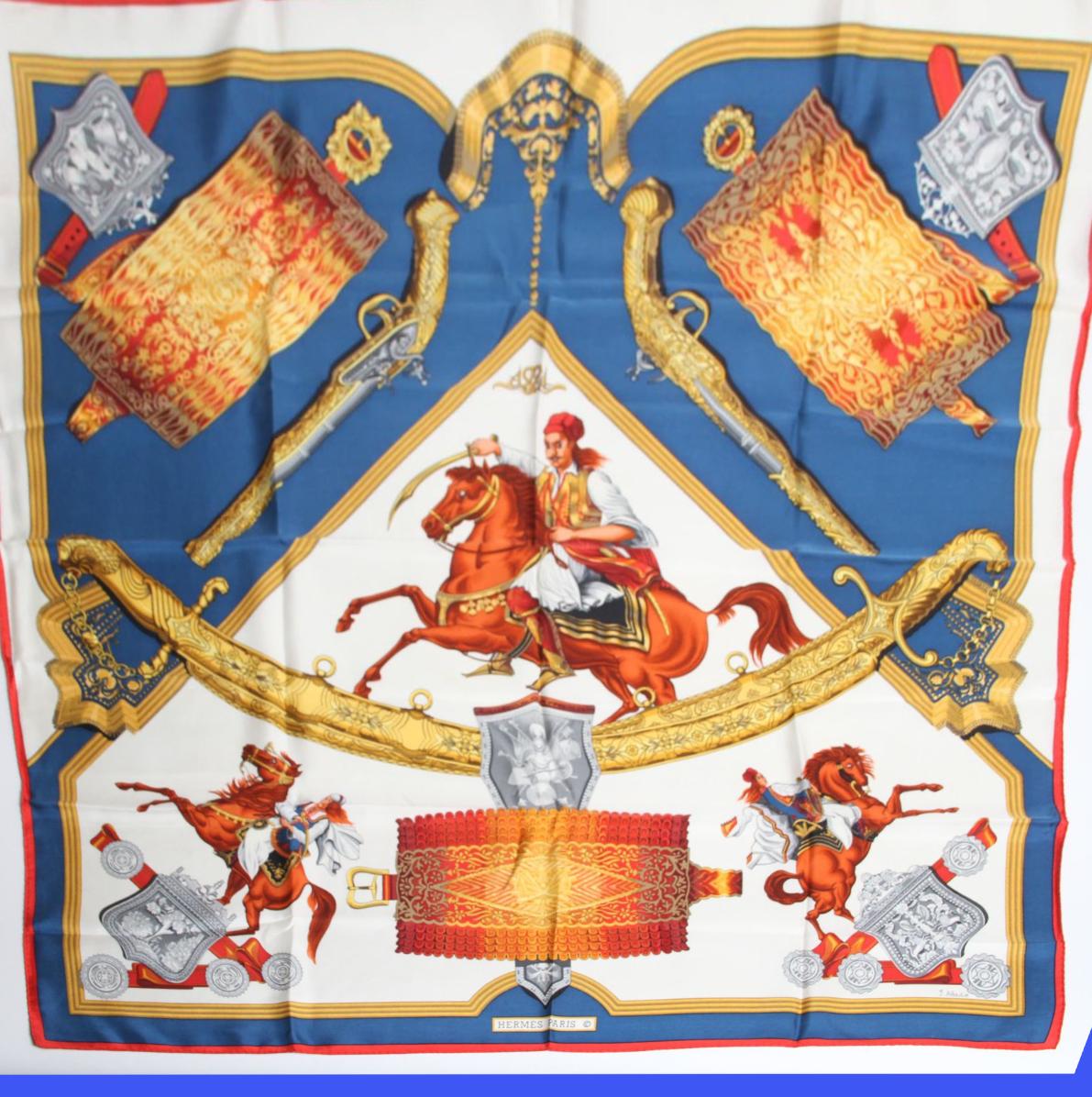
iex> {:ok, warped} = Image.warp_perspective(image, warp_from, warp_to, background: infill_pixel_color)Which produces: Image perspective straighteningThere is also a function iex> {:ok, bounding_box, straightened} = Image.straighten_perspective(i, [{404,29},{1594,46},{1872,1225},{118,1224}], background: [62,86,244])
{:ok, [{404, 29}, {1594, 29}, {1594, 1224}, {404, 1224}],
%Vix.Vips.Image{ref: #Reference<0.2686404142.1520304158.259020>}}
iex> {:ok, cropped} = Image.crop(straightened, bounding_box)
{:ok, %Vix.Vips.Image{ref: #Reference<0.2686404142.1520304158.259021>}}
|
Beta Was this translation helpful? Give feedback.
-
|
Thank you for your answer |
Beta Was this translation helpful? Give feedback.

-
|
@mrdotb would you consider posting the code you ended up with the find the edges (canny/sobel edge detection then How did you handle the blue-coloured perspective fill in the original images? I'm learning image processing too - by implementing a library. Not the most efficient perhaps but a lot of fun! |
Beta Was this translation helpful? Give feedback.

-
|
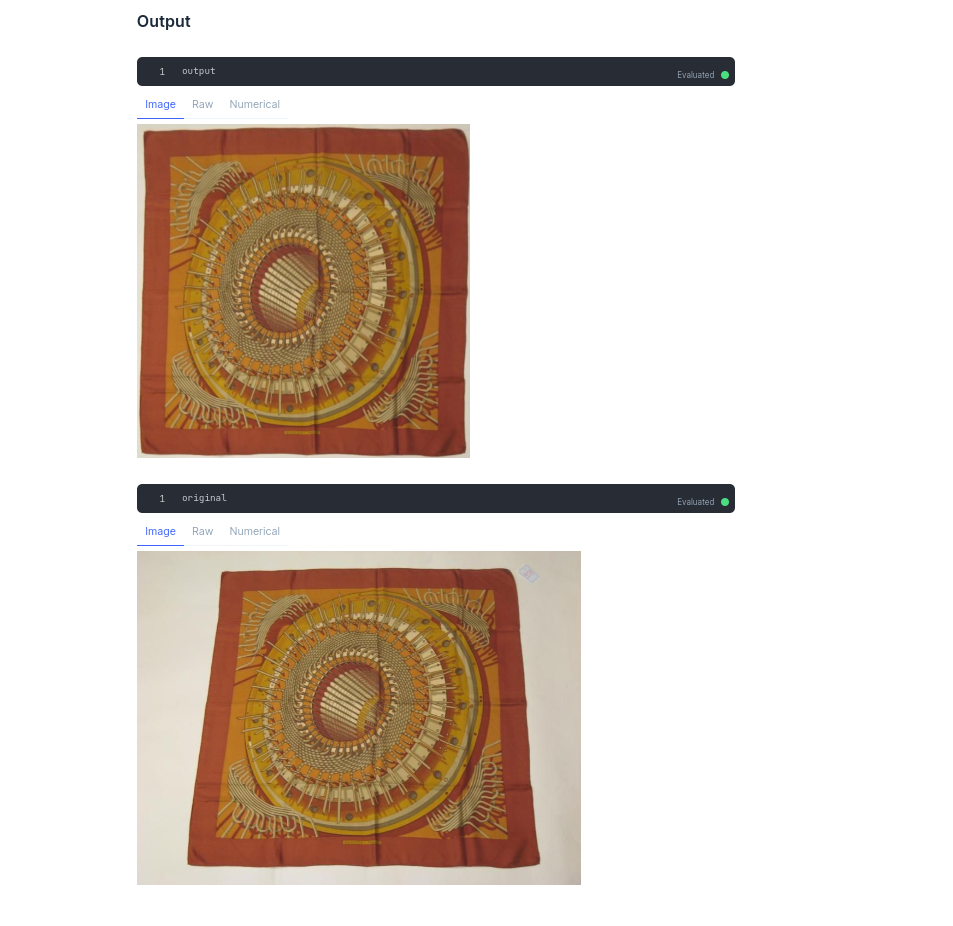
This livebook example from evision example is very close to what I want. It also crop and resize the image to a 1:1 ratio (which is also something I wanted) I don't need to deal with the fill. Still the solution does not work on all the images I cheated a bit by adding a x y input to enlarge the zone. Picture of scarves are always a bit crooked. You can check my website if you want to find more images https://tontontresors.com/hermes-scarves Image processing is very interesting and it's so nice we can convert python code to elixir evision easily. I will have other task related to my scarves images to do:
I will open another discussion here If it's worth One output example from the notebook |

Beta Was this translation helpful? Give feedback.
-
|
For the second item, "colors label", do you mean to get the segment the image by color? Get the color histogram? Please feel free to open a discussion topic any time. |
Beta Was this translation helpful? Give feedback.
-
|
Thank you for the link to your workbook too, very interesting for me and much appreciated. My goal with |
Beta Was this translation helpful? Give feedback.


Thanks for trying
image! The operation you are describing is called warp perspective and is implemented by the functionImage.warp_perspective/4. Using your image as an example:Which produces:
Image perspective straightening
There is also a function
Image.straighten_perspective/3that tries to straighten the image. Which can than also be cropped. For example: