Releases: ericthai-labs/lanternote
Release list
Lanternote 1.17.1

Lanternote now runs on macOS and Linux too. Every feature is tested on Windows, macOS and Linux by CI before each build.
Download
| System | File |
|---|---|
| Windows 10/11 | Lanternote-1.17.1-portable.exe (one file, no installation) or Lanternote-1.17.1-win.zip (faster start; needed for the AI connection) |
| macOS (Apple silicon) | Lanternote-1.17.1-arm64-mac.zip — unzip, move Lanternote.app to Applications |
| Linux (x64) | Lanternote-1.17.1.AppImage — chmod +x, then run |
| Claude Desktop (any system) | lanternote-1.17.1.mcpb — double-click, pick your notes folder; read-only unless you allow editing |
The builds are not code-signed yet. First start: Windows SmartScreen → More info → Run anyway. macOS → right-click the app → Open; if it says the app "is damaged", run xattr -cr /Applications/Lanternote.app. Linux (Ubuntu 24.04+) → if the AppImage does not start, add --no-sandbox.
Changes
Added
- macOS and Linux builds.
Fixed
- Linux: notes changed by another app or a sync tool were not reloaded — every folder is now watched on its own.
Full history: CHANGELOG.md
Free for personal and noncommercial use under the PolyForm Noncommercial License 1.0.0.
Lanternote 1.17.0
The first public release of Lanternote — a fast, private desktop app for very large folders of Markdown notes.
Highlights
- Built for size — tested on 190,000+ notes and 2.5 million links: reopens in 1–2 s, searches in milliseconds.
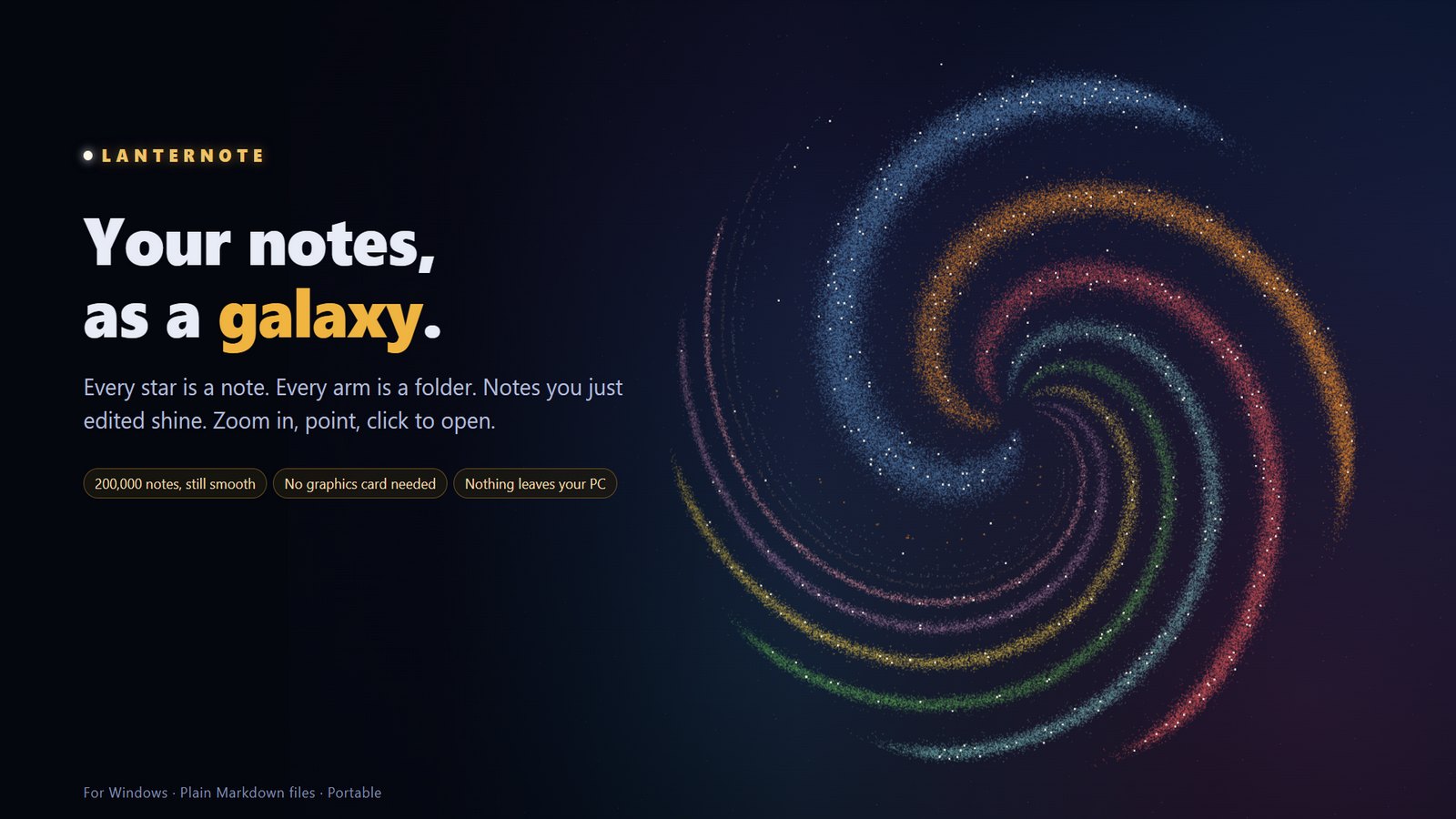
- Command Center and a galaxy of your notes — one page with projects, due dates, open tasks and recent notes; every star is a note.
- Live queries, tasks, calendars, Kanban boards and canvases — all stored as plain Markdown.
- Link graph on any PC — no graphics card needed.
- AI assistant connection (MCP) — search and, only if you allow it, edit your notes; every change is logged and reversible.
- Private — no account, no telemetry, works offline.
Download
| File | Use it when |
|---|---|
Lanternote-1.17.0-portable.exe |
You want one file: run it from anywhere, no installation, no admin rights. |
Lanternote-1.17.0-win.zip |
You want a faster start, or you will connect an AI assistant: unzip and run Lanternote.exe. |
lanternote-1.17.0.mcpb |
You only want Claude Desktop to use your notes: double-click to install, pick the folder. Read-only unless you allow editing. Windows, macOS, Linux. |
Windows 10/11, 64-bit. The app is not code-signed yet, so SmartScreen may warn you — choose More info → Run anyway.
Changes in 1.17.0
- New name: Lanternote (previously Lumen Notes). Settings, caches and recovery copies are carried over on first start.
- Command Center blocks are now written
```lantern; existing```lumenblocks keep working. - Licence: PolyForm Noncommercial 1.0.0.
Full history: CHANGELOG.md · Guide: User Guide
Free for personal and noncommercial use under the PolyForm Noncommercial License 1.0.0. Commercial use needs a separate licence — open an issue to ask.