A small static site documenting a modded Nintendo 3DS, made by Kev for Jamie: installing apps, custom themes, online play, and playing DS, GBA, SNES, Neo Geo, Game Boy, NES and Genesis games. Written for someone with no prior homebrew knowledge. Dark mode only.
A homepage that acts as a searchable launcher, plus one page per topic.
| Page | Covers |
|---|---|
index.html |
Search + topic cards + quick answers |
apps.html |
.cia vs .3dsx, FBI, Universal Updater |
games.html |
Virtual Console injections (NSUI) per system, with emulator fallbacks: DS, GBA, SNES, Neo Geo, GB, NES, Genesis |
menus.html |
Rosalina, Luma config, payload menu |
themes.html |
Anemone3DS, Theme Plaza |
files.html |
FTP from Android, SD card transfers |
hshop.html |
hShop and the 3hs client |
cartridges.html |
Dumping 3DS carts to CIA (GodMode9), DS carts to ROM (GodMode9i), Home Menu icons via NDSForwarder |
online.html |
Pretendo (Nimbus), NetPass |
safety.html |
NAND backup, Checkpoint, care rules |
links.html |
Guides, app pages, communities |
Search filters the topic cards on card text plus each card's data-keywords,
so typing a console or game name ("gba", "pokemon", "neo geo") finds the right
page without knowing what it's called. / focuses the search box.
No build step. Plain HTML, CSS and one JS file.
- Settings → Pages
- Source: Deploy from a branch
- Branch:
main, folder/ (root) - Save. The site appears at
https://<user>.github.io/3ds-guide/
Slots render as labelled placeholders until the image exists, so the site is
usable as-is and improves as images land in img/.
Already filled:
| File | Shows | Source |
|---|---|---|
universal-updater.png |
Universal Updater download list | Universal-DB (GPL-3.0) |
anemone.png |
Anemone3DS browsing Theme Plaza | Universal-DB (GPL-3.0) |
ftpd.png |
ftpd showing its IP and port | Universal-DB (GPL-3.0) |
snes9x.png |
Snes9x in-game with cheats menu | Universal-DB (GPL-3.0) |
nimbus.png |
Nimbus switching to Pretendo | Universal-DB (GPL-3.0) |
fbi-install.png |
FBI installing a CIA | GameBrew (CC BY-SA 4.0) |
3hs.png |
Browsing hShop in 3hs | hShop showcase (3hs is GPL-3.0) |
rosalina.png |
Rosalina menu open mid-game | Luma3DS README (GPL-3.0) |
nsui.png |
NSUI building a CIA from a ROM | GameBrew (CC BY-SA 4.0) |
twilight.png |
TWiLight Menu++ game list | RetroGameBoards forum post |
open-agb-firm.png |
open_agb_firm game selection | meltymods |
godmode9-cia.png |
GodMode9 building a CIA from a cartridge dump | cfwaifu |
ndsforwarder.png |
NDSForwarder generating a Home Menu icon | renge-record-book.com |

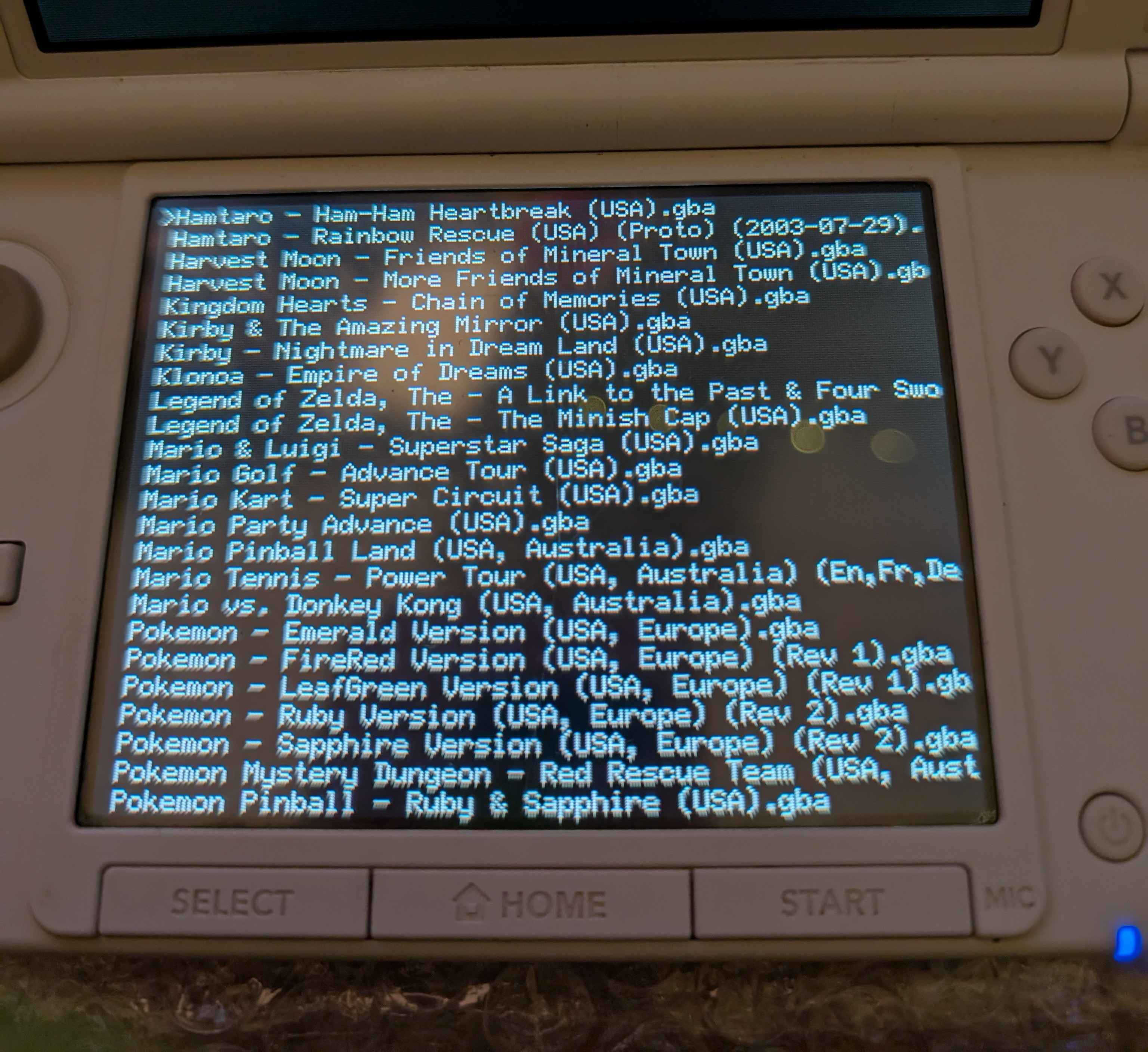

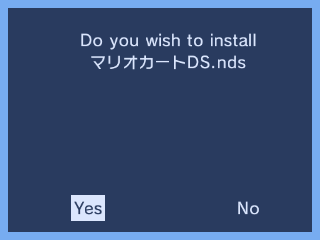
All slots are filled. If you ever need to replace one with your own capture,
press L+Down+Select for Rosalina, choose
Take screenshot. Images land in /luma/screenshots/ on the SD card.
Rosalina writes one file per screen. The site's CSS expects the stacked
400×480 format used by the Universal-DB images, so combine top and bottom, or
just use whichever screen is clearer. No resizing needed.
Screenshots are credited in the page footers; most are from Universal-DB (GPL-3.0). See the Screenshots table above for the source of each individual image.
Old 3DS · firmware 11.6.0-39U · Luma3DS v13.4 · boot9strap 1.4, set up following 3ds.hacks.guide.
- Copy any topic page as a starting point (they share
style.css/app.js) - Add a
.topiccard toindex.htmlwith adata-keywordslist covering what someone might actually type to find it