Read this in other languages: Türkçe
A Turkish manga reading platform. A fully-featured translation/fansub site with series addition, chapter uploads, reading progress tracking, comments, series requests, a release calendar, and a notification system.
It runs on Ruby + Sinatra, using a Turso (libSQL) database and Cloudflare R2 storage infrastructure. It features a dark-themed, mobile-friendly (PWA-supported) interface.
Show/hide 33 screenshots
| | | | |---|---|---| |  |  | ![image-03] (https://i.ibb.co/997jcHd1/image-03.png) | | 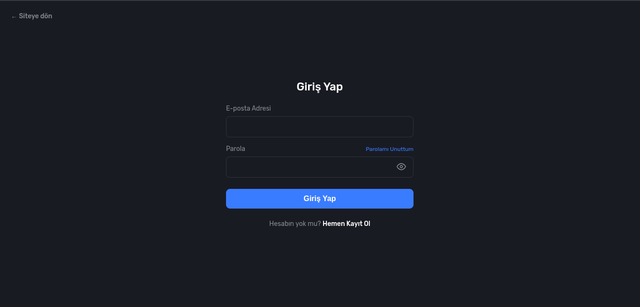 | ![image-05] (https://i.ibb.co/xqPLXrSs/image-05.png) | 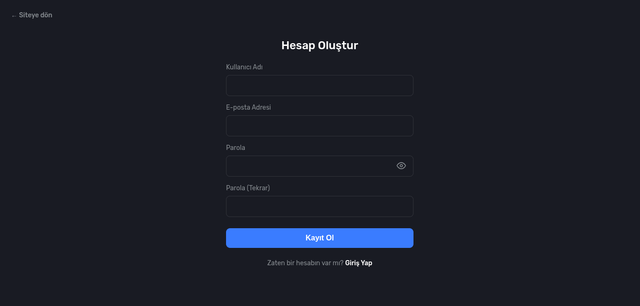 | | 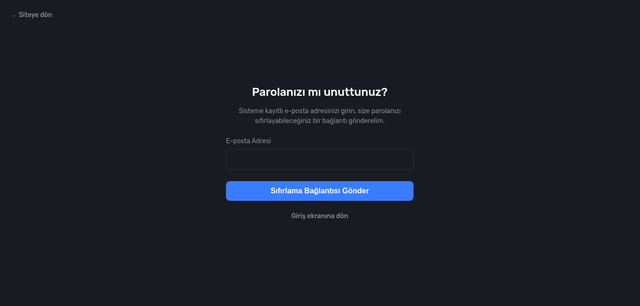 | 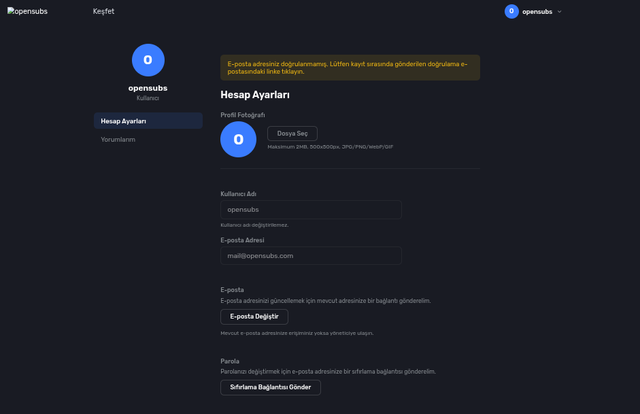 | ! [image-09](https://i.ibb.co/VWj0G3jF/image-09.png) | | 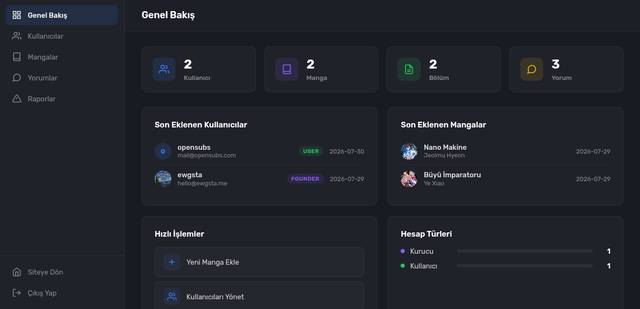 | ![image-11] (https://i.ibb.co/Ld9GV7RK/image-11.png) | 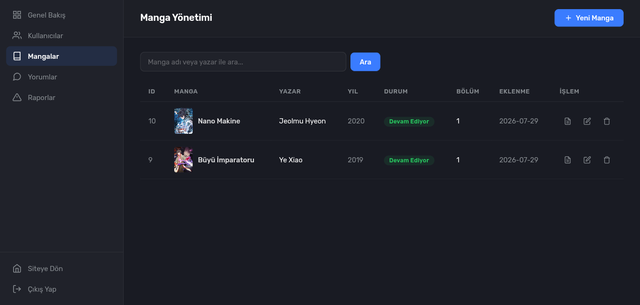 | | 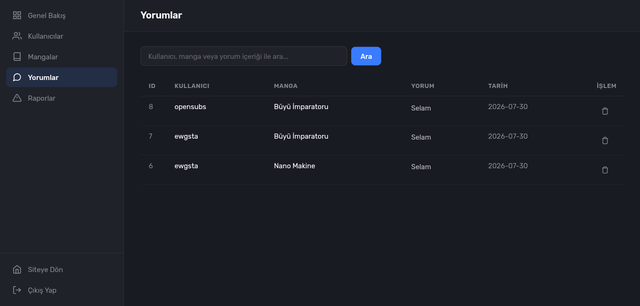 | ![image-14] (https://i.ibb.co/hR9j7g7M/image-14.png) |  | | 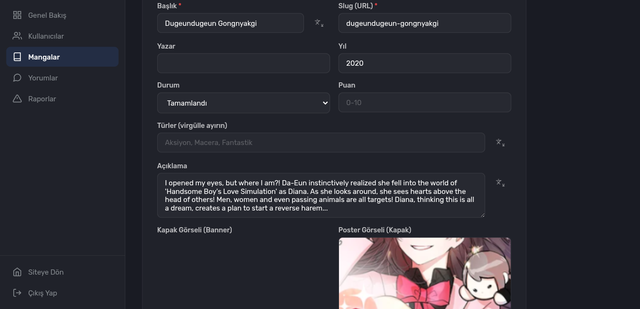 | ! [image-17](https://i.ibb.co/DP9rwX79/image-17.png) |  | | 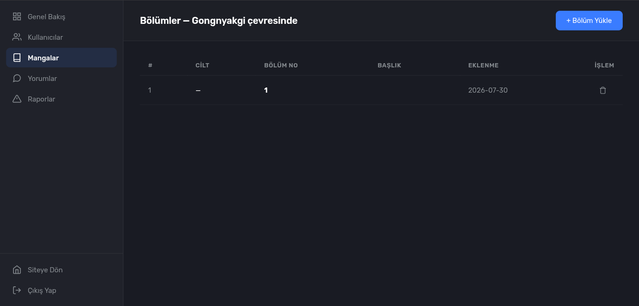 | ![image-20] (https://i.ibb.co/tThTw3KY/image-20.png) | 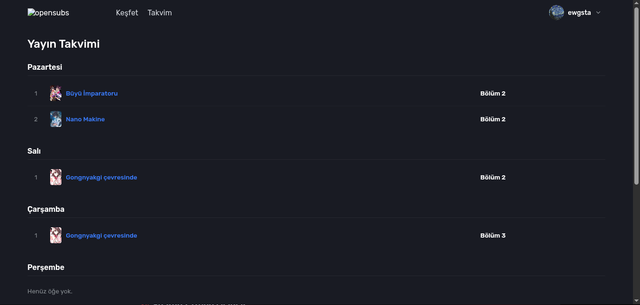 | | 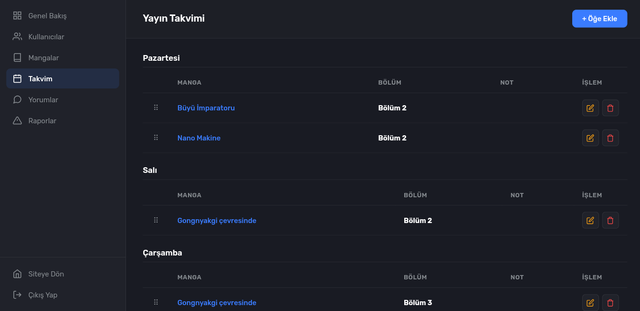 | ! [image-23](https://i.ibb.co/6JR172jP/image-23.png) |  | | 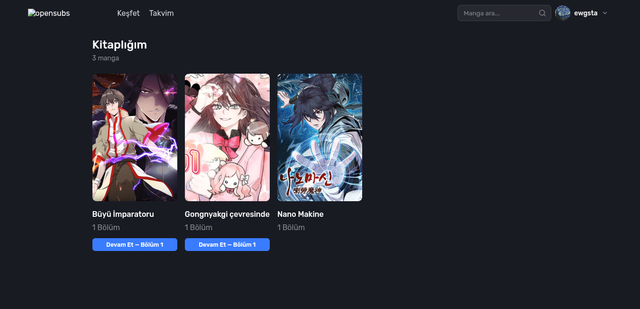 | 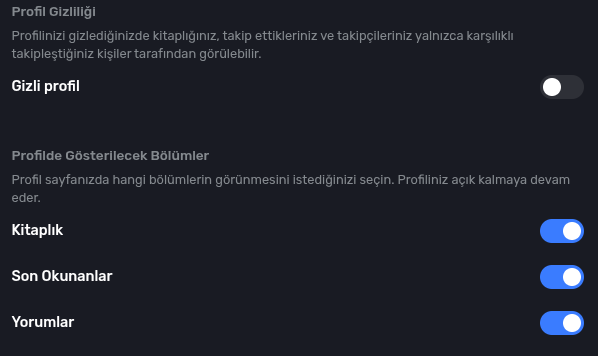 | ! [image-27](https://i.ibb.co/C32PSTqc/image-27.png) | | 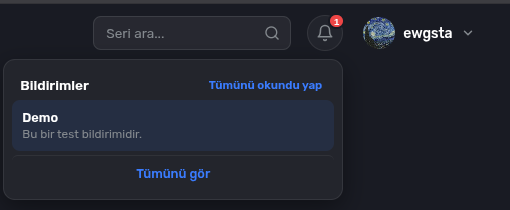 | ![image-29] (https://i.ibb.co/5WMQNTYR/image-29.png) | 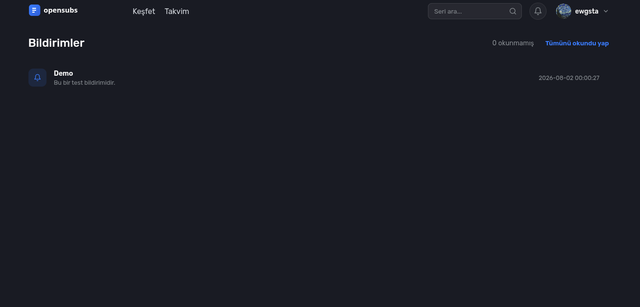 | | 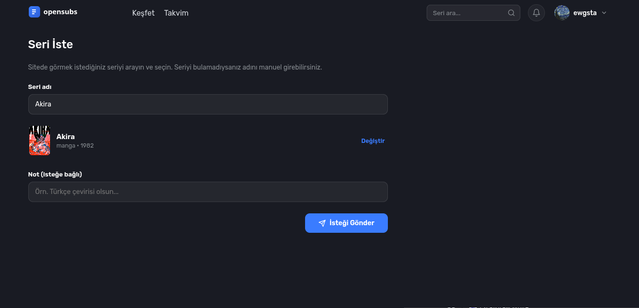 | 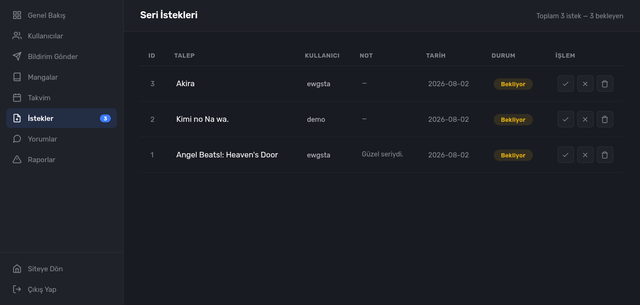 | 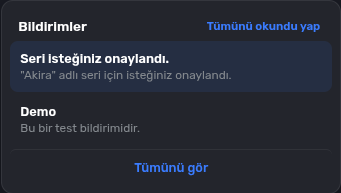 |

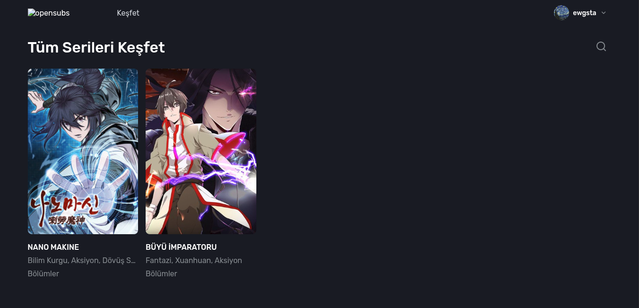

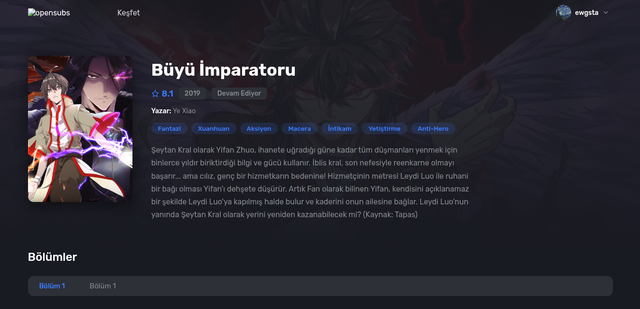





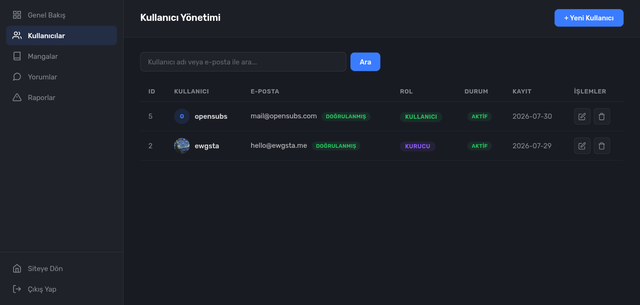


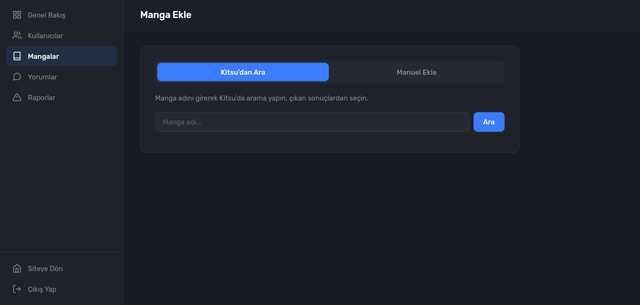















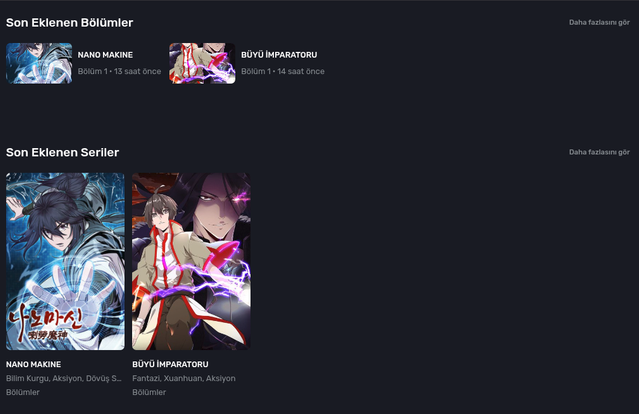
- Homepage: Featured series, latest episodes, latest series
- Explore: Genre, format, year filters, and sorting (newest, oldest, A-Z, Z-A, popular)
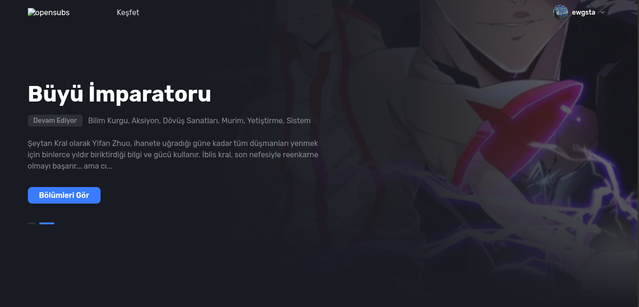
- Series Details: Cover, synopsis, genres, author, year, status, rating; volume/episode list and reviews
- Reading Page: Episode viewer (previous/next episode navigation), reading progress tracking
- Release Calendar: Episode calendar organized by days of the week
- Request a Series: Suggest a series by searching via Kitsu or manually
- Search: Instant search bar (
Ctrl/Cmd + Kshortcut) - PWA: Mobile-ready app using Manifest + Service Worker
- Account management: Email verification, password reset, change email address, upload avatar
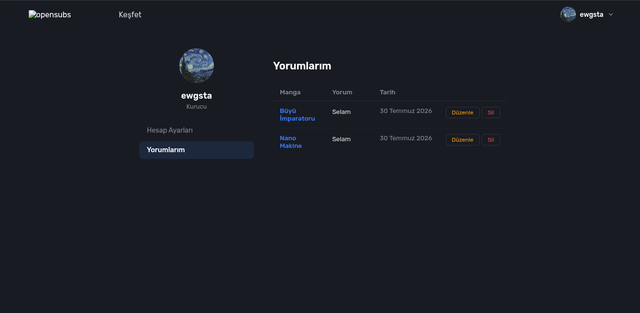
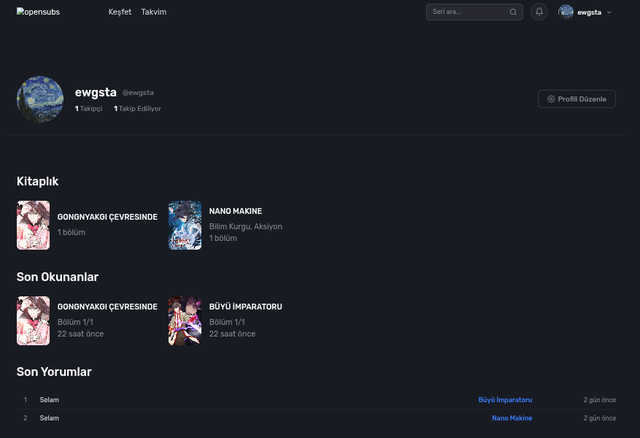
- My Library: Track what you’ve read and what you like
- Reading History: “Pick up where you left off” section
- Profiles: Follow system, follower/following statistics
- Privacy: Private profile (visible only to mutual followers), show/hide profile sections
- Notifications: Navbar bell, unread counter, automatically triggered notifications
- Overview: User, manga, chapter, and comment statistics; recent registrations, role distribution
- User Management: Search, change roles, suspend, email verification, create users
- Manga Management: List, edit, delete; add new manga via search + details from Kitsu, manual addition, upload images
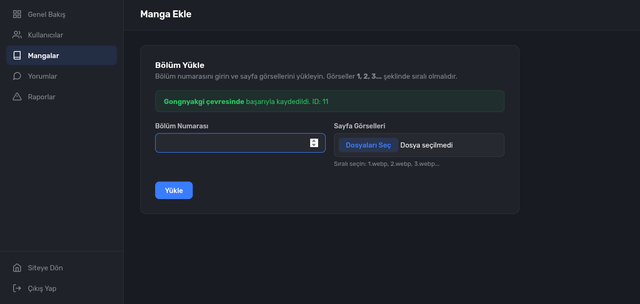
- Chapter Management: Uploading chapter numbers and page images (sorting validation)
- Publication Calendar: Adding, editing, and deleting items by day
- Series Requests: Approving or rejecting pending requests
- Comment Moderation: Searching for and deleting comments
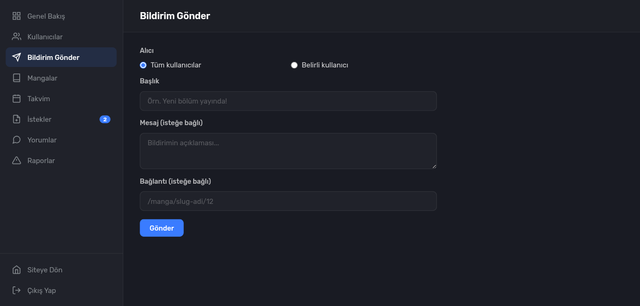
- Send Notifications: Publish notifications to all users or selected users
- Site Settings: Upload site name, description, keywords, logo/favicon/share image (R2
static/app/) in separate tabs; configure robots.txt and sitemap; set up search engine verification codes - Analytics & Code: Enable/disable Google Analytics (gtag.js) and AdSense scripts, with an optional custom
<head>code — automatically injected into all pages - Brand Consistency: The site name/URL is retrieved from settings; used throughout the app, including email templates, page titles, the PWA manifest, and the header logo
- Dynamic metadata: Title, description, keywords, canonical, Open Graph, and Twitter tags for each page (
views/components/shared/meta_tags.erb) - Dynamic sitemap:
/sitemap.xml— home, explore, calendar, requests, and all manga/chapter pages; enable/disable via site settings and add/remove chapter pages - Configurable robots.txt:
/robots.txt— custom content via settings; default rules apply if empty -
- Dynamic manifest:*
/manifest.jsongenerated with site name, tagline, theme color, and uploaded logo
- Dynamic manifest:*
| Layer | Technology |
|---|---|
| Backend | Ruby, Sinatra |
| Server | Puma (thread-based, single-process) |
| Database | Turso / libSQL (SQLite-compatible) |
| File Storage | Cloudflare R2 (S3-compatible) |
| Image Processing | MiniMagick (ImageMagick) |
| Authentication | JWT (HttpOnly cookie) |
| Password | bcrypt |
| EmailThing API | |
| Translation | Google Translate + LibreTranslate (fallback) |
| UI | ERB, vanilla JavaScript, dark theme |
| Deployment | Docker (Dockerfile) |
- Ruby 3.4+
- Bundler
- ImageMagick
- (Optional) Turso account, Cloudflare R2, EmailThing account
# Install dependencies
bundle install

# Set environment variables
cp .env.example .env

# Create the database and run migrations
bundle exec ruby db/migrate_all.rb

# Start the server
bundle exec ruby scripts/start.rb
Then open http://localhost:4567 in your browser.
# Run tests (does not modify data/opensubs.db; uses a separate test database)
bundle exec rake test

# Lint (RuboCop)
bundle exec rubocop

# CI (GitHub Actions) runs lint + tests on pushes/PRs: .github/workflows/ci.ymlTo set the first user as the founder (founder):
bundle exec ruby scripts/set_role.rb <email> founderSee the Roles and Permissions section for roles and permissions.
# Turso Database
TURSO_DATABASE_URL=libs://your-database.turso.io
TURSO_AUTH_TOKEN=your-auth-token

# JWT Secret (use a long, random value)
JWT_SECRET=your-secret-key-change-in-production

# Cloudflare R2 (File Storage — avatars, covers, section pages)
R2_ACCOUNT_ID=your-account-id
R2_ACCESS_KEY=your-access-key-id
R2_SECRET_KEY=your-secret-access-key
R2_BUCKET=your-bucket-name
R2_CDN_URL=https://pub-<hash>.r2.dev

# EmailThing (transactional emails)
EMAILTHING_API_KEY=et__your-api-key
EMAILTHING_FROM=Your Name <mailbox@yourdomain.com>

# Application
APP_URL=http://localhost:4567 # Used in email links

# Server
PORT=4567
RACK_ENV=development
Note: If
TURSO_DATABASE_URLandTURSO_AUTH_TOKENare left blank, the application uses thedata/opensubs.dbfile locally (seeDB_PATH).
The schema is defined in db/schema.sql. Migrations are collected in the db/migrate_*.rb files and are written to be idempotent (repeatable):
bundle exec ruby db/migrate_all.rbThis command runs all migrations sequentially and safely adds any missing tables or columns. It can be run during every deployment (including within a Docker CMD).
users— user accounts (role, avatar, email verification, suspension, privacy)mangas— series information (title, slug, summary, author, year, status, rating, genres, format, images)chapters— chapters (volume and chapter number)comments— comments (with parent-reply support)reading_history— reading progress (by user and series)user_library— user libraryuser_follows— follow systemmanga_requests— series requests (status: pending/approved/rejected)notifications— notificationsschedule— publication schedulesite_settings— site name, description, logo/favicon paths, robots.txt, and sitemap settings (key-value)
# Build the image
docker build -t opensubs .

# Run (with required environment variables)
docker run -p 4567:4567 --env-file .env opensubs
The Dockerfile runs the migrations when the container starts and then launches Puma.
| Permission | founder | admin | editor | uploader | moderator | user |
|---|---|---|---|---|---|---|
view_admin |
Yes | Yes | Yes | Yes | Yes | — |
view_audit |
Yes | Yes | — | — | — | — |
manage_users |
Yes | — | — | — | — | — |
view_users |
Yes | Yes | — | — | — | — |
view_manga |
Yes | Yes | Yes | Yes | — | — |
manage_manga |
Yes | Yes | Yes | — | — | — |
upload_chapters |
Yes | Yes | Yes | Yes | — | — |
moderate_comments |
Yes | Yes | Yes | — | Yes | — |
manage_schedule |
Yes | Yes | Yes | — | — | — |
manage_settings |
Yes | Yes | — | — | — | — |
manage_notifications |
Yes | Yes | — | — | — | — |
Role definitions are centrally stored in helpers/permission_helper.rb.
opensubs/
├── app.rb # Sinatra application entry point
├── config.ru # Rack configuration
├── Gemfile / Gemfile.lock # Dependencies
├── Dockerfile # Docker image definition
├── .dockerignore
├── config/
│ ├── database.rb # Turso/libSQL connection
│ └── puma.rb # Puma settings
├── db/
│ ├── schema.sql # Table schemas
│ ├── migrate.rb # Migration helpers
│ ├── migrate_all.rb # All migrations
│ └── migrate_*.rb # Individual migrations
├── helpers/
│ ├── api_helper.rb # Standard API responses
│ ├── auth_helper.rb # JWT operations
│ ├── email_helper.rb # EmailThing integration
│ ├── permission_helper.rb # Role-permission matrix
│ ├── seo_helper.rb # Site settings accessors
│ └── storage_helper.rb # R2 file storage
├── models/ # Data models
│ ├── user.rb
│ ├── manga.rb
│ ├── chapter.rb
│ ├── comment.rb
│ ├── reading_history.rb
│ ├── user_library.rb
│ ├── user_follow.rb
│ ├── manga_request.rb
│ ├── notification.rb
│ └── site_setting.rb
├── routes/
│ ├── api.rb / web.rb # Route definitions
│ ├── api/ # JSON API endpoints
│ │ └── admin/ # Admin APIs
│ └── web/ # Page routes
│ ├── admin/ # Admin page routes
│ └── seo.rb # Sitemap, robots.txt, manifest
├── public/ # Static files (PWA, icons)
├── scripts/
│ └── set_role.rb # User role changer
└── views/ # ERB templates
    ├── layouts/ # Main/auth/admin layouts
    ├── components/ # Reusable components
    ├── admin/ # Admin pages
    ├── auth/ # Login/registration/password pages
    └── manga/ # Series details and reader
This project is licensed under the GNU General Public License v3.0 (GPLv3). You may copy, modify, and distribute it; however, you must release modified versions under the same license and make the source code available.