Repository navigation
Design
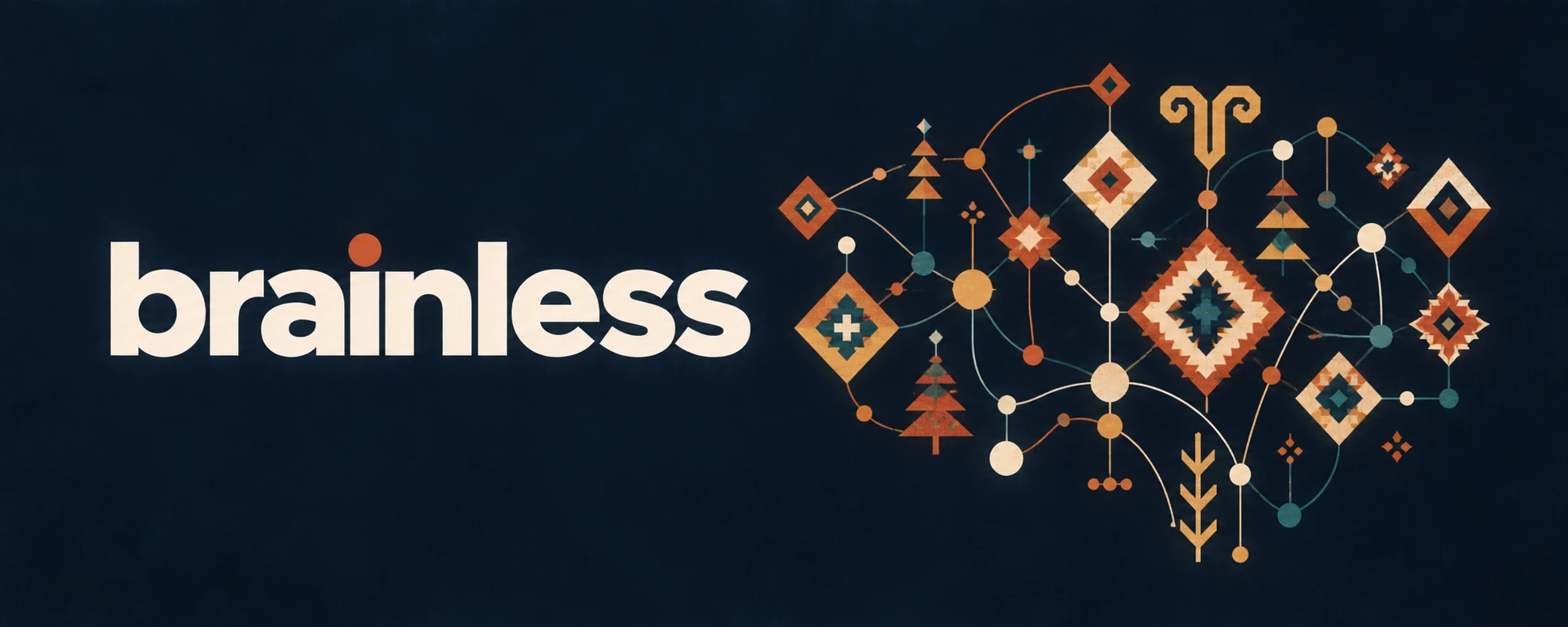
brainless has no interface yet. It has a command line, a README, a wiki and a few chat avatars. This page is the design point of view for all of them, and for any interface that comes later.
A brain drawn as a kilim. Anatolian weaving motifs (the diamond eye, the tree of life, the ram's horn, the star) sit on the nodes of a network, joined by thin lines. Notes are the motifs; links are the threads. The mind is something woven, knot by knot, and it only holds because each knot is tied to others.
What follows from that:
- Flat and geometric. Solid fills, hard edges, stepped diamonds. No gradients, no glow, no drop shadows.
- Warm on dark. The home ground is a deep night blue. Colour comes from madder, saffron and cream, as in a dyed rug. Teal is the only cool colour and is used sparingly.
- Symmetry with a centre. Layouts balance around one strong centre, the way the mark does. One focal element per screen.
-
Lowercase. The name is always
brainless, lowercase, in text and in the wordmark.
| Token | Hex | Role |
|---|---|---|
| night | #0A1825 |
Ground. Banner, icon and dark interface background |
| ink | #042538 |
Deep outline inside motifs; text on cream |
| cream | #FBDEA5 |
Nodes; light surfaces |
| bone | #F9EBDB |
Wordmark and body text on night |
| madder | #CB221F |
Deep red; errors |
| vermilion | #F24B1E |
Brand accent: the dot over the i, headings, primary action |
| orange | #F97327 |
Secondary warm |
| saffron | #FBA335 |
Warnings; highlights |
| marigold | #FBB94B |
Light warm fill |
| teal | #0C9794 |
Success, links, the one cool note |
| sage | #9BB38D |
Muted secondary; disabled |
The code copy is tools/brand.py (PALETTE). Change both together.
Proportions follow the mark: roughly half warm reds and oranges, a quarter cream, the rest ink and teal. On a page that means a night or cream ground, one vermilion accent, and teal only where something is actionable or healthy.
Contrast: bone, cream, marigold and saffron read well on night. On a light ground use ink for text and vermilion or teal for accents; never put cream, marigold or saffron text on white.
| File | Use |
|---|---|
docs/assets/brainless-logo.svg |
The mark, transparent. Default everywhere a logo fits |
docs/assets/brainless-logo.png (1024), -512, -256, -64
|
Raster mark, transparent |
docs/assets/brainless-logo.webp |
Web raster, transparent |
docs/assets/brainless-icon.svg, .png (1024 square) |
Mark on night. Avatars: GitHub, Telegram, Buzz |
docs/assets/favicon.ico |
16, 32, 48, 256 |
docs/assets/brainless-banner.png, .webp
|
Wordmark plus mark on night. README and wiki headers |
docs/assets/brainless-social.png (1280x640) |
GitHub social preview. The banner padded to 2:1 with its own ground, never cropped |
Rules:
- The mark is traced from the supplied artwork (28/09/2026). Reuse these files; do not redraw or recolour them.
- Leave clear space around the mark of at least the width of one of its outer diamonds.
- Minimum size: 64 px for the mark, 16 px for the icon (the favicon).
- On light grounds use the transparent mark; on dark grounds use it as is or the icon.
- Wordmark: a heavy geometric sans, lowercase, bone on night, with a vermilion dot for the tittle of the i. Until a typeface is chosen, the banner is the only wordmark; do not typeset one.
Three places take the icon outside this repo, and none of them reads it from here, so each is set once by hand or by an installer.
-
GitHub social preview. Repository Settings, Social preview, upload
brainless-social.png. There is no API for it;openGraphImageUrlin the GraphQL API shows what is live. -
Telegram bot. The Bot API
setMyProfilePhotomethod takes a static JPG. Renderbrainless-icon.svgat 640 px and upload it as{"type":"static","photo":"attach://p"}. -
Buzz agents. The installers in
.agents/buzz/pass--avatarwith--name, pointing atbrainless-icon.pngon GitHub; setBUZZ_AVATAR_URLto use another address. A Buzz profile update replaces the whole profile, so any manualbuzz users set-profilemust pass the name and about text again, or they are wiped.
The terminal is the interface for now, so it follows the same rules with fewer colours.
- Colour is 24-bit ANSI from
tools/brand.py, viapaint(text, token). - Colour only on a real terminal.
NO_COLOR,TERM=dumband pipes get plain text. Output must read the same without colour. - Colour carries meaning, not decoration: vermilion for the name and step headers, teal for ok, saffron for warnings, madder for errors. Everything else stays in the terminal's own foreground colour.
- No background colours, no boxes, no emoji. Terminals may be light or dark, so no cream, marigold or bone text.
If brainless grows a web or desktop interface, start from these CSS variables and keep the rules above.
:root {
  --bl-night: #0A1825;  --bl-ink: #042538;
  --bl-cream: #FBDEA5;  --bl-bone: #F9EBDB;
  --bl-madder: #CB221F; --bl-vermilion: #F24B1E; --bl-orange: #F97327;
  --bl-saffron: #FBA335; --bl-marigold: #FBB94B;
  --bl-teal: #0C9794;   --bl-sage: #9BB38D;
}
Dark theme: night ground, bone text, vermilion accent. Light theme: bone ground, ink text, vermilion accent. Graph views draw notes as nodes and links as thin lines, in the mark's own style: round nodes, a stepped diamond for the focused note.
The loop
1. Gather information
2. Think deeper and clearer
3. Decide
4. Get shit done
Keep it yours
Run it
- Install
- Lite
- Configuration
- What it runs on
- Reference Deployment
- Syncing across devices
- The AI Shed
- Localization
Addons
Reference
- Scripts Reference
- FAQ
- References
- Changelog · every release, newest first
- Design · the kilim brain, the palette, the logo files, the terminal colours