Installing
To run the Play framework, you need JDK 6 or later.
If you are using MacOS, Java is built-in. If you are using Linux, make sure to use either the Sun JDK or OpenJDK (and not gcj, which is the default Java command on many Linux distros). If you are using Windows, just download and install the latest JDK package.
Be sure to have the java and javac commands in the current path (you can check this by typing java -version and javac -version at the shell prompt).
Download the Play 2.0 binary package and extract the archive to a location where you have both read and write access. (Running play writes some files to directories within the archive, so don't install to /opt, /usr/local or anywhere else you’d need special permission to write to.)
For convenience, you should add the framework installation directory to your system PATH. On UNIX systems, this means doing something like:
export PATH=$PATH:/path/to/play20On Windows you’ll need to set it in the global environment variables.
If you’re on UNIX, make sure that the
playscript is executable (otherwise do achmod a+x play).
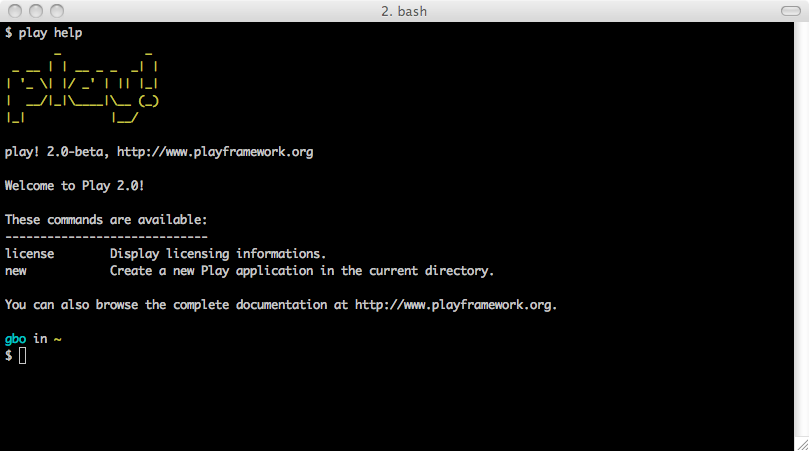
From a shell, launch the play help command.
$ play helpIf everything is properly installed, you should see the basic help: