Environment
Environment:
OS: macOS High Sierra 10.13.5
Node: 7.7.1
Yarn: 0.27.5
npm: 4.3.0
Watchman: 4.7.0
Xcode: Xcode 9.4 Build version 9F1027a
Android Studio: Not Found
Packages: (wanted => installed)
react: 16.3.1 => 16.3.1
react-native: 0.55.4 => 0.55.4
Description
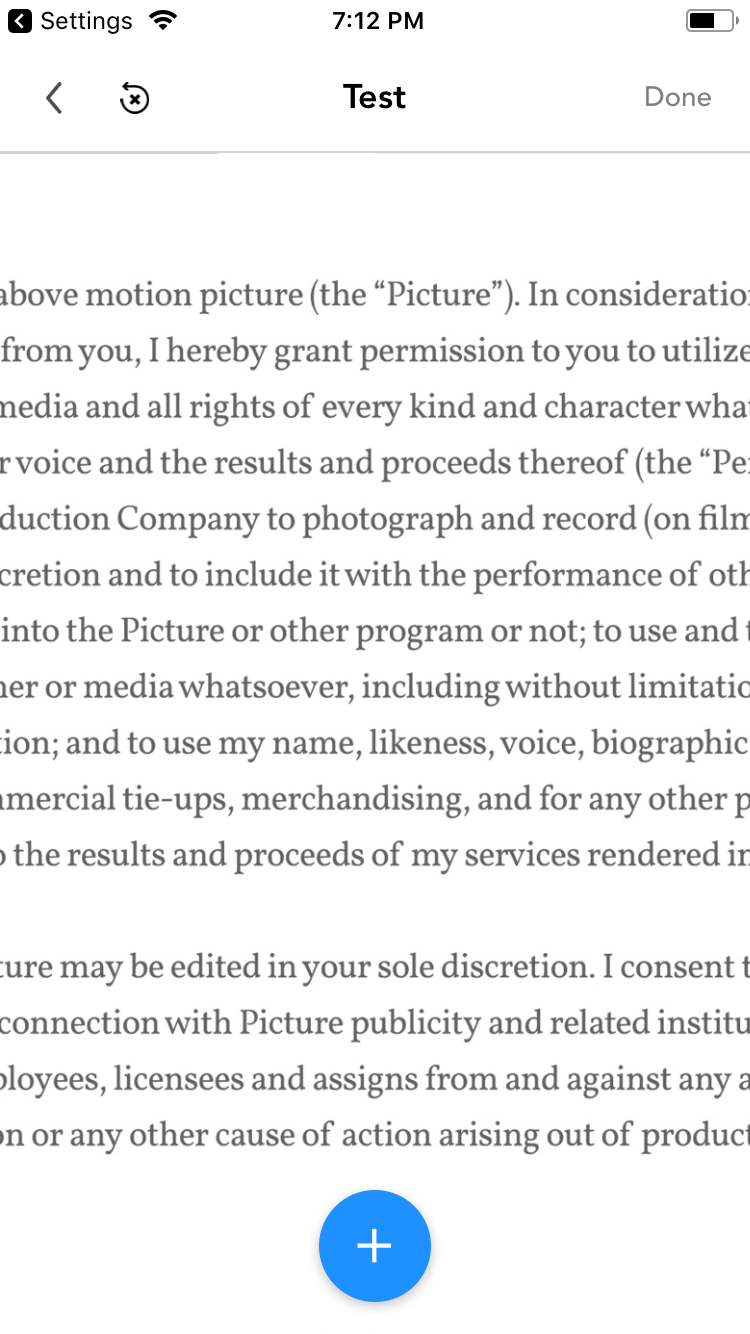
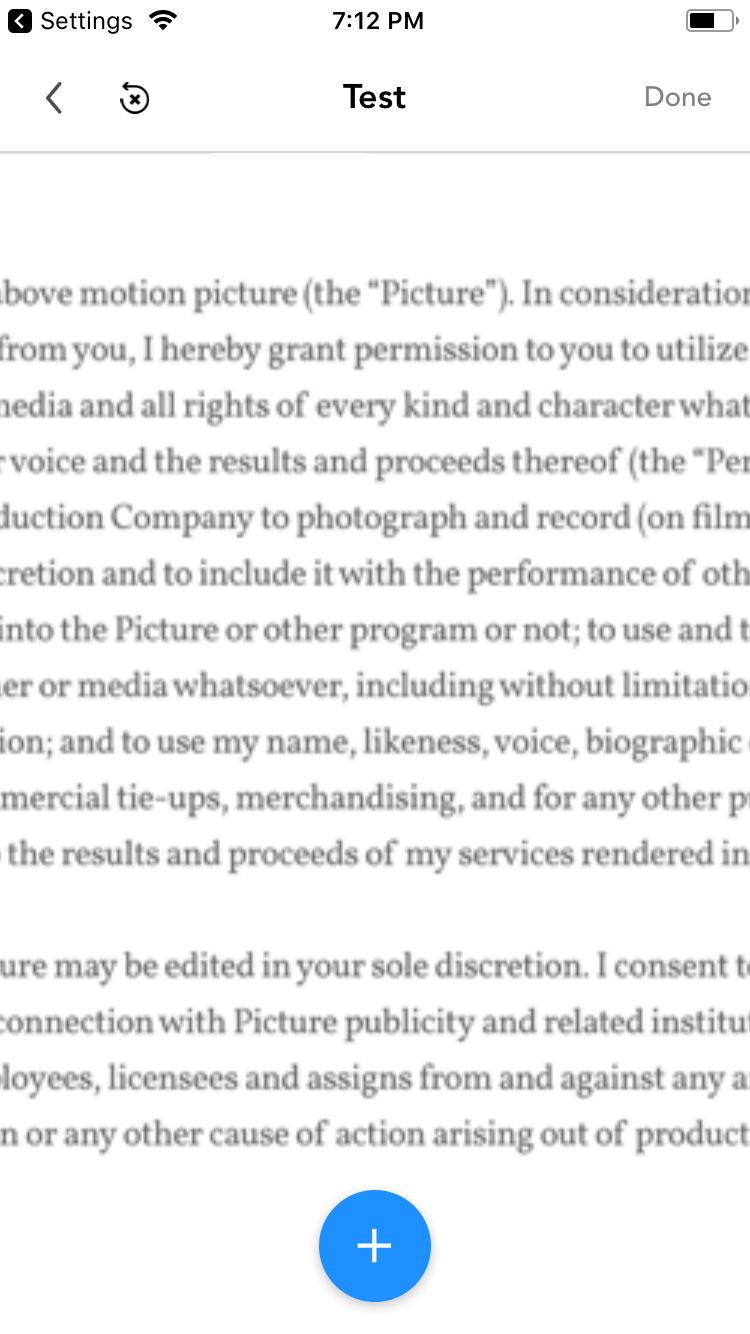
I have a large image (2338x2940) that is within a ScrollView. Resizing the image down, with contain, to the device size makes it fit, but when zooming with the ScrollView, the image is incredibly blurry. However, if I first render the image with full dimensions, using resizeMode="contain", then switch the resizeMode to 'cover' AND change the dimensions to the device size, everything works perfectly. The image fits and is perfect quality on zoom.
I'm not sure why this is happening, but it makes for an incredibly poor user experience. I'm currently using a hacky workaround with opacity to hide the image until it's loaded, but I'd really like to know if there's a better solution.
Here's two example images to demonstrate the issue...
Reproducible Demo
<Image source={{uri: this.props.imageSource}} resizeMode={this.state.isImageLoaded ? 'cover' : 'contain'} style={[styles.image, {width: this.state.imageWidth, height: this.state.imageHeight, opacity: this.state.isImageLoaded ? 1 : 0}]} onLoad={() => this.handleImageLoad()} />

Environment
Environment:
OS: macOS High Sierra 10.13.5
Node: 7.7.1
Yarn: 0.27.5
npm: 4.3.0
Watchman: 4.7.0
Xcode: Xcode 9.4 Build version 9F1027a
Android Studio: Not Found
Packages: (wanted => installed)
react: 16.3.1 => 16.3.1
react-native: 0.55.4 => 0.55.4
Description
I have a large image (2338x2940) that is within a ScrollView. Resizing the image down, with contain, to the device size makes it fit, but when zooming with the ScrollView, the image is incredibly blurry. However, if I first render the image with full dimensions, using resizeMode="contain", then switch the resizeMode to 'cover' AND change the dimensions to the device size, everything works perfectly. The image fits and is perfect quality on zoom.
I'm not sure why this is happening, but it makes for an incredibly poor user experience. I'm currently using a hacky workaround with opacity to hide the image until it's loaded, but I'd really like to know if there's a better solution.
Here's two example images to demonstrate the issue...
Reproducible Demo
<Image source={{uri: this.props.imageSource}} resizeMode={this.state.isImageLoaded ? 'cover' : 'contain'} style={[styles.image, {width: this.state.imageWidth, height: this.state.imageHeight, opacity: this.state.isImageLoaded ? 1 : 0}]} onLoad={() => this.handleImageLoad()} />