A Jetbrains plugin to display and convert timestamps.
Timestamp and Date String Conversion Utility.
- Version: Starting from 2021.2
- Compatible IDEs:
- IntelliJ IDEA
- PyCharm
- GoLand
- WebStorm
- PhpStorm
- RubyMine
- CLion
- DataGrip
- View current timestamp and convert to various formats.
- Mutual conversion between timestamps and date strings.
- Supports both local time and UTC time.
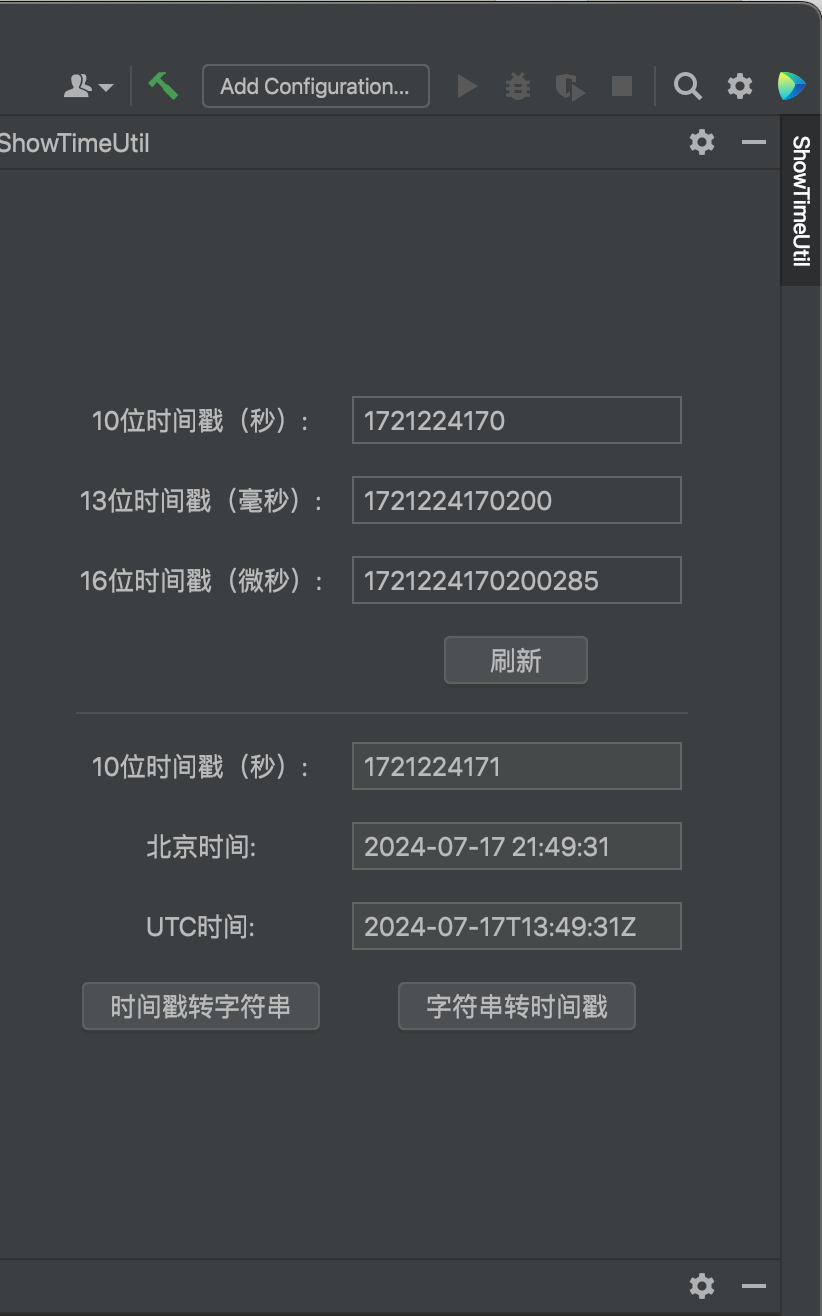
Screenshot 1: Plugin interface showing timestamp conversion.
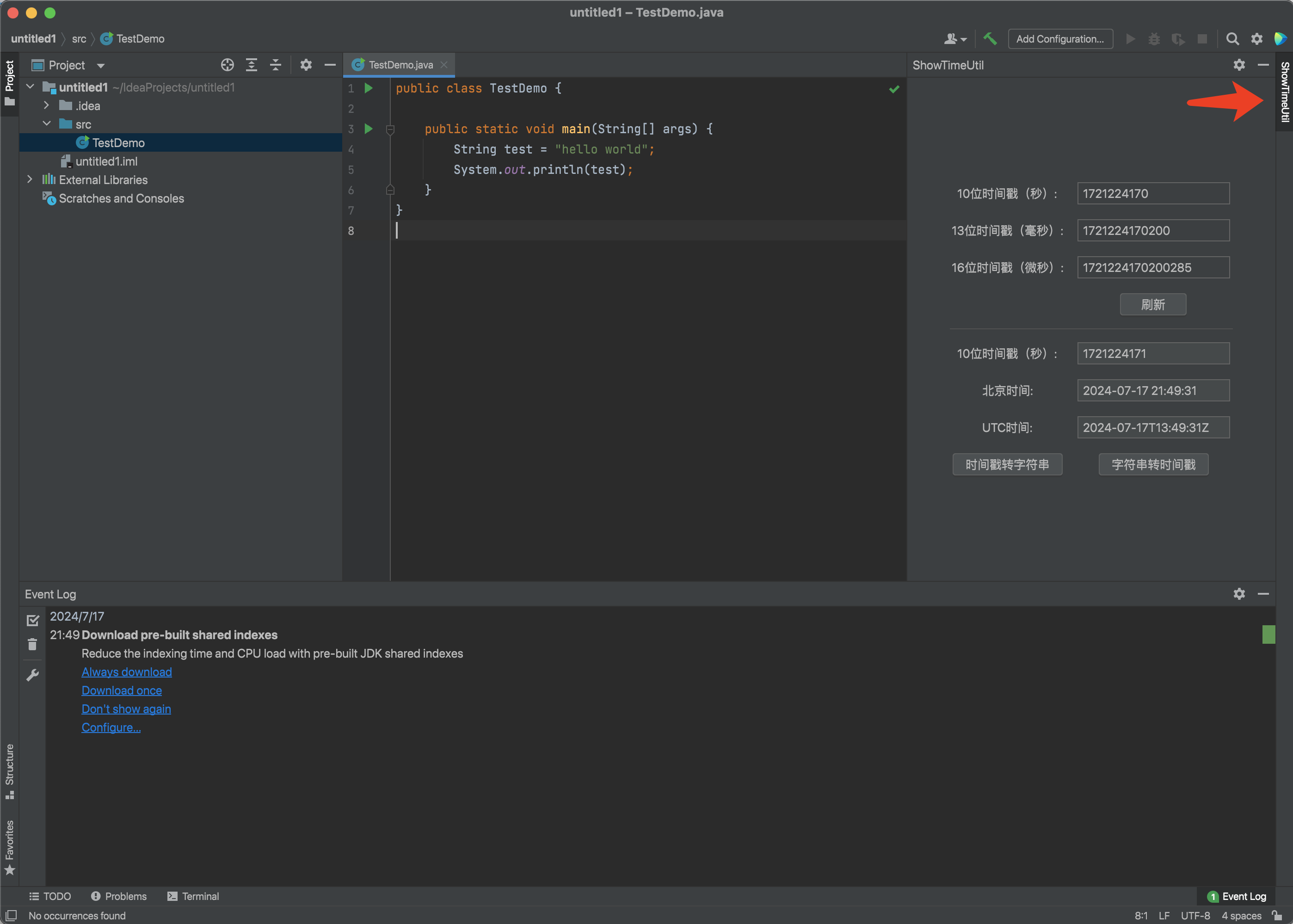 Screenshot 2: Plugin settings and options.
To install the plugin, follow these steps:
- Open IntelliJ IDEA.
- Go to
Preferences>Plugins. - Click on
Marketplaceand search for "showtime". - Click
Installand restart IntelliJ IDEA.
Once installed, you can use the plugin by:
- Opening the plugin tool window.
- Entering a timestamp and converting it to various date formats.
- Switching between local time and UTC time conversions.
We welcome comments and suggestions.
一个用于在 Jetbrains 平台上显示和转换时间戳的插件。
查看当前时间戳 & 时间戳字符串互相转换的工具。
- Version: Starting from 2021.2
- Compatible IDEs:
- IntelliJ IDEA
- PyCharm
- GoLand
- WebStorm
- PhpStorm
- RubyMine
- CLion
- DataGrip
- 查看当前时间戳并转换为各种格式。
- 时间戳和时间字符串的相互转换。
- 支持本地时间和 UTC 时间。
截图 1:插件界面展示时间戳转换功能。
截图 2:插件设置和选项。
安装插件的步骤如下:
- 打开 IntelliJ IDEA.
- 进入
Preferences>Plugins. - 点击
Marketplace并搜索 "showtime". - 点击
Install并重启 IntelliJ IDEA.
安装完成后,可以通过以下步骤使用插件:
- 打开插件工具窗口。
- 输入时间戳并转换为各种日期格式。
- 切换本地时间和 UTC 时间的转换。
欢迎评论留言,提供意见和建议。