Releases: flulwh/liquid-ssh-dashboard
Releases · flulwh/liquid-ssh-dashboard
Release list
v1.1.0 — Bilingual (zh / en) localization

Liquid SSH Dashboard v1.1.0
What's new
🌍 Full bilingual UI (中文 / English)
- Complete i18n infrastructure built on
i18next+react-i18nextwith
localStoragepersistence andnavigatorfallback. - 15+ translation namespaces (common, nav, login, dashboard, servers,
terminal, files, monitoring, settings, about, commandPalette,
serverCard, realTerminal, aiHelper, errors) with mirroredzh.tsand
en.tsdictionaries. - One-click language switcher in the top navbar (中 / EN).
- Locale-aware date / time formatting in the About page and the
Monitoring trend charts. - Every page and component now uses a typed
useT()hook — zero
hardcoded user-facing strings remain.
🔧 Engineering
- TypeScript
tsc --noEmitand Vite production build both pass. - The release ships the same feature set as v1.0.0 (real SSH via
ssh2+ WebSocket, SFTP file manager, server load probing, MD3
dark theme) — only the localization layer is new.
How to update
git pull
npm install
npm run dev:all   # one-click start (backend + frontend)
The v1.1.0 commit is
0a1f37c.
— Liquid Dev


Liquid SSH Dashboard v1.0.0
Liquid SSH Dashboard v1.0.0
First stable release of the Material Design 3 dark Web SSH & SFTP dashboard.
A modern alternative to native terminals — manage your servers, terminals, and files from a single browser tab.
🎉 What's new
✨ Core features
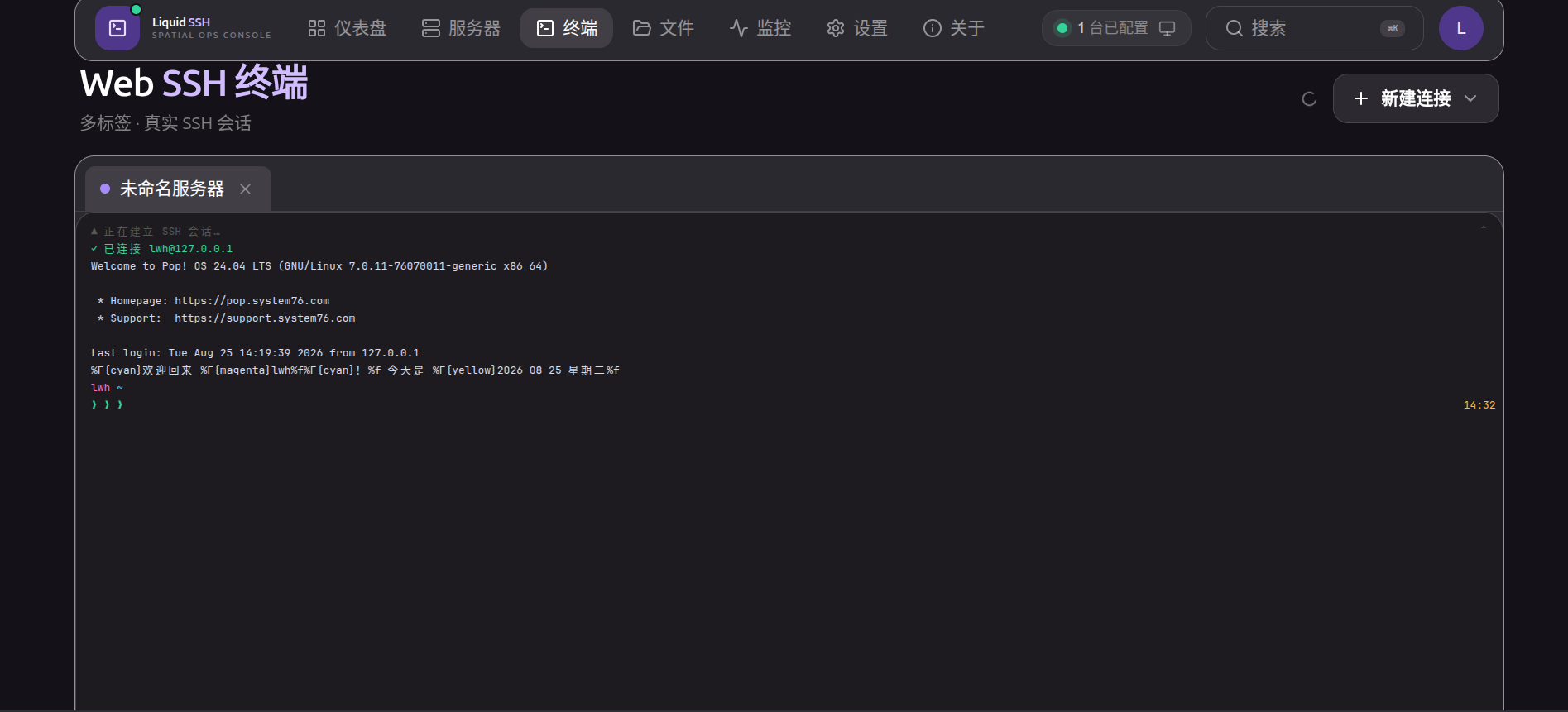
- 🌐 Real SSH Terminal — interactive sessions over WebSocket (xterm.js), multi-tab, remote resize, 1000-line scrollback.
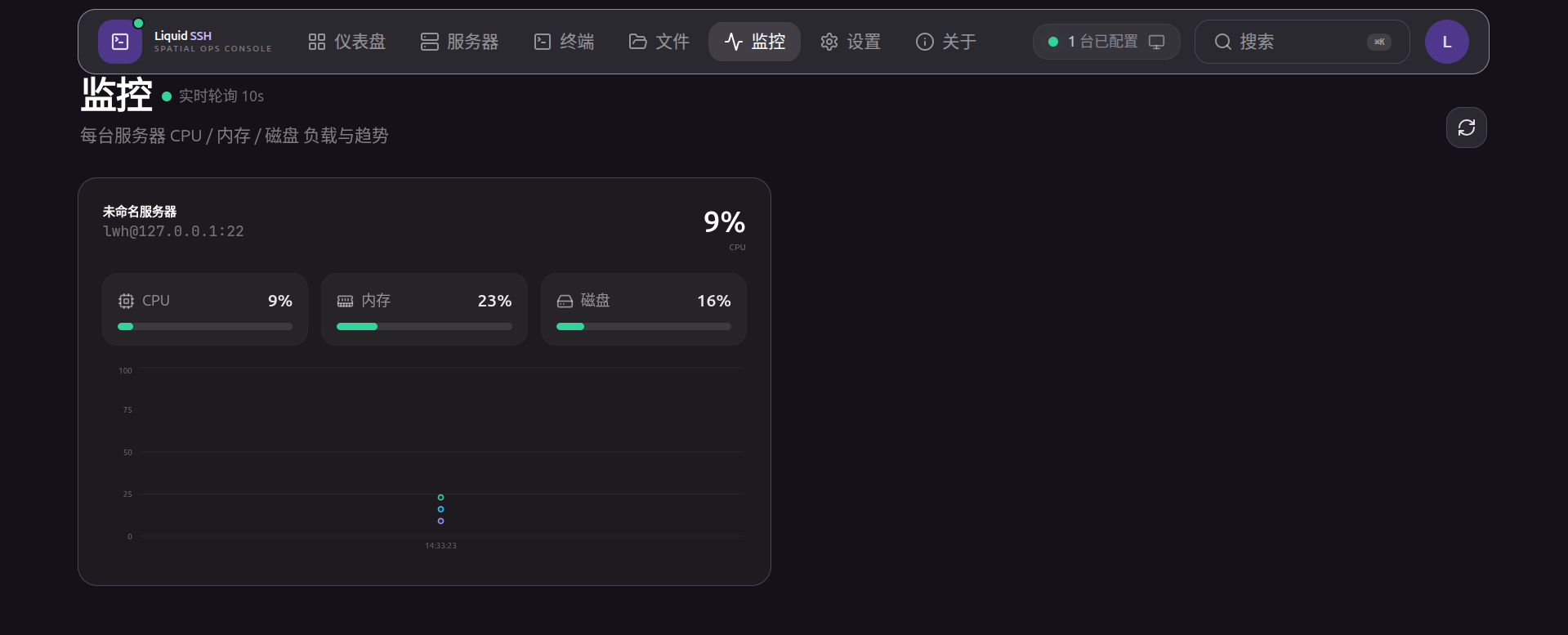
- 📊 Live Monitoring — real CPU / memory / disk collected via SSH, with historical trend charts.
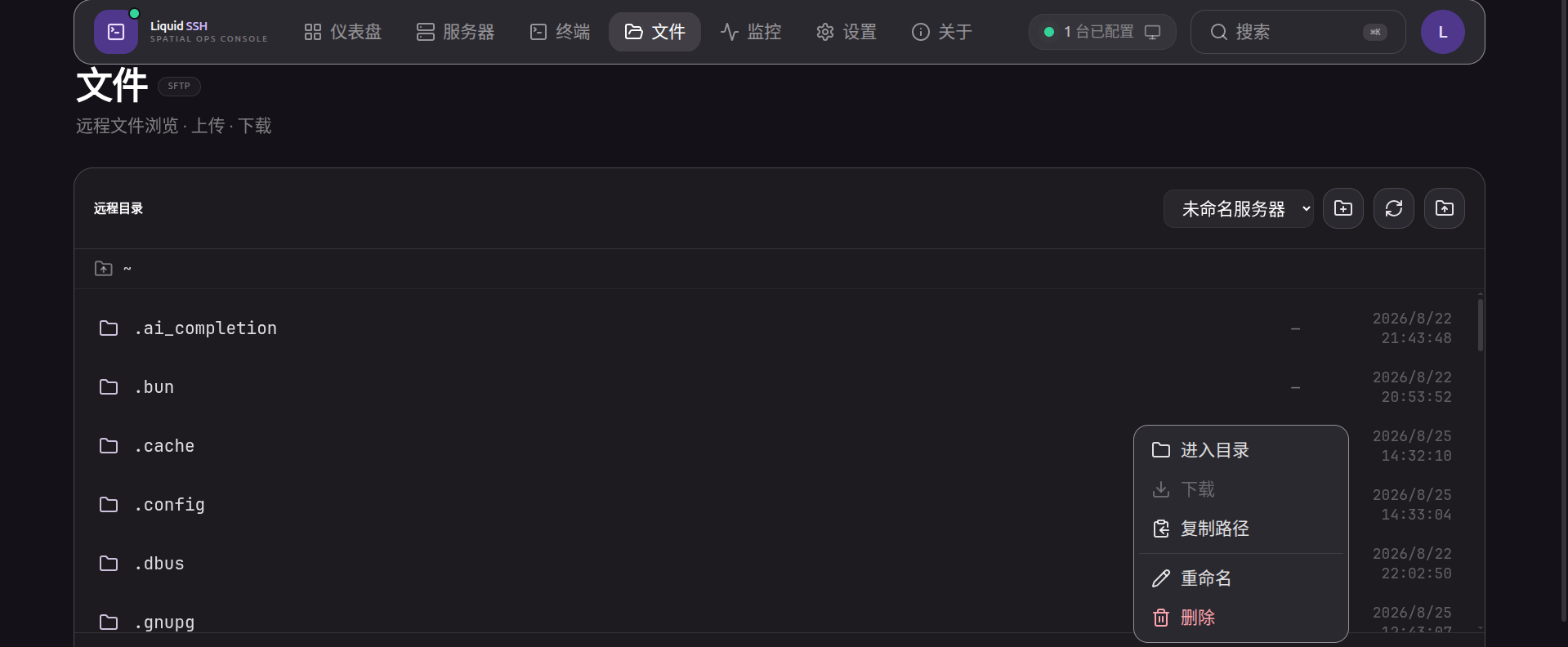
- 📁 SFTP File Manager — browse remote directories, upload / download files, context menu (rename · delete · copy path · new folder).
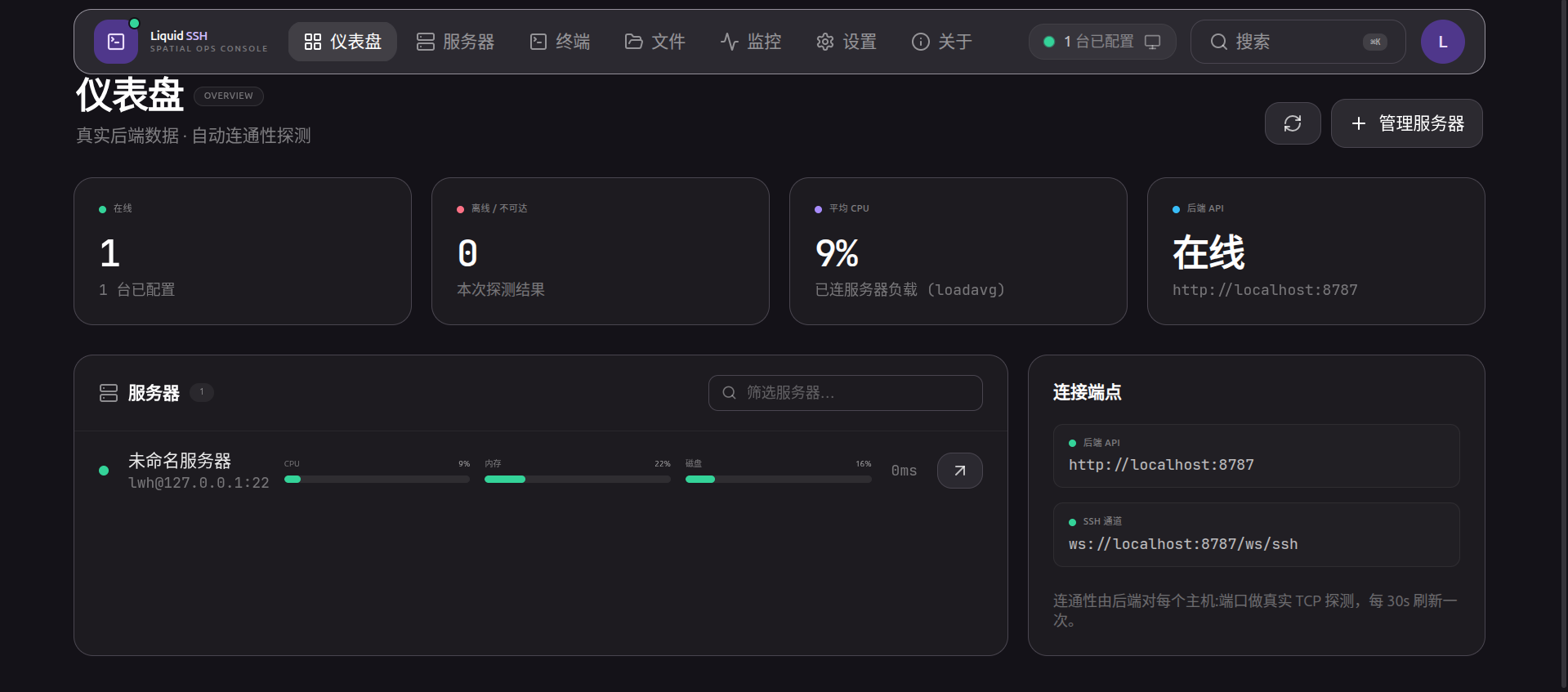
- 📡 Server Dashboard — TCP reachability probing + per-server real-time load (loadavg / free / df).
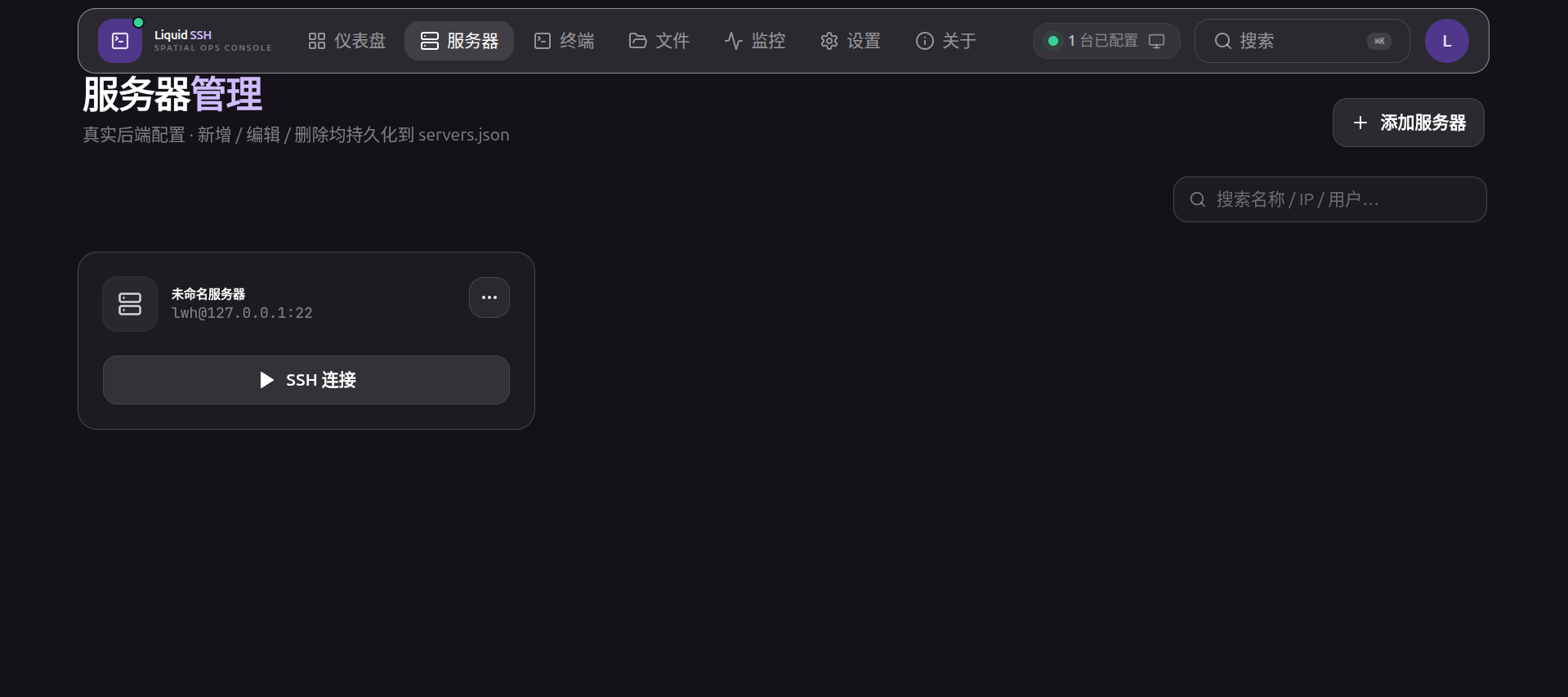
- 🖥 Server Management — search / add / edit / delete servers, persisted to the backend
servers.json. - 🔐 Accounts & JWT Auth — register & log in from the UI; no hard-coded credentials, no mock data anywhere.
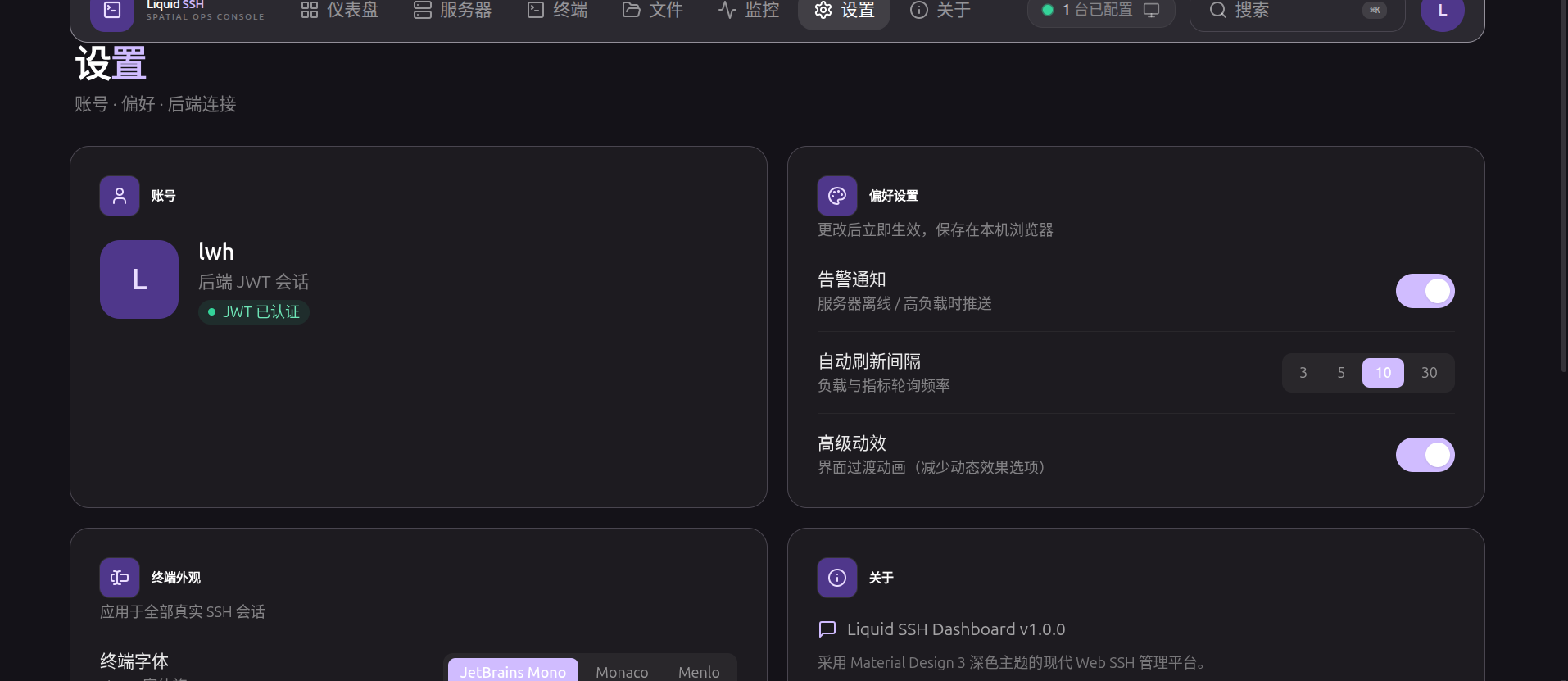
- ⚙️ Preferences — terminal font/size, refresh interval, reduced motion (persisted in browser).
- ⌨️ Command Palette —
Ctrl+K/⌘Kglobal search & quick actions. - 🧩 One-command start — cross-platform
npm run dev:alllaunches frontend + backend together.
🎨 UI / UX
- Material Design 3 dark theme with seed color
#6750A4(default purple). - Restrained surface material (hairline border + elevation), no glass blur / gradient glows.
- Respects
prefers-reduced-motion.
🛠 DX
- Cross-platform dev script (
scripts/dev.mjs) — Windows / macOS / Linux. - API contract documented in README; deployable to Vercel / Netlify / Cloudflare Pages / Nginx / Docker.
📸 Screenshots
Dashboard
Servers
Web SSH Terminal
Files (SFTP)
Monitoring
Settings
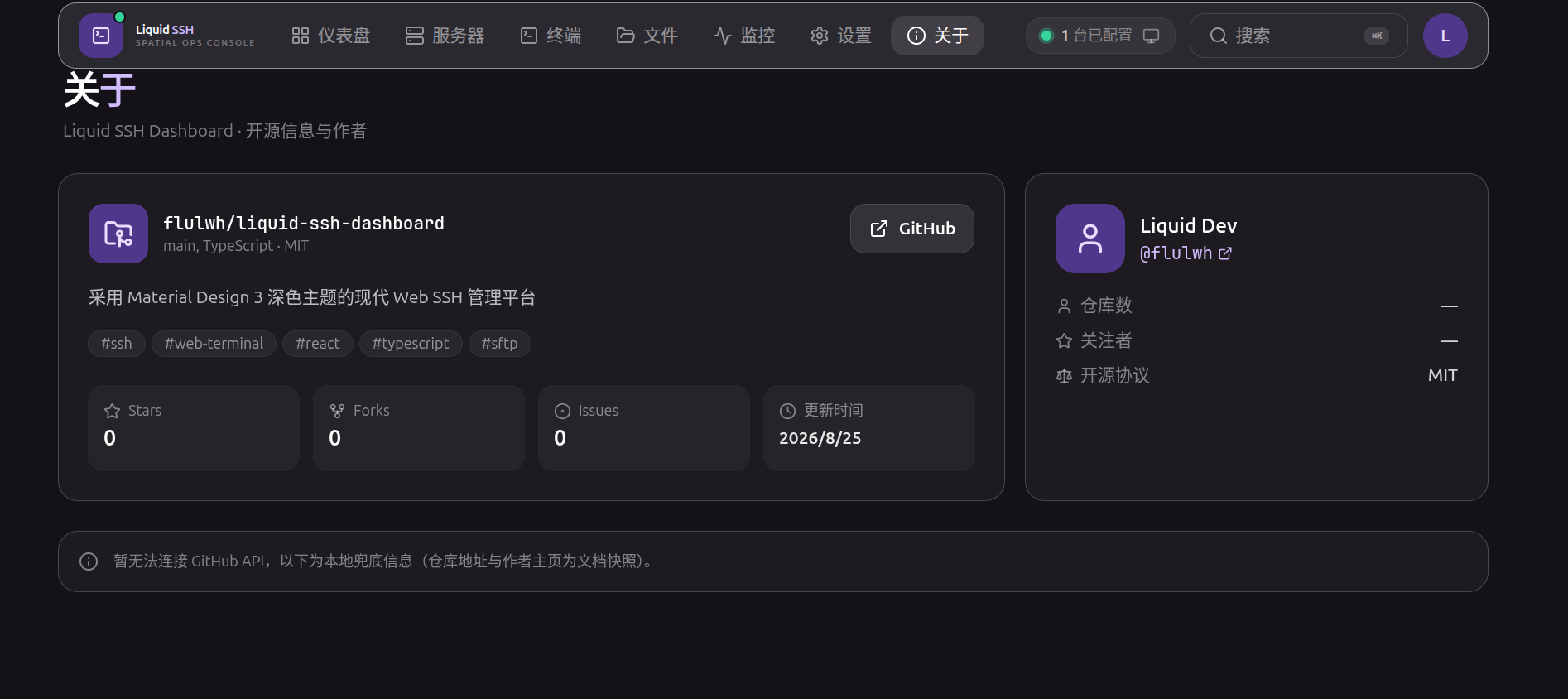
About
🚀 Quick Start
git clone https://github.com/flulwh/liquid-ssh-dashboard.git
cd liquid-ssh-dashboard
npm install && (cd server && npm install)
npm run dev:all
Then open http://localhost:5173/, register the first account, add a server, and connect.
Full docs: https://github.com/flulwh/liquid-ssh-dashboard#readme
📄 License
MIT — see LICENSE.
— @flulwh