Google Maps: Blank space on top #28120

Description

I have a details page with a button that goes to a map. When clicked, the map opens but I see a blank space on top.
It's the second time I try to build the map. Last one was weeks ago and I had the same problem.
I could not find a solution for this.

Steps to Reproduce
This is my map page.
import 'package:flutter/material.dart';
import 'package:google_maps_flutter/google_maps_flutter.dart';

class MapPage extends StatefulWidget {
  final LatLng latLng;

  MapPage({Key key, this.latLng}) : super(key: key);

  @override
  _MapPageState createState() => _MapPageState();
}

class _MapPageState extends State<MapPage> {
  GoogleMapController mapController;

  void _onMapCreated(GoogleMapController controller) {
    setState(() {
      mapController = controller;
      mapController.addMarker(
        MarkerOptions(
          position: widget.latLng,
          infoWindowText: InfoWindowText('Sitio X', '5 Star Rating'),
          icon: BitmapDescriptor.defaultMarker,
        ),
      );
    });
  }

  @override
  Widget build(BuildContext context) {
    return Scaffold(
        backgroundColor: Colors.grey.shade100,
        appBar: AppBar(
          backgroundColor: Colors.green[900],
          title: Text('Mapa'),
        ),
        body: GoogleMap(
          initialCameraPosition:
              CameraPosition(target: widget.latLng, zoom: 11.0),
          onMapCreated: _onMapCreated,
        ));
  }
}
Logs
No error.
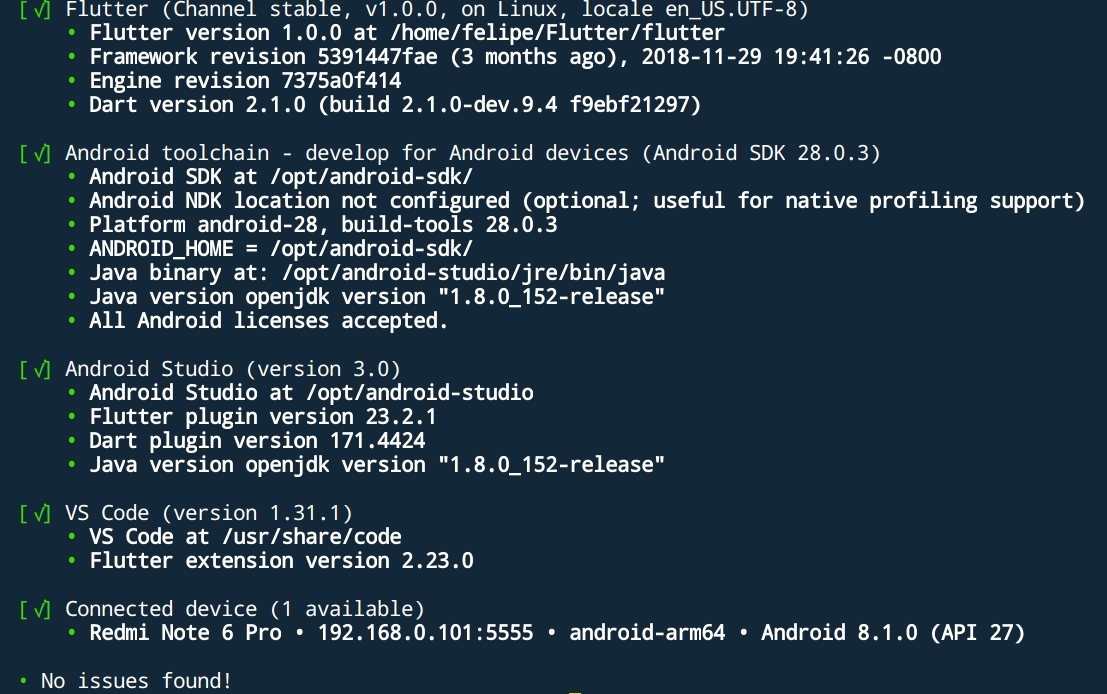
google_maps_flutter 0.2.0+3