Repository navigation
Releases: frankjmclarke/advancedheroquest
Release list
HQ-Map 1.0

HQ-Map 1.0 Release Notes
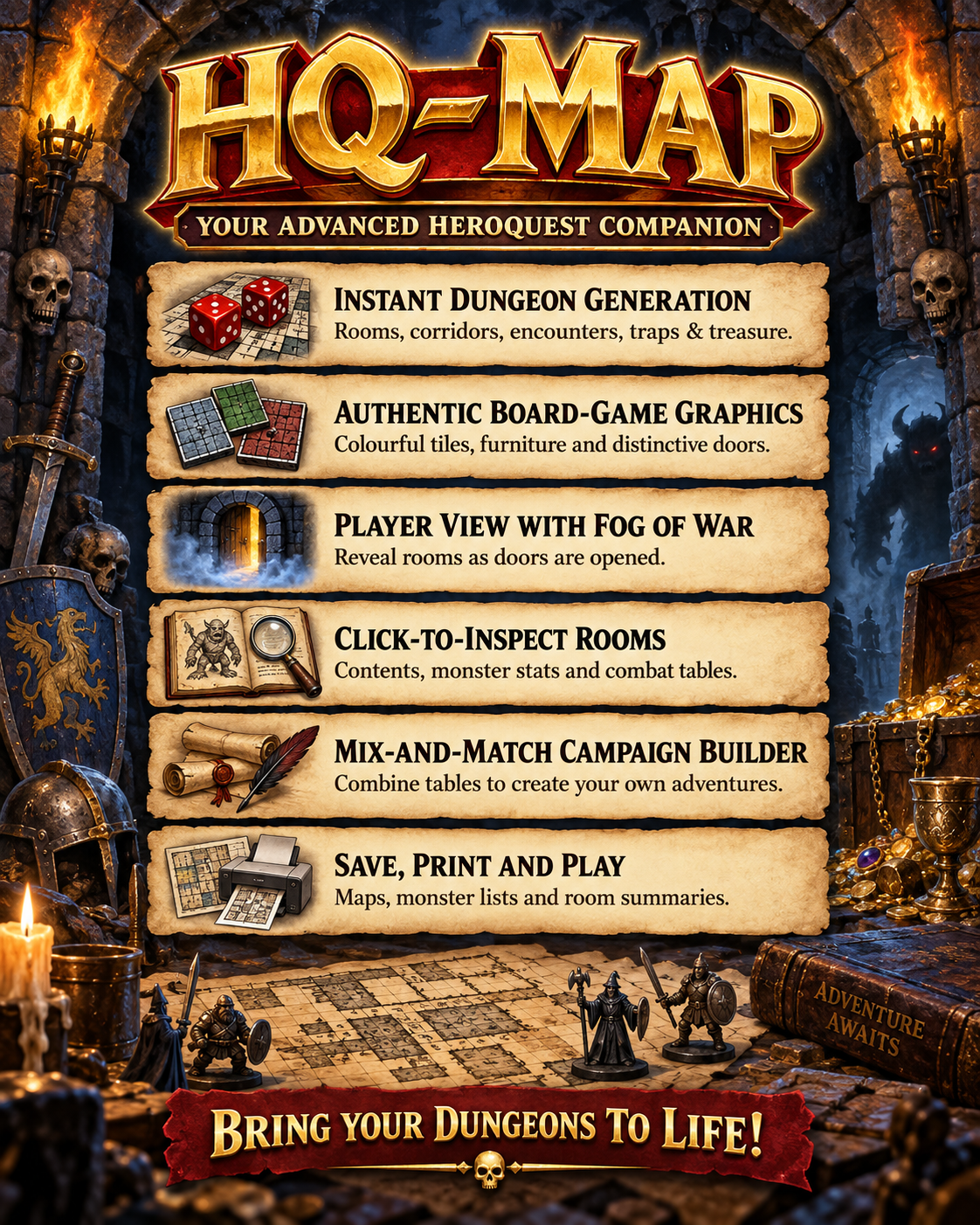
A dungeon generator for Advanced HeroQuest.
Press a couple of keys and it rolls you a whole dungeon — rooms, corridors, doors, traps, wandering monsters and treasure — and draws the map.
Written by Jürgen Albuschies in 1999. This version runs on today's Windows, in English, in colour, and fills the screen.
September 29 update: Bright Wizard spells and map targeting
Wizards now have personal spellbooks, learned spells and shared ingredient
inventory. All twelve Bright spells have effect handlers, including damage,
healing, temporary enchantments, forced movement, private scouting, magic doors
and timed resurrection. Intelligence tests and Fate are supported; applying a
spell consumes its ingredients and records casting and movement restrictions.
Choose Cast spell... from the combat panel or a token's context menu.
Click targets on the map, or use Pick on map to hide the casting window
temporarily. Fireball templates preview their pack-defined footprint and
automatically include covered figures, including friends. Flight selects a
model followed by a destination. Cancel before applying spends nothing.
After applying, a results window stays open until Close. It reports affected
characters, actual damage or healing, remaining Wounds, knockout or death,
temporary bonuses and expiry, ingredients consumed, remaining stock and Fate
spent. The casting-window mouse-message freeze has been fixed.
Board labels show active effects and their expiry. Corpse markers distinguish
resurrection available now, next turn, expired, blocked squares and lost souls.
Player View hides undiscovered corpses and effects. Zoom in to read full labels.
Saves retain spellbooks, ingredients, temporary effects, turn timing, corpses,
scouted areas and magic doors, with Undo and older-save migration. Campaign
Builder preserves spell definitions and template dimensions with each pack.
Bravery tests and some surprise adjudication remain GM controlled; learning and
ingredient edits currently record inventory without deducting gold.
The spellcasting implementation is merged into main at b5ac6cd. Build and
native checks passed for casting, real mouse clicks, results, save migration,
combat, fog, map rendering, Campaign Builder and all five Sentinel decks.
The installer and portable ZIP include SPELLCASTING.md with the full guide.
September 29 update: corridor discovery and simpler combat controls
Corridors now start hidden in Player View. Placing or moving a hero reveals
corridor tiles in that hero's line of sight. Seeing one square reveals the
whole physical tile; adjoining tiles remain hidden until seen. Sight respects
walls, closed doors and corridor bends. Movement discovers tiles along the
route, and Undo restores the previous discovery state. Saves retain discoveries,
including compatibility with older saves.
The toolbar now provides large icons for Undo, End phase, Party and
Player View. Player View toggles fog of war. Right-click a token for its
available actions. The redundant Select, Move and Attack buttons have been
removed: drag a model to move it, or select it and click an enemy to attack.
The duplicate Party menu entry has also been corrected.
Adventure difficulty can reduce monster appearances and increase encounter
gold rewards. Easy grants 25% more gold; adjusted rewards appear in room
contents. Weapon profiles support diagonal melee attacks where permitted,
including across connected room and corridor boundaries. Hero knockout and
death are distinguished, and Heroes & Reserve supports deleting characters.
This build also fixes gold parsing overflow and allocation-failure handling
for character packs and saved fog state. Native combat, fog, save migration
and corridor-discovery checks passed; the Windows executables, portable ZIP
and installer were rebuilt from main at commit 9041a4b.
September 27 update: guided turns and combat panel
A combat panel now stays beside the map. Select a hero or monster to see its
wounds, remaining movement, normal attack allowance, and what to do next.
Run, End phase, and Undo are available there,
along with a control to start or leave guided turns. The panel reports the
latest movement, attack, run, or phase change.
Guided combat alternates Hero and GM phases. Each model can move up to its
Speed and make one normal attack, in either order, or run instead of attacking.
Free melee attacks remain part of the same combat resolution. The GM ends each
phase manually; the Party menu shows how many normal attacks that side has used.
GM override can bypass action limits. Saves preserve phase and action state,
while older saves start in free play. See HERO-SESSIONS.md in the portable ZIP
or installer for the full guide.
September 25 update: campaign character packs
Campaigns now select their own hero and monster definitions. Sentinel V uses
Space Marine presets and its complete enemy roster, including named Eldar
leaders, for Heroes & Reserve, room references and monster placement. The
fantasy campaign's heroes and monsters now share one source file, and the
duplicate monster catalogue has been removed.
All campaigns continue to use the existing AHQ hand-to-hand and ranged combat
rules. Saved adventures preserve their campaign pack; older saves without pack
metadata use the campaign selected in Load Tables, or the fantasy pack when
no campaign has been selected. Campaign Builder copies pack dependencies with
the campaign.
September 23 update: heroes, monsters and combat
The September 23 build introduced the combat features described below.
Click or drag to attack
Select a hero, then click an enemy, or drag the hero onto it. Orthogonally
adjacent enemies open hand-to-hand combat; other targets open ranged
combat, including diagonal neighbours. Monsters can attack heroes too.
- Roll attack handles the hit roll, damage dice, all bonus dice from twelves,
and the result calculation in one click. - Review the displayed dice and wounds, then Apply or Cancel. Undo
restores an applied exchange. - Melee criticals and fumbles offer Take free attack. Further criticals or
fumbles can continue the chain while both models remain alive. - Hero Weapon / combat and Ranged weapon profiles are editable. The
Warrior, Dwarf, Elf and Wizard have defaults based on the supplied character
sheets; other classes have labelled suggested melee profiles. Matching monster
reference data supplies profiles where available.
Ranged attacks and Next Turn
Ranged combat checks the equipped weapon, orthogonal square-count range,
movement, enemy death zones and line of sight. Bows and crossbows require the
attacker to remain stationary; thrown weapons allow movement. Intervening
figures and obvious walls or closed doors block shots. Corner visibility is
generous: players can cancel a shot they disallow.
A blocked attack displays its reason. In free play, Next Turn in the ranged
dialog resets movement and heroes' normal ranged attacks for everyone, like the
Party menu command. During guided turns it advances to the next phase. It is
disabled while a rolled preview awaits Apply or Cancel. An applied shot,
including a miss or fumble, uses that model's normal attack; cancelling a
preview does not. Melee free attacks remain available. Phase changes and turn
resets can be undone.
Ranged criticals halve target Toughness, rounding down. On a fumble, the target's
controller can choose an eligible friendly model for the resulting attack.
Tokens, saved adventures and fog of war
- Revealing a room automatically places its monsters, with different colours
for different species. Drag tokens to move them; double-click a monster to
inflict one wound. Surprise positioning remains a manual choice. - Monsters at zero wounds are removed. Unique character-monster deaths are
remembered for the continuing adventure. - Movement into an enemy death zone stops the model and tracks the zone's
focused opponent. Focus clears when that opponent leaves the zone or is removed. - Saved adventures retain heroes, monsters, weapon profiles, explored rooms,
opened doors, movement and heroes' fired-this-turn state. Older saves still load. - Startup automatically recovers the previous session without a recovery prompt.
Player View stays selected across save/load, restart, map generation and hero
placement. - Generating a new map clears placed figures: heroes return to reserve and old
monsters do not carry onto the new map.
Players still adjudicate special abilities and other rules not automated here.
The portable ZIP includes HERO-SESSIONS.md and HERO-WEAPONS.md for details.
September 18 update: tools for playing at the table
Click a room to inspect it
Click a room in the graphic map to open Room contents. Its room number,
encounters, treasure and notes appear in a separate, movable window. Click
another room to update the contents without closing the window. Long entries
scroll, and the text can be selected and copied. Room selection works at every
zoom level and after scrolling.
Player View with fog of war
Choose Map → Player View (fog of war) or press Alt+W to open or focus
the player map.
- The entrance is visible initially. Corridor tiles are revealed by hero line of sight; rooms stay hidden until revealed.
- Click a visible door to reveal the adjoining room, its map contents and all
its doors. Further rooms stay hidden until their doors are clicked. - All doors includes secret doors adjoining a visible cor...