Repository navigation

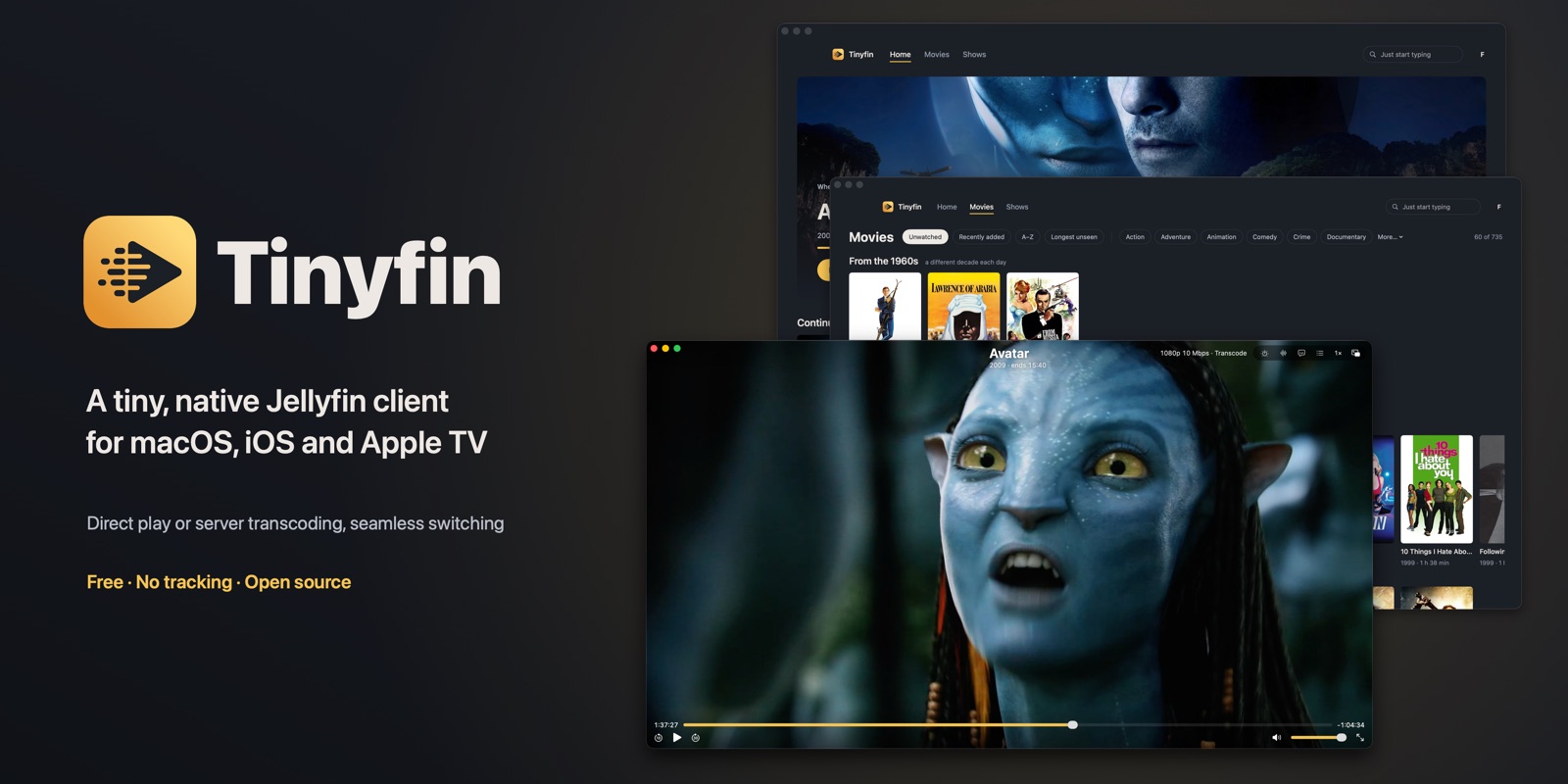
Tinyfin 1.0 for Mac
A tiny, native Jellyfin client. It plays your files as they are, and when your server has to
transcode, you can switch quality mid-film without the picture stopping.
Download
Tinyfin-1.0.dmg: open it and drag Tinyfin to Applications.
Notarised by Apple · macOS 14 Sonoma or later · Jellyfin 10.9 or later.
SHA-256: ce012a32389ef86cb0af5909005d1d7804958c24bc8ab833e5830c862a117964
Playback
- Direct play or server transcoding, seamless switching. Pick Original or anything down to 360p,
any time. The new stream loads while the current one keeps playing, then takes over at a keyframe.
No spinner, no restart. Your choice is remembered per server. - Plays files as they are. MKV, MP4, MOV, MPEG-TS and WebM; H.264, HEVC (10-bit), and AV1 on Macs
that decode it in hardware. - HDR10, HLG and Dolby Vision (Profiles 5 and 8) on HDR displays.
- Every common audio format. Dolby Atmos (E-AC-3) goes straight to macOS; TrueHD, DTS-HD, FLAC and
the rest are decoded in the app, up to 7.1. - Subtitles. SRT, ASS, WebVTT and Blu-ray/DVD picture subtitles (PGS), drawn inside the picture,
above any black bars encoded into the film. - What's playing, at a glance: the title, episode and when it ends at the current speed.
- Chapters, 0.75×–2× speed, Picture in Picture, Now Playing and media keys, trackpad scrubbing.
Finding something to watch
- One keystroke away from where you left off. Home opens on your last film or episode; Return
resumes it. Continue watching and Next up are right below. - Rows that need no typing: Short tonight, Because you watched, a genre and a decade of the day.
Feeling lucky? Press S for a surprise. - A tab per library with one-click filters, genres and a poster grid. Start typing anywhere to search.
- Made for the keyboard: arrows everywhere, Space for a quick look, ⌘1–9 for tabs.
Tiny and quiet
- No settings screen: sensible defaults instead.
- Nothing is collected. Tinyfin talks only to your Jellyfin server; your sign-in stays in the
Mac's Keychain. Plainhttpon your home network works. - No automatic updates: new versions appear on this page.
- Quit with ⌘Q rather than force-quitting, so your server stops transcoding.
Tinyfin is an independent app, not an official Jellyfin product. It uses FFmpeg under the
LGPL v2.1; the source and licences are in this repository (see THIRD_PARTY_NOTICES.md).