Telegram Desktop provides a well-tuned night mode color, but I faced some problems when switching from light mode to night mode:
-
No default background image when using night mode
-
No image in default gallery looks good in night mode
-
Contact list is too bright
-
Message box background color is too dim
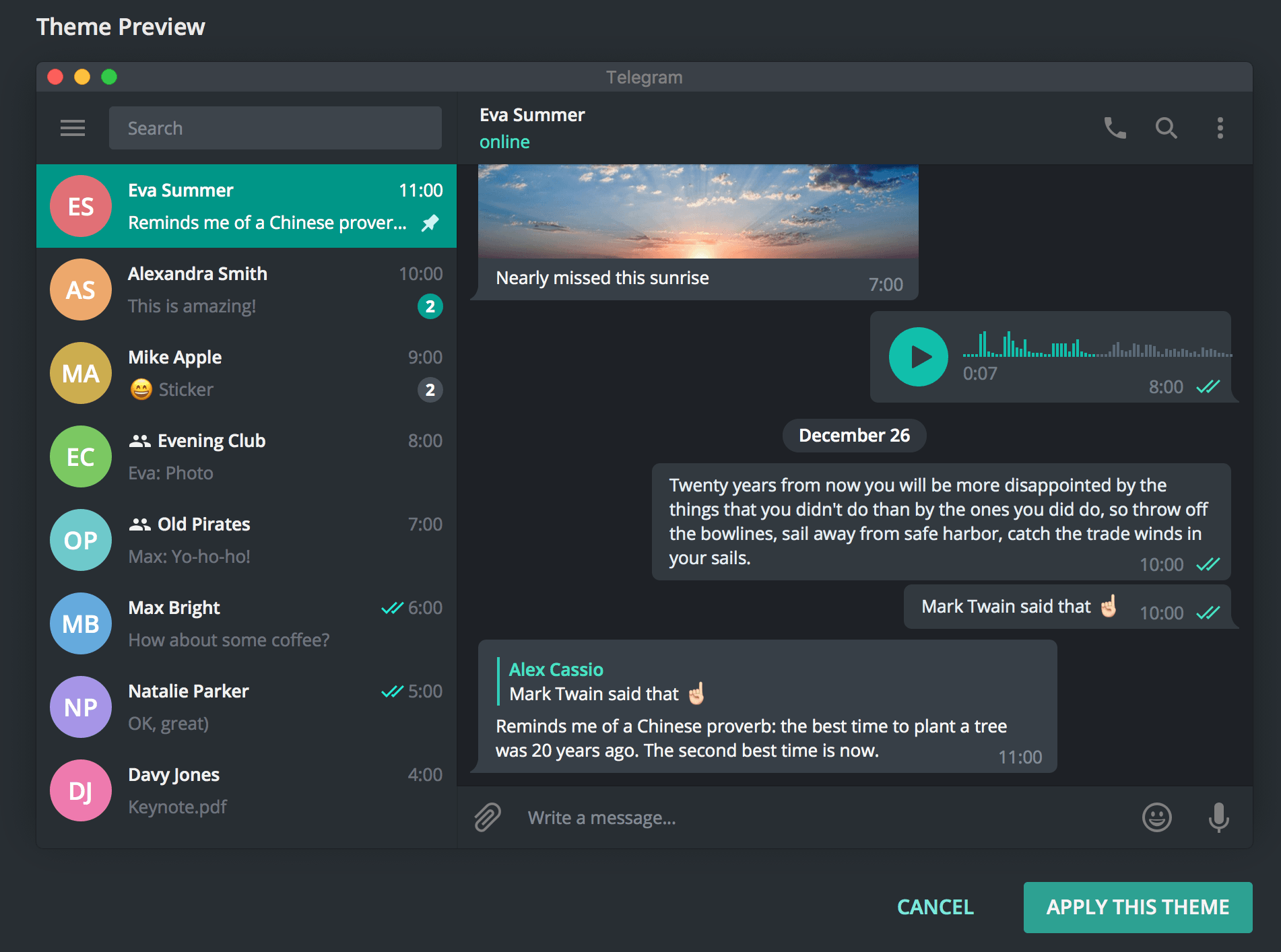
NightDev theme is a one click solution. 'Apply Themes' and done!


-
Open Releases section
-
Download file with tdesktop-theme extension, e.g.
NightDev.tdesktop-theme -
Send it to yourself in Telegram
-
Click on file icon to preview the theme
-
Click "Apply Theme"
Telegram MacOS and Android are NOT supported.
https://github.com/gaplo917/tdesktop-night-dev-theme/commit/f3a9f1c2dad4b19a9acd5af84f8a33269a93d0cc
https://cdn.rawgit.com/gaplo917/tdesktop-night-dev-theme/6cc95aff/tiledBg.png
