Home
Alpha software -- this project is in early development. Expect rough edges, breaking changes, and the occasional FreeCAD crash from LLM-generated code. Save your work frequently.
Latest release: v0.21.2-alpha -- two crash fixes (@s-light).
list_documentsraised anAttributeErroron every FreeCAD 1.1.x session, not just the Flatpak build it was reported against (#57). And theexecute_codesandbox pre-check could resolve a completely unrelated FreeCAD install -- a Snap onPATHwhile you run a Flatpak -- whose incompatible Draft/Arch/PySide stack segfaulted; it now resolves the console binary from the running session's own install, and no longer imports the realFreeCADGui, which unblocks generated code that imports Arch/BIM (#58). Seeexecute_codefor what the sandbox stubs out. Preceded by v0.21.1-alpha, which stopped truncated LLM replies from silently breaking Plan mode's Execute button (#50; @MusaAkyuz) and the Act-mode tool loop (#52), and by v0.21.0-alpha's managed backups directory with an optionalmax_backupscap (#46; @3dyuval) plus the.FCStdauto-save fix (#44; @FairlyInconspicuous). See the CHANGELOG for the full history.
FreeCAD AI is a workbench that adds an AI chat assistant to FreeCAD. Describe what you want to build in plain language and the assistant creates 3D models using structured tool calls or generated Python code. It supports multiple LLM providers, reusable skills, and project-level instructions -- all with zero external Python dependencies.
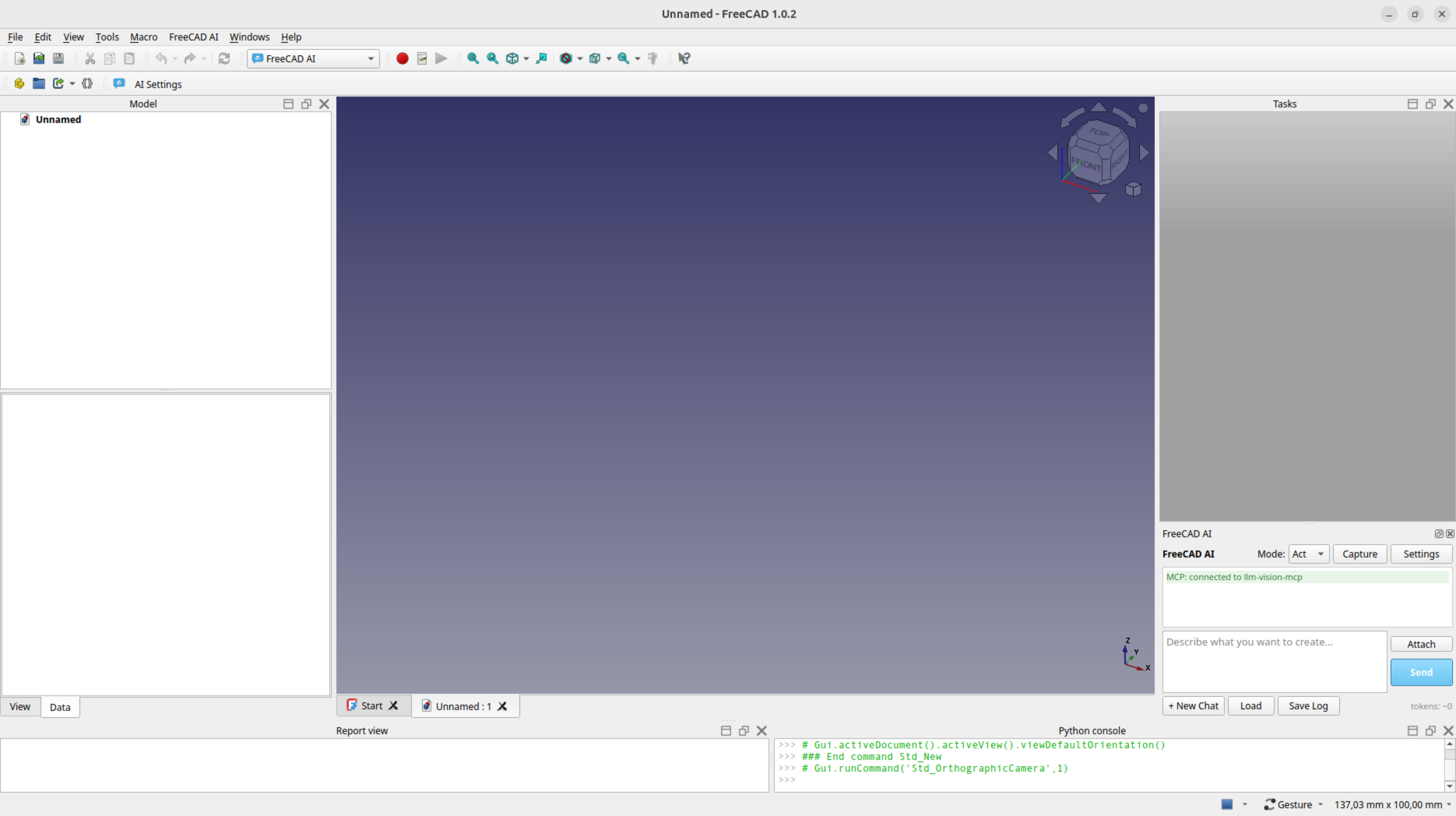
- Chat interface -- dock widget with streaming LLM responses, persistent layout across FreeCAD sessions (geometry and tab grouping restored on workbench activation)
- Plan / Act modes -- review generated code before execution (Plan) or let the assistant execute automatically (Act). Plan mode includes Check and Fix with AI buttons for sandbox-validated code review (catches FreeCAD C++ console errors and invalid shapes that don't raise Python exceptions)
- 53 built-in tools -- structured FreeCAD operations (sketch, edit sketch, pad, pocket, revolve, loft, sweep, fillet, chamfer, shell, patterns, mirror, boolean, datum planes & lines, transform, duplicate, viewport control, etc.) wrapped in undo transactions
-
7 built-in skills -- reusable instruction sets the model invokes autonomously or via
/command(enclosure, gear, fastener holes, thread inserts, lattice, sketch-from-image, skill-creator) -
Skill optimizer -- iteratively improve skill instructions via test-evaluate-modify loop (
/optimize-skill) - Hooks -- user-defined Python hooks for lifecycle events (block tools, modify input, log activity)
- Thinking mode -- enable LLM reasoning chains (Off / On / Extended) for complex multi-step tasks
- Context compacting -- automatically summarizes older messages when approaching context limits, with configurable context window size
- Session resume -- conversations auto-save; reload any of the last 20 sessions
- 20+ LLM providers -- Ollama, Anthropic, OpenAI, Gemini, OpenRouter, and 15 more (see table below), plus any OpenAI-compatible endpoint
- Dark mode -- chat widget automatically adapts to FreeCAD's light/dark theme (theme changes require FreeCAD restart)
-
Vision routing -- auto-detects LLM vision capability via Ollama
/api/show(authoritative) or OCR probe (other providers); non-vision models use MCP fallback. Ollama also reportstoolsandthinkingcapabilities, gating tool-call sends on per-model support - Image support -- attach viewport screenshots and images to chat messages (capture, attach, drag-drop, paste); auto-attach viewport on error retries so the LLM can see the resulting state
- AGENTS.md support -- project-level instructions with include directives and variable substitution
-
User extension tools -- register your own Python functions as LLM-callable tools (
.pyor.FCMacro) - File attachments -- attach text files, PDFs, and documents to chat; binary files handled via hooks
- MCP integration -- connect external Model Context Protocol servers to extend available tools, with per-server timeout configuration
-
Zero external dependencies -- uses only Python stdlib (
urllib,json,threading,ssl) - FreeCAD-native preferences -- Edit → Preferences → FreeCAD AI page for the basics (provider, model, API key, mode, thinking, max tokens), kept in sync with the full AI Settings dialog via a JSON ↔ ParamGet bridge
- Installation -- clone or symlink the repo into FreeCAD's Mod directory
- Configuration -- select a provider, enter your API key, test the connection
- Getting Started -- open the chat panel and build your first model
Requires FreeCAD 1.0+ and an LLM provider (local Ollama or a cloud API key).
| Provider | API Key | Notes |
|---|---|---|
| Ollama | No | Local models, default http://localhost:11434
|
| Anthropic | Yes | Claude models via native API |
| OpenAI | Yes | GPT models |
| Gemini | Yes | Google AI via OpenAI-compatible endpoint |
| OpenRouter | Yes | Multi-provider gateway |
| Moonshot | Yes | Kimi models (temperature locked) |
| DeepSeek | Yes | DeepSeek-V3 |
| Qwen | Yes | Alibaba DashScope (international) |
| Groq | Yes | Ultra-fast inference |
| Mistral | Yes | Mistral models |
| Together | Yes | Open model hosting |
| Fireworks | Yes | Fast inference |
| xAI | Yes | Grok models |
| Cohere | Yes | Command models |
| SambaNova | Yes | Fast inference |
| MiniMax | Yes | MiniMax models |
| Llama | Yes | Meta's official Llama API |
| GitHub | Yes (PAT) | GitHub Models marketplace |
| HuggingFace | Yes (hf_...) |
Serverless inference API |
| Zhipu | Yes | GLM models (z.ai international) |
| Custom | Varies | Any OpenAI-compatible endpoint |
- Tutorial: Simple Box -- create a parametric box from scratch (beginner)
- Tutorial: Enclosure -- build an electronics enclosure with lid and snap-fit (intermediate)
- Tutorial: Gear -- generate an involute spur gear (intermediate)
See Tutorials for the full list.