Home
This deobfuscator has been tested on the following set of samples.
After decompiling the file with View8, deobfuscate it with deobf_all.py.
Example:
~/jsc_deobfuscator/deobf_all.py --inp decompiled/6e023b9b3097a2dba311cb06a91fe259.dec.pkl --out deobfuscated/6e023b9b3097a2dba311cb06a91fe259.deobf.pkl 
Label functions with LLM, using as an input the deobfuscated file. Example:
$ ~/jsc_deobfuscator/deobf_ai.py --inp deobfuscated/6e023b9b3097a2dba311cb06a91fe259.deobf.pkl --out ai_deobf/6e023b9b3097a2dba311cb06a91fe259.openai_basic.pkl --llm_backend openai
By default it runs in the basic mode, and only the functions called directly from the root are relabeled. For deeper renaming, use --greedy.
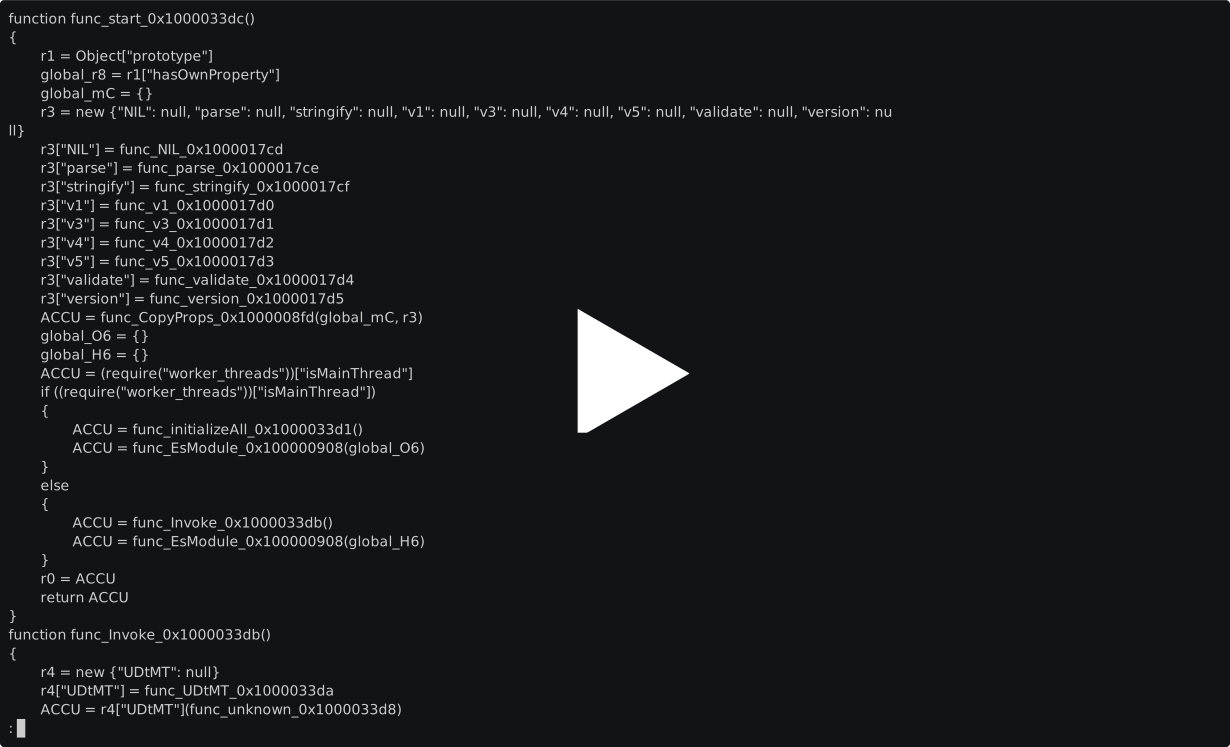
- Demo function relabeled by LLM, basic mode
- Demo function relabeled by LLM, greedy mode
After relabeling the file with LLM, find the function of your interest in the generated CSV. Example:
$ cat deobfuscated/6e023b9b3097a2dba311cb06a91fe259.deobf.renamed_funcs.basic.gpt-5.4-mini.csv | grep func_unknown_0x10000338f
func_unknown_0x10000338f,func_proxy_0x10000338f
As you can see it has been relabeled to func_proxy_0x10000338f.
Run the script on the selected function, using the relabled picke as the input:
$ ~/jsc_deobfuscator/deobf_ai.py --inp ai_deobf/6e023b9b3097a2dba311cb06a91fe259.basic_openai.pkl --func func_proxy_0x10000338f
- Demo function described by LLM