RF MODEM Access POINT
Alpine Linux installed, Apache Server installed and CGI enabled
Packets: apk add --no-cache musl-dev apache2
apk add --no-cache openrc perl perl-dev make gcc
apk add --no-cache musl-dev -mandatory for next cpan commands
cpan -i Device::Modem
cpan -i CGI
cpan -i Device::SerialPort
rc-service apache2 start
rc-update add apache2
mkdir -p /opt/IB/BLOCKED_COUNTRIES
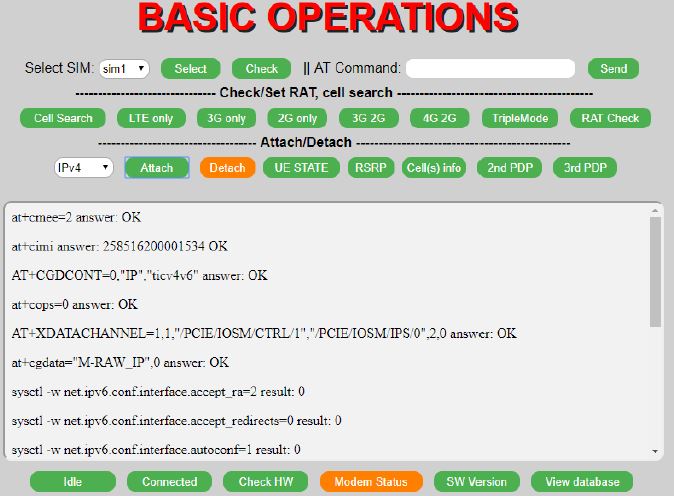
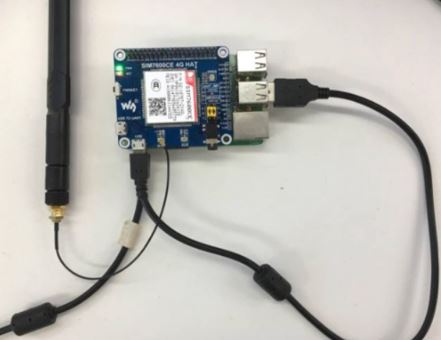
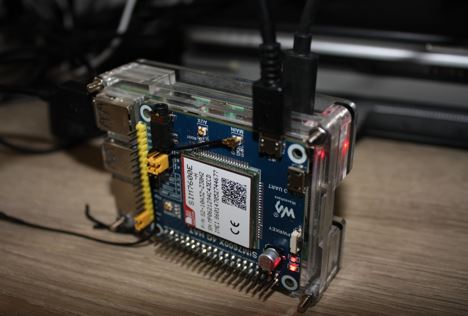
iBlocker *html and *cgi scripts copied to Alpine Linux, and LTE modem attached via USB cable.
addgroup apache dialout
Reboot
Add ExecCGI in line "Options Indexes FollowSymLinks ExecCGI" in httpd.conf
Uncomment below lines:
LoadModule cgi_module modules/mod_cgi.so
ScriptAlias /cgi-bin/ "/var/www/localhost/cgi-bin/"
in httpd.conf
mkdir /home/iblocker/BACKUP
chown apache:www-data /home/iblocker/BACKUP/
Add below lines in /etc/network/interfaces
auto usb0
iface usb0 inet dhcp
iface usb0 inet6 dhcp
echo 2 > /proc/sys/net/ipv6/conf/usb0/accept_ra
IPv4
iptables -A FORWARD -i usb0 -j ACCEPT
iptables -t nat -A POSTROUTING -o usb0 -j MASQUERADE
/etc/init.d/iptables save
IPv6
ip6tables -A FORWARD -i usb0 -j ACCEPT
ip6tables -t nat -A POSTROUTING -o usb0 -j MASQUERADE
/etc/init.d/ip6tables save
Reboot