docker‐compose for iBlocker Containers
- Install Docker as described below
https://wiki.alpinelinux.org/wiki/Docker
- Create docker-compose.yml and launch it as
docker-compose up -d. The below containers would be installed:
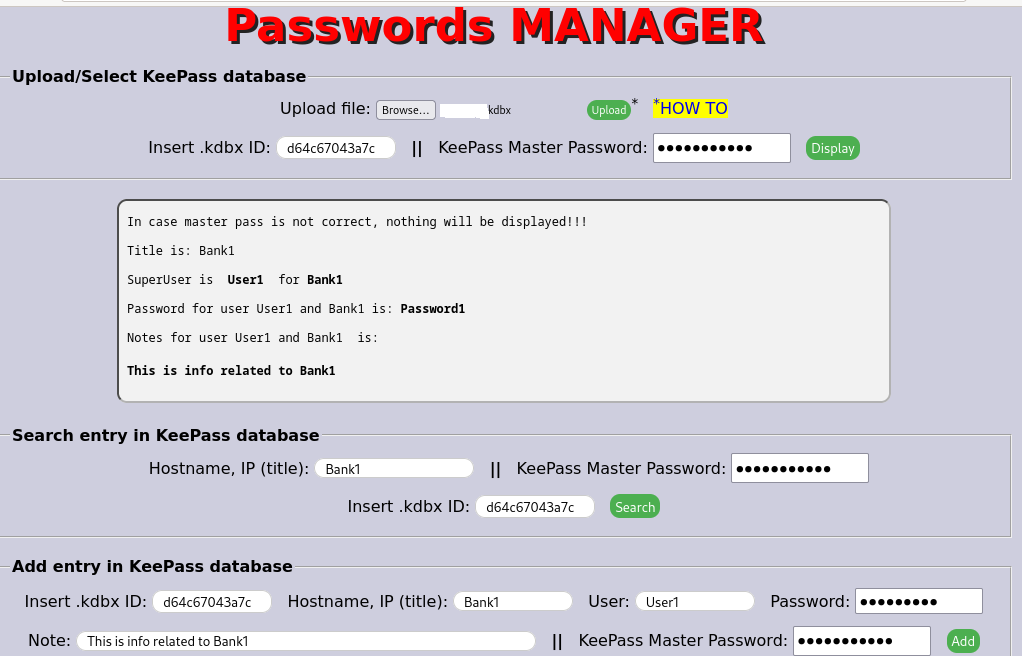
Upload your KeePass .kdbx database to kBac Docker container, and access your Passwords/PIN(s)/Secrets from smartphone, PC, tablet by accessing http://172.25.1.1:8087 and login with iblocker/Test#1234
----------------//---------------
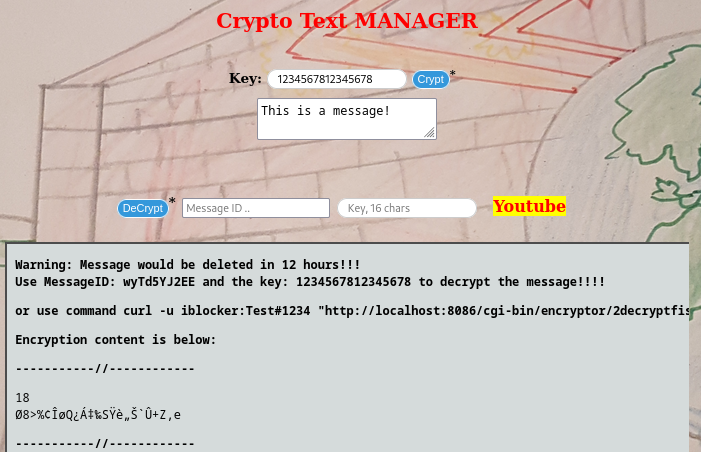
Open in browser http://172.25.1.1:8086 and login with iblocker/Test#1234
----------------//---------------
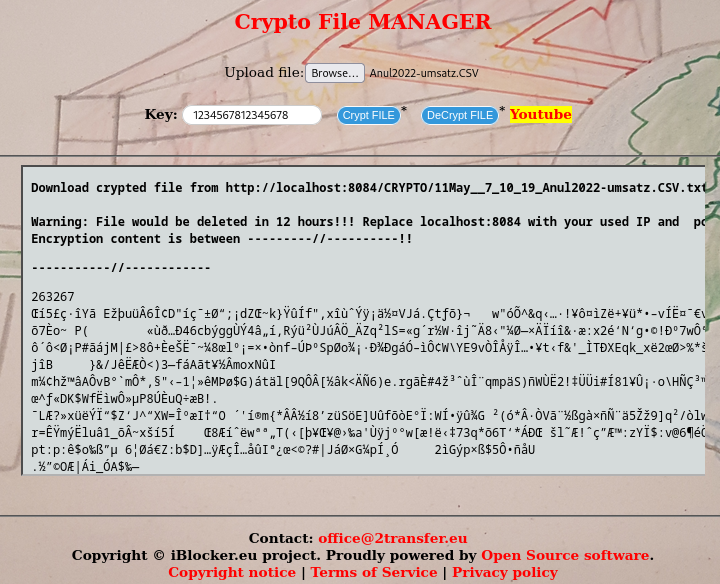
File is encrypted and a download link is generated. Encrypted file or the link could be send via email or messenger, and the receiver could decrypt the file.
Open in browser http://172.25.1.1:8084 and login with iblocker/Test#1234
----------------//---------------
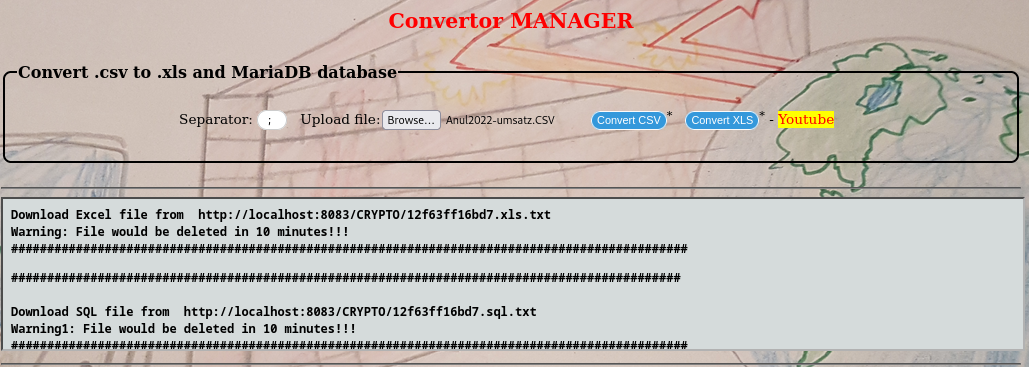
User could upload a .csv file which would be converted into an Excel file and MySQL database.
Open in browser http://172.25.1.1:8083 and login with iblocker/Test#1234
----------------//---------------
docker-compose.yml file
version: '3.4'
services:

  kbac:
    image: iblocker/kbac:v2.0.0
    environment:
    - "ENDPOINT=http://localhost:8087"
    ports:
    - "8087:80"
    container_name: conkbac
    restart: always

  messenger:
    image: iblocker/messenger:v2.0.0
    environment:
    - "ENDPOINT=http://localhost:8086"
    ports:
    - "8086:80"
    container_name: messenger
    volumes:
       - /sys:/sys:rw
    restart: always

  encryptor:
    image: iblocker/encryptor:v2.0.0
    environment:
    - "ENDPOINT=http://localhost:8085"
    ports:
    - "8084:80"
    container_name: conencryptor
    volumes:
       - /sys:/sys:rw
    restart: always

  convertor:
    image: iblocker/convertor:v2.0.0
    environment:
    - "ENDPOINT=http://localhost:8083"
    ports:
    - "8083:80"
    container_name: conconvertor
    restart: always


  cadvisor:
    image: gcr.io/cadvisor/cadvisor:v0.51.0
    container_name: cadvisor
    ports:
       - 8080:8080
    volumes:
       - /:/rootfs:ro
       - /var/run:/var/run:ro
       - /sys:/sys:ro
       - /var/lib/docker/:/var/lib/docker:ro
       - /dev/disk/:/dev/disk:ro
    devices:
       - /dev/kmsg
    privileged: true
    restart: always
----------------------------//----------------------------
docker-compose down  encryptor
docker-compose down  messenger

docker-compose up -d  encryptor
docker-compose up -d  messenger