[Feature]: Files without Exif Category #1646

Replies: 9 comments 4 replies

|
Hello, can you help us include a screenshot of what is happening on your instance? Please blur out the images if you can |

|
|
|
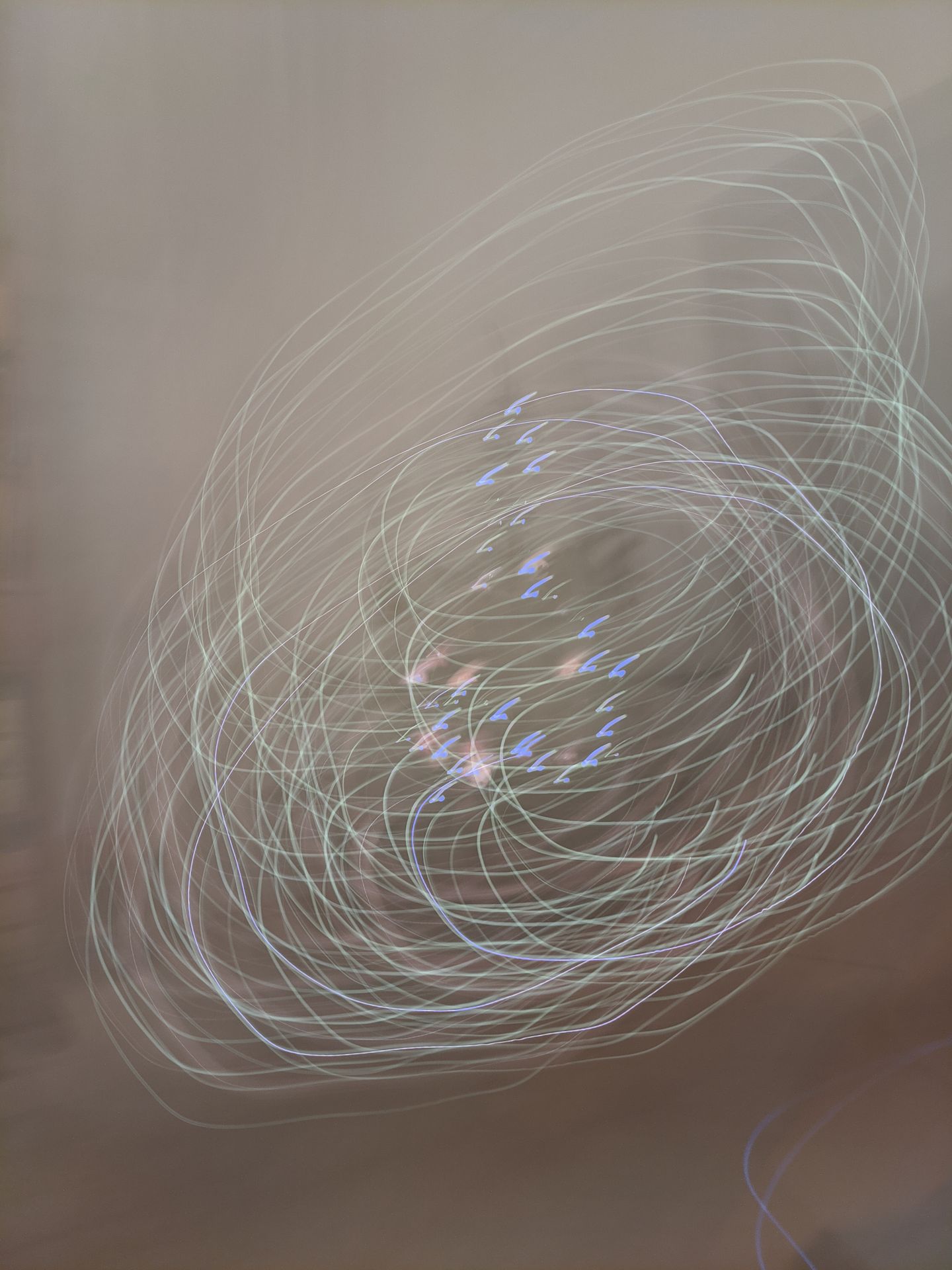
Here is a light drawing from my kids that my wife sent me through signal which has its exif info stripped. All these appear at the date where they were imported. |

|
Yeah, this is because immich will fallback to the date the file was created (uploaded to immich). I wonder if this behaviour should be changed. |

|
I think it would be good if there were customization options here. In my case, some images also have no exif information, but I have named them in a special format for example YYYY-MM-DD_HH-mm-ss.jpg. A way to sort by filename would help me a lot in this case. |

|
Can you update the exif for the file with another tool, potentially using a sidecar xmp file and then reimport / scan. them? |

|
Potentially, I could update the files. Are there any suitable, efficient solutions that won't require much time? There are approximately 1500 files in formats such as JPG, PNG, HEIC, GIF, MOV, and MP4. I'm not even sure if they all support the same EXIF data. |

|
You can use |
|
Thank you. Finding this files is a little bit more challenging because there seems to be EXIF information available but certain date related tags are missing or set to 0. The biggest issue, however, is knowing which tags I should set for each file type (jpg, png, mov, mp4, ...) and which of these Immich will read… |

|
I see there has not been activity for some time in this thread. But I also think it would be nice to have some notification (maybe in utilities?) to know which photos don't have exif timestamp. While it is easy to set custom timestamp with other apps, the difficult part is identifying which photos should be modified, evwn more with big libraries. |

|
My feature suggestion (#28836) was flagged as a duplicate to this one. |

|
I have a similiar problem. I imported my photos as an external library because they are sorted by folders and I don't want to loose that. However, now all my "pre-digital" scanned photos appear anywhere in the timeline with the scan date. It is nearly impossible for me identify them. I would date them manually, but for that I need a filter in IMMICH to identify them. So a in advanced search "no exif date present" would be tremendously helpfull. Maybe in the future we get a local "Scan Timeline" AI which can guestimate a proper time and even for that this filter would be necessary. |
|
A possible workaround for those interested until someone implements some sort of official workflow: This will populate the primary field Immich uses to determine the date for its timeline with 1-1-1970 for all photos in the folder. For most users, this will place photos at the bottom of the timeline, all in one place, where users can update the date over time. If harmony between embedded exif metadata fields and the Immich database is a priority, using the Immich Exif tool might be a solution. |


Uh oh!
There was an error while loading. Please reload this page.
Feature detail
Currently, immich shows files without exif with the timestamp of the import.
While this might make sense to some degree when you add a single image, it messes up your the image UI when importing an existing library.
I have about 1k images without an exif tag. Other open source programs handle it in a way that they move the images without exif information to the very bottom of the timeline. In immich this could be done with an "Unknown" date category.
Platform
Web
All reactions