


An automator script to screenshot desktop and set it as background.
Works best adding app to dock then you can just click to use it, otherwise you may end up with finder window caught in the screenshot.
You can add to iCal/ Calander as a daily event to have it automated each day.
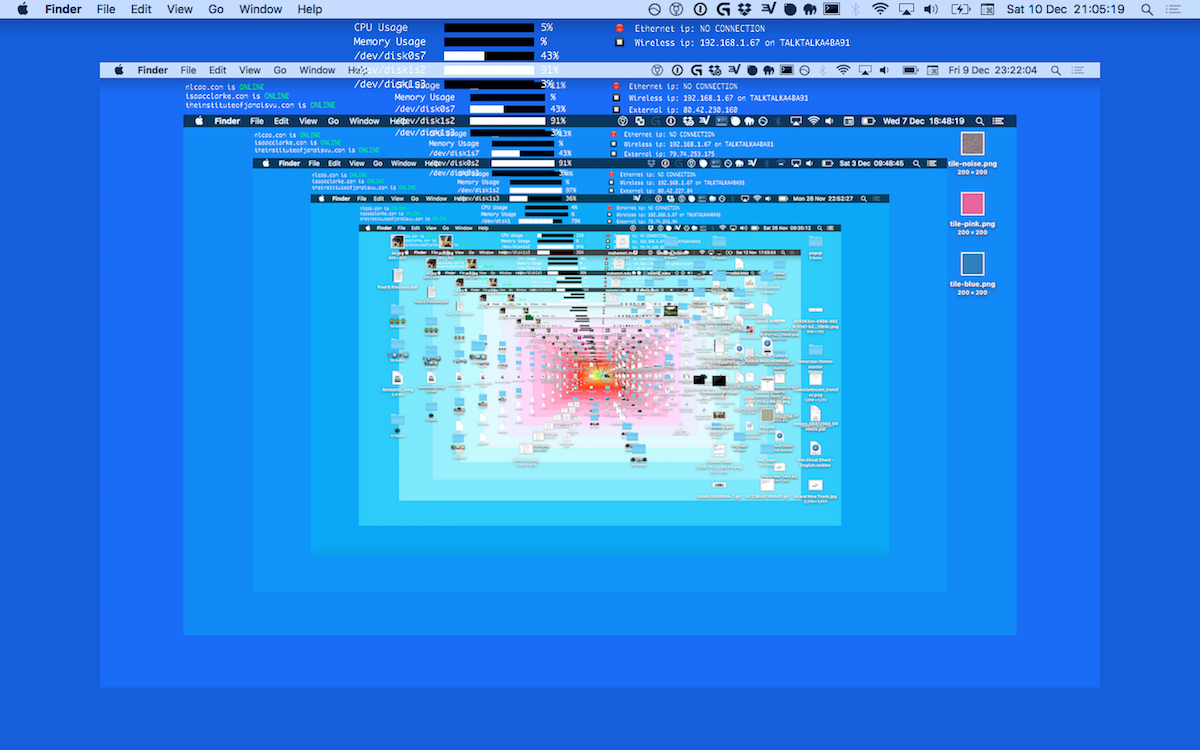
CLICKING THE ICON TRIGGERS THIS SERIES OF EVENTS:
Hide Applications
Take Screenshot
Save image to /pictures/desktopbackground/desktopbackground_DATE_TIME.png
Scale to 1300px width
Pad to 1400 width 900 height [Open in automator to tweak to your desktop dimensions. ]
Set as desktop background
Pause [choose how long to wait before repeating, default 1 min]
Loop [how many times to loop, default 0]