
A flutter plugin for music playback, including notification handling.
This plugin is developed for iOS based on AVPlayer, while android is based on mediaplayer
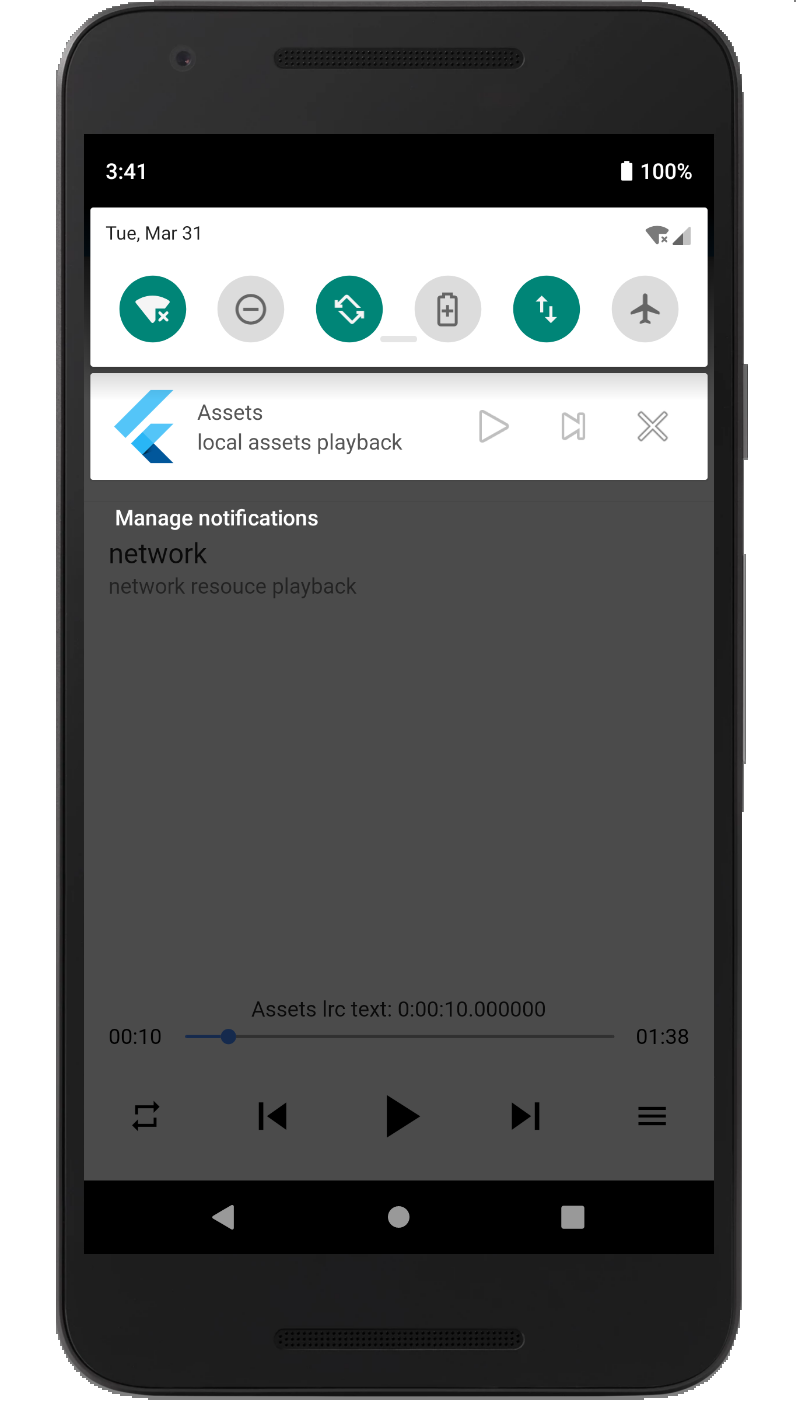
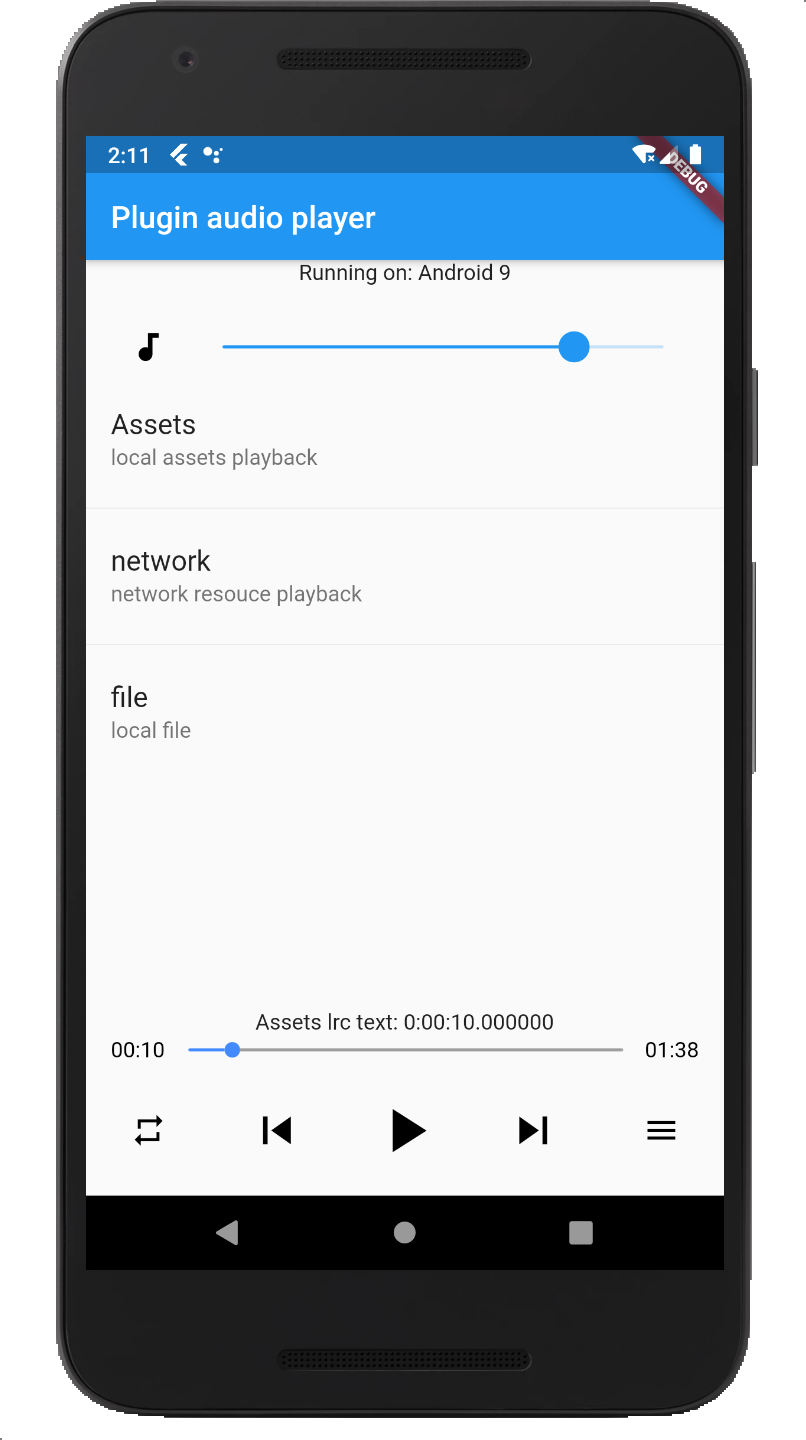

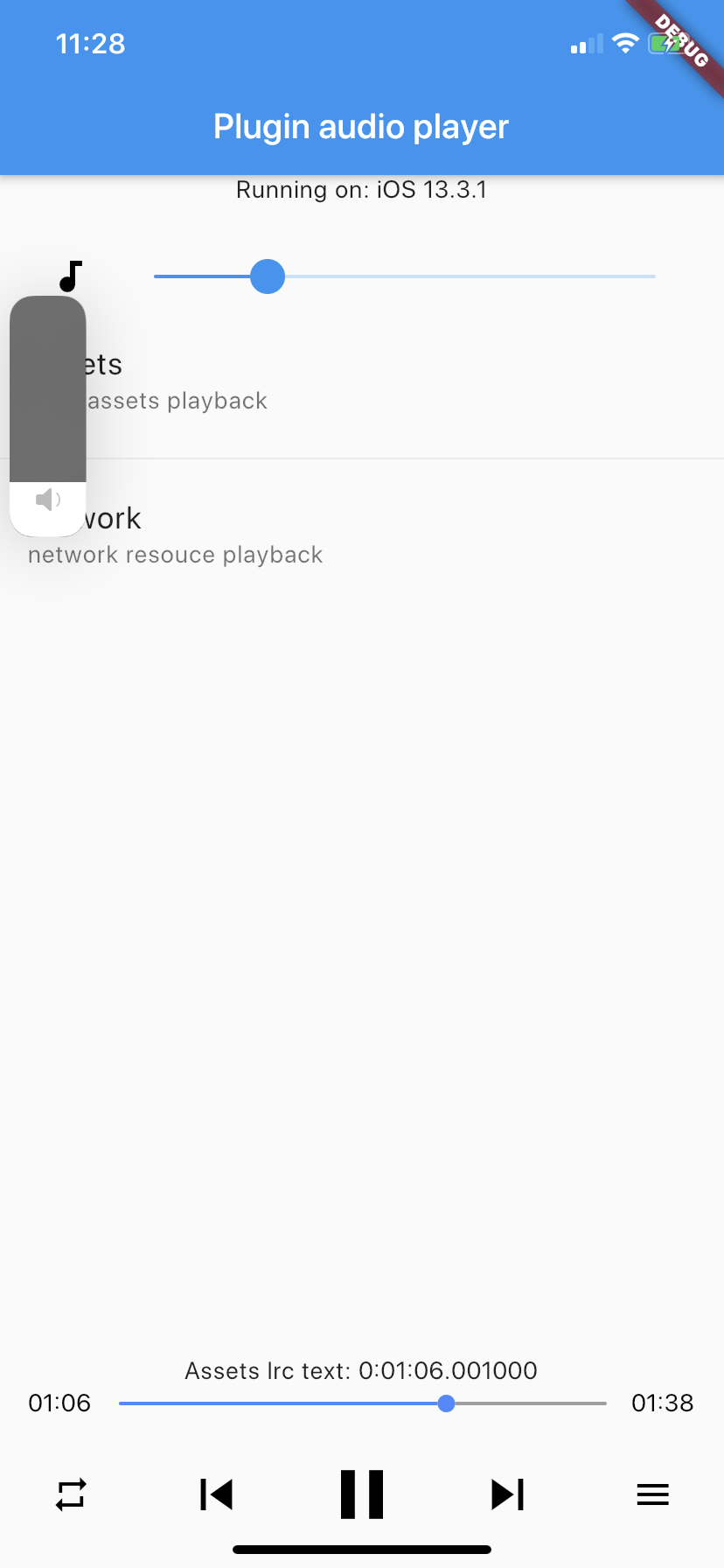
Add the following permissions in the info.plist file
	<key>UIBackgroundModes</key>
	<array>
		<string>audio</string>
	</array>
	<key>NSAppTransportSecurity</key>
	<dict>
		<key>NSAllowsArbitraryLoads</key>
		<true/>
	</dict>
⚠️ Some methods are invalid in the simulator, please use the real machine⚠️ Only addUIBackgroundModes -> audiowhen your app really keeps playing audio in the background. If the app does not provide background audio, App Store review may reject it with guideline 2.5.4.
Since Android9.0 (API 28), the application disables HTTP plaintext requests by default. To allow requests, add android:usesCleartextTraffic="true" in AndroidManifest.xml
<application
	...
	android:usesCleartextTraffic="true"
	...
>
⚠️ Android minimum supported version 23(app/build.gradle -> minSdkVersion: 23)⚠️ Compile against Android SDK 34 or newer when targeting Android 12+ apps. The plugin now requires explicitPendingIntentflags, a media playback foreground service type, and Android 13+ receiver export flags.⚠️ Android notification and lock-screen controls useMediaSession/MediaStyle. Custom notification icons and full custom layouts are not exposed by the public API.
The audio_manager plugin is developed in singleton mode. You only need to getAudioManager.instance in the method to quickly start using it.
you can use local assets, directory file or network resources
// Initial playback. Preloaded playback information
AudioManager.instance
	.start(
		"assets/audio.mp3",
		// "network format resource"
		// "local resource (file://${file.path})"
		"title",
		desc: "desc",
		// cover: "network cover image resource"
		cover: "assets/ic_launcher.png")
	.then((err) {
	print(err);
});

// Play or pause; that is, pause if currently playing, otherwise play
AudioManager.instance.playOrPause()

// events callback
AudioManager.instance.onEvents((events, args) {
	print("$events, $args");
}await AudioManager.instance.updateInfo(
title: "new title",
desc: "new artist",
coverUrl: "https://example.com/new-cover.png",
titleMaxLines: 2,
showPreviousButton: true,
showStopButton: false,
);Playback speed is supported through AudioManager.instance.setRate(AudioRate.rate150).
Firebase background isolates cannot reliably receive AudioManager.onEvents. For short-lived checks, query the native state directly:
final state = await AudioManager.instance.currentState();
print(state["isPlaying"]);
print(state["title"]);