Repository navigation
Releases: josiahg2502-glitch/OogiesRevengeRecompiled
Releases · josiahg2502-glitch/OogiesRevengeRecompiled
Release list
Oogie's Revenge Recompiled v1.0.1

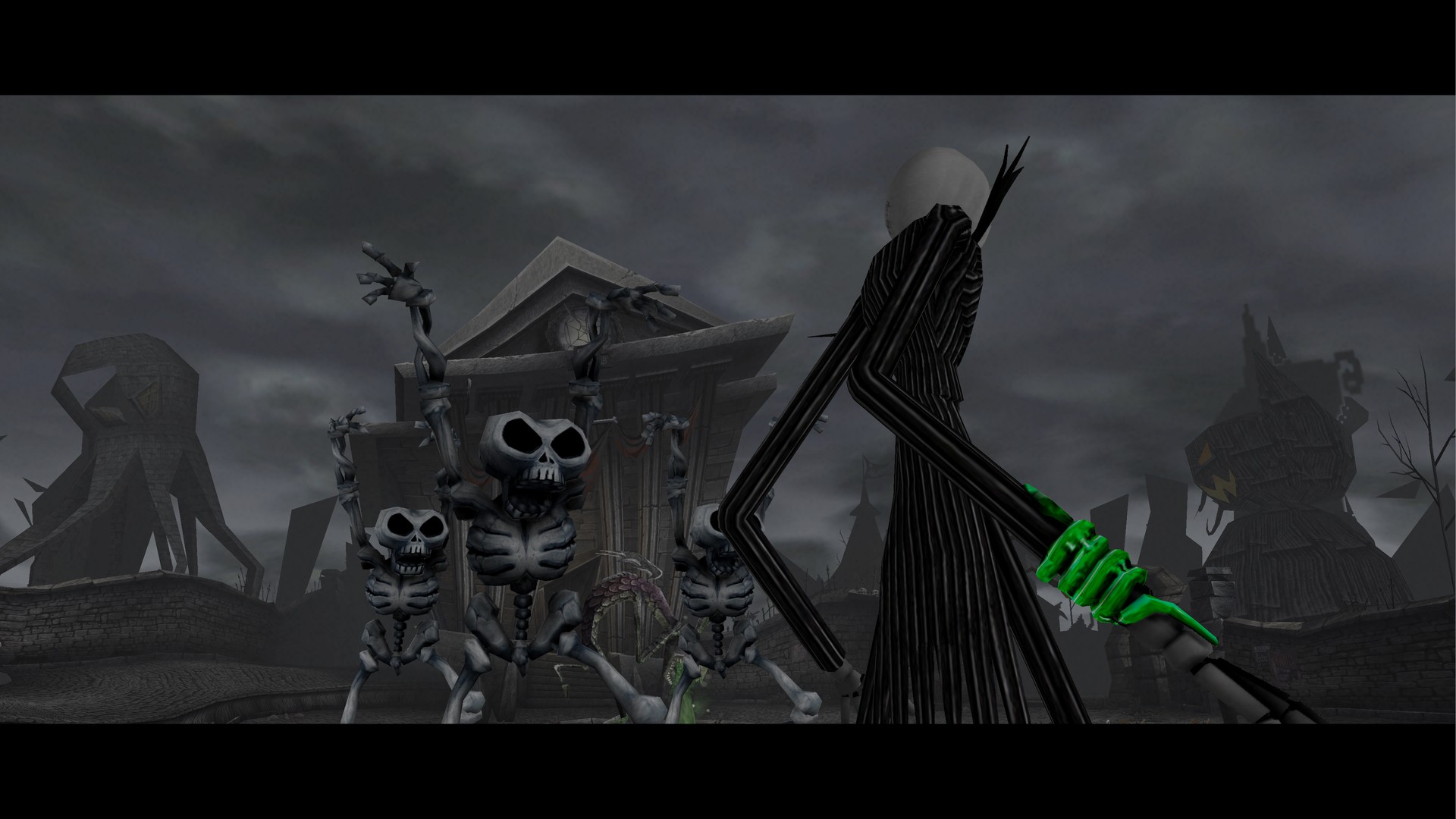
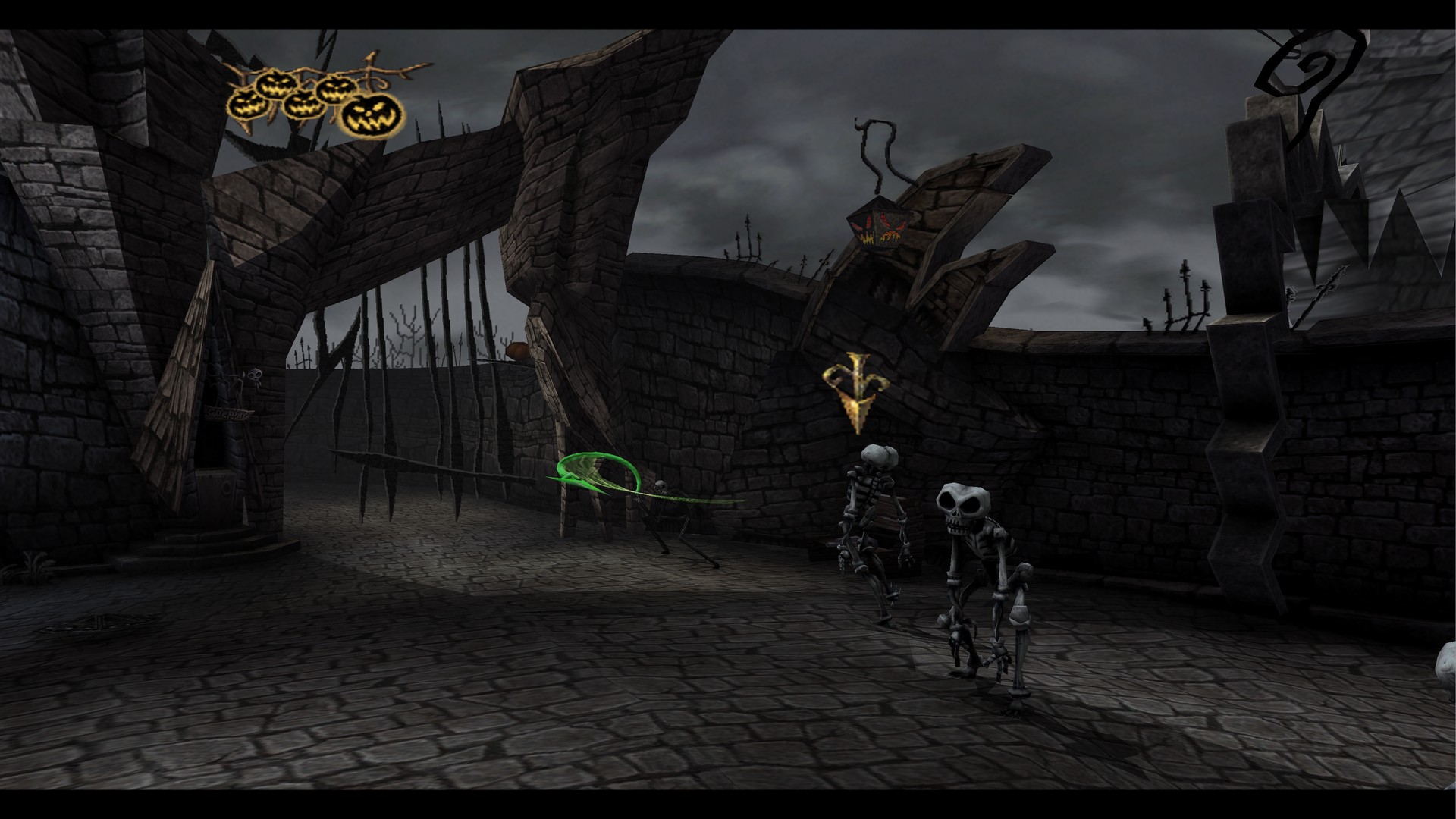
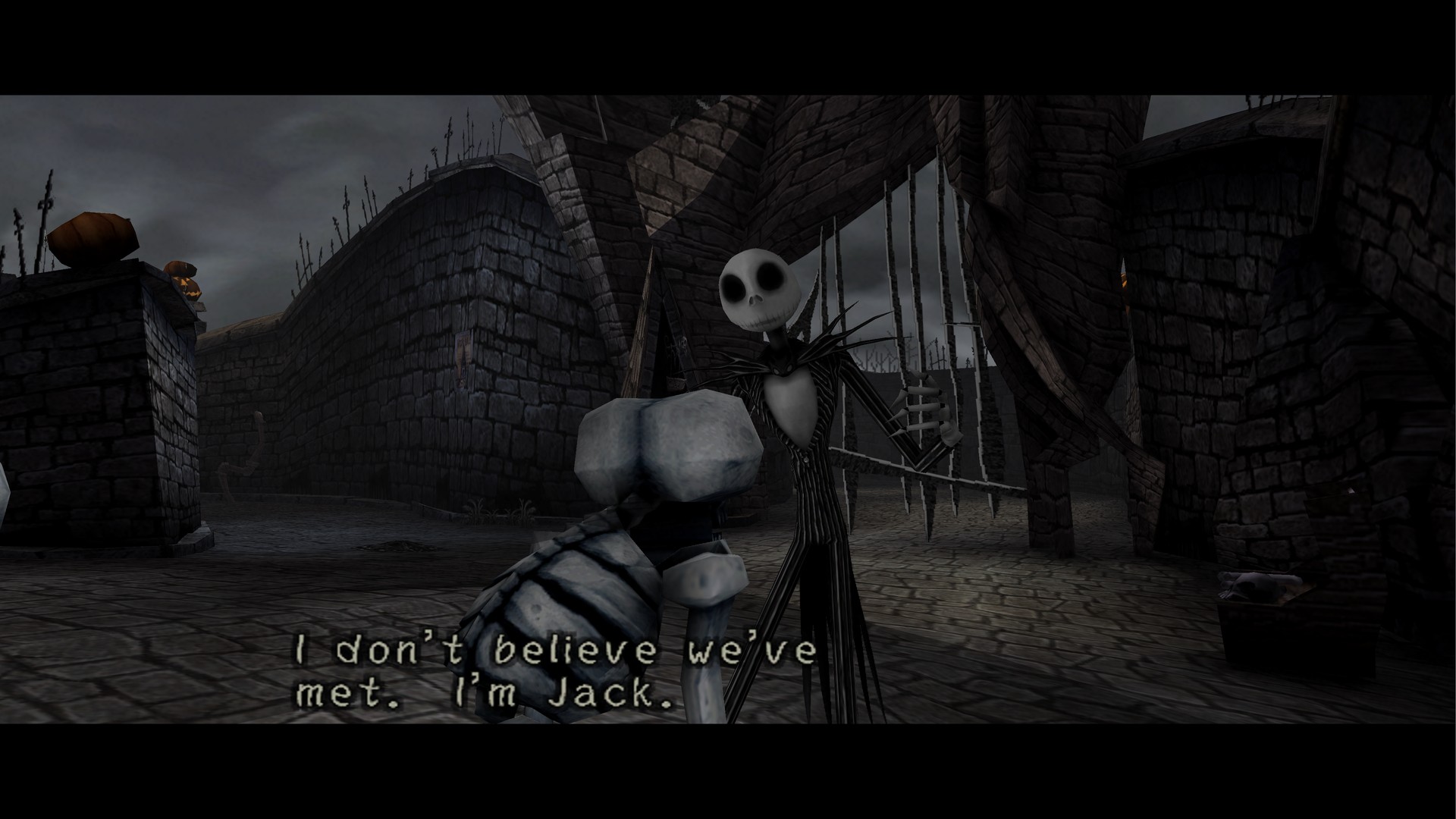
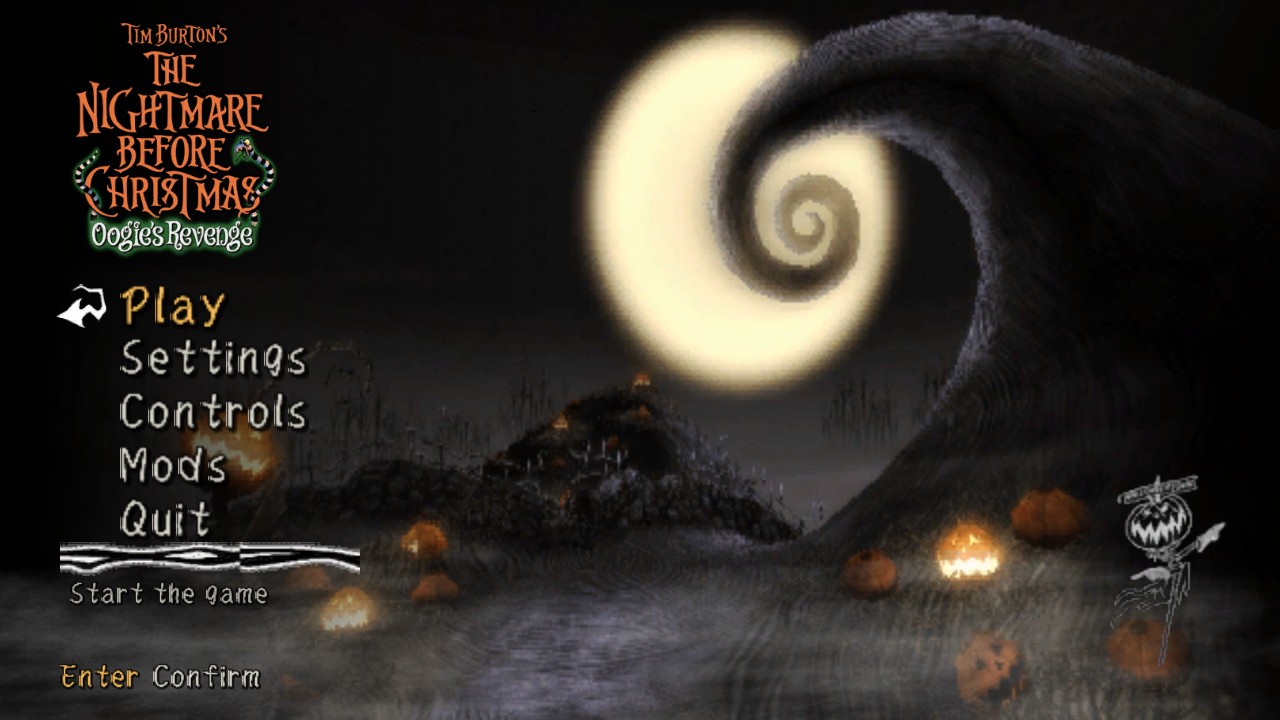
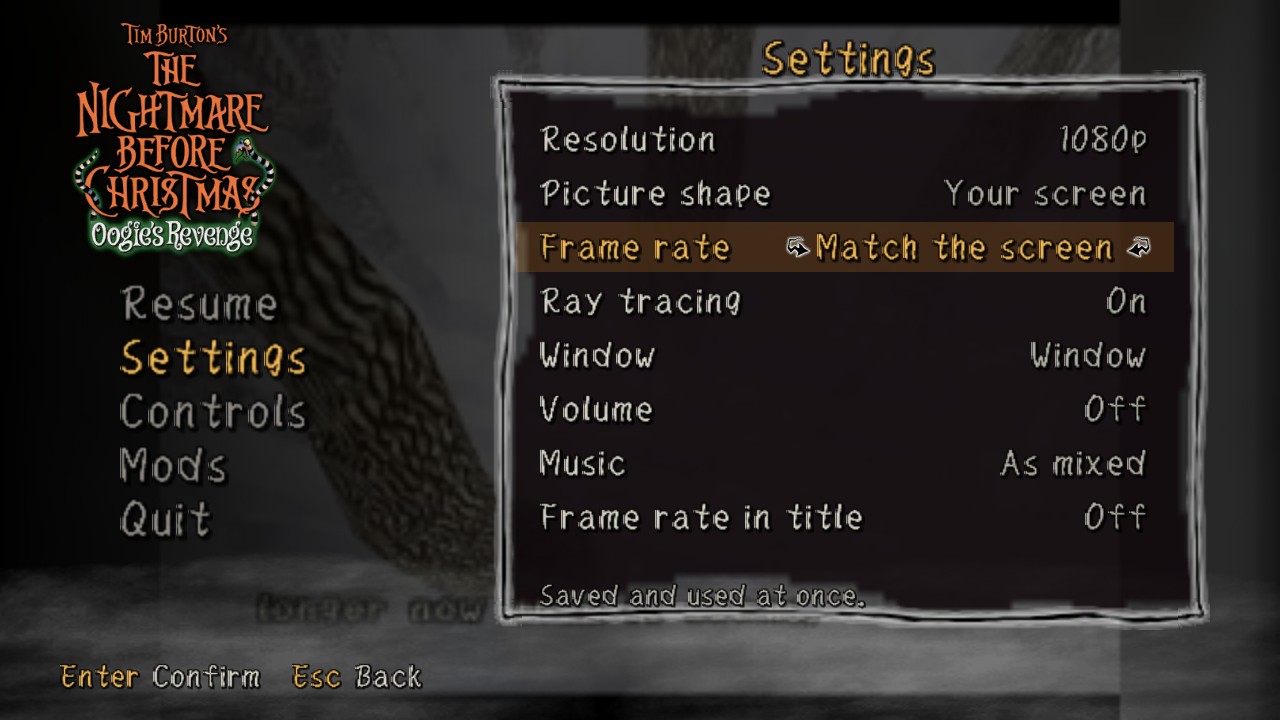
Fixes from the first player reports. Thanks for them!
- Menus no longer get stuck. Load Game (and other menus built the same way) ignored every button; you had to restart. The cause was a bug in how the game's code was translated, so it is fixed everywhere it occurred, not just in that menu.
- No more light line on the right edge at 16:9 in 1080p and 4K (a rounding error clipped the last column of pixels).
- Fixed a crash at the first movie that happened in about 1 in 10 starts.
- Widescreen: pumpkins and props no longer pop in and out at the sides. The game only drew what fits a 4:3 screen; it now draws everything a wide screen shows.
- No more flashing at the left and right borders during loading screens and scene changes.
- 120 fps:
- needs a screen of 100 Hz or more. On a 60 Hz screen the game now runs at 60 fps instead of slowing to half speed.
- objects that look alike (skeletons, pumpkins, props) no longer blend into ghost copies of each other in the in-between frames, and the HUD no longer smears.
- if your PC can't keep up, the in-between frames pause for a while instead of slowing the game down.
- Ray tracing: the shading no longer drops out for single frames in fights.
- The game no longer runs at half speed while the display is asleep or off, for example when a TV is switched off but the PC keeps running.
- Thread timing now follows the Xbox more closely, which fixes menu frames that were drawn half-finished.
- Laptops with two graphics chips now use the fast one.
- If the graphics driver crashes or updates while you play, the game now says so instead of freezing on a black window.
All 24 chapters were loaded and played briefly in testing; 4K with ray tracing holds 60 fps.
Unzip over your old folder to update; your disc files, saves and settings are kept.
Oogie's Revenge Recompiled v1.0.0
The Nightmare Before Christmas: Oogie's Revenge for the original Xbox, as a native Windows program.
- Up to 4K, with the picture shape of your choice: 4:3, 16:9, 16:10, ultrawide 21:9 or 32:9. Wider shows more of the world; the HUD, menus and movies keep 4:3.
- 120 fps on a 120 Hz screen: smooth in-between frames, while the game still plays at its own speed.
- Ray-traced ambient occlusion: soft shadows in corners, creases and under characters.
- Xbox-style gamepads work right away. Every gamepad button and keyboard key can be changed.
- The game's own menu, in the style of the Mother 3 port and drawn with the game's art from your disc: Play, Settings, Controls, Mods. Press F1 during play to open it over the paused game.
- Mods: put replacement game files (such as upscaled movies) in
data\UserData\mods.
You need your own copy of the game: Oogie's Revenge for the Xbox, USA. A disc image (Redump .iso or xiso) or a folder extracted from one. No game data is included.
- Unzip
OogiesRevenge.zipand openOogie's Revenge.exe. - The first time, choose "Choose your disc..." and pick your disc image. Its files are copied into the
datafolder once. - After that, the game opens straight to its menu.
This is a first release. Town Square (the first level) has been played through; please report anything that goes wrong later in the game, with data\UserData\log.txt attached.