Repository navigation
Installing Additional Packages
To install python packages that are not included in Winpython.
Download the binary Wheel (.whl format):
- from Gohlke's Unoffical Windows Binaries for Python Extension Packages, the default provider of Winpython packages,
- or from other places you trust like github.
Then, select the downloaded package via Winpython Package Manager (WPPM) (in your Winpython directory) and install it.
It is also possible to open any downloaded packages (usually .tar.gz or .zip) files containing the Python-files) in the WPPM to install them.
Using the Winpython Command Prompt you are able to use pip directly to install packages from PyPI for example:
pip install flake8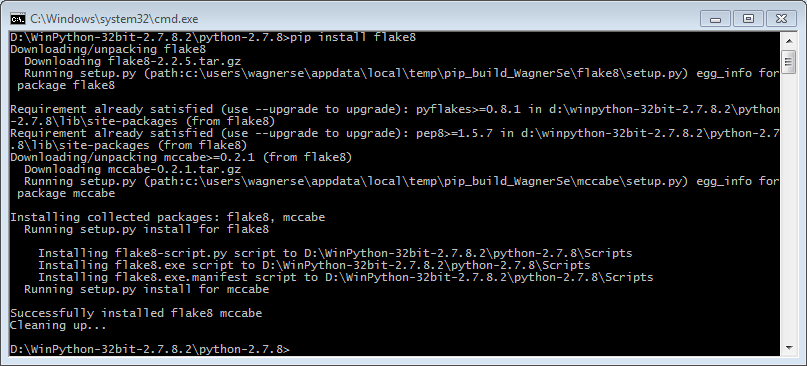
Since Winpython of March 2015, all packages installed via pip are also visible in the (WPPM). This wasn't the case for some packages from pip.
for a given release of a project (when it exists)
pip install https://github.com/vispy/vispy/archive/v0.4.0.zip
```

for the current master version of a project
```bash
pip install https://github.com/yhat/rodeo/zipball/master
```