Workspaces and Git Worktrees
A Jupiter workspace is a Git worktree backed by a branch. This is one of the core design choices in Jupiter.
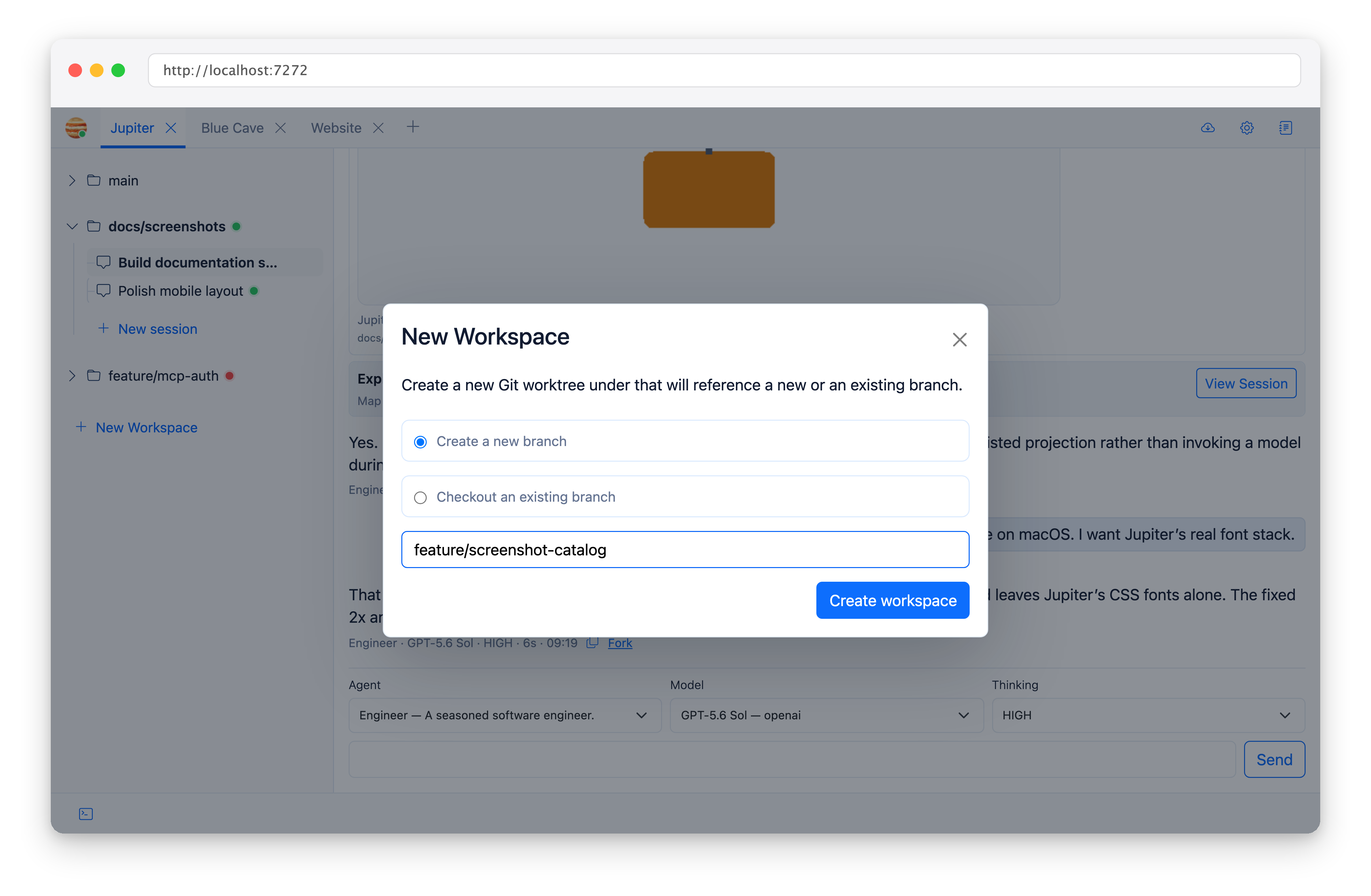
You get two modes:
- Create a nwe branch - create a new branch and a corresponding worktree for it.
- Checkout an existing branch - create a worktree for a branch that already exists.
Worktrees let multiple agents progress on separate branches at the same time. Every session inside a workspace shares that worktree’s filesystem state.
If the project has workspace-init commands, Jupiter opens a terminal named Workspace Init and runs them after creating the worktree.
See Project Settings for configuration and examples.
Before removing a workspace, Jupiter checks for uncommitted changes and unpushed commits. If either exists, you’ll get a confirmation before forced worktree removal.
You can pull manually, or enable automatic fast-forward-only updates. See Git Updates. This is recommended for the main branch checked out in the default workspace, so that new branches begin their life with the most up-to-date version of main/master/develop.