Repository navigation
Releases: kaihere14/DaemonFlow
Releases · kaihere14/DaemonFlow
Release list
DaemonFlow v1.1.0

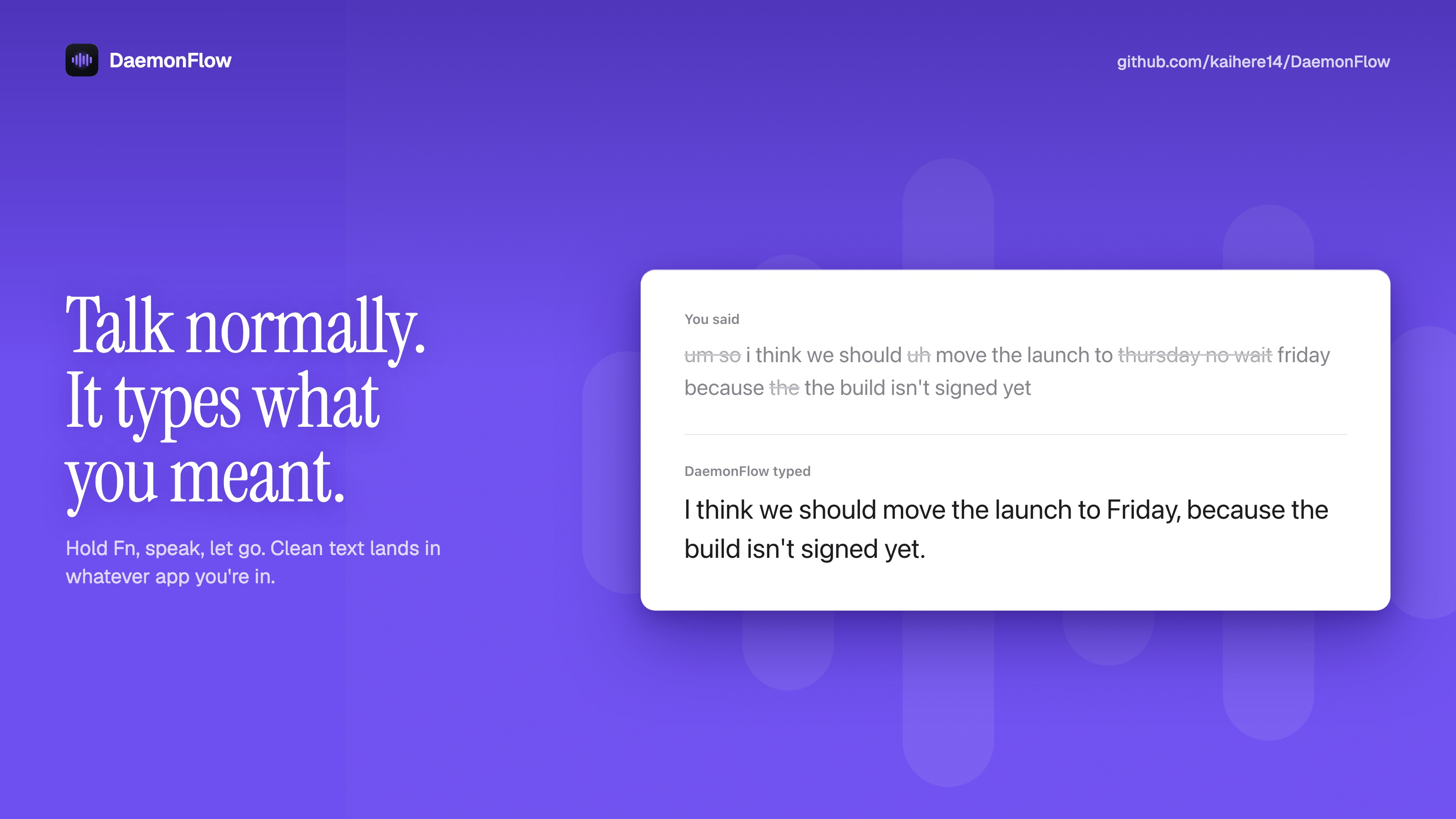
What's new
- Screen awareness: names and jargon in the window you're working in become spelling hints, so "Supabase" on screen stops coming out as "super base". Password fields are never read. Turn it off under Vocabulary → Use text on screen.
- Parakeet: NVIDIA Parakeet TDT 0.6B v3 as a second transcription engine next to Whisper. Runs on the Neural Engine, very fast, multilingual.
- Custom vocabulary: add the spellings you keep fixing by hand, and anything close enough is rewritten to match.
- Hold ⌥1 to instruct: select text, hold ⌥1 and say how to change it ("make it more formal"). Tapping ⌥1 still cleans it up in place.
- Editable prompts: change the instructions behind dictation cleanup, refine and instructed refine.
- Pill customisation: set the pill's size, colours and border.
- Redesigned window: sidebar navigation with Home, Models, Vocabulary, Prompts, Pill and Playground.
Install
- Download
DaemonFlow-macOS.zipbelow, unzip it and dragDaemonFlow.appinto/Applications. - The app isn't notarized yet, so open it the first time with right-click → Open → Open, or run
xattr -cr /Applications/DaemonFlow.apponce. - The setup walks you through permissions and model downloads.
Updating from 1.0.0: remove DaemonFlow from System Settings → Privacy & Security → Accessibility and Input Monitoring, then add it again. The app isn't signed with a developer certificate yet, so macOS treats the new version as a different app.
Requires macOS 27 or later on an Apple Silicon Mac.
SHA-256 (DaemonFlow-macOS.zip): 473f8f72fe084ab1896a6bb787a50c763629d72da16e4bf6c8f7a5d1d81e821f
DaemonFlow v1.0.0
First release of DaemonFlow local voice-to-text for macOS.
Install
- Download
DaemonFlow-v1.0.0-macOS.zipbelow and unzip it. - Drag
DaemonFlow.appinto/Applications. - First launch: the app isn't notarized yet, so right-click → Open → Open
(or runxattr -cr /Applications/DaemonFlow.apponce). - The in-app setup walks you through permissions and model downloads.
Features
- Push-to-talk dictation hold Fn, speak, release; clean text is pasted into the frontmost app. Double-tap Fn for hands-free mode.
- 100% local whisper.cpp (Metal) for transcription, a local MLX LLM for cleanup. No audio or text leaves your Mac.
- ⌥1 refine select text anywhere, press Option+1, get it fixed up in place.
- Floating HUD live waveform while recording, shimmer while refining.
Requires an Apple Silicon Mac.