




pooltool is a sandbox billiards game that emphasizes realistic physics. You can play different types of billiards, experiment with different physics settings, or you can use the API to investigate billiards-related research questions.
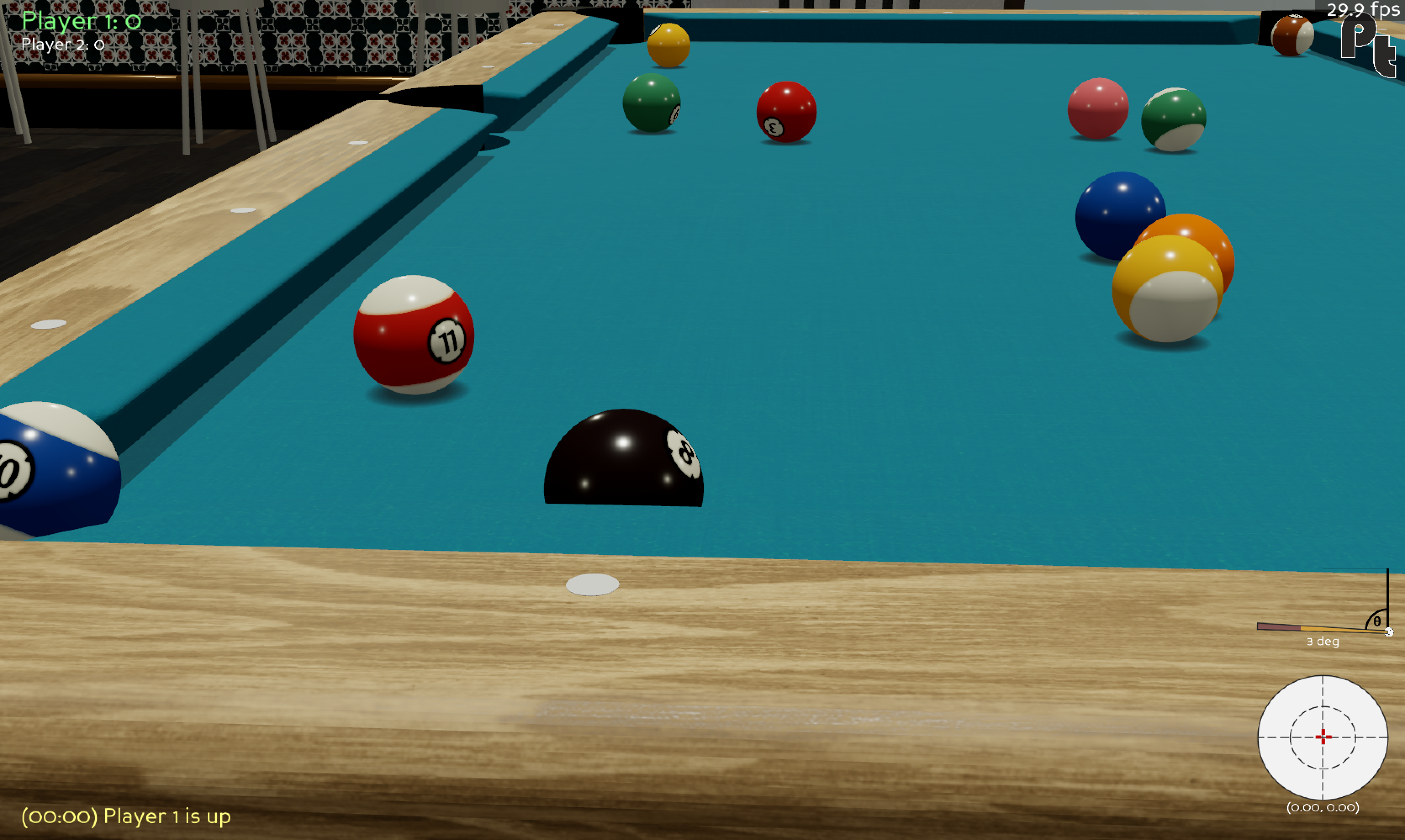
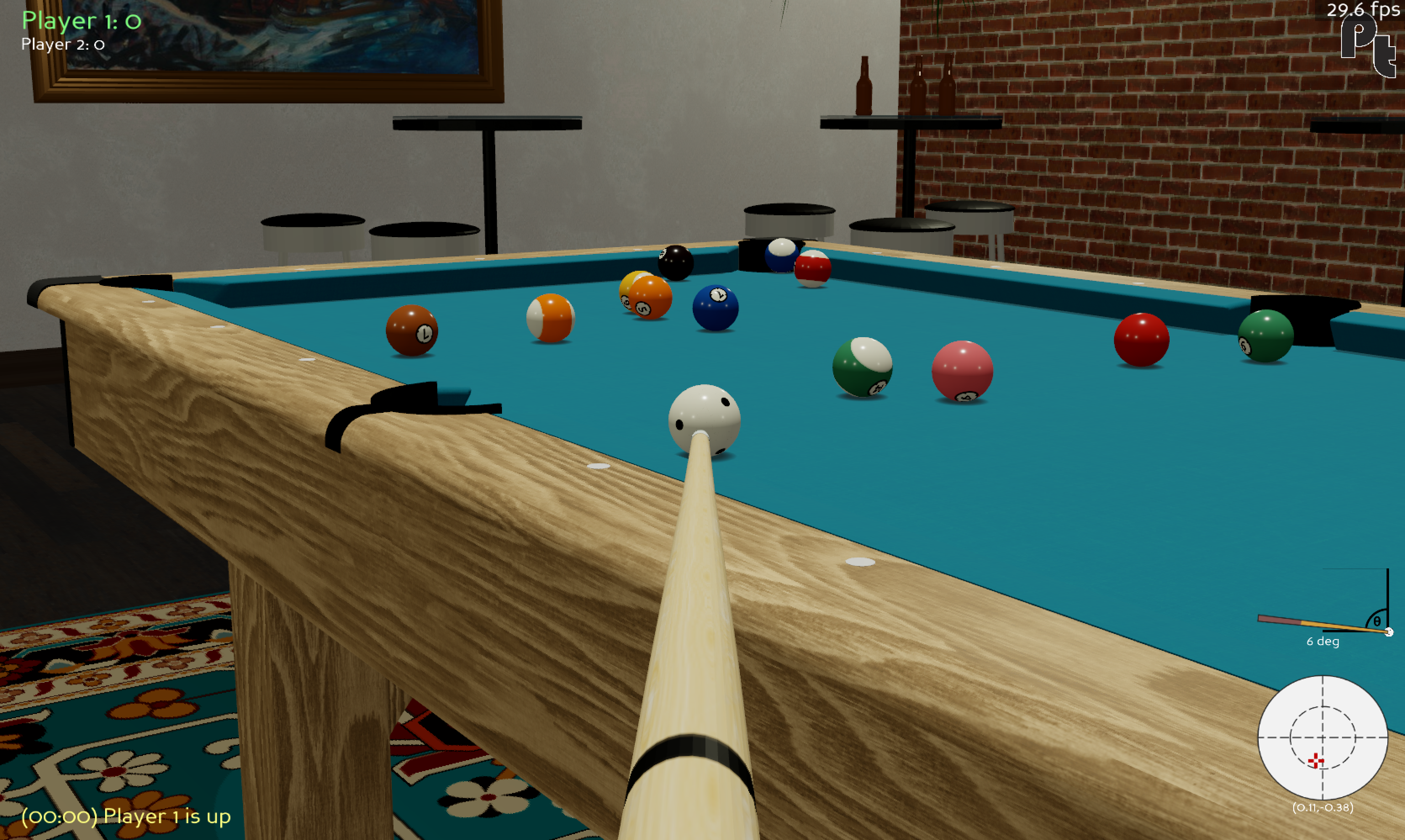
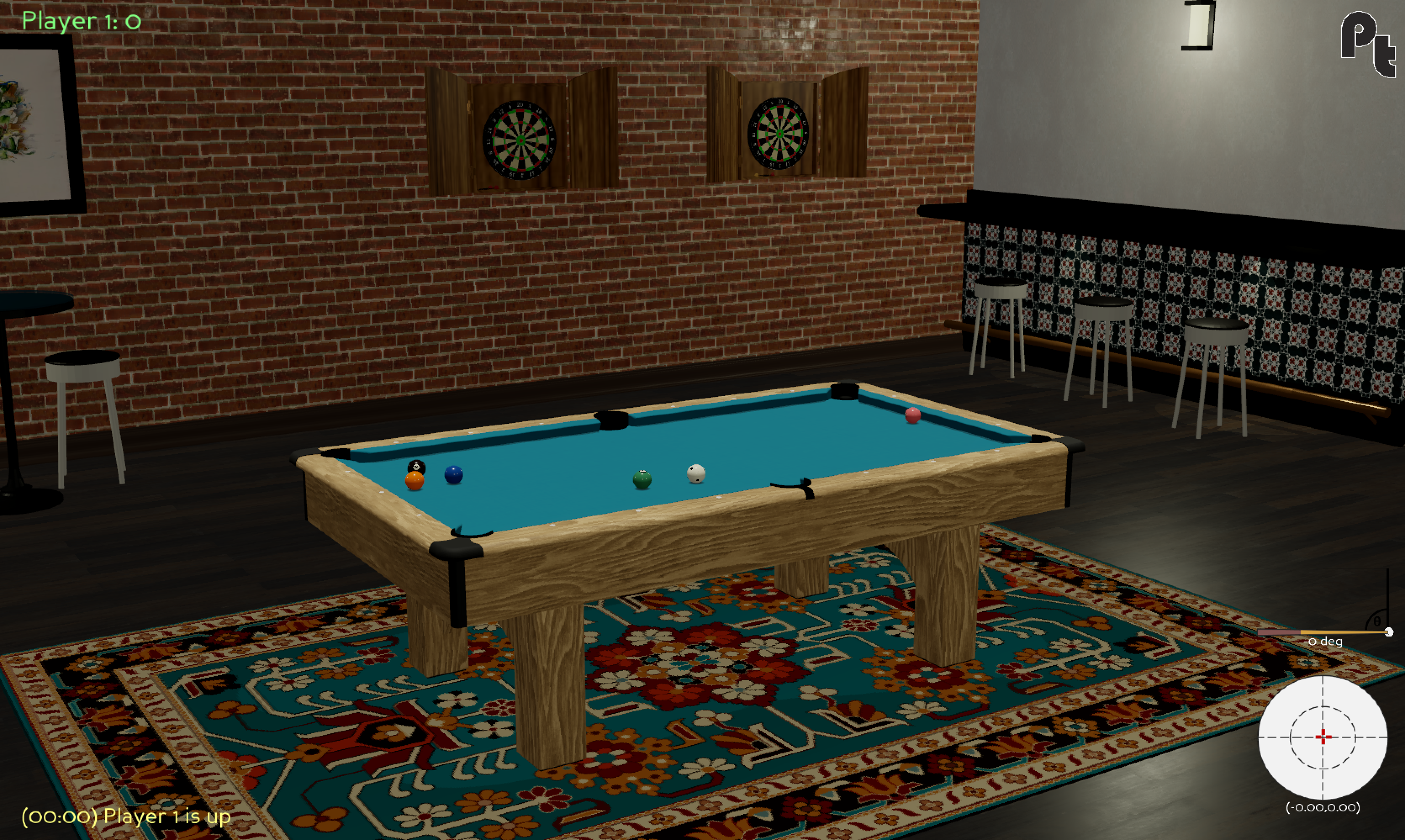
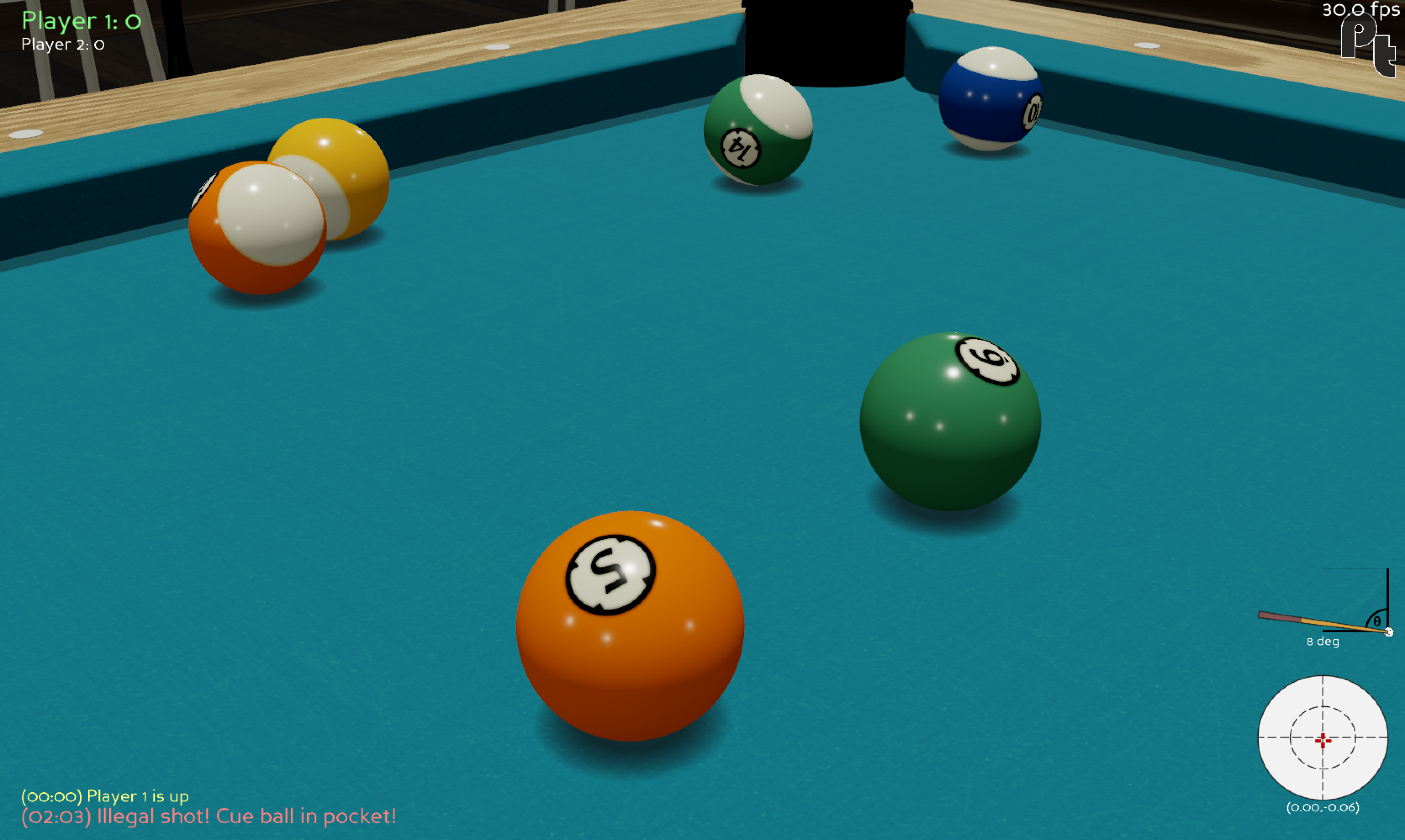
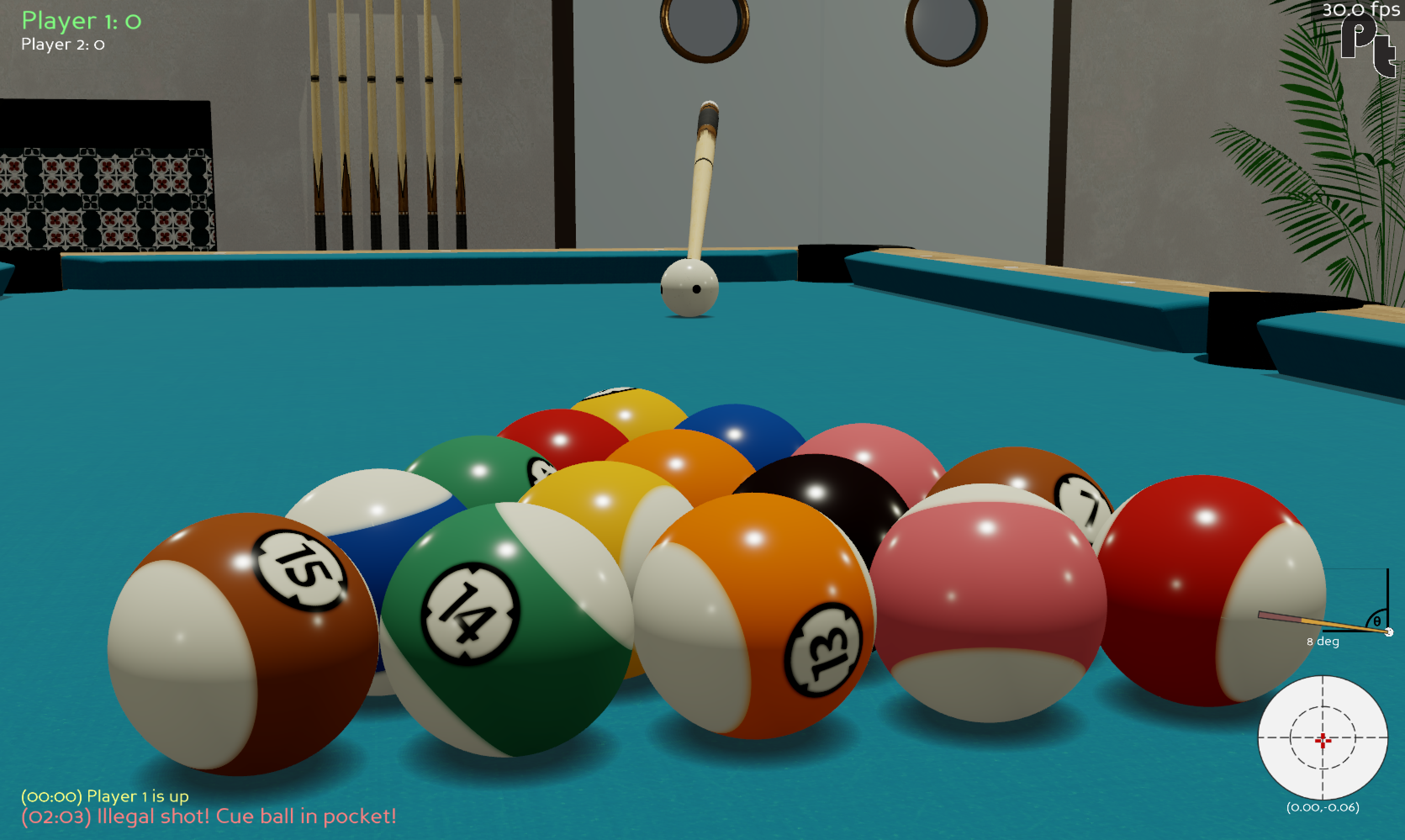
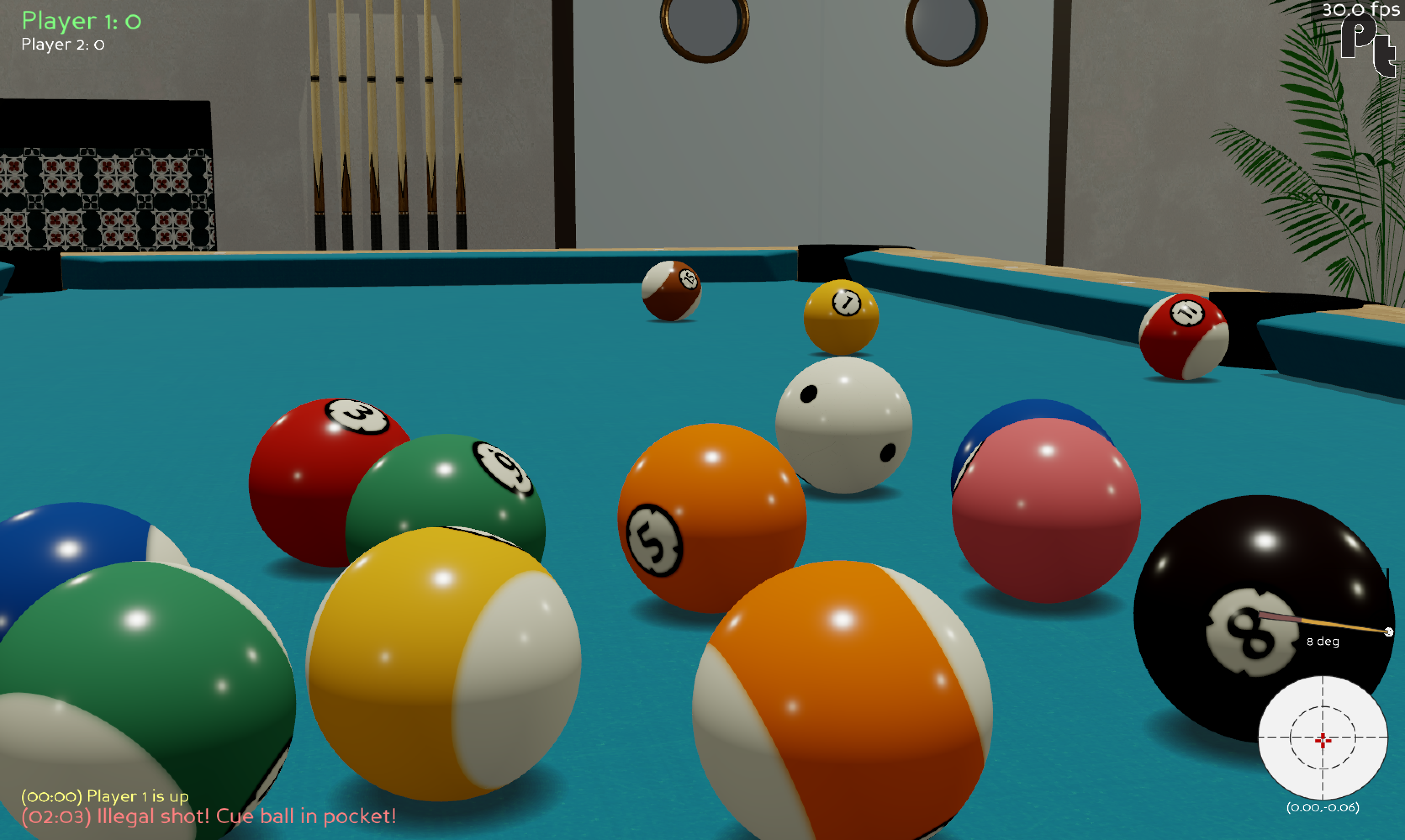
I have blogged about every aspect of this project. Read the detailed account here.
This project is very much a work-in-progress. Anecdotally, pooltool has worked for users on the following operating systems:
- Windows
- MacOS
- Debian
- Arch
Installation instructions vary depending on how you want to interact with pooltool. There are 3 current options: (1) Installer, (2) PIP, and (3) Developer. Click on the following options to pull up descriptions and instructions for each installation method.
Install option (1): Installer
NOTE: I haven't sorted out this step yet, but eventually there will be OS-specific installers available for download here. Until then, please follow the PIP or Developer instructions below.
| Method | GUI | API | Develop |
|---|---|---|---|
| Installer | ✅ | ❌ | ❌ |
This is by far the easiest option. If you want to play and experiment with billiards using the graphical user interface (GUI), this option is for you. You won't have access to the python API, or be able to edit the source code. In other words, this is the non-coding option.
Install option (2): PIP
| Method | GUI | API | Develop |
|---|---|---|---|
| PIP | ✅ | ✅ | ❌ |
This installation uses pip. With this option, you have access to the python API so that you can code up billiards simulations. You also have command-line access to the GUI.
Pooltool is incompatible with Python <3.8 and has been tested with the following versions:
- Python 3.8.10 (default, May 19 2021, 11:01:55)
- Python 3.9.0 (default, Nov 15 2020, 06:25:35)
- Python 3.10.0 (default, Nov 10 2021, 11:24:47) [Clang 12.0.0 ] on darwin
With a compatible python version, install via
pip install pooltool-billiardsNOTE: If you're on Linux or Windows, you must also run this:
pip uninstall panda3d -y
pip install --pre --extra-index-url https://archive.panda3d.org/ panda3d
After installing, the GUI can be opened at any time via
run_pooltoolOr, if you're on Windows:
run_pooltool.batYou can also use the API. Here is a small python script that runs a shot simulation and then visualizes the results.
#! /usr/bin/env python

import pooltool as pt

# Start an instance of the ShotViewer
interface = pt.ShotViewer()

# We need a table, some balls, and a cue stick
table = pt.Table.default()
balls = pt.get_nine_ball_rack(table)
cue = pt.Cue(cue_ball_id="cue")

# Wrap it up as a System
shot = pt.System(table=table, balls=balls, cue=cue)

# Aim at the head ball with a strong impact
shot.strike(V0=8, phi=pt.aim.at_ball(shot, "1"))

# Evolve the shot.
pt.simulate(shot, inplace=True)

# Open up the shot in the GUI
interface.show(shot)
I've spent time carving out the API, but there is still no proper distinction between what is private and what is public. Furthermore, documentation describing the API is lacking. Pull requests for this noble work are welcomed.
Install option (3): Developer
| Method | GUI | API | Develop |
|---|---|---|---|
| Developer | ✅ | ✅ | ✅ |
If you want to develop for pooltool, have access to the most up-to-date version of the codebase, or modify the code to your liking, this is for you.
A small note. If you don't have the ability to create isolated python environments, I would recommend installing conda (here) so you can isolate pooltool from your other business.
(i) create a new, python environment that uses Python 3.8.10.
With conda, you could do the following:
conda deactivate
conda env remove --name pooltool
conda create -y -n pooltool python=3.8.10
conda activate pooltool
Regardless of how you managed your python environment, please verify you're running 3.8.10
$ python
Python 3.8.10 (default, May 19 2021, 11:01:55)
[Clang 10.0.0 ] :: Anaconda, Inc. on darwin
Type "help", "copyright", "credits" or "license" for more information.
>>> exit()
(ii) grab the codebase:
cd <A_DIRECTORY_YOU_LIKE>
git clone https://github.com/ekiefl/pooltool.git
cd pooltool
(iii) install the dependencies:
pip install -r requirements.txt
pip install -r requirements-dev.txt
In addition to requirements.txt, requirements-dev.txt includes some modules required for developement.
NOTE: If you're on Linux or Windows, you must also run this:
pip uninstall panda3d -y
pip install --pre --extra-index-url https://archive.panda3d.org/ panda3d(This is because there is a bug where the mouse moves off of the screen when aiming in the GUI, making you lose mouse control on Linux and Windows. The solution is to install Panda3D v1.11, which is currently unreleased but still installable.)
(iv) install the pre-commit hooks:
This will automatically format your code according to the pooltool standard whenever you commit.
pre-commit install
(v) test out your installation:
python run_pooltoolThe game window should appear (escape key to exit).
(vi) if you used a conda environment that you named pooltool, create this script that runs whenever the conda environment is activated. This script modifies $PATH and $PYTHONPATH so that python knows where to find pooltool libraries and the shell knows where to find the pooltool binary. These path modifications live safely inside the pooltool conda environment, and do not propagate into your global
environment:
(This is a multi-line command. Paste the entire block into your command line prompt.)
mkdir -p ${CONDA_PREFIX}/etc/conda/activate.d
cat <<EOF >${CONDA_PREFIX}/etc/conda/activate.d/pooltool.sh
export PYTHONPATH=\$PYTHONPATH:$(pwd)
export PATH=\$PATH:$(pwd)
EOF
The next time you activate your conda environment (conda activate pooltool), run_pooltool (or run_pooltool.bat if you're on Windows) is now a binary that can be run anywhere in your filesystem whenever you are in the pooltool conda environment. Test it out:
conda activate pooltool
cd ~
run_pooltool
There are some tutorials for pooltool that can be viewed in the wiki.
If you want to ask questions, get help, or contribute to the codebase, please join the Discord and introduce yourself.

If the Discord link is expired, please make an issue in this repo.
pooltool needs and welcomes contributors/collaborators of all skill levels who are excited about this project, but especially those who have skill or passion in:
- Game development (especially for the Panda3D game engine!)
- Creating 3D models (tables, balls, cues, rooms, etc)
- Projector/camera systems
- Computer vision / machine learning / reinforcement learning
Please reach out in the Discord.