Releases: kartoza/SpeciesExplorer
Releases · kartoza/SpeciesExplorer
Release list
Species Explorer v0.3.3

Species Explorer v0.3.3
Changes
- Fix PyQt5/PyQt6 enum compatibility for QGIS 3/4
Installation
- Download
SpeciesExplorer-0.3.3.zip - In QGIS, go to Plugins → Manage and Install Plugins → Install from ZIP
- Select the downloaded file and click Install
Links
Made with love by Kartoza
Species Explorer v0.3.2

Species Explorer v0.3.2
Changes
- Use generic qgis.PyQt imports for QGIS 3 and 4 compatibility
Installation
- Download
SpeciesExplorer-0.3.2.zip - In QGIS, go to Plugins → Manage and Install Plugins → Install from ZIP
- Select the downloaded file and click Install
Links
Made with love by Kartoza
Species Explorer v0.3.1
Species Explorer v0.3.1
🦎 Documentation Enhancement Release
This release focuses on comprehensive documentation improvements and GitHub Pages deployment.
✨ What's New
📚 Documentation
- Administrator Guide - New section with deployment options, network requirements, security considerations, and batch deployment scripts (PowerShell, Bash, Ansible)
- Enhanced Architecture Documentation - Detailed async fetcher documentation with Mermaid diagrams showing data flow and task lifecycle
- Expanded API Reference - Complete module documentation with all classes, methods, parameters, return types, and practical examples
- Automatic Documentation Deployment - New GitHub Actions workflow deploys docs on every push to master
🔧 Fixes
- Fixed homepage URL in metadata.txt (was pointing to non-existent GitHub Pages URL)
📖 Documentation
Documentation is now live at: https://kartoza.github.io/SpeciesExplorer
Includes:
- User Guide - Installation, quick start, and usage
- Administrator Guide - Enterprise deployment
- Developer Guide - Architecture, API, and contributing
- FAQ - Common questions
📦 Installation
From QGIS Plugin Manager (Recommended)
- Open QGIS
- Go to Plugins → Manage and Install Plugins
- Search for "Species Explorer"
- Click Install Plugin
From ZIP File
- Download
SpeciesExplorer-0.3.1.zipbelow - In QGIS, go to Plugins → Manage and Install Plugins → Install from ZIP
- Select the downloaded file and click Install
🔗 Links
Species Explorer v0.3.0
Species Explorer v0.3.0
Changes
- Reorganize plugin structure and fix async GBIF fetcher
- Fix plugin loading and modernize build system
- Fix path search setup
- Added requirements files for testing
- Added .travis file
- Fix #6 - Run environment for tests
- Fix unit tests
- Update README.md
- Update README.md
- Update README.md
- Update README.md
Installation
- Download
SpeciesExplorer-0.3.0.zip - In QGIS, go to Plugins → Manage and Install Plugins → Install from ZIP
- Select the downloaded file and click Install
Links
Made with love by Kartoza
Version 0.1.0
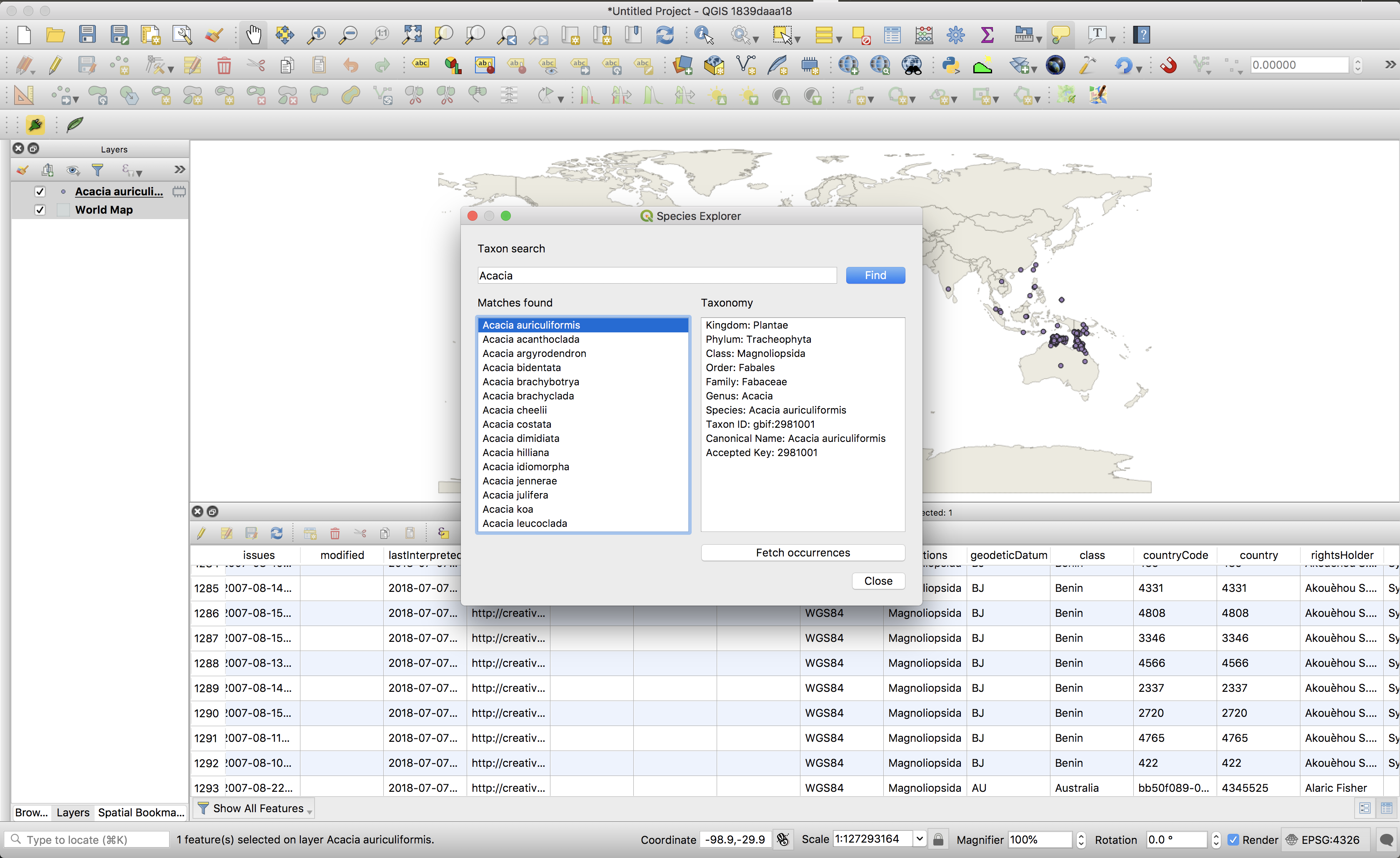
This is the initial public release which supports basic taxonomic lookup and search on GBIF.