RetroVault 2026.8.4 — Public Preview
Pre-release
Pre-release

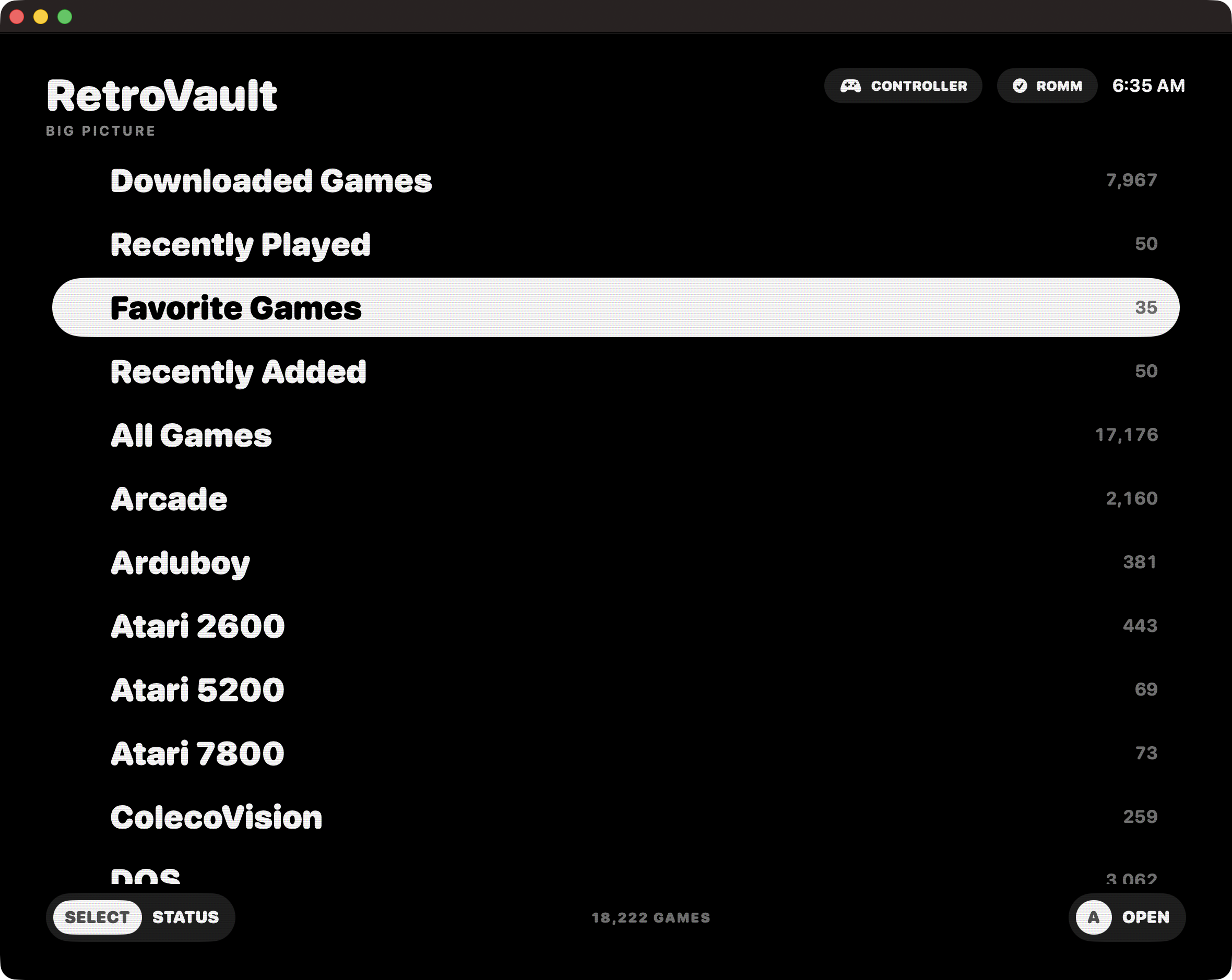
RetroVault’s first downloadable Apple-silicon public preview. It is a native, controller-first macOS client for browsing, downloading, preserving saves, and playing a RomM library.
Requirements
- Apple silicon Mac
- macOS 26 or later
- RomM 5.x server
Included
- Controller-first library and Save Center
- Offline managed downloads and save synchronization
- 27 bundled Libretro cores
- Hosted Cemu Metal/Vulkan and Vita3K engines
- DSU controller support
Install
- Download
RetroVault-2026.8.4-arm64.dmg. - Open the disk image and drag RetroVault to Applications.
- Open RetroVault once. macOS will block this non-notarized preview.
- Open System Settings → Privacy & Security, scroll to Security, click Open Anyway, then confirm Open.
Security notice
This preview is ad-hoc signed, not signed with an Apple Developer ID, and not notarized. Gatekeeper will therefore require the manual approval above. Only approve the DMG downloaded from this official release. The separately attached SHA-256 file can be used to verify the download.
SHA-256: bcd641bca2d1680edacf01f72512cc6d2e8d428a31723a54a97140c2fc7e36ad
RetroVault is GPL-2.0-or-later with a scoped Libretro linking exception. Bundled third-party components retain their own licenses; acknowledgements are included in the app.