Repository navigation
Installing Apps
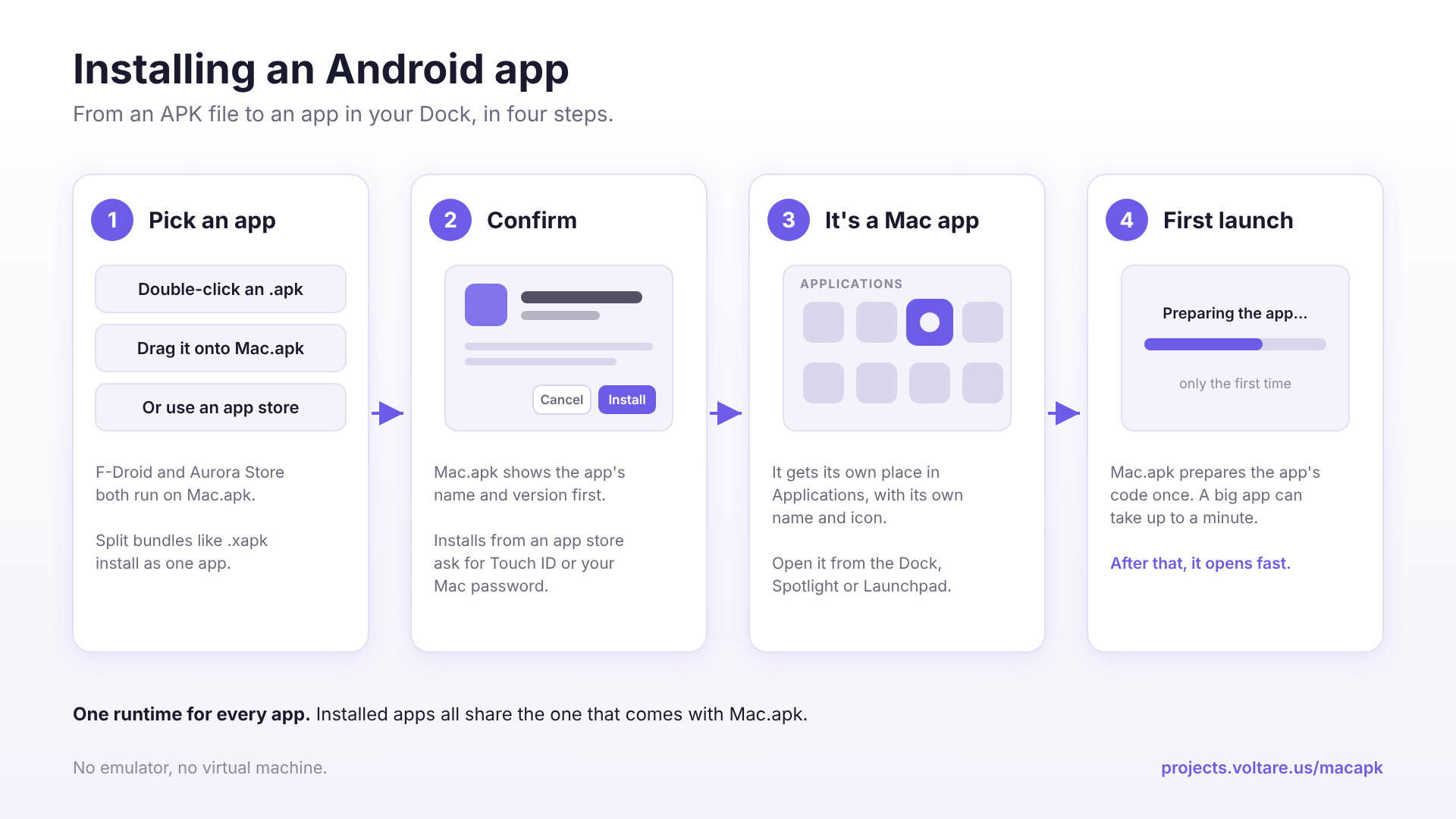
There are three ways to install an Android app. Whichever you use, the app ends up as a Mac app in your Applications folder. How Apps Are Installed explains what happens behind the scenes.
Note
The first launch of any app is slow, up to a minute for a large one, while Mac.apk prepares it. It's working, not frozen. Later launches are fast.
Once you've finished Installation (step 4 makes Mac.apk the default for APK files), double-click any .apk in Finder. Mac.apk shows you the app's name and version and asks you to confirm.
Split bundles (.apkm, .xapk, .apks and .apkx) work the same way. Their parts are installed together as one app, the way Android installs them.
Drag an APK onto the Mac.apk window. Same result, handy when Mac.apk is already open.
F-Droid and Aurora Store both run on Mac.apk and can install apps for you, so you don't have to hunt for APK files. See App Stores.
The compatibility list has every app we've tested by hand, and Known Issues covers problems in the current release.