Hello,
I have 3 windows in my kitty terminal. One at root level of a project, two within a few subfolders (I need two because I run multiple scripts at the same time).
I've been trying to use the splits layout to get the 2 subfolder windows in a vertical split, but I do not want the root folder window in the same layout. Please allow me to explain.
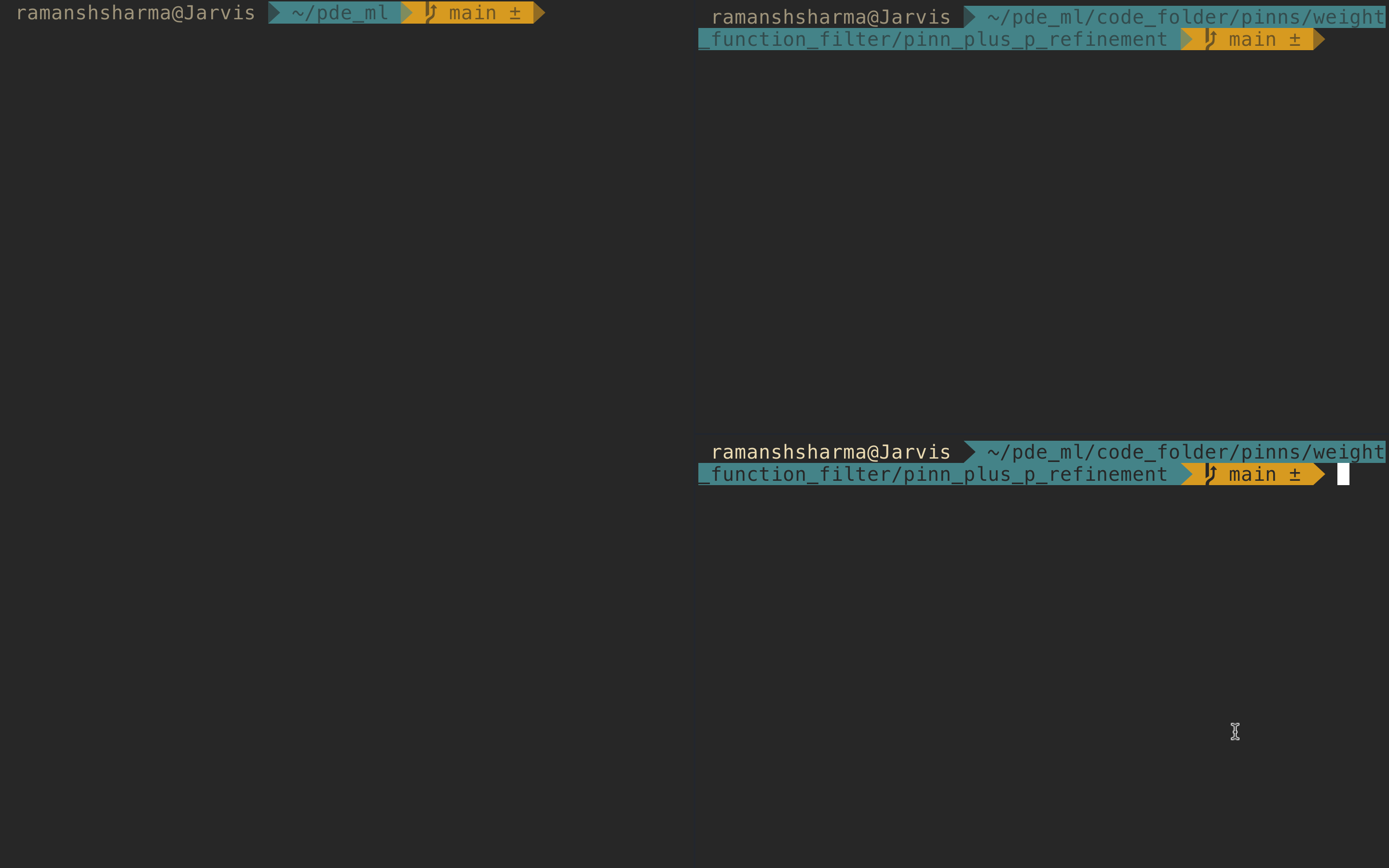
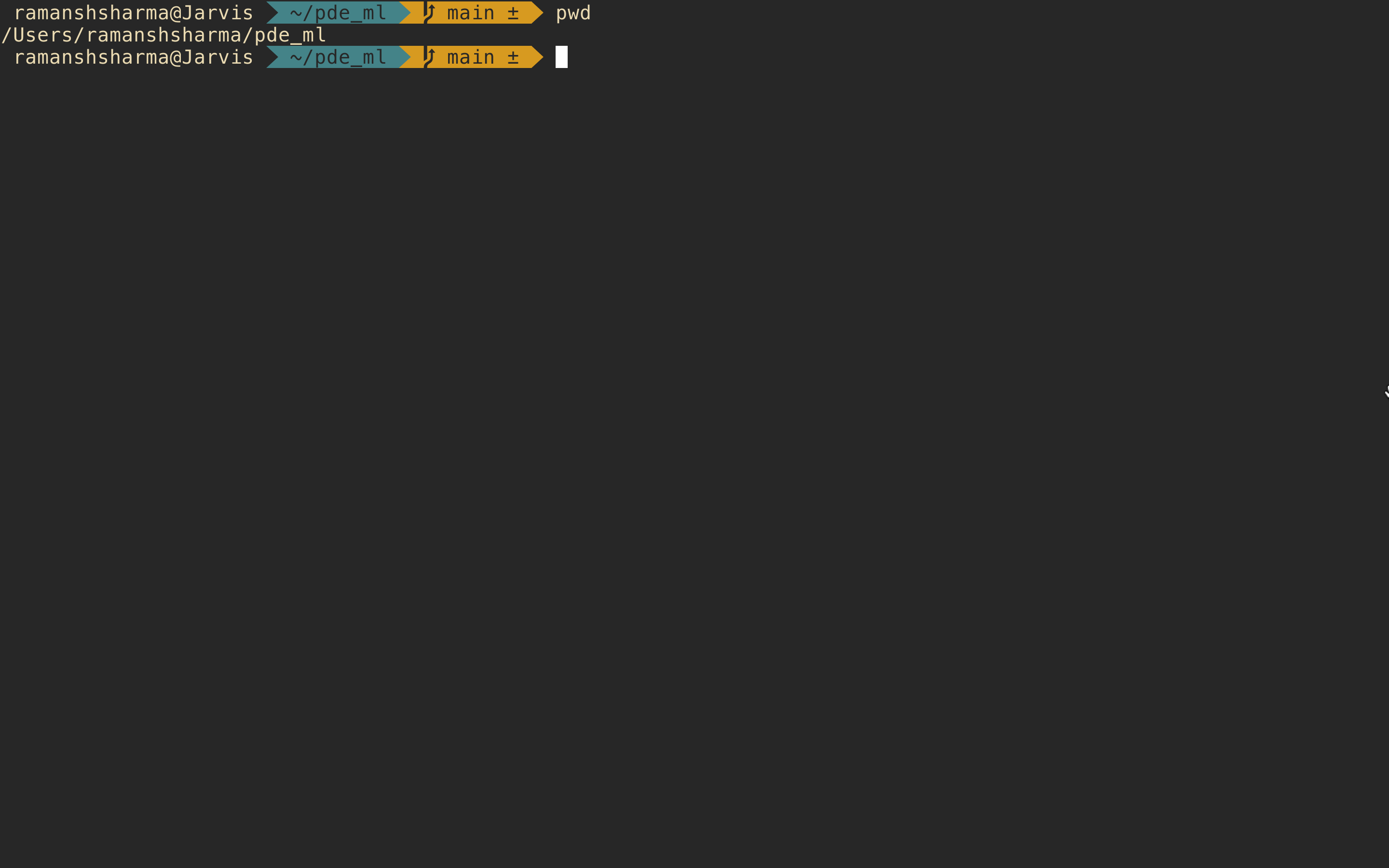
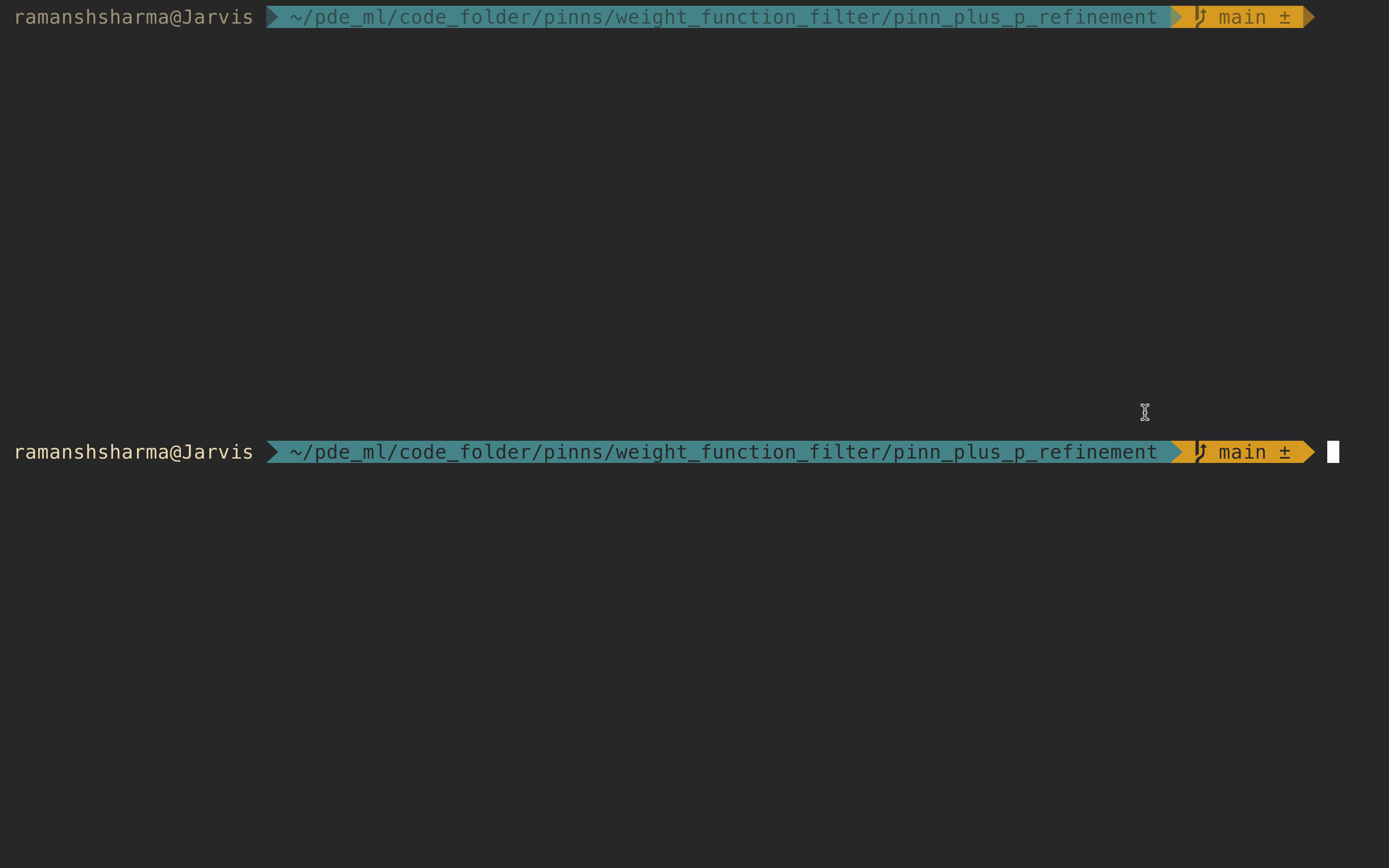
With the splits layout (in above screenshot), I cannot find a way to have the 2 subfolder windows in a vertical split and move the root folder window (covering the left half) to a different window. I apologize for my vague use of the word window. I wish to have two windows, navigated with Cmd+1 and Cmd+2, where the first window is the root folder terminal and the second window has the two subfolder terminals in the vertical split. Basically these two:
===========================================================================
I am sure this is possible. Could someone please help me get the correct kitty.conf commands to make this happen. Right now, following the docs, I have these lines in my kitty.conf relating to this:
map shift+5 launch --location=hsplit
map shift+6 launch --location=vsplit
map shift+7 layout_action rotate

map shift+up move_window up
map shift+left move_window left
map shift+right move_window right
map shift+down move_window down

map ctrl+left neighboring_window left
map ctrl+right neighboring_window right
map ctrl+up neighboring_window up
map ctrl+down neighboring_window down

enabled_layouts stack, splits:split_axis=horizontal
Thank you!
Hello,
I have 3 windows in my kitty terminal. One at root level of a project, two within a few subfolders (I need two because I run multiple scripts at the same time).
I've been trying to use the splits layout to get the 2 subfolder windows in a vertical split, but I do not want the root folder window in the same layout. Please allow me to explain.

With the splits layout (in above screenshot), I cannot find a way to have the 2 subfolder windows in a vertical split and move the root folder window (covering the left half) to a different window. I apologize for my vague use of the word window. I wish to have two windows, navigated with

Cmd+1andCmd+2, where the first window is the root folder terminal and the second window has the two subfolder terminals in the vertical split. Basically these two:===========================================================================
I am sure this is possible. Could someone please help me get the correct kitty.conf commands to make this happen. Right now, following the docs, I have these lines in my kitty.conf relating to this:
Thank you!