EvoFaderWing - Wiki
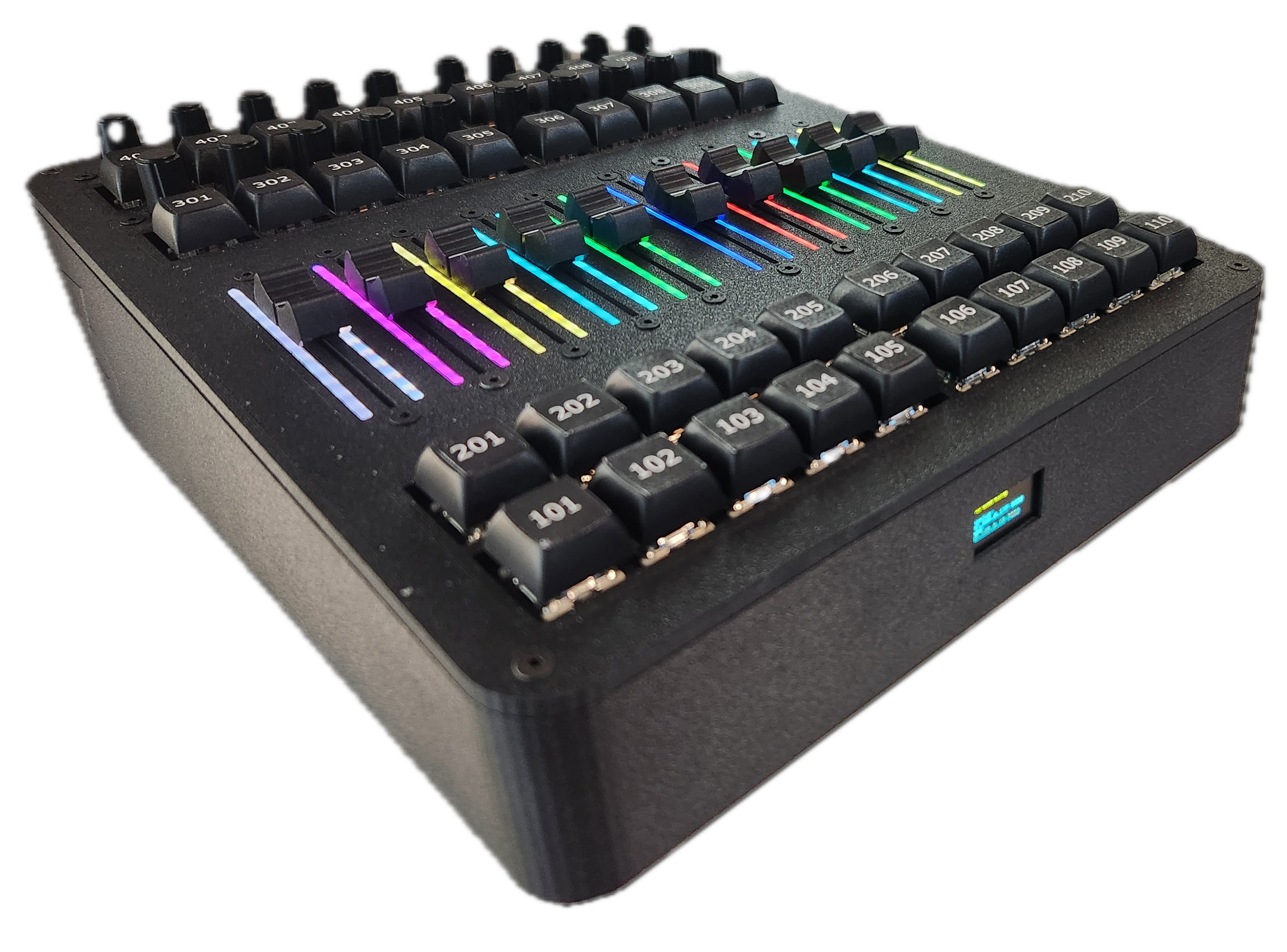
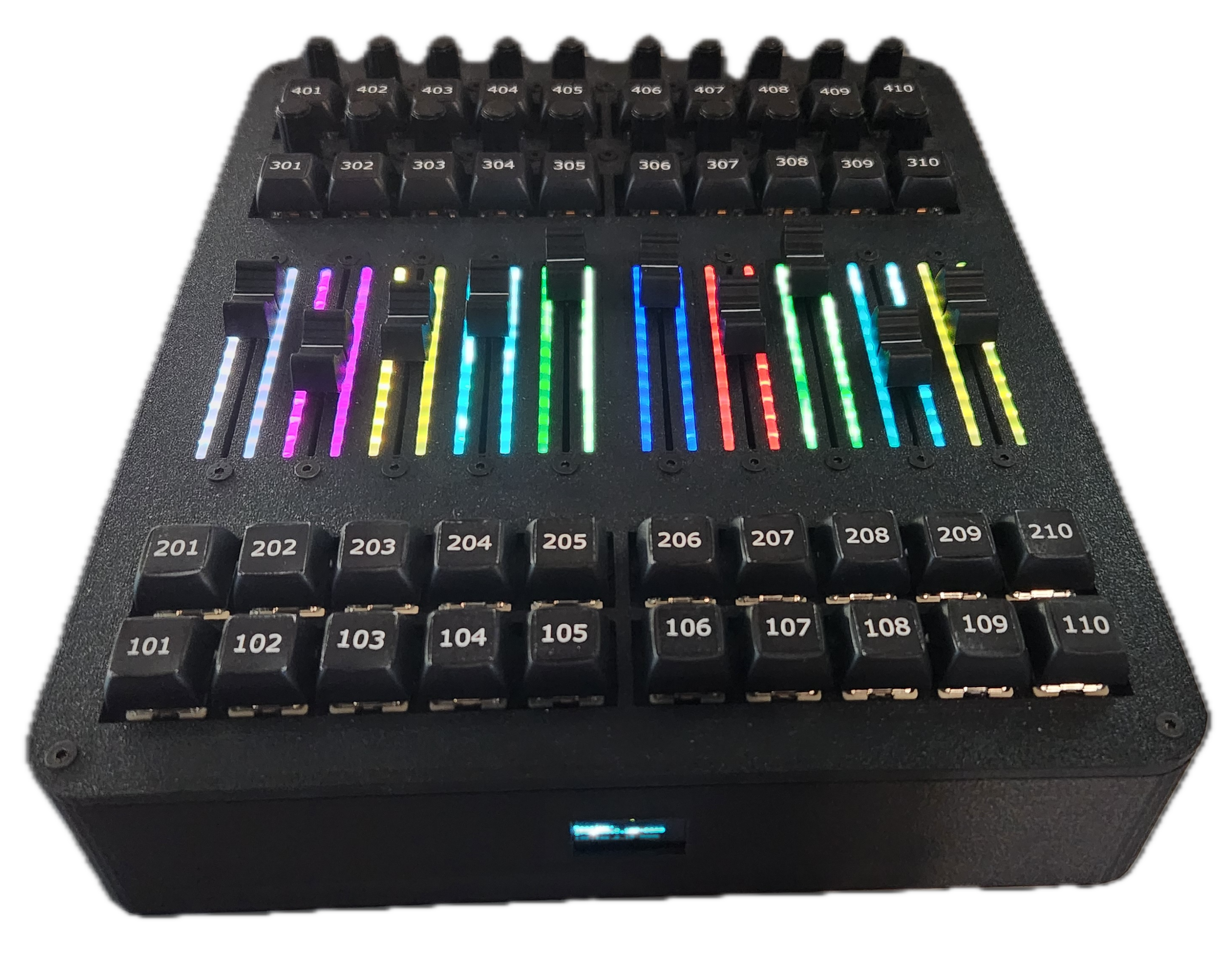
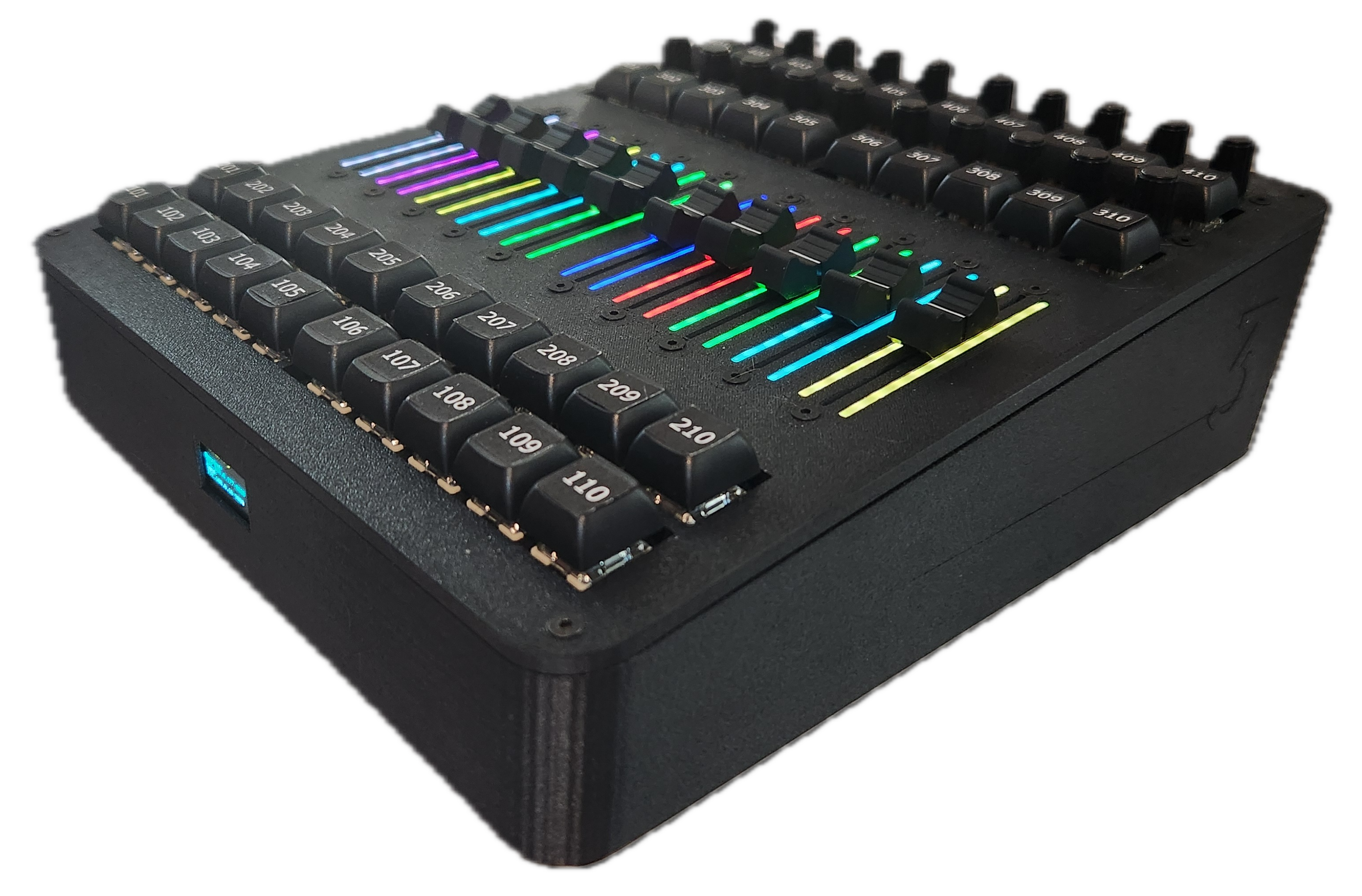
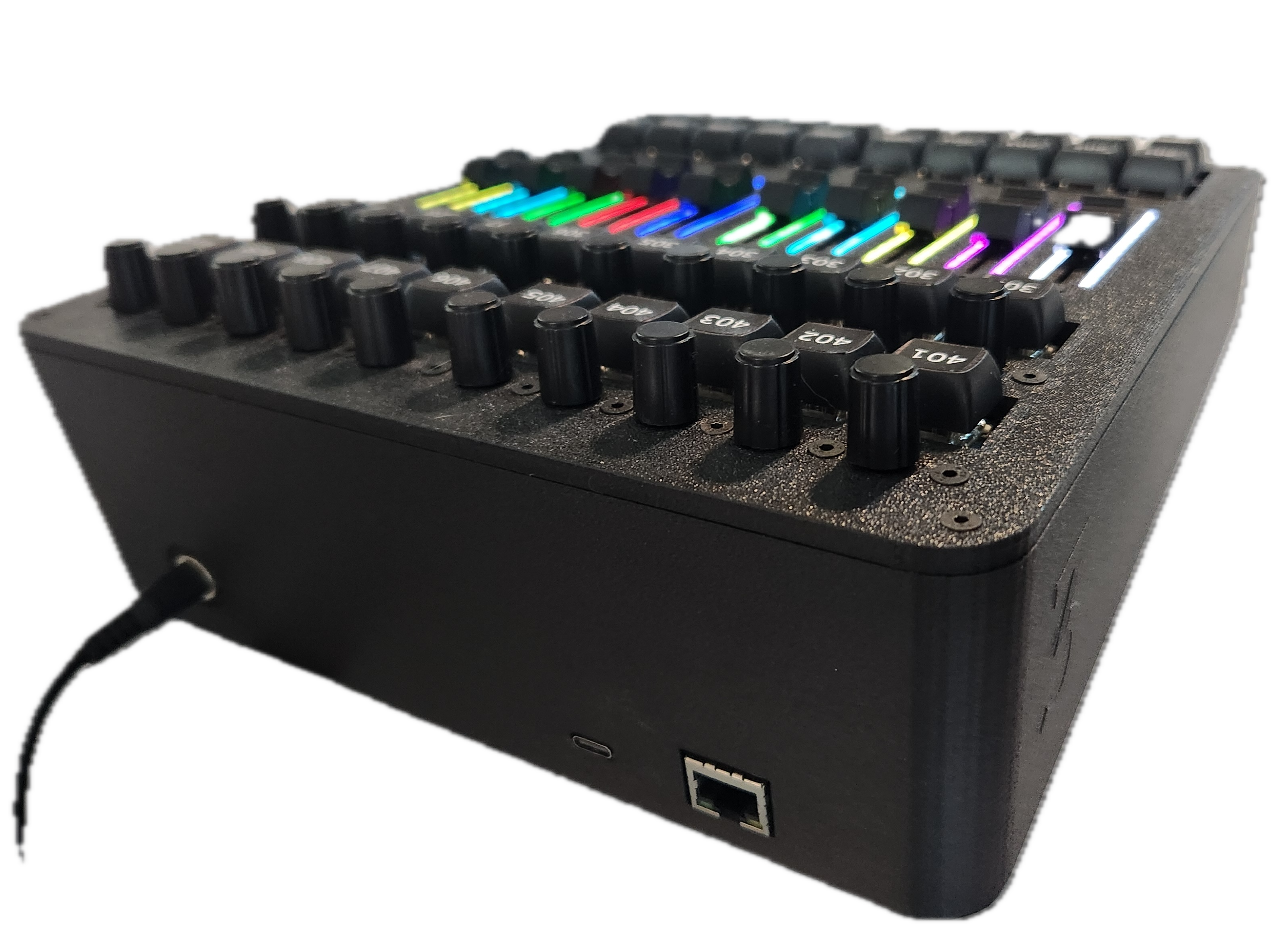
OSC control of grandMA3 faders with motorized feedback, backlit faders (follows appearances), 20 encoders, and 40 standard exec buttons. Note: This Guide is a work in progress but EvoFaderWing is fully functional. I continue to work on the repo as time permits. |
|
I have added discussions to the repo so any questions can be asked there.
- 10 Motorized faders
- Touch sensitive
- LED backlit - follows appearances and brightens when touched
- Self calibrated fader range and touch sensitivity
- 40 Executor keys (OSC or USB)
- Can send keystrokes using OSC to execute actions only
- USB allows you to apply actions (store, edit, etc.) using the hardware keys
- 20 Executor Encoders
- Web GUI
|
|
|
|
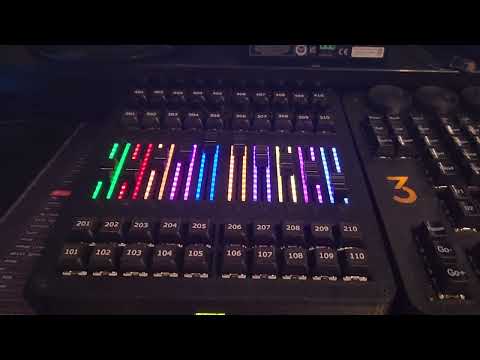
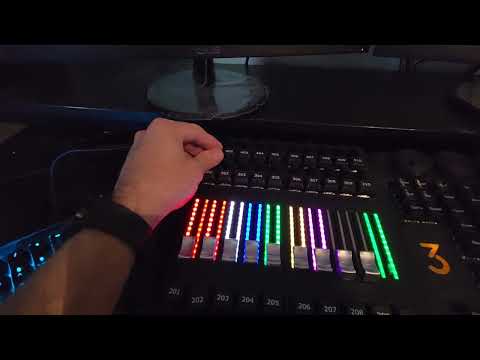
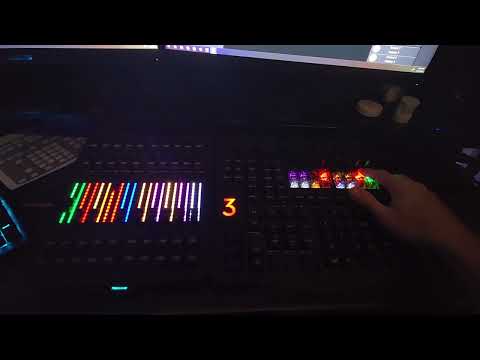
Watch the demo videos
⏺
|
|
|
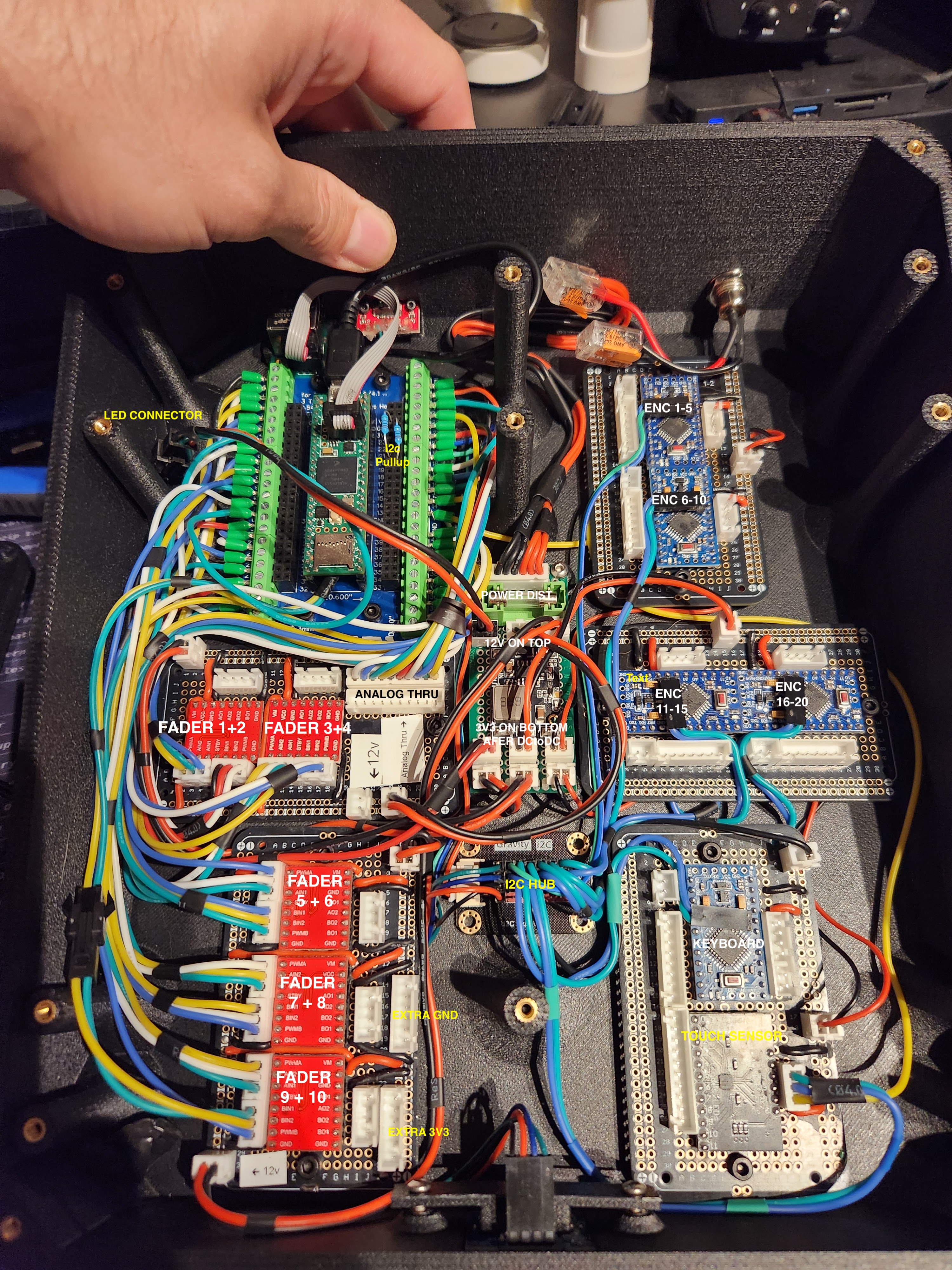
There are 3 repositories you will need to complete this build. This one is the main controller. The other two are:
- EvoFaderWing_keyboard_i2c
- EvoFaderWing_encoder_i2c
These run on ATmega328p MCUs and are I2C slaves for getting encoder data from 20 encoders (5 each on 4 ATmega328p's), and 1 ATmega for the keyboard matrix.
There is a Python script and a tasks.json for uploading code automatically for when the FaderWing is closed and you cannot get to the bootloader button.
The Lua script /lua/EvoFaderWingOSC.lua will poll executors and send updates to the FaderWing using bundled OSC messages, and the FaderWing will send OSC back to the script.
- You will need to create 2 OSC connections
- The first will be for incoming messages and will be set to recieve.
- The second will be from outgoing messages and will be set to send.
- Both will need to be set to a fader range of 100

- Network Setup

- OSC Setup

For a complete setup add EvoCmdWing

More to come. Thank you for checking out my project!